1. פּראָדוקט איבערview
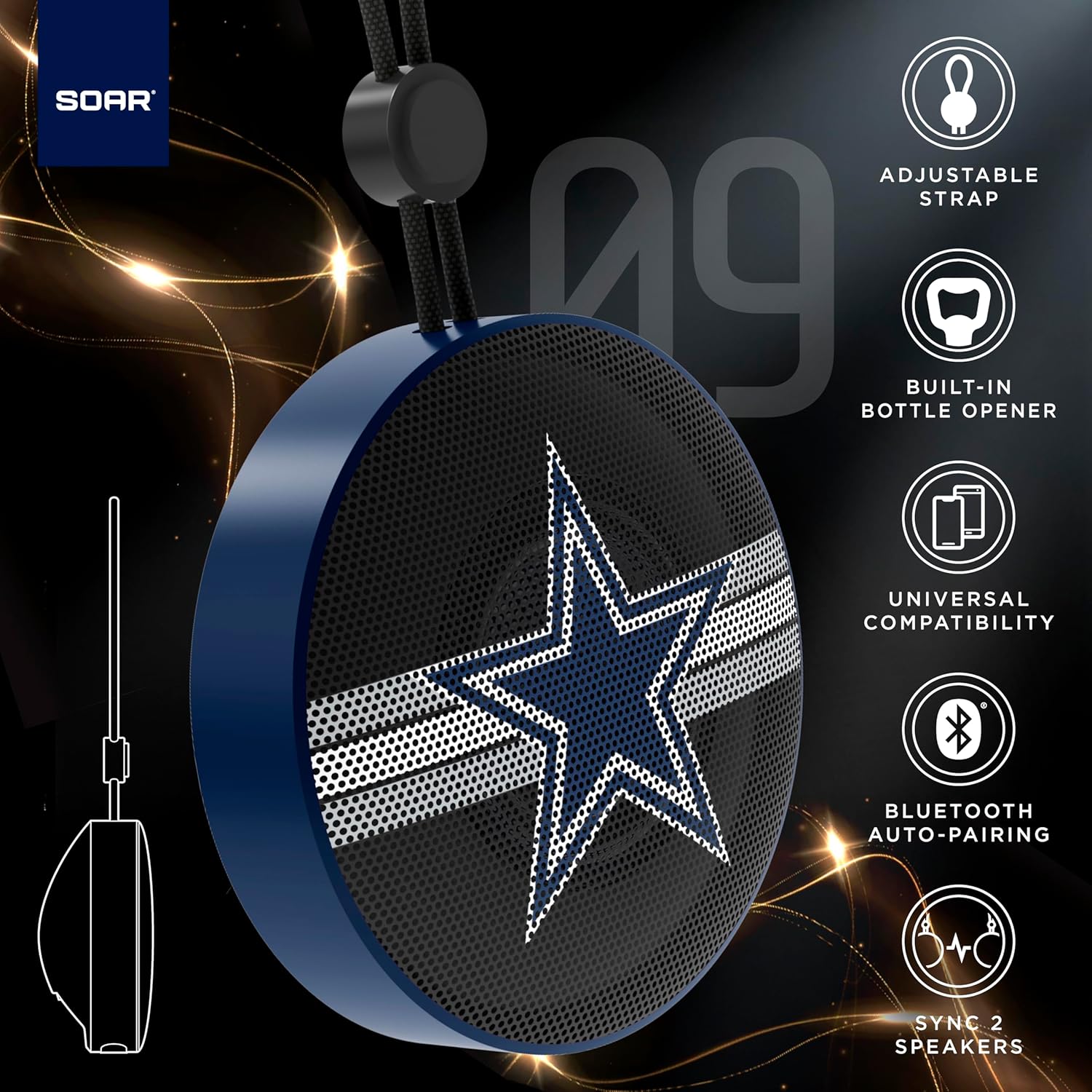
The SOAR NFL Bluetooth Bottle Opener Speaker is a compact and portable audio device designed for convenience and entertainment. It features 5W sound output, Bluetooth connectivity for wireless audio streaming, and a built-in bottle opener. The speaker includes an adjustable lanyard for easy carrying and offers up to 10 hours of playback on a single charge. It also supports dual pairing for an immersive stereo experience and has a built-in microphone for hands-free calls.

פראָנט view of the SOAR NFL Bluetooth Bottle Opener Speaker featuring the Arizona Cardinals logo.

The product packaging highlighting features like adjustable strap, 10-hour battery life, and built-in bottle opener.
2. פּעקל אינהאַלט
- SOAR NFL Bluetooth Bottle Opener Speaker
- וסב-C טשאַרדזשינג קאַבלע
- באַניצער מאַנואַל
3. סעטאַפּ
3.1 אויפלאָדן דעם רעדנער
Before first use, fully charge the speaker. Use the provided USB-C cable to connect the speaker's charging port to a compatible USB power source (e.g., wall adapter, computer USB port).
- A charging indicator light will illuminate during charging.
- The light will change or turn off once charging is complete.
Detail of the USB-C charging port and control buttons on the speaker.
3.2 פּאַוערינג אויף / אַוועק
To power on the speaker, press and hold the power button until you hear an audible prompt or see the LED lights activate. To power off, press and hold the power button again.
3.3 בלועטאָאָטה פּערינג
- Ensure the speaker is powered on and in pairing mode (indicated by a flashing LED light).
- אויף אייער מאָבילער מיטל (סמאַרטפאָן, טאַבלעט, אאז"וו), אַקטיווירט בלועטוט.
- זוכן פֿאַר available Bluetooth devices. The speaker will appear as "SOAR POP" or a similar name.
- Select the speaker from the list to connect. A confirmation tone or voice prompt will indicate successful pairing.
4. אָפּעראַציע
4.1 פּלייַינג אַודיאָ
Once paired, you can stream audio from your device to the speaker. Use your device's controls to manage playback (play, pause, skip tracks) and adjust volume. The speaker itself may have basic playback controls (e.g., play/pause, next/previous track) as shown near the charging port.
4.2 Dual Pairing (True Wireless Stereo)
For an enhanced audio experience, two SOAR POP speakers can be paired together to create a stereo sound system. Refer to the specific instructions provided with your speakers for dual pairing mode activation.
4.3 Built-in Bottle Opener
The speaker features a discreetly integrated bottle opener. Position the bottle cap under the metal opener and apply upward pressure to remove the cap.

The speaker demonstrating its built-in bottle opener function.
4.4 Adjustable Lanyard
The speaker includes a 10-inch adjustable lanyard for convenient portability. Attach it to a backpack, belt loop, or other gear for easy transport.

Image showing the speaker's dimensions and the adjustable lanyard for portability.
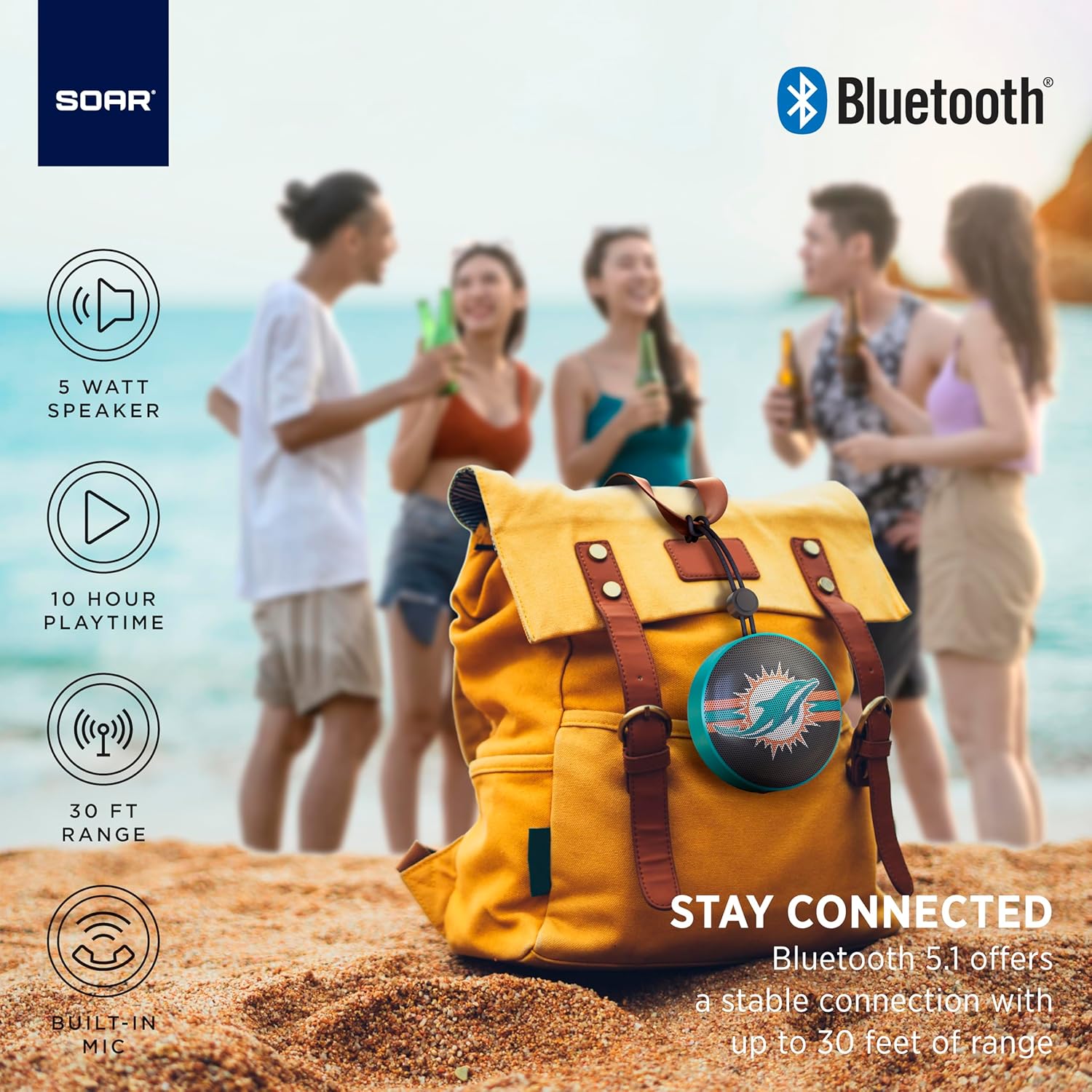
The portable speaker attached to a backpack, illustrating its on-the-go use.
4.5 הענט-פריי רופן
With the built-in microphone, you can answer calls directly through the speaker when connected to your smartphone. Press the play/pause button to answer or end a call.
5. וישאַלט און קער
- רייניקונג: Use a soft, dry cloth to clean the speaker. Do not use harsh chemicals or abrasive cleaners.
- וואַסער קעגנשטעל: The speaker is designed with IPX4 water resistance, meaning it is protected against splashing water from any direction. It is not intended for submersion in water. Ensure the charging port cover is securely closed to maintain water resistance.
- סטאָרידזש: האַלט דעם רעדנער אין אַ קיל, טרוקן אָרט אַוועק פון דירעקט זונשייַן און עקסטרעמע טעמפּעראַטורן.
6. טראָובלעשאָאָטינג
- קיין מאַכט: זיכער מאַכן אַז דער רעדנער איז גאָר אויפגעלאָדן. פֿאַרבינדט עס צו אַ מאַכט מקור מיטן USB-C קאַבל.
- קען נישט פארבינדן דורך בלועטוט:
- Make sure the speaker is in pairing mode (flashing LED).
- זיכער מאַכן אַז בלועטוט איז ענייבאַלד אויף דיין מיטל און עס איז אין דערגרייך (ביז 30 פֿיס).
- פֿאַרגעסט דעם מיטל פֿון אייער טעלעפֿאָן'ס בלועטוט סעטטינגס און פּרוּווט ווידער צו פאַרבינדן.
- ריסטאַרט ביידע די רעדנער און דיין מיטל.
- קיין קול:
- קאָנטראָלירט די וואָלומען לעוועלס אויף ביידע דעם רעדנער און אייער פֿאַרבונדענעם מיטל.
- זיכער מאַכן אַז דער רעדנער איז געראָטן צוגעפּאָרט און פארבונדן צו אייער מיטל.
- פרובירט צו שפּילן אַודיאָ פֿון אַן אַנדער אַפּליקאַציע אָדער מקור.
- נעבעך געזונט קוואַליטעט:
- ריקט דעם רעדנער נענטער צו אייער דעווייס צו רעדוצירן אריינמישונג.
- זיכער מאַכן אַז עס זענען נישטאָ קיין שטערונגען צווישן דעם רעדנער און דיין דעווייס.
- Check if the speaker is fully charged. Low battery can affect sound quality.
7. ספּעסאַפאַקיישאַנז
| סאָרט | SOAR |
| מאָדעל נומער | NFL-BTX9-CARD |
| מאַטעריאַל | פּאָלימער |
| פּראָדוקט דימענשאַנז | 3.6"ל x 1.8"ברייט |
| פּונקט וואָג | 9.4 אונסעס |
| רעדנער מאַכט | 5W |
| באַטערי לעבן | אַרויף צו 10 שעה |
| בלועטאָאָטה ווערסיע | 5.1 |
| וואַסער קעגנשטעל | IPX4 (Protected against splashing of water) |
| UPC | 192129183983 |
8. וואָראַנטי און שטיצן
For warranty information and customer support, please refer to the documentation included with your product or visit the official SOAR webפּלאַץ. האַלטן דיין קויפן קאַבאָלע פֿאַר וואָראַנטי קליימז.


