הקדמה
Welcome to the user manual for your new DORO Leva E30 4G Flip Phone. This guide provides essential information on how to set up, operate, maintain, and troubleshoot your device. The DORO Leva E30 is designed for ease of use, featuring a large 2.8-inch main screen, an external display, high-contrast keys, clear sound, and a dedicated Doro Secure button for emergencies. Please read this manual carefully to ensure optimal performance and safety.

Image: The DORO Leva E30 4G Flip Phone highlighting its simple, user-friendly design, dual screen, Doro Secure button, clear sound, hearing aid compatibility, large keys with voice feedback, and three speed dial keys.
זיכערקייַט אינפֿאָרמאַציע
- Always follow local regulations for mobile phone use, especially in hospitals, aircraft, or near medical devices.
- דו זאלסט נישט נוצן די טעלעפאָן בשעת דרייווינג.
- Keep the phone away from extreme temperatures, direct sunlight, and moisture.
- Use only Doro-approved batteries, chargers, and accessories.
- Avoid exposing the phone to strong magnetic fields.
- Do not attempt to disassemble or repair the phone yourself. Refer to qualified service personnel.
פּעקל אינהאַלט
Your DORO Leva E30 package typically includes:
- DORO Leva E30 4G Flip Phone
- באַטערי
- טשאַרדזשינג וויגעלע
- שנעל אָנהייב גייד
- Note: A USB-C charging cable and power adapter may not be included and might need to be purchased separately.
סעטאַפּ
1. אריינשטעלן די סים קארטל און באַטעריע
- פֿאָרזיכטיק אַראָפּנעמען די הינטערשטע דעקל פֿון טעלעפֿאָן.
- Insert your Nano SIM card into the designated slot, ensuring the gold contacts face downwards and the cut corner is correctly aligned.
- Insert the battery, aligning the contacts with those in the phone.
- לייג צוריק דעם הינטערשטן דעקל ביז עס קליקט זיכער אריין אין פלאץ.
2. טשאַרדזשינג די טעלעפאָן
- Connect the USB-C cable (if included or purchased separately) to the charging cradle and then to a power adapter.
- Place the phone in the charging cradle. Ensure it is seated correctly and the charging indicator appears on the screen.
- Allow the phone to charge fully before its first use.
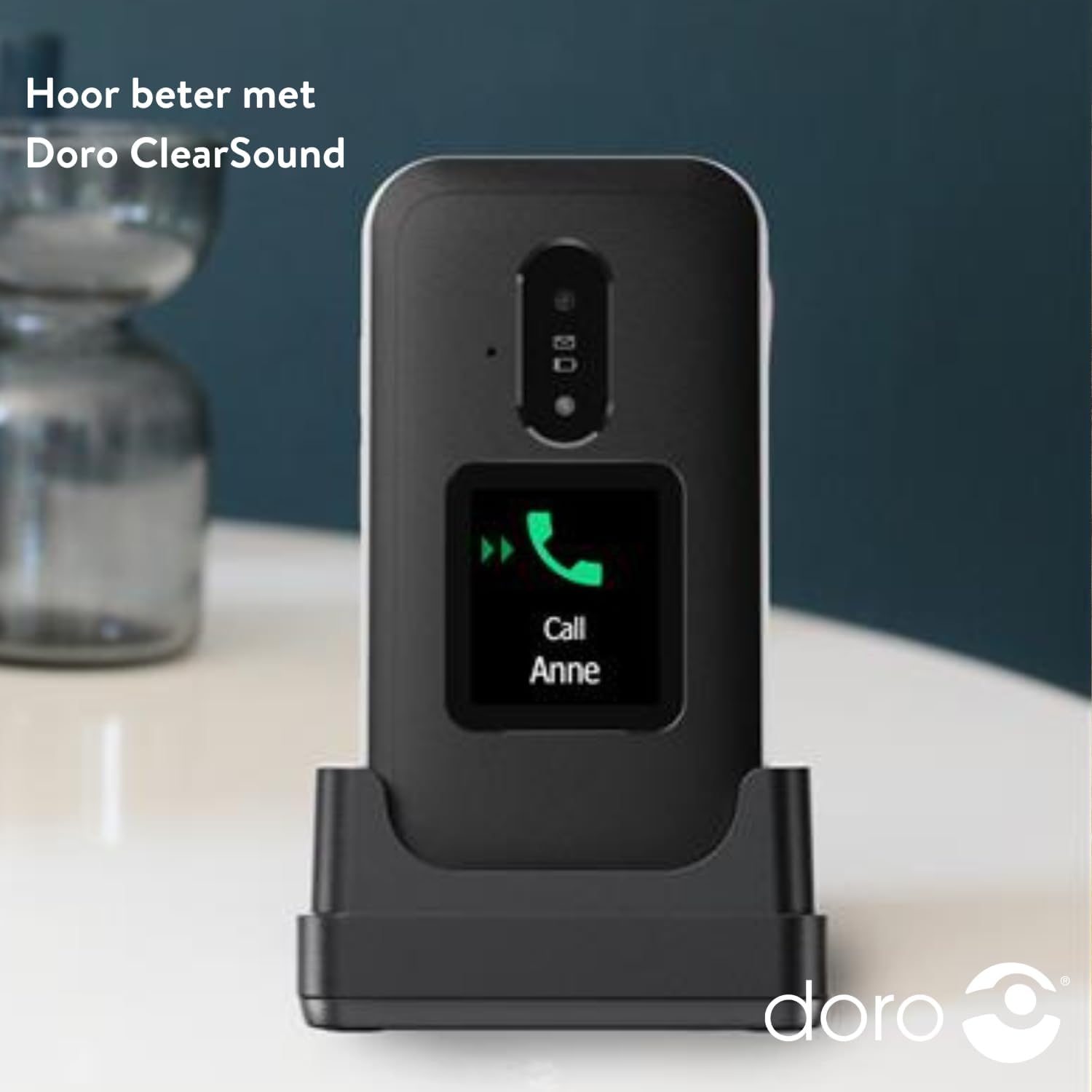
Image: The DORO Leva E30 phone resting in its charging cradle, demonstrating how to charge the device. The image also mentions "Hear better with Doro ClearSound".
3. פּאָווערינג אויף / אויסגעלאשן
- To power on, press and hold the red End Call/Power button until the Doro logo appears.
- To power off, press and hold the red End Call/Power button, then select 'Power off' from the options.
אַפּערייטינג ינסטראַקשאַנז
גרונטלעכע רוף פונקציעס
- מאַכן אַ רוף: אַרייַן די טעלעפאָן נומער ניצן די קלאַוויאַטור און דריקן די גרין רוף קנעפּל.
- ענטפֿערן אַ רוף: When the phone rings, open the flip to answer, or press the green Call button. The external screen will display caller ID.
- ענדיקן אַ רוף: Close the flip or press the red End Call button.
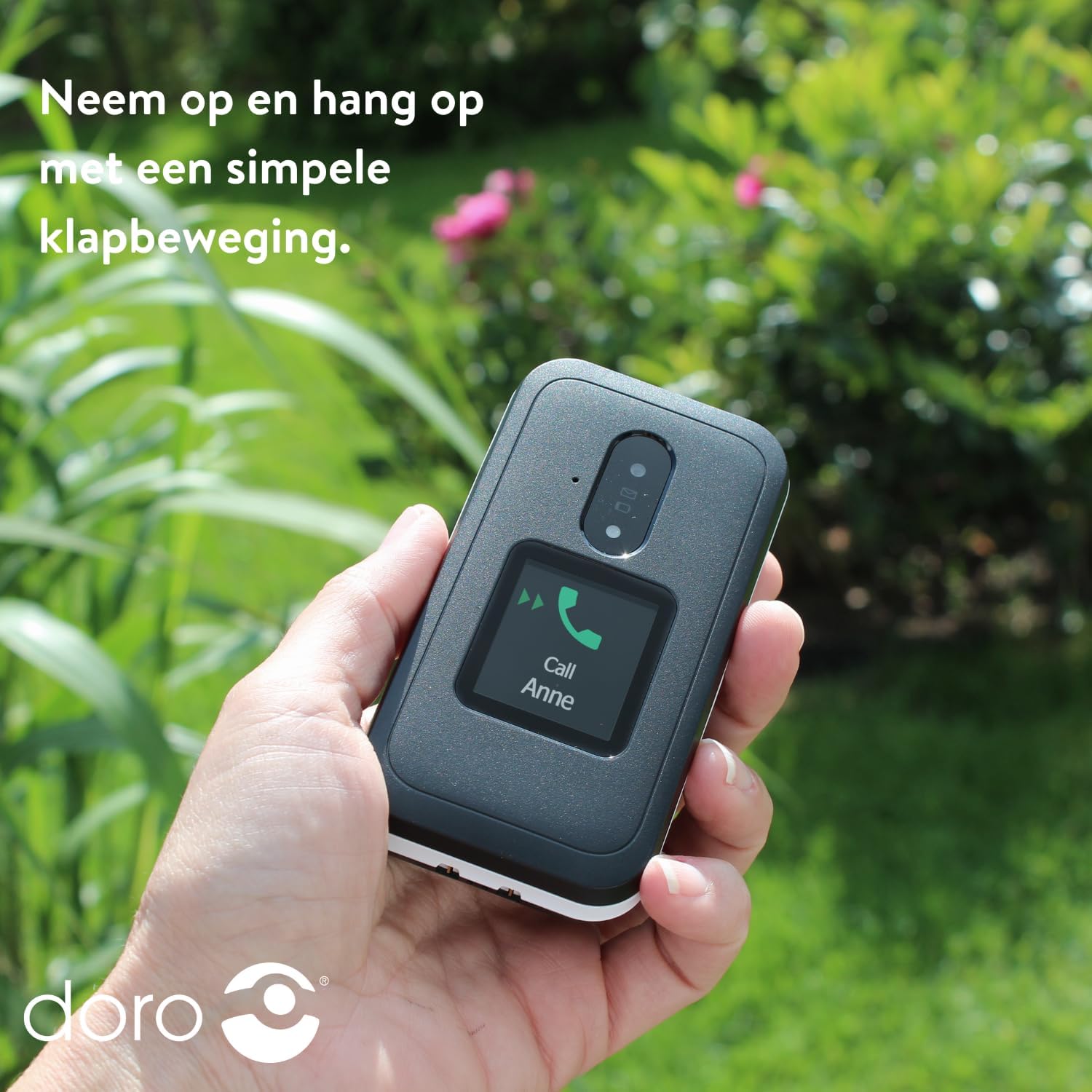
Image: A hand holding the DORO Leva E30, illustrating how to answer and end calls with a simple flip motion. The external screen shows an incoming call from "Anne".
מעסידזשינג
To send and receive text messages, navigate to the 'Messages' menu using the navigation keys and the 'OK' button. The large, high-contrast keys make typing easier.

Image: The DORO Leva E30 displaying its simple menu interface, with the 'Messages' icon prominently visible. Other icons for Doro Secure, Camera, Flashlight, and Splash-proof (IP54) are also shown.
ניצן די אַפּאַראַט
The phone includes a camera for taking photos. Access the camera from the main menu. Point the camera at your subject and press the designated button to capture an image.
דאָראָ זיכער קנעפּל
The Doro Secure button (often located on the back of the phone) is a key safety feature. When pressed and held, it can automatically call and send an SMS alert to pre-set emergency contacts. Ensure your emergency contacts are configured correctly in the phone settings.

Image: The DORO Leva E30, emphasizing its ergonomic design and the prominent Doro Secure button. The image also illustrates how the phone's well-spaced, high-contrast keys and large screen facilitate easy calling, texting, and photo-taking, and mentions the included charging station.
פונדרויסנדיק ווייַז
The external display shows important information such as time, date, battery status, and caller ID for incoming calls without needing to open the phone.
באַנד קאָנטראָל
Adjust the call volume using the dedicated volume buttons located on the side of the phone. Be mindful that these buttons can sometimes be accidentally pressed, so ensure the volume is set to your preferred level before and during calls.
געהער אַיד קאַמפּאַטאַבילאַטי
The DORO Leva E30 is designed to be compatible with hearing aids, providing a clearer audio experience for users with hearing impairments.
פלאַשליגהט
Activate the built-in flashlight feature from the phone's menu for convenient illumination when needed.
Splash Resistance (IP54)
The phone has an IP54 rating, meaning it is protected against dust ingress and splashing water from any direction. This does not mean it is waterproof; avoid submerging the phone in water.
וישאַלט
- רייניקונג: ניצט אַ ווייכע, טרוקענע שטאָף צו רייניקן די טעלעפאָן'ס ייבערפלאַך. פֿאַרמייַדט ניצן שטרענגע כעמיקאַלן אָדער שאַרפע מאַטעריאַלן.
- באַטערי זאָרגן: To prolong battery life, avoid fully discharging the battery frequently. Charge the phone regularly, preferably using the provided charging cradle.
- סטאָרידזש: האַלט דעם טעלעפאָן אין אַ קיל, טרוקן אָרט ווען עס איז נישט אין באַנוץ פֿאַר לענגערע פּעריאָדן.
טראָובלעשאָאָטינג
| פּראָבלעם | לייזונג |
|---|---|
| דער טעלעפאָן טוט נישט קער אויף. | Ensure the battery is correctly inserted and fully charged. Try charging the phone for at least 30 minutes. |
| קען נישט מאַכן אָדער באַקומען רופן. | קאָנטראָלירט צי די סים קאַרטל איז ריכטיק אַרײַנגעשטעלט. מאַכט זיכער אַז איר האָט נעץ קאַווערידזש. קאָנטאַקטירט אײַער סערוויס פּראַוויידער אויב די פּראָבלעם בלייבט. |
| שלעכטע רוף קוואַליטעט. | Move to an area with better network reception. Adjust the call volume. Ensure the speaker/microphone is not obstructed. |
| באַטאַרייע דריינז געשווינד. | Reduce screen brightness. Close unused applications. Limit background data usage. Ensure the phone is not in an area with poor signal, which can increase battery consumption. |
| דער טעלעפאָן רעאַגירט נישט. | אַרויסנעמען די באַטאַרייע, וואַרטן אַ פּאָר סעקונדעס, און צוריקשטעלן עס צו דורכפירן אַ ווייכן ריסעט. |
ספּעסאַפאַקיישאַנז
| שטריך | דעטאַל |
|---|---|
| סאָרט | דאָראָ |
| מאָדעל נאָמען | Leva E30 |
| אָפּערייטינג סיסטעם | Mocor OS |
| פאַרשטעלן גרייס | 2.8 Inches (Main Display) |
| האַכלאָטע | 320 X 240 בילדצעלן |
| קאַנעקטיוויטי | 4G |
| זכּרון סטאָרידזש קאַפּאַסיטי | 17 GB (Internal, likely including OS) |
| קאָליר | שוואַרץ / ווייַס |
| וואַסער קעגנשטעל | IP54 (שפּריצן-דערווייַז) |
וואָראַנטי און שטיצן
For detailed warranty information and customer support, please refer to the documentation included with your purchase or visit the official Doro webזייטל. גאַראַנטיע טערמינען און באדינגונגען קענען זיין אַנדערש לויט געגנט און הענדלער.
You can often find additional support, FAQs, and contact information on the manufacturer's webפּלאַץ: www.doro.com


