הקדמה
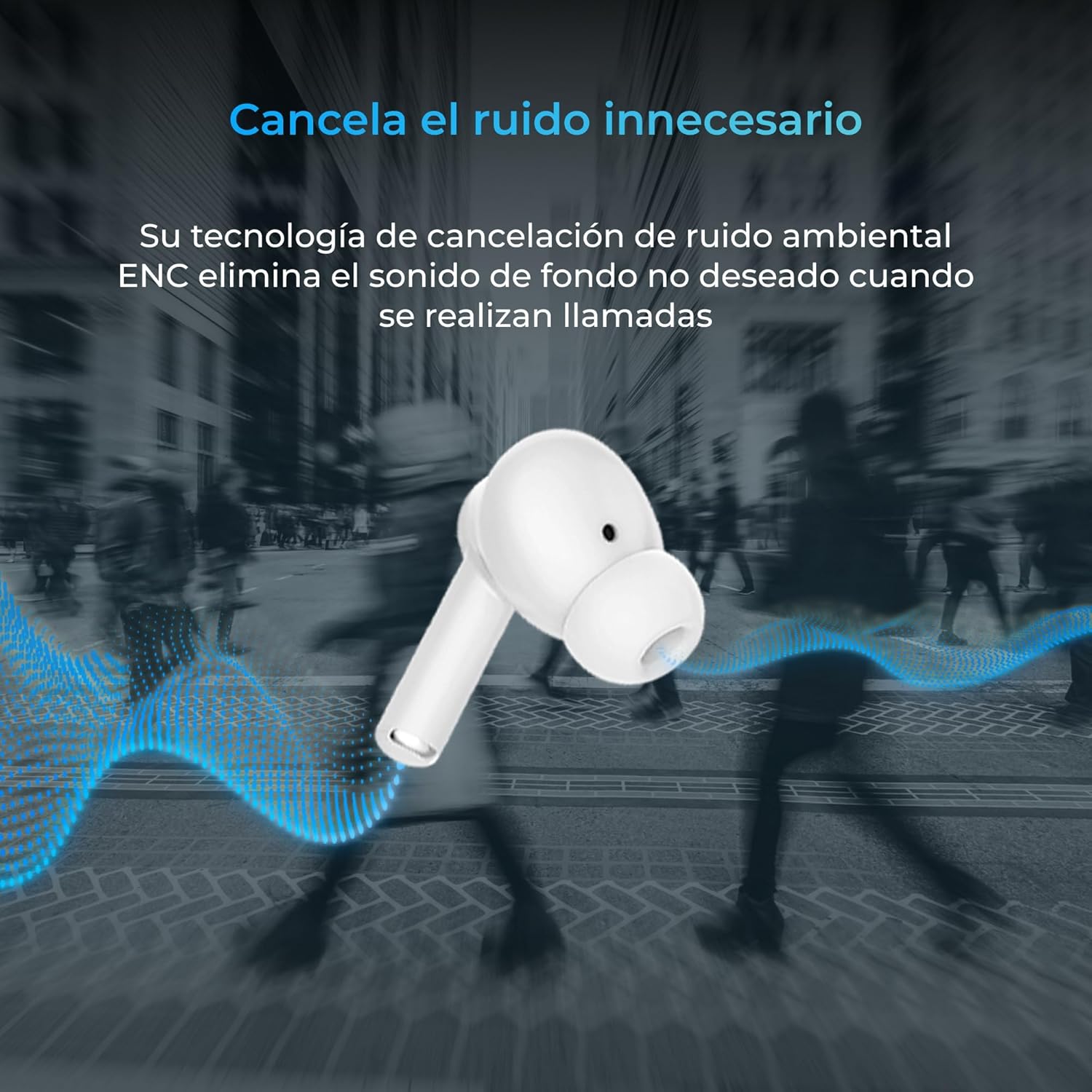
Thank you for choosing the KSIX Orion Wireless Earbuds. These earbuds are designed to provide a superior audio experience with features such as HD calls, Environmental Noise Cancellation (ENC), True Wireless Stereo (TWS), and intuitive touch controls. With up to 15 hours of total battery life and IPX4 water resistance, they are perfect for music, sports, and travel. This manual will guide you through the setup, operation, and maintenance of your new earbuds to ensure optimal performance and longevity.
פּראָדוקט איבערview




סעטאַפּ
1. אויפלאָדן די אויערקנעפּלעך און קעסטל
Before first use, fully charge your KSIX Orion earbuds and charging case. The case and earbuds can be fully charged in approximately 1 hour. The earbuds provide up to 5 hours of playback, and the charging case provides an additional 10 hours, for a total of 15 hours of autonomy.
- שטעלן די עאַרבודז אין די טשאַרדזשינג פאַל.
- Connect the charging case to a power source using a compatible USB-C cable.
- די אינדיקאַטאָר ליכט אויף דער קעיס וועט ווייַזן די טשאַרדזשינג סטאַטוס.
2. פּערינג מיט דיין מיטל
The KSIX Orion earbuds utilize Bluetooth 5.3 for a stable and uninterrupted connection.
- Ensure the earbuds are in the charging case and the case lid is open, or take them out of the case. They will automatically enter pairing mode.
- אויף אייער סמאַרטפאָון, טאַבלעט, אָדער אַנדער בלוטוט-ענייבאַלד מיטל, גייט צו די בלוטוט סעטטינגס.
- זוכן פֿאַר "KSIX Orion" in the list of available devices.
- Select "KSIX Orion" to connect. Once connected, you will hear a confirmation tone, and the earbuds will be ready for use.
- אויב די פארבינדונג פיילז, לייגט די אויערן-קנעפלעך צוריק אין דעם קעסטל, מאכט צו דעם דעקל, ווארט א פאר סעקונדעס, דערנאך עפנט דעם דעקל און פרובירט נאכאמאל.
אַפּערייטינג ינסטראַקשאַנז
The KSIX Orion earbuds feature intuitive touch controls for easy management of music and calls.
ריר קאָנטראָלס
| קאַמף | לינקס עאַרבוד | רעכט עאַרבוד |
|---|---|---|
| שפּיל / פּויזע מוזיק | איין צאַפּן | איין צאַפּן |
| ווייַטער ליד | דרייַיק צאַפּן | דרייַיק צאַפּן |
| פרייַערדיק ליד | טאָפּל צאַפּן | טאָפּל צאַפּן |
| באַנד אַרויף | Long press (Right) | Long press (Right) |
| באַנד אַראָפּ | Long press (Left) | Long press (Left) |
| ענטפֿערן / סוף רופן | איין צאַפּן | איין צאַפּן |
| אָפּוואַרפן רופן | לאנג דריקן | לאנג דריקן |
| אַקטאַווייט די קול אַססיסטאַנט | צאַפּן און האַלטן פֿאַר 2 סעקונדעס | צאַפּן און האַלטן פֿאַר 2 סעקונדעס |
קול אַססיסטאַנט
The KSIX Orion earbuds are compatible with popular voice assistants such as Siri, Amazon Alexa, and Google Assistant. To activate your preferred voice assistant, use the designated touch control (tap and hold for 2 seconds). You can then issue commands for calls, music control, and more.
וישאַלט
Proper maintenance ensures the longevity and optimal performance of your KSIX Orion earbuds.
- רייניקונג: Regularly clean the earbuds, especially the ear tips and charging contacts, with a soft, dry, lint-free cloth. Do not use abrasive cleaners or solvents.
- וואַסער קעגנשטעל: The earbuds are IPX4 water resistant, meaning they are protected against splashing water from any direction. They are resistant to sweat and light rain. Do not submerge the earbuds in water or expose them to strong jets of water. Ensure the earbuds are dry before placing them back in the charging case to prevent damage.
- סטאָרידזש: ווען נישט אין באַנוץ, לייגט די אויערן-קנעפּלעך אין זייער טשאַרדזשינג קעסטל צו באַשיצן זיי פון שטויב און גשמיות שעדיקן. לייגט זיי אין אַ קיל, טרוקן אָרט אַוועק פון עקסטרעמע טעמפּעראַטורן.
- באַטערי זאָרגן: כדי צו שפּאָרן דעם באַטאַרייע לעבן, זאָלט איר נישט אָפט גאָר אויסלאָדן די אויערקנעפּלעך און קעסטל. לאָדט זיי רעגולער אויף, אפילו אויב זיי ווערן נישט קעסיידער גענוצט.
טראָובלעשאָאָטינג
If you encounter issues with your KSIX Orion earbuds, try the following solutions:
| פּראָבלעם | מעגלעך לייזונג |
|---|---|
| עאַרבודס נישט פּערינג |
|
| קיין קלאַנג פֿון איין אָדער ביידע אויערקנעפּלעך |
|
| עאַרבודס נישט טשאַרדזשינג |
|
| Poor call quality / ENC not working |
|
ספּעסאַפאַקיישאַנז
| שטריך | דעטאַל |
|---|---|
| מאָדעל נומער | BXTW09B |
| סאָרט | KSIX קלוג דיין טעכנאָלאָגיע |
| קאָליר | ווייַס |
| קאַנעקטיוויטי טעכנאָלאָגיע | ווירעלעס (בלוטוט 5.3) |
| אויער פּלייסמאַנט | אין אויער |
| פאָרם פאַקטאָר | אין אויער |
| געזונט ינסאַליישאַן | ענוויראָנמענטאַל ראַש קאַנסאַליישאַן (ENC) |
| וואַסער קעגנשטעל מדרגה | IPX4 (שפריץ-זיכער) |
| באַטעריע לעבן (אויערקנעפּלעך) | אַרויף צו 5 שעה |
| גאַנץ באַטאַרייע לעבן (מיט קעסטל) | אַרויף צו 15 שעה |
| טשאַרדזשינג צייט | בעערעך. 1 שעה |
| אָפטקייַט ראַנגע | 20 הערץ - 20,000 הערץ |
| קאָנטראָל טיפּ | ריר קאָנטראָל, שטימע קאָנטראָל |
| קאַמפּאַטאַבאַל דעוויסעס | Smartphones, tablets, laptops, desktops, smart speakers |
| רעקאָממענדעד ניצט | Calls, Music, Sport, Travel |
| אַרייַנגערעכנט קאַמפּאָונאַנץ | ווירעלעסס טשאַרדזשינג פאַל |
וואָראַנטי און שטיצן
For detailed warranty information and customer support, please refer to the official KSIX website or contact their customer service directly. Information regarding spare parts availability and software update guarantees is not available in this manual.
פֿאַר ווייַטער הילף, ביטע באַזוכן: www.ksix.com


