1. הקדמה
This manual provides instructions for the replacement of the original De'Longhi Cap Cover for various coffee machine models. This genuine replacement part ensures proper function and fit for your appliance. Please read these instructions carefully before proceeding with the replacement.
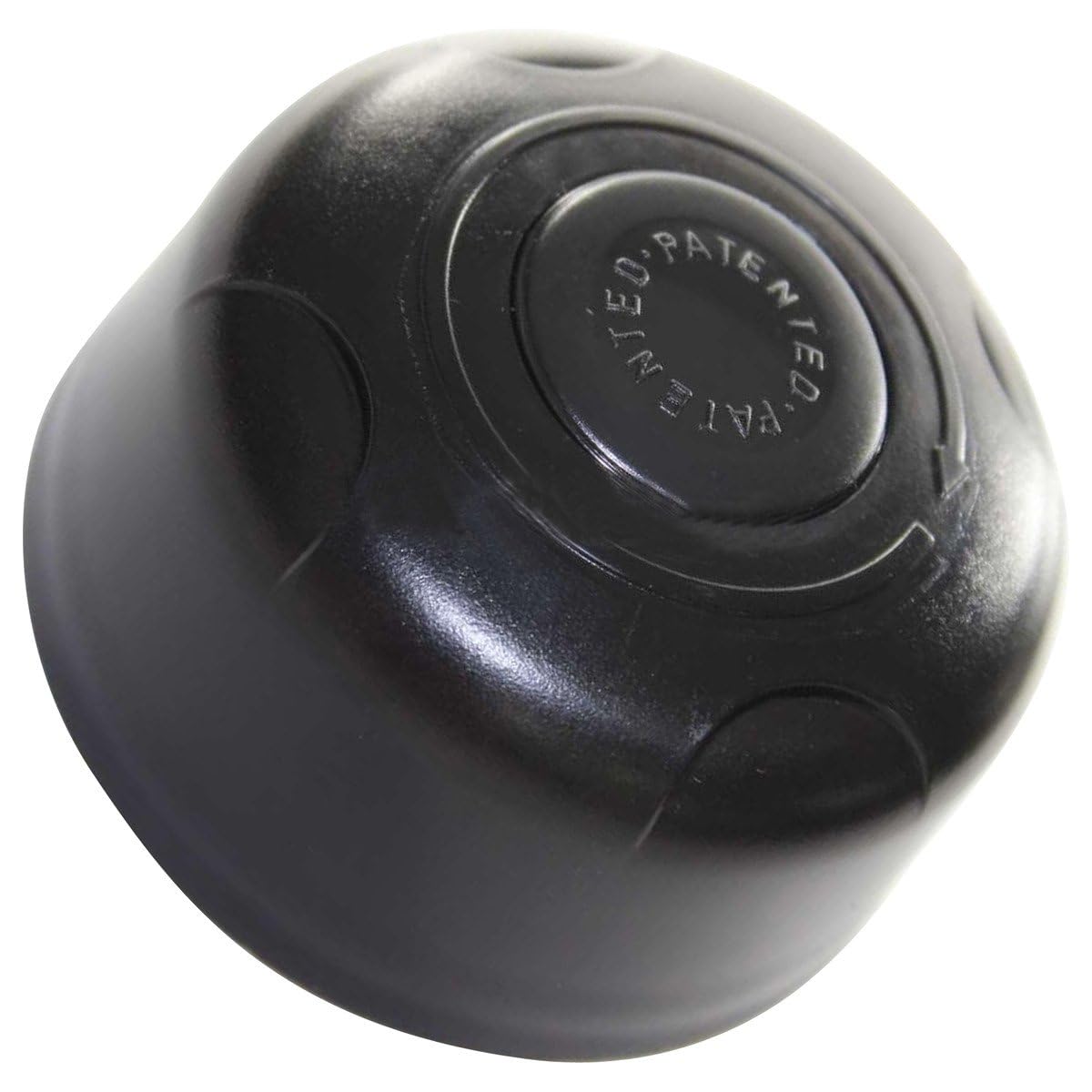
Image 1: De'Longhi Coffee Machine Cap Cover. This image displays the replacement cap cover, typically made of plastic, designed to fit specific De'Longhi coffee machine models. It is shown from a frontal perspective, highlighting its shape and attachment points.
2. קאַמפּאַטאַבילאַטי
This cap cover is compatible with the following De'Longhi coffee machine models. Please verify your machine's model number, typically found on an ID label under the appliance, against this list:
- BAR4F, BAR4FE, BAR4FS, BAR4U, BAR4-UW
- BAR50, BAR51, BAR51.TW, BAR51E, BAR52
- BAR6F, BAR6FE, BAR6FS, BAR6U
- BAR8, BAR8IS, BAR8ISE
- BAR9, BAR9 EX:A, BAR9I EX:A, BAR9IE EX:A
- BCO11111110, BCO120, BCO120T, BCO130, BCO130T, BCO230
- BCO60F EX:A, BCO60G, BCO65, BCO65BS, BCO70, BCO80I EX:A, BCO85, BCO85BS, BCO90
- CC100.TW, CC100IU, CC80IU, CC80.TW, DC80IU
- CS150, CS160, CS300A, CS300I, CS350
- DC300, DC300BS, DC300DIGIT, DC300IS, DC300JET
- EC5, EC5.1, EC500, EC510, EC6, EC6.1, EC7, EC7.1, EC7.1EC8, EC8, ECEC8.1, EC9, EC9.1
- MB4
3. סעטאַפּ און ייַנמאָנטירונג
3.1 זיכערקייַט פּריקאָשאַנז
- Always unplug the coffee machine from the power outlet before attempting any installation or replacement.
- Ensure the machine is cool to the touch to prevent burns.
- האַלטן קליין טיילן אַוועק פון קינדער.
3.2 Replacing the Cap Cover
- Identify the existing cap cover: Locate the cap cover on your De'Longhi coffee machine that needs replacement. This is typically a removable part.
- Remove the old cap cover: Gently but firmly pull or twist the old cap cover to detach it from the machine. Some covers may require a slight counter-clockwise turn before lifting. Refer to your specific coffee machine's user manual if you encounter difficulty.
- Clean the area (optional): Before installing the new cover, you may wish to clean the area where the cover attaches to remove any coffee residue or debris.
- Install the new cap cover: Align the new De'Longhi Cap Cover with the corresponding slot or attachment points on your coffee machine. Press down or twist clockwise until it securely clicks into place. Ensure it is firmly seated and does not wobble.
- פּרוביר די פּאַסיקייט: Gently try to remove the new cover to ensure it is properly installed and secure.
4. וישאַלט
To ensure the longevity and hygiene of your De'Longhi Cap Cover:
- רעגולער רייניקונג: Wipe the cap cover with a damp cloth regularly to remove dust or coffee splashes.
- טיף רייניקונג: For a more thorough clean, remove the cap cover and wash it with warm, soapy water. Rinse thoroughly and allow it to air dry completely before reattaching.
- ויסמיידן האַרב קעמיקאַלז: Do not use abrasive cleaners, solvents, or harsh chemicals, as these can damage the material and finish of the cover.
5. טראָובלעשאָאָטינג
| פּראָבלעם | מעגלעך סיבה | לייזונג |
|---|---|---|
| Cap cover does not fit. | פאַלשע מאָדעל קאָמפּאַטאַביליטי. | Verify your coffee machine's model number against the compatibility list in Section 2. |
| Cap cover feels loose after installation. | Not properly seated or aligned. | Remove the cover and re-install, ensuring it clicks firmly into place. Check for any obstructions. |
| Cap cover is damaged upon arrival. | שיפּינג שעדיקן. | Contact the seller or manufacturer for a replacement. |
6. ספּעסאַפאַקיישאַנז
- סאָרט: דע'לאנגהי
- מאָדעל נומער: 7313286099
- טייל טיפּ: Cap Cover (Replacement)
- מאַכט/וואָלtage: Not applicable (passive component)
- וואָסtage: Not applicable (passive component)
- נומער פון זאכן: 1
- ASIN: B07JDFQ35Q
- ערשטער פאַראַנען דאַטע: 12 אקטאבער 2018
7. וואָראַנטי און שטיצן
For warranty information and customer support regarding this De'Longhi replacement part, please refer to the documentation provided with your original purchase or contact De'Longhi customer service directly. You may also contact the seller, PG Service, for assistance with your purchase.
פארקויפער : PG Service


