1. Giới thiệu
Welcome to the user manual for your new TECNO POVA Curve 5G smartphone. This guide provides essential information on setting up, operating, maintaining, and troubleshooting your device. Please read this manual carefully to ensure optimal performance and longevity of your smartphone.

Figure 1: TECNO POVA Curve 5G smartphone, front and back.
2. Có gì trong hộp
Upon unboxing your TECNO POVA Curve 5G, please verify that all the following items are included:
- TECNO POVA Curve 5G Smartphone
- Bộ đổi nguồn (Bộ sạc nhanh 45W)
- Cáp USB
- Khay đẩy SIM
- Tai nghe
- Hướng dẫn bắt đầu nhanh (tài liệu này)

Figure 2: Key features of the TECNO POVA Curve 5G.
3. Thiết lập
3.1 Lắp thẻ SIM và thẻ SD
- Xác định vị trí khay thẻ SIM ở bên cạnh thiết bị của bạn.
- Đưa dụng cụ đẩy khay SIM vào lỗ nhỏ bên cạnh khay và ấn nhẹ cho đến khi khay bật ra.
- Đặt thẻ Nano-SIM và/hoặc thẻ nhớ microSD vào các khe cắm được chỉ định trên khay. Đảm bảo các chân tiếp xúc màu vàng hướng xuống dưới.
- Cẩn thận lắp lại khay vào thiết bị cho đến khi khớp vào đúng vị trí.
3.2 Khởi động ban đầu và thiết lập cơ bản
- Press and hold the Power button until the TECNO logo appears.
- Làm theo hướng dẫn trên màn hình để chọn ngôn ngữ, kết nối với mạng Wi-Fi và thiết lập tài khoản Google của bạn.
- You will be guided through setting up security features such as fingerprint unlock or facial recognition.

Hình 3: Dưới cùng view of the device, illustrating port and SIM tray location.
4. Vận hành thiết bị của bạn
4.1 Hiển thị và Điều hướng
The TECNO POVA Curve 5G features a 144Hz Curved AMOLED display for smooth visuals and vibrant colors. Navigate the interface using touch gestures:
- Vỗ nhẹ: Chọn một mục hoặc mở một ứng dụng.
- Vuốt: Cuộn qua màn hình hoặc danh sách.
- Nhón: Phóng to hoặc thu nhỏ hình ảnh và web trang.
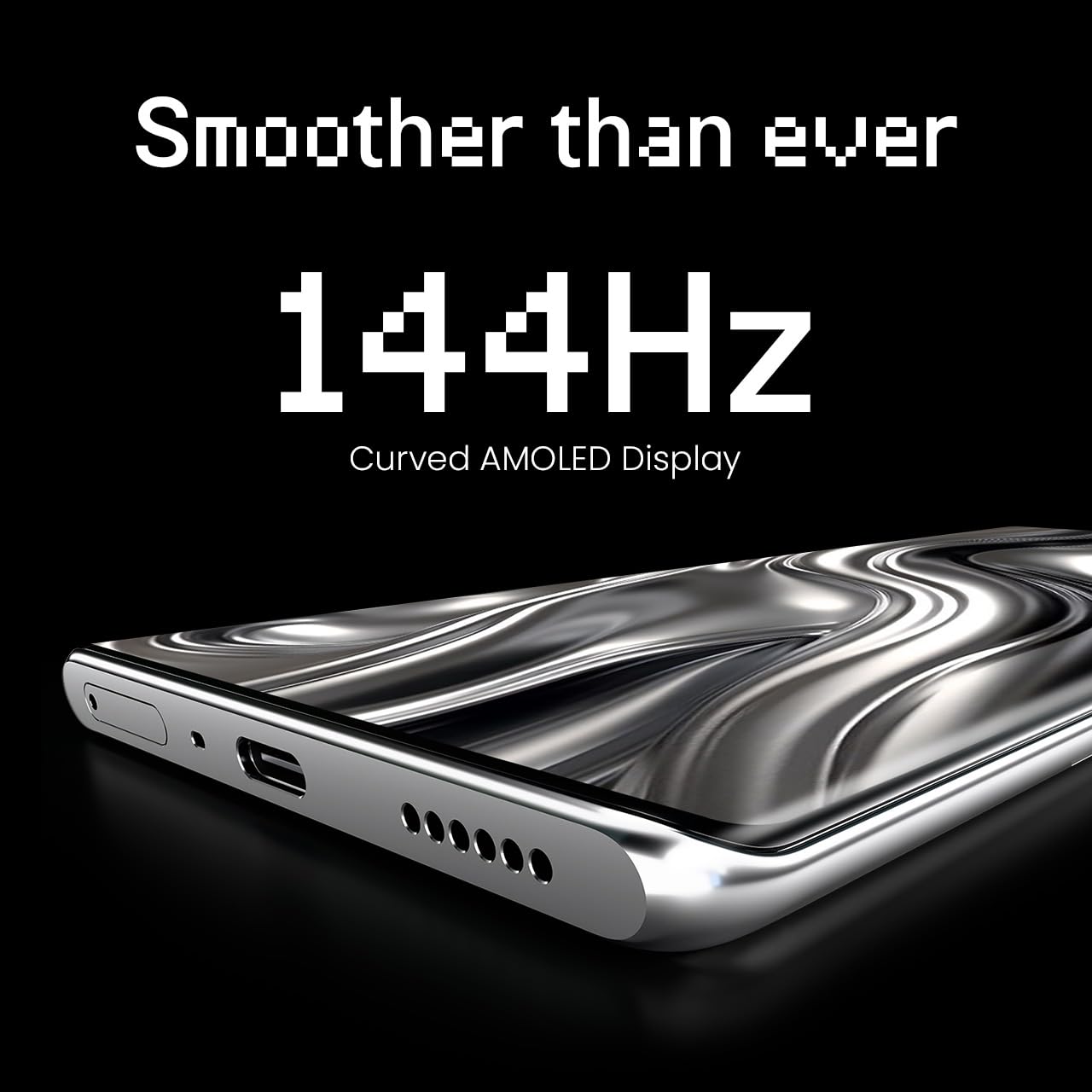
Figure 4: The 144Hz Curved AMOLED Display.
4.2 Chức năng của máy ảnh
Your device is equipped with a 64MP IMX682 Rear Camera. To access the camera, tap the Camera icon on your home screen or lock screen. Key features include:
- Chế độ ảnh: Nhiếp ảnh tiêu chuẩn.
- Chế độ Video: Ghi lại video chất lượng cao.
- Chế độ chân dung: Tạo ra những bức ảnh chuyên nghiệp với phông nền mờ.
- Chế độ ban đêm: Cải thiện chất lượng ảnh chụp trong điều kiện thiếu sáng.
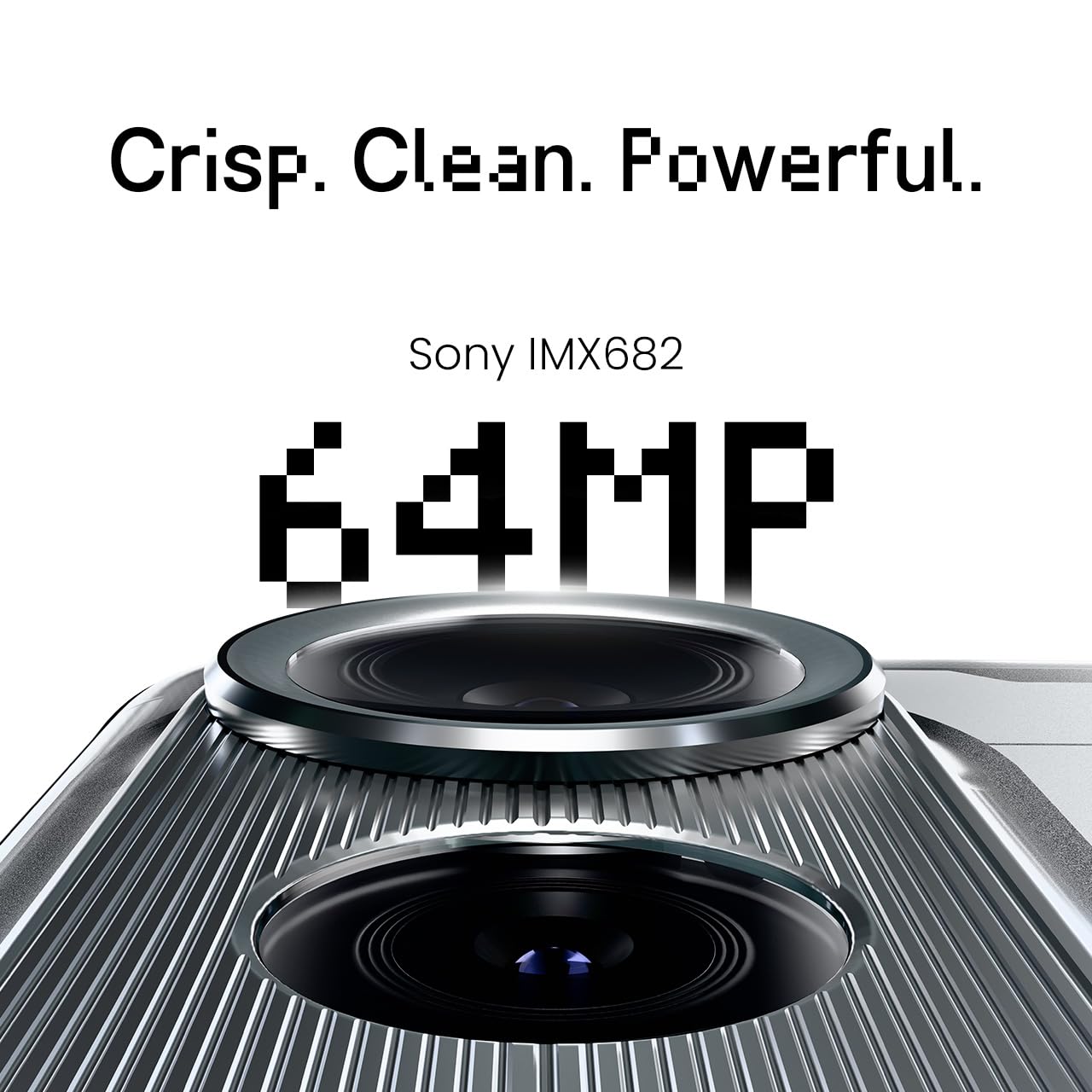
Figure 5: The 64MP IMX682 Rear Camera.
4.3 Tính năng AI
The TECNO POVA Curve 5G integrates advanced AI capabilities, including support for Indian languages and an AI Call Assistant. These features are designed to enhance user experience and productivity.
- AI with Indian Language Support: Access various functions and communicate in multiple Indian languages.
- AI Call Assistant: Manage calls intelligently, including features like AI Auto Call Answering and AI Voiceprint Suppression.

Figure 6: AI with Indian Language Support.

Hình 7: Hếtview of AI features.
4.4 Battery Management and Charging
The device is powered by a 5500mAh battery and supports 45W fast charging. Use the provided power adapter and USB cable for optimal charging speed.
- To charge, connect the USB cable to the phone's USB-C port and the power adapter, then plug into a wall outlet.
- Avoid using non-certified chargers or cables to prevent damage.
4.5 Kết nối
Your TECNO POVA Curve 5G supports 5G cellular networks, Wi-Fi, and Bluetooth. It also features an Intelligent Signal Hub System for improved network reception.
- Wi-Fi: Vào Cài đặt > Mạng & Internet > Wi-Fi để kết nối với các mạng khả dụng.
- Bluetooth: Vào Cài đặt > Thiết bị được kết nối > Bluetooth để ghép nối với các thiết bị Bluetooth khác.
- Dữ liệu di động: Đảm bảo thẻ SIM của bạn đang hoạt động và dữ liệu di động được bật trong Cài đặt > Mạng & Internet > Mạng di động.

Figure 8: Intelligent Signal Hub System for enhanced network communication.
5. Bảo trì
5.1 Vệ sinh thiết bị của bạn
To keep your smartphone clean and functional:
- Sử dụng vải mềm, không xơ để lau màn hình và thân máy.
- Tránh sử dụng hóa chất mạnh, vật liệu mài mòn hoặc bình xịt.
- Không để thiết bị tiếp xúc với độ ẩm quá cao.
5.2 Cập nhật phần mềm
Thường xuyên kiểm tra và cài đặt các bản cập nhật phần mềm để đảm bảo thiết bị của bạn có các tính năng mới nhất, bản vá bảo mật và cải tiến hiệu năng. Vào Cài đặt > Hệ thống > Cập nhật hệ thống.
5.3 Chăm sóc pin
Để kéo dài tuổi thọ pin:
- Tránh nhiệt độ quá cao.
- Không nên để pin cạn kiệt hoàn toàn thường xuyên.
- Rút phích cắm bộ sạc khi pin đã được sạc đầy.
KHAI THÁC. Xử lý sự cố
This section addresses common issues you might encounter with your TECNO POVA Curve 5G.
| Vấn đề | Giải pháp khả thi |
|---|---|
| Thiết bị không bật nguồn | Đảm bảo pin đã được sạc. Nhấn và giữ nút Nguồn trong ít nhất 10 giây để khởi động lại. |
| Ứng dụng bị sập hoặc đóng băng | Xóa bộ nhớ đệm của ứng dụng gây lỗi (Cài đặt > Ứng dụng > [Tên ứng dụng] > Bộ nhớ > Xóa bộ nhớ đệm). Khởi động lại thiết bị. |
| Tín hiệu mạng kém | Check if your SIM card is properly inserted. Move to an area with better network coverage. Restart the device. |
| Pin hết nhanh | Reduce screen brightness, close unused apps, disable unnecessary background processes, and check for power-intensive apps in battery settings. |
| Màn hình cảm ứng không phản hồi | Khởi động lại thiết bị. Nếu sự cố vẫn tiếp diễn, hãy liên hệ với bộ phận hỗ trợ khách hàng. |
7. Thông số kỹ thuật
Key technical specifications for the TECNO POVA Curve 5G (Model: LJ8K):
- Hệ điều hành: Android 15
- ĐẬP: 8 GB (expandable with memory fusion)
- Kho: 128 GB / 256 GB ROM
- Bộ xử lý: MediaTek Dimensity 7300 Ultimate 5G
- Trưng bày: 144Hz Curved AMOLED
- Camera sau: 64MP IMX682
- Ắc quy: Pin 5500mAh với sạc nhanh 45W
- Kích thước: 16.4 x 7.5 x 0.7cm
- Cân nặng: 177 gam
- Kết nối: Bluetooth, Infrared, USB, Wi-Fi, 5G

Figure 9: Processor and Memory details.
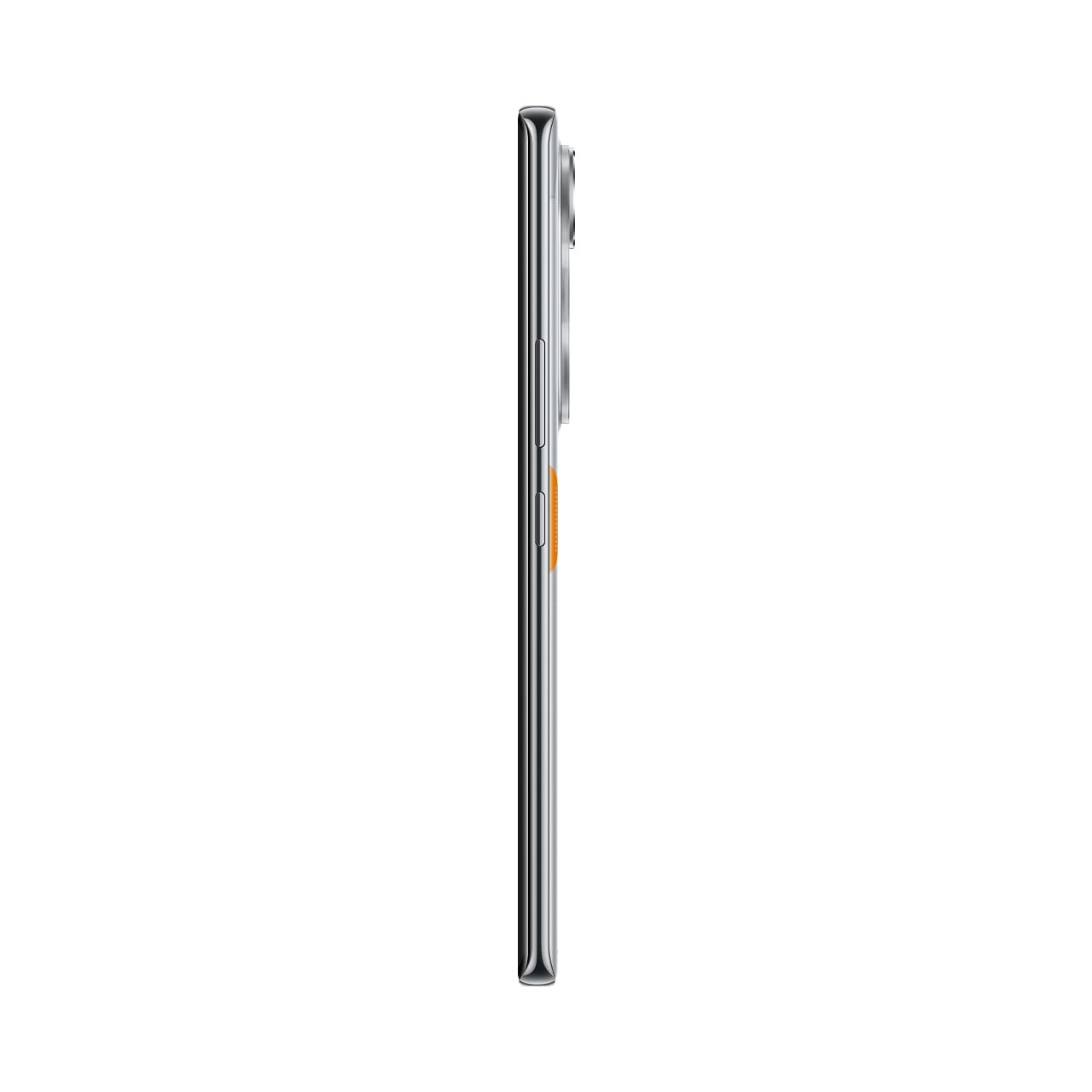
Figure 10: Slim design of the TECNO POVA Curve 5G.
8. Bảo hành và Hỗ trợ
8.1 Thông tin bảo hành
Your TECNO POVA Curve 5G smartphone comes with a limited manufacturer's warranty. Please refer to the warranty card included in your product packaging for specific terms, conditions, and duration. Keep your proof of purchase for warranty claims.
8.2 Hỗ trợ khách hàng
For technical assistance, service, or further inquiries, please visit the official TECNO website or contact their customer support. Details can typically be found on the manufacturer's webtrang web hoặc trong tài liệu bảo hành.


