Kirish
This manual provides comprehensive instructions for the AOC ACW2212 Wireless Headset. Designed for professional use, this headset offers crystal-clear calls, versatile connectivity, and all-day comfort. Please read this manual thoroughly to ensure proper usage and maintenance of your device.

Image: The AOC ACW2212 Wireless Headset, showcasing its professional design for work and communication.
Sozlash; o'rnatish
Qutida nima bor
- 1 x Wireless Headset
- 1 x USB dongle
- 1 x Type-C dan 3.5 mm gacha audio kabel
- 1 x Type-C zaryadlovchi kabeli
- Foydalanuvchi uchun qo'llanma
Eshitish vositasini zaryadlash
Before first use, fully charge the headset. Connect the provided Type-C charging cable to the headset's charging port and a power source. The LED indicator will show charging status. A full charge provides up to 30 hours of talk time. The headset can be used while charging.

Image: The headset highlighting its 30-hour talk time and 2.5-hour fast charging capability.
Video: Demonstration of the headset being used while charging, ensuring uninterrupted calls.
Ulanish imkoniyatlari
The AOC ACW2212 headset offers three versatile connection methods:
- Bluetooth: Pair directly with your smartphone, tablet, or Bluetooth-enabled computer.
- USB dongle: For devices without Bluetooth or for a more stable connection, plug the provided USB dongle into your PC or laptop. The headset will automatically connect.
- Simli ulanish: Use the included Type-C to 3.5mm audio cable to connect to devices with a 3.5mm audio jack.

Image: Visual representation of the headset's three connection types: Bluetooth, USB Dongle, and wired via cable.
Video: A user demonstrating the headset's hands-free calling capabilities, highlighting its ease of use for communication.
Foydalanish bo'yicha ko'rsatmalar
Boshqaruv va funksiyalar
The headset features intuitive controls for managing calls and audio:
- Ko'p funktsiyali tugma: Located on the earcup, this button is used for power on/off, pairing, answering/ending calls, and playing/pausing audio.
- Ovoz balandligini boshqarish: Dedicated buttons for adjusting audio volume up or down.
- Mikrofon ovozini o'chirish: An instant mute button is located directly on the microphone boom for quick privacy control during calls.

Image: Close-up of the headset's microphone boom, indicating the one-touch mute button for instant privacy.
Mikrofondan foydalanish
The noise-canceling microphone is designed for crystal-clear voice transmission, effectively blocking out background noise. It features a 270° rotatable design, allowing you to position it optimally for voice pickup or to move it out of the way when not in use.

Image: Diagram illustrating the 270° rotation capability of the headset's microphone for flexible positioning.
Video: A user discussing the comfort and noise-canceling features of the headset, emphasizing its suitability for extended use.
Qulaylik
The headset is designed for all-day comfort with a lightweight build, an adjustable headband, and plush memory-foam ear cushions. This ergonomic design ensures lasting comfort during long meetings or extended use.

Image: Close-up of the headset's soft protein leather earcups, highlighting their comfortable and breathable design.
Xizmat
To ensure the longevity and optimal performance of your AOC ACW2212 Wireless Headset, follow these maintenance guidelines:
- Tozalash: Eshitish vositasini tozalash uchun yumshoq, quruq matodan foydalaning. Qattiq kimyoviy moddalar yoki abraziv materiallardan foydalanishdan saqlaning.
- Saqlash: Eshitish vositasini to'g'ridan-to'g'ri quyosh nuri va haddan tashqari haroratdan uzoqroq joyda, salqin va quruq joyda saqlang.
- Batareya parvarishi: Avoid fully discharging the battery frequently. Charge the headset regularly, even if not in constant use, to maintain battery health.
- Ehtiyotkorlik bilan ishlang: Do not drop or expose the headset to excessive force, as this may damage internal components.
Muammolarni bartaraf qilish; nosozliklarni TUZATISH
If you encounter issues with your headset, refer to the following common troubleshooting steps:
- Quvvat yo'q: Ensure the headset is fully charged. Connect it to a power source using the Type-C charging cable.
- Ovoz yo'q/Ovoz sifati yomon: Check that the headset is properly connected via Bluetooth, USB dongle, or wired connection. Ensure the volume is not muted or set too low on both the headset and the connected device.
- Mikrofon ishlamayapti: Verify that the microphone is not muted using the mute button on the boom. Ensure the microphone is positioned correctly and selected as the input device in your device's audio settings.
- Bluetooth bilan ulanish muammolari: Make sure the headset is in pairing mode (refer to your device's Bluetooth settings). Ensure no other devices are interfering with the Bluetooth signal.
- Vaqti-vaqti bilan ulanish: Try moving closer to your connected device to reduce interference. Ensure the headset is fully charged.
Qo'shimcha yordam uchun mijozlarni qo'llab-quvvatlash xizmatiga murojaat qiling.
Texnik xususiyatlari
| Xususiyat | Tafsilot |
|---|---|
| Model nomi | ACW2212 |
| Brend | AOC |
| Ulanish texnologiyasi | Simli, simsiz |
| Simsiz aloqa texnologiyasi | Bluetooth |
| Bluetooth versiyasi | 5.4 |
| Bluetooth diapazoni | 32.8 fut |
| Shovqin nazorati | Passiv shovqinni bekor qilish |
| Mikrofon | Included, Noise-Canceling, 270° Rotatable |
| Batareya quvvati (suhbat vaqti) | 30 soatgacha |
| Zaryadlash vaqti | 2.5 hours (Fast Charge) |
| Zaryadlash porti | USB Type-C |
| Naushniklar Jek | 3.5 mm raz'em |
| Quloqlarni joylashtirish | Quloq ustida |
| Form faktor | Quloq ustida |
| Material | Akrilonitril butadien stirol (ABS) |
| Element og'irligi | 11.3 untsiya |
| Mos qurilmalar | Cellphones, Desktops, Laptops |
Kafolat va qo'llab-quvvatlash
The AOC ACW2212 Wireless Headset comes with a worry-free guarantee and reliable customer support. For any product-related inquiries, technical assistance, or warranty claims, please refer to the contact information provided in the included User Manual or visit the official AOC support websayt.
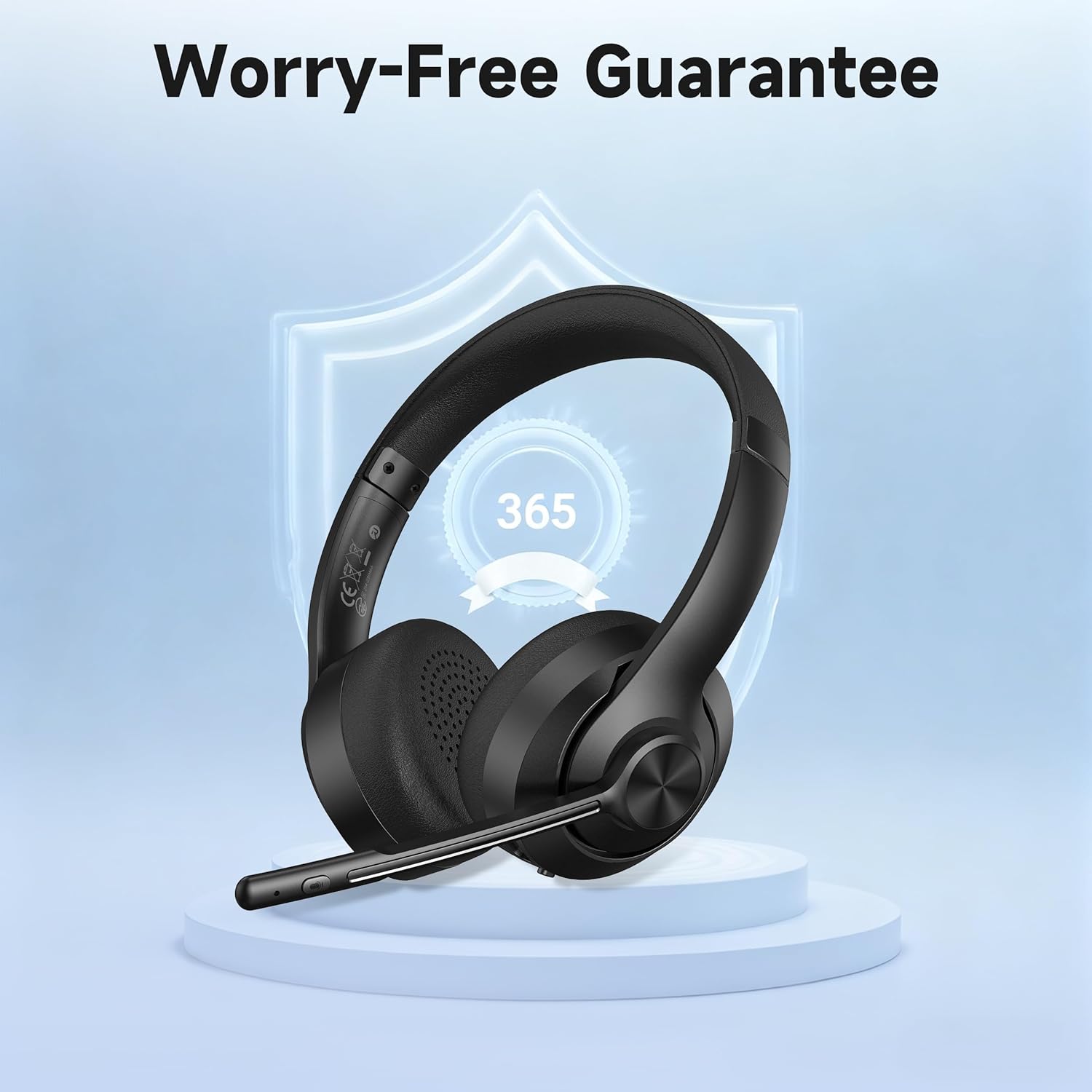
Image: The headset displayed with a shield icon, symbolizing the product's worry-free guarantee.


