تعارف
The Goldtouch Elite Adjustable Ergonomic Keyboard is engineered to provide a customizable typing experience, promoting comfort and reducing strain. Its unique design allows for independent adjustment of the keyboard halves, enabling users to find their optimal ergonomic position.
سیٹ اپ اور ایڈجسٹمنٹ
کی بورڈ کو جوڑنا
- Locate the USB-A cable attached to the Goldtouch Elite keyboard.
- Plug the USB-A connector into an available USB port on your computer (PC or Mac).
- کی بورڈ پلگ اینڈ پلے ہے اور آپ کے آپریٹنگ سسٹم کے ذریعہ خود بخود پہچانا جانا چاہئے۔
Adjusting Splay and Tenting
The Goldtouch Elite keyboard features adjustable splay (horizontal angle) and tenting (vertical angle) to accommodate various hand and wrist positions. The improved handle design facilitates easier adjustment.
- Horizontal Splay Adjustment: The keyboard can be splayed from 0 to 30 degrees. To adjust, gently pull the two halves apart or push them together to achieve the desired angle. The mechanism will hold the position once released.
- Vertical Tenting Adjustment: The keyboard can be tented from 0 to 60 degrees. To adjust, lift the inner edges of the keyboard halves. The integrated mechanism will allow you to set the vertical angle.

Image: The Goldtouch Elite keyboard shown in its flat, unadjusted configuration.
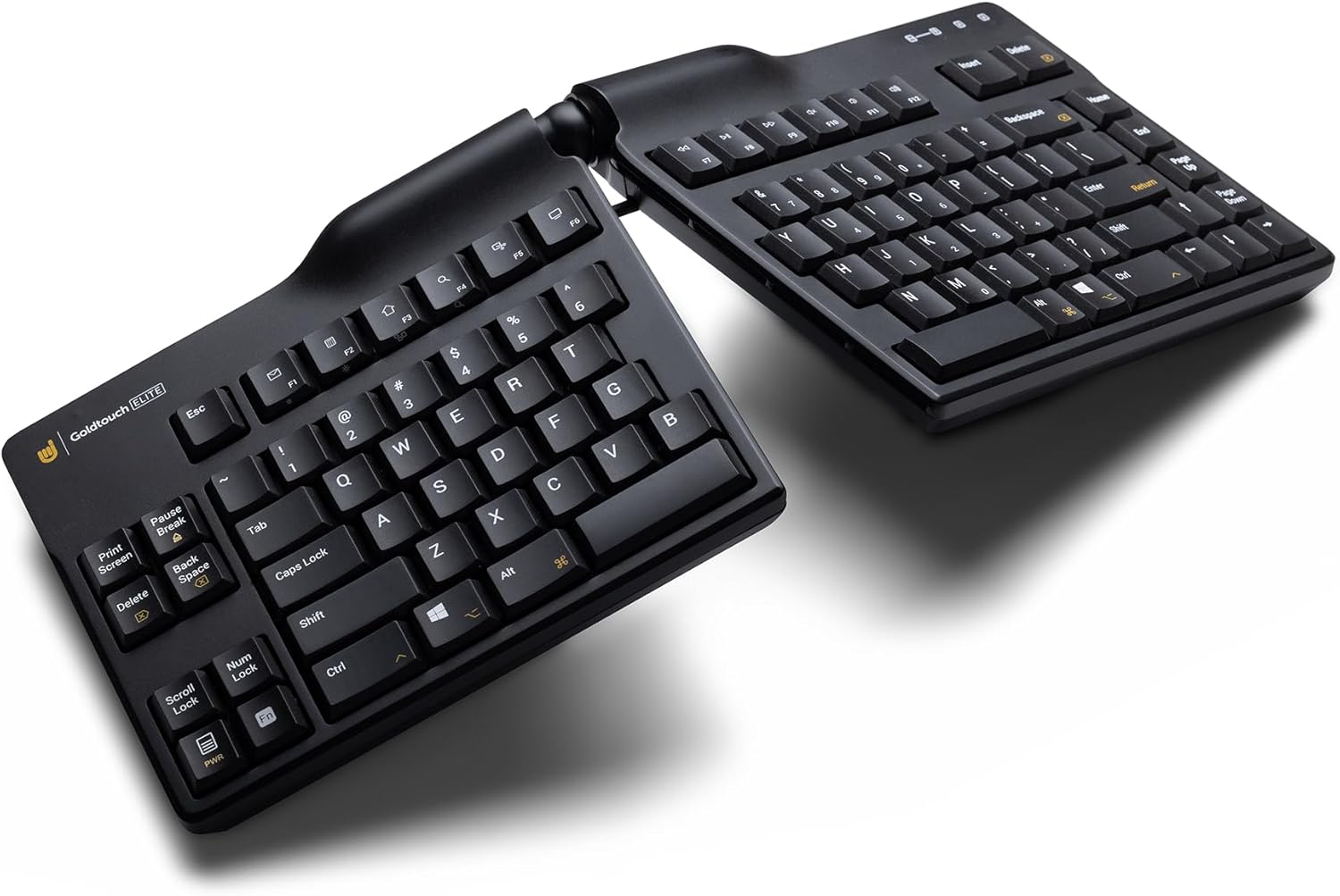
Image: The Goldtouch Elite keyboard demonstrating horizontal splay, where the two halves are angled outwards.

Image: The Goldtouch Elite keyboard configured with both horizontal splay and vertical tenting, elevating the inner edges.
آپریٹنگ ہدایات
پی سی اور میک مطابقت
The keyboard includes a toggle switch on the rear to select between PC and Mac compatibility. Ensure the switch is set to the correct operating system for optimal functionality.
کی بورڈ لے آؤٹ
A rear toggle switch allows you to enable either the Default or Alternate keyboard layouts. Refer to the keyboard's keycaps for specific layout differences if applicable.
کلیدی خصوصیات
- Silicon Domed Keys: The keys are designed with silicon domes for a consistent tactile response.
- Laser-Printed Text: Keycap legends are laser-printed to ensure durability and prevent wear over time.
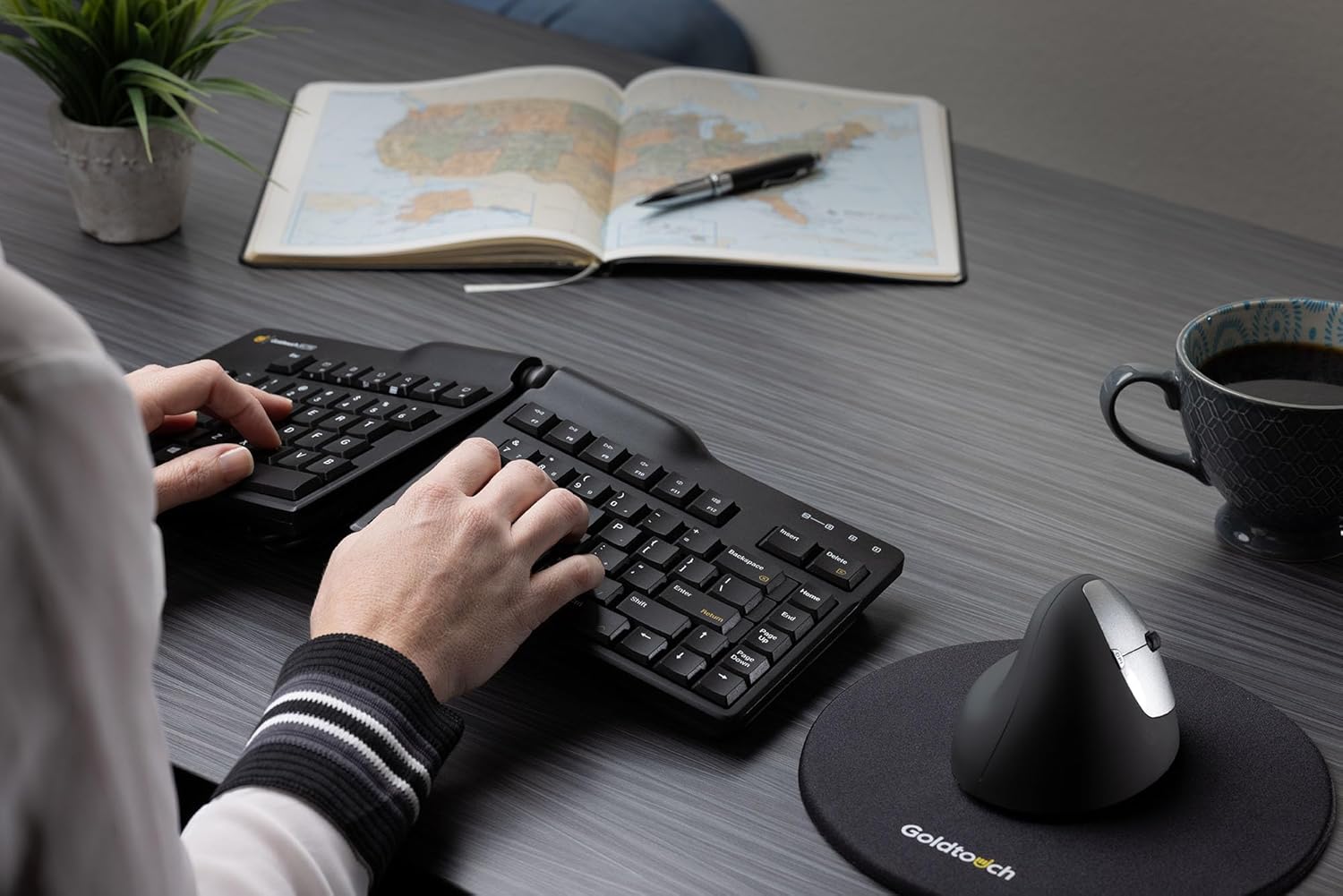
Image: A user demonstrating proper hand placement while typing on the Goldtouch Elite keyboard, highlighting its ergonomic design.
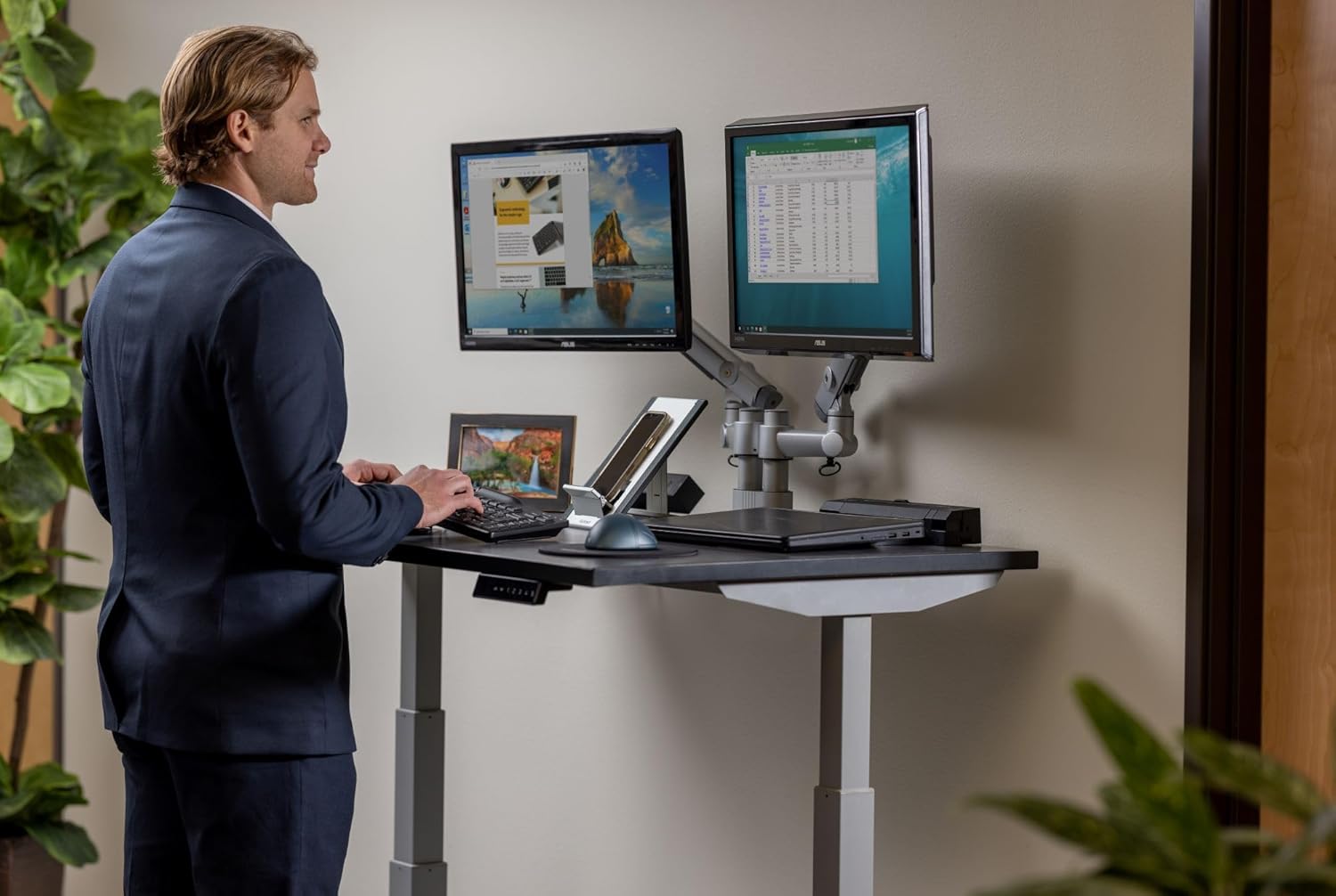
Image: A user operating the Goldtouch Elite keyboard alongside an external numeric keypad, illustrating a comprehensive ergonomic setup.
دیکھ بھال اور دیکھ بھال
To ensure the longevity and optimal performance of your Goldtouch Elite keyboard, follow these maintenance guidelines:
- صفائی: تھوڑا سا نرم، لنٹ سے پاک کپڑا استعمال کریں۔ampened with water or a mild, non-abrasive cleaning solution to wipe down the keycaps and keyboard surface. Avoid excessive moisture.
- دھول ہٹانا: چابیاں کے درمیان سے دھول اور ملبہ ہٹانے کے لیے کمپریسڈ ہوا کا استعمال کریں۔
- سخت کیمیکلز سے بچیں: Do not use strong solvents, alcohol, or abrasive cleaners, as these can damage the keycap legends or the keyboard's finish.
- ذخیرہ: جب لمبے عرصے تک استعمال نہ ہو تو کی بورڈ کو انتہائی درجہ حرارت سے دور صاف، خشک ماحول میں محفوظ کریں۔
خرابی کا سراغ لگانا
کی بورڈ جواب نہیں دے رہا ہے۔
- USB کنکشن چیک کریں: Ensure the USB cable is securely plugged into both the keyboard and the computer. Try a different USB port.
- کمپیوٹر کو دوبارہ شروع کریں: ایک سادہ سسٹم ری اسٹارٹ اکثر کنیکٹیویٹی کے مسائل کو حل کر سکتا ہے۔
- دوسرے کمپیوٹر پر ٹیسٹ: اگر ممکن ہو تو، یہ معلوم کرنے کے لیے کہ آیا مسئلہ کی بورڈ یا اصل کمپیوٹر کے سیٹ اپ کے ساتھ ہے، کسی دوسرے کمپیوٹر پر کی بورڈ کی جانچ کریں۔
Keys Not Functioning Correctly
- Check PC/Mac Switch: Verify that the compatibility switch on the rear of the keyboard is set to your operating system (PC or Mac).
- Check Layout Switch: Ensure the Default/Alternate layout switch is set to your preferred configuration.
- کلین کلین: Dust or debris under the keys can sometimes cause issues. Refer to the Maintenance section for cleaning instructions.
وضاحتیں
| مصنوعات کے طول و عرض | 15.25 x 6.5 x 0.75 انچ (15.25"L x 6.5"W x 0.75"H) |
| شے کا وزن | 2.72 پاؤنڈ |
| کارخانہ دار | گولڈ ٹچ |
| ماڈل نمبر | GTE-08899 |
| کنیکٹوٹی ٹیکنالوجی | USB-A (وائرڈ) |
| ہم آہنگ آلات | Laptop, Mac, PC, Tablet |
| کی بورڈ کی تفصیل | ایرگونومک، سپلٹ کی سیٹ ڈیزائن |
| رنگ | سیاہ |
| مواد | پلاسٹک |
| شامل اجزاء | Ergonomic Keyboard, Copy & Paste Keycaps |
وارنٹی اور سپورٹ
For specific warranty information regarding your Goldtouch Elite Adjustable Ergonomic Keyboard, please refer to the documentation included with your product at the time of purchase or visit the official Goldtouch website. The manufacturer, Goldtouch, provides customer support for product-related inquiries.
For further assistance, please contact Goldtouch customer service directly through their official support channels.


