تعارف
Thank you for choosing the MAJORITY Tru 1 Wireless Bluetooth Earbuds. This manual provides essential information for setting up, operating, and maintaining your new earbuds. Please read these instructions carefully before use and retain them for future reference.
For optimal performance and safety, always follow the guidelines provided in this manual.
پیکیج کے مشمولات

Image: The retail packaging for the MAJORITY Tru 1 earbuds, displaying the earbuds, charging case, USB-C cable, and three pairs of silicone ear tips.
یقینی بنائیں کہ تمام اشیاء پیکیج میں موجود ہیں:
- 1x Set of MAJORITY Tru 1 Wireless Earbuds
- 1x وائرلیس چارجنگ کیس
- 1x USB-C چارجنگ کیبل
- 3x Pairs of Silicone Ear Tips (various sizes)
- 1x یوزر مینوئل (یہ دستاویز)
پروڈکٹ ختمview

Image: The MAJORITY Tru 1 wireless earbuds standing upright next to their open charging case, all in white.
The MAJORITY Tru 1 earbuds are designed for comfortable wear and high-quality audio. Each earbud features a touch-sensitive control area and an integrated microphone. The compact charging case protects the earbuds and provides additional battery life.

Image: An exploded diagram showing the internal components of a MAJORITY Tru 1 earbud, highlighting the 13mm driver and other acoustic elements.
The earbuds are equipped with 13mm drivers for clear sound reproduction and a built-in microphone for calls.
سیٹ اپ
1. ایئربڈز اور کیس کو چارج کرنا

Image: The MAJORITY Tru 1 earbuds placed inside their open charging case, illustrating the Type-C fast charge capability and long playtime.
- ابتدائی چارج: پہلے استعمال سے پہلے، ایئربڈز اور چارجنگ کیس دونوں کو مکمل طور پر چارج کریں۔
- کیس چارج کرنا: Connect the supplied USB-C cable to the charging port on the case and to a compatible USB power source. The LED indicator on the case will show charging status.
- ایئربڈز کو چارج کرنا: Place the earbuds into their respective slots in the charging case. Ensure they are correctly seated. The earbuds will begin charging automatically.
A full charge of the earbuds provides approximately 7.5 hours of playtime. The charging case provides an additional 3 full charges, extending total playtime up to 30 hours. A quick 30-minute charge can provide up to 2 hours of playtime.
2. بلوٹوتھ ڈیوائس کے ساتھ جوڑا بنانا
- بلوٹوتھ کو چالو کریں: Ensure Bluetooth is enabled on your audio device (smartphone, tablet, laptop, etc.).
- جوڑا بنانے کا موڈ درج کریں: چارجنگ کیس کھولیں اور دونوں ایئربڈز کو ہٹا دیں۔ وہ خود بخود جوڑا بنانے کے موڈ میں داخل ہو جائیں گے۔
- ڈیوائس منتخب کریں: On your audio device, search for new Bluetooth devices. Select "MAJORITY Tru 1" from the list of available devices.
- کنکشن کی تصدیق کریں: ایک بار منسلک ہونے کے بعد، آپ کو ایک آڈیو پرامپٹ سنائی دے گا، اور ایئربڈز کی انڈیکیٹر لائٹس بدل جائیں گی۔
The earbuds use Bluetooth 5.3 for a stable and efficient wireless connection. They will automatically reconnect to the last paired device when removed from the case, if Bluetooth is active on the device.
آپریٹنگ ہدایات
ٹچ کنٹرولز
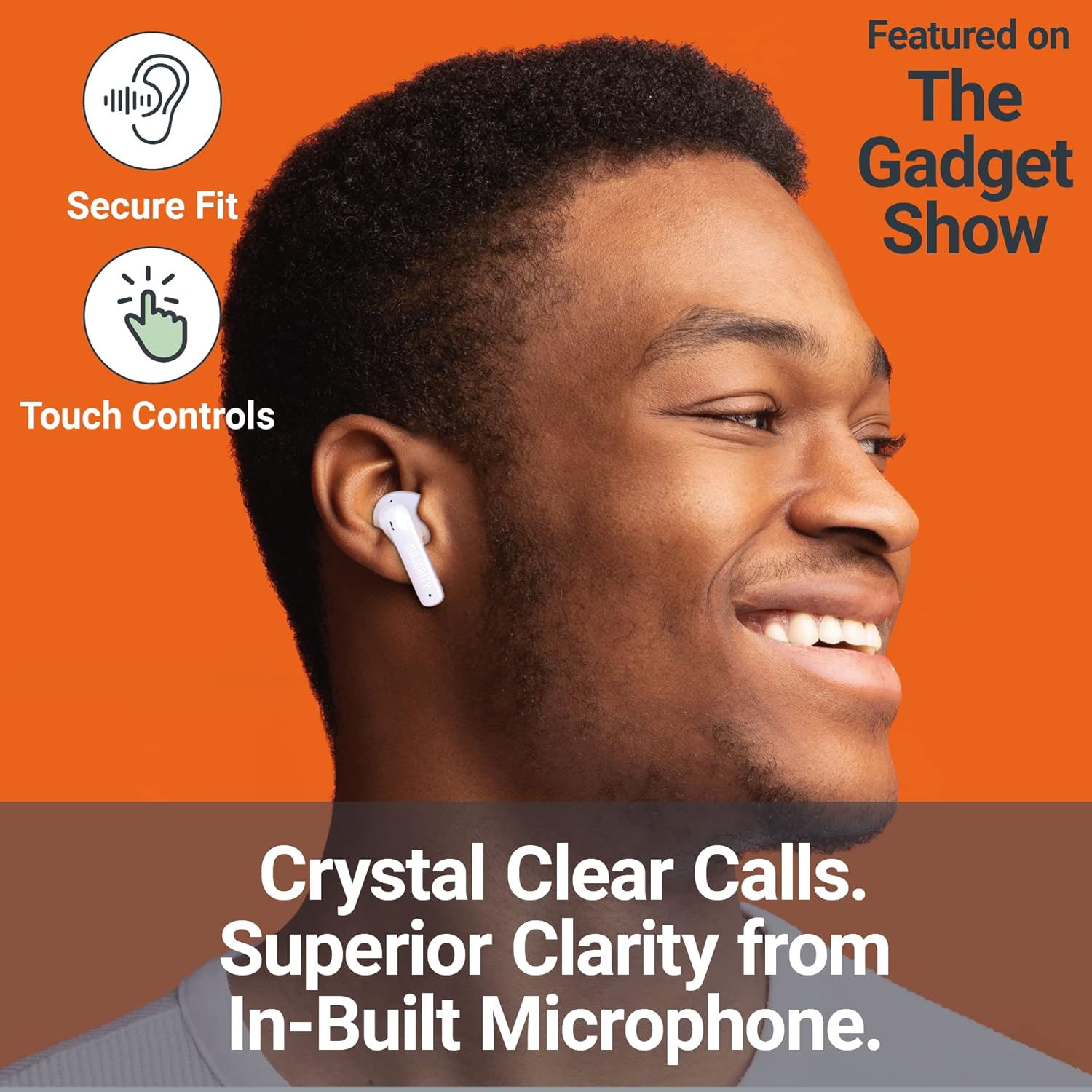
Image: A person smiling while wearing a MAJORITY Tru 1 earbud, emphasizing the secure fit, touch controls, and clear call quality from the built-in microphone.
The MAJORITY Tru 1 earbuds feature intuitive touch controls on each earbud. Specific functions may vary slightly depending on your device and operating system.
- چلائیں/روکیں: دونوں ایئربڈ پر ایک بار تھپتھپائیں۔
- اگلا ٹریک: دائیں ایئربڈ پر دو بار تھپتھپائیں۔
- پچھلا ٹریک: بائیں ایئربڈ پر دو بار تھپتھپائیں۔
- جواب / کال ختم کریں: آنے والی کال یا ایکٹیو کال کے دوران ایئربڈ پر ایک بار تھپتھپائیں۔
- کال مسترد کریں: آنے والی کال کے دوران کسی بھی ایئربڈ کو 2 سیکنڈ تک دبائے رکھیں۔
- متحرک صوتی معاون: کسی بھی ایئربڈ پر تین بار تھپتھپائیں (جیسے، سری، گوگل اسسٹنٹ)۔
- اواز بڑھایں: دائیں ایئربڈ کو دبائے رکھیں۔
- آواز کم: بائیں ایئربڈ کو دبائے رکھیں۔
کال کرنا اور وصول کرنا
The built-in microphone ensures clear communication during phone calls. Use the touch controls as described above to manage your calls.
ایئربڈز پہننا
Select the ear tips that provide the most comfortable and secure fit for optimal sound quality and noise isolation. Gently insert each earbud into your ear canal and twist slightly to secure it.
دیکھ بھال
- صفائی: ائیر بڈز اور چارجنگ کیس کو نرم، خشک، لنٹ سے پاک کپڑے سے باقاعدگی سے صاف کریں۔ سخت کیمیکل یا کھرچنے والے مواد کا استعمال نہ کریں۔
- پانی کی مزاحمت: The earbuds are IPX7 waterproof, meaning they can withstand immersion in water up to 1 meter for 30 minutes. However, the charging case is not waterproof. Ensure earbuds are completely dry before placing them back in the charging case to prevent damage.
- ذخیرہ: استعمال میں نہ ہونے پر، ایئربڈز کو ان کے چارجنگ کیس میں محفوظ کریں تاکہ ان کی حفاظت ہو اور انہیں چارج کیا جا سکے۔ انتہائی درجہ حرارت سے دور ٹھنڈی، خشک جگہ پر اسٹور کریں۔
- بیٹری کی دیکھ بھال: بیٹری کی زندگی کو طول دینے کے لیے، ایئر بڈز اور کیس کو بار بار مکمل طور پر ڈسچارج کرنے سے گریز کریں۔ انہیں باقاعدگی سے چارج کریں، چاہے مسلسل استعمال میں نہ ہوں۔
خرابی کا سراغ لگانا
| مسئلہ | حل |
|---|---|
| ایئربڈز جوڑ نہیں رہے ہیں۔ |
|
| ایک ایربڈ سے کوئی آواز نہیں |
|
| چارجنگ کیس چارج نہیں ہو رہا ہے۔ |
|
| ناقص آواز کا معیار |
|
وضاحتیں
| فیچر | تفصیل |
|---|---|
| ماڈل کا نام | TRU 1 |
| کنیکٹوٹی | بلوٹوتھ 5.3 |
| پانی کی مزاحمت | IPX7 (صرف ایئربڈز) |
| ڈرائیور کا سائز | 13 ملی میٹر |
| ایربڈ پلے ٹائم | 7.5 گھنٹے تک |
| کل پلے ٹائم (کیس کے ساتھ) | 30 گھنٹے تک |
| فوری چارج | 30 گھنٹے پلے ٹائم کے لیے 2 منٹ چارج کریں۔ |
| بیٹری کی قسم | لتیم آئن (شامل) |
| چارجنگ پورٹ | USB-C |
| مواد | پلاسٹک |
| پیکیج کے طول و عرض | 11.3 x 9.9 x 3.2 سینٹی میٹر |
| وزن | 100 گرام (پیکیج) |
وارنٹی اور سپورٹ
MAJORITY offers an extended 3-year warranty for the Tru 1 Wireless Bluetooth Earbuds upon registration. To register your product and activate the extended warranty, please visit the official MAJORITY webسائٹ:
For any support inquiries, troubleshooting assistance, or to learn more about MAJORITY products, please refer to the contact information provided on the official MAJORITY website. MAJORITY is a Cambridge, UK-based audio brand committed to providing reliable products and customer service.

Image: The side of the MAJORITY product box, showing details about the extended warranty and a QR code for registration.


