تعارف
Thank you for choosing the JBL Flip 3 Splashproof Portable Bluetooth Speaker. This manual provides essential information for setting up, operating, and maintaining your speaker to ensure optimal performance and longevity. Please read this manual thoroughly before using your device.
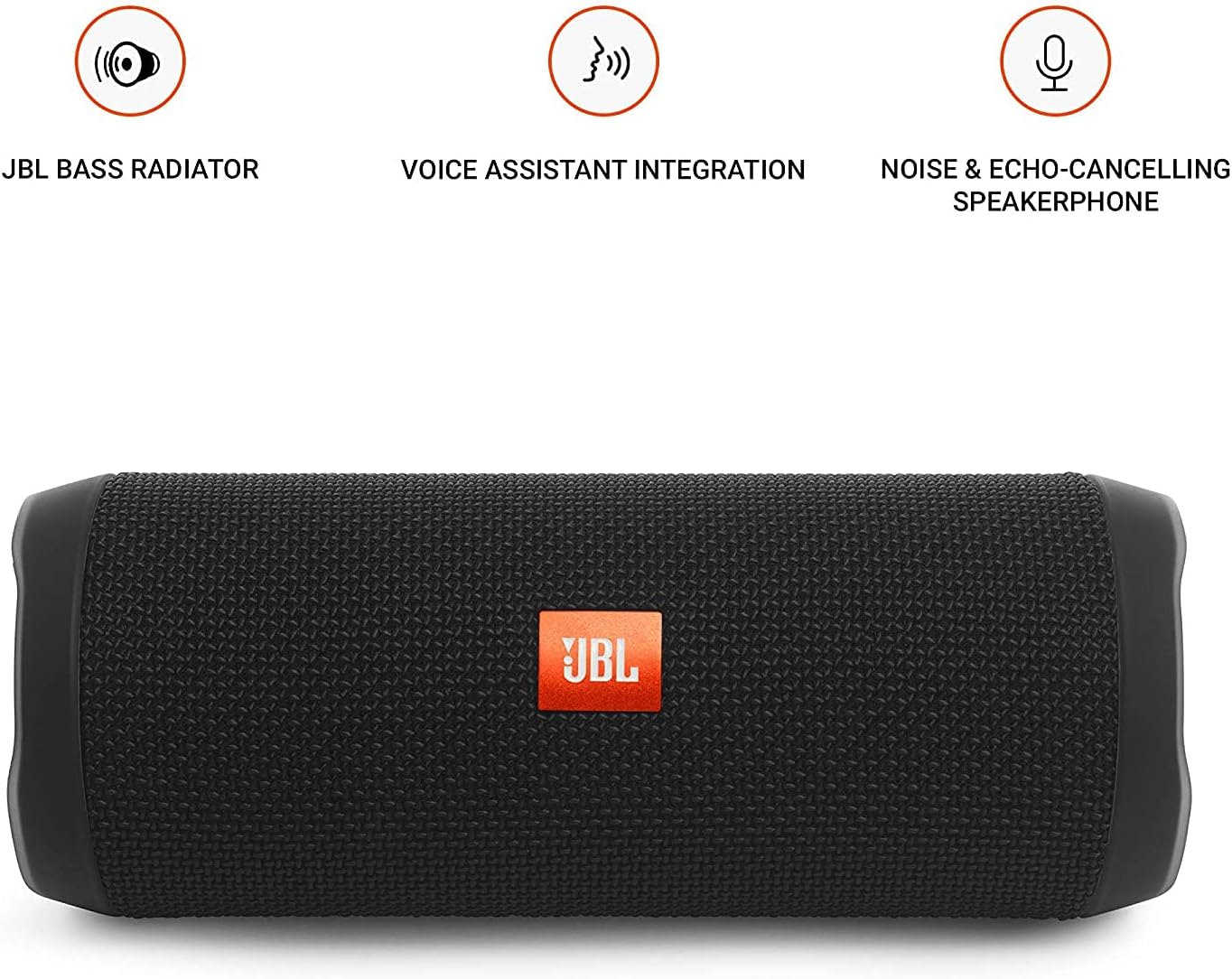
Image: JBL Flip 3 highlighting key features like the bass radiator, voice assistant integration, and noise & echo-cancelling speakerphone.
باکس میں کیا ہے۔
- JBL Flip 3 Splashproof Portable Speaker
- USB Charging Cable (orange)
- کوئیک اسٹارٹ گائیڈ (اس دستی میں شامل نہیں)
- حفاظتی شیٹ (اس دستی میں شامل نہیں)
- وارنٹی کارڈ (اس دستی میں شامل نہیں)
سیٹ اپ
1. بیٹری چارج کرنا
Before first use, fully charge your JBL Flip 3 speaker. The built-in 3000mAh Li-ion battery supports up to 10 hours of playtime and takes approximately 3.5 hours to fully charge.
- Locate the charging port on the side of the speaker, usually protected by a rubber flap.
- Connect the orange USB charging cable to the speaker's charging port.
- USB کیبل کے دوسرے سرے کو ایک ہم آہنگ USB پاور اڈاپٹر (شامل نہیں) یا کمپیوٹر کے USB پورٹ سے جوڑیں۔
- The LED indicators on the speaker will illuminate to show the charging status. All five LEDs will be solid white when fully charged.

Image: The JBL Flip 3 speaker connected to a charging cable, with its battery indicator LEDs lit.
2. پر / آف پاور
- پاور آن کرنے کے لیے، دبائیں۔ پاور بٹن (usually indicated by a circle with a vertical line). The power indicator light will illuminate.
- بجلی بند کرنے کے لئے ، دبائیں اور دبائیں پاور بٹن again until the indicator light turns off.
آپریٹنگ ہدایات
1. بلوٹوت جوڑی بنانا
The JBL Flip 3 can wirelessly connect up to 3 smartphones or tablets simultaneously.
- JBL فلپ 3 اسپیکر پر پاور۔
- دبائیں بلوٹوتھ بٹن (usually indicated by the Bluetooth logo) on the speaker. The Bluetooth indicator light will flash, indicating it's in pairing mode.
- On your smartphone or tablet, go to the Bluetooth settings and select "JBL Flip 3" from the list of available devices.
- Once connected, the Bluetooth indicator light will turn solid.
- To connect additional devices, repeat steps 2-3. The speaker will automatically switch between connected devices when music is played.
2. میوزک پلے بیک۔
- چلائیں/روکیں: دبائیں پلے/پاز بٹن (usually indicated by a triangle or two vertical bars).
- حجم کنٹرول: استعمال کریں۔ والیوم اوپر (+) اور آواز کم (-) اسپیکر یا آپ کے منسلک آلہ پر بٹن۔
- ٹریک چھوڑ دیں: دو بار دبائیں پلے/پاز بٹن اگلے ٹریک پر جانے کے لیے۔
3. سپیکر فون فنکشن
The JBL Flip 3 features a noise and echo-cancelling speakerphone for clear calls.
- جواب / کال ختم کریں: دبائیں فون بٹن (usually indicated by a phone icon) to answer an incoming call or end an ongoing call.
- کال مسترد کریں: دبائیں اور تھامیں۔ فون بٹن آنے والی کال کو مسترد کرنا۔
4. جے بی ایل کنیکٹ
Amplify your listening experience by wirelessly connecting multiple JBL Connect enabled speakers together.
- اس بات کو یقینی بنائیں کہ JBL کنیکٹ فعال اسپیکرز آن ہیں۔
- دبائیں JBL کنیکٹ بٹن (usually indicated by an hourglass or infinity symbol) on both speakers.
- The speakers will automatically connect to each other. Once connected, they will play audio in sync.

Image: The JBL Flip 3 speaker shown vertically, highlighting its compact and portable design.
دیکھ بھال
صفائی
The JBL Flip 3 is splashproof, meaning it can withstand splashes and light rain. You can clean it with running tap water. Important: Do not submerge the speaker in water. Ensure the rubber flap covering the ports is securely closed before cleaning or exposing to water.
بیٹری کی دیکھ بھال
- To prolong battery life, fully charge the speaker at least once every 3 months.
- Avoid exposing the speaker to extreme temperatures (hot or cold) as this can affect battery performance.
خرابی کا سراغ لگانا
| مسئلہ | ممکنہ حل |
|---|---|
| سپیکر پاور آن نہیں کرتا۔ | یقینی بنائیں کہ بیٹری چارج ہے۔ USB کیبل کا استعمال کرتے ہوئے اسپیکر کو پاور سورس سے جوڑیں۔ |
| اسپیکر کی طرف سے کوئی آواز نہیں۔ | اسپیکر اور اپنے منسلک ڈیوائس دونوں پر والیوم لیول چیک کریں۔ یقینی بنائیں کہ اسپیکر بلوٹوتھ کے ذریعے مناسب طریقے سے جوڑا گیا ہے۔ |
| بلوٹوتھ کنکشن ناکام ہو جاتا ہے یا غیر مستحکم ہے۔ | Move the speaker closer to your device. Ensure no other devices are interfering with the Bluetooth signal. Try unpairing and re-pairing the speaker. |
| JBL کنیکٹ کام نہیں کر رہا ہے۔ | Ensure both speakers are JBL Connect enabled and are within range. Press the JBL Connect button on both speakers simultaneously. |
If you encounter issues not listed here, please refer to the official JBL support webمزید مدد کے لیے سائٹ یا کسٹمر سروس سے رابطہ کریں۔
وضاحتیں
- ماڈل کا نام: JBLFLIP3BLK
- برانڈ: جے بی ایل
- طول و عرض (H x W x D): 7.5 x 4.5 x 3.9 انچ
- آئٹم کا وزن: 16 ونس (1 پاؤنڈ)
- مواد: کپڑا
- اسپیکر کی قسم: آؤٹ ڈور
- کنیکٹوٹی ٹیکنالوجی: بلوٹوتھ، وائرلیس
- وائرلیس کمیونیکیشن ٹیکنالوجی: بلوٹوتھ
- بلوٹوتھ کی حد: 10 میٹر
- طاقت کا منبع: بیٹری سے چلنے والا
- بیٹری کی قسم: 1 لیتھیم پولیمر بیٹری درکار ہے۔
- بیٹری کی صلاحیت: 3000mAh
- کھیلنے کا وقت: 10 گھنٹے تک
- چارج کرنے کا وقت: 3.5 گھنٹے
- اسپیکر زیادہ سے زیادہ آؤٹ پٹ پاور: 16 واٹ
- تعدد جواب: 20 KHz (Note: This is likely the upper limit, typical range is broader)
- اشارے سے شور کا تناسب: 80 ڈی بی
- رکاوٹ: 4 اوہم
- آڈیو آؤٹ پٹ موڈ: سٹیریو
- خصوصی خصوصیت: Built-in Microphone, Echo-certified
- پانی کی مزاحمت کی سطح: Water Resistant (Splashproof, do not submerge)
- ہم آہنگ آلات: اسمارٹ فون، ٹیبلٹ
- تجویز کردہ استعمال: For Smartphones or Tablets, outdoor activities, parties, travel, portable usage
وارنٹی اور سپورٹ
The JBL Flip 3 comes with a محدود وارنٹی. For detailed warranty information, please refer to the warranty card included with your product or visit the official JBL webسائٹ
For technical support, troubleshooting, or service inquiries, please visit the جے بی ایل سپورٹ Webسائٹ یا براہ راست ان کی کسٹمر سروس سے رابطہ کریں۔


