تعارف
Thank you for choosing the Beurer HM16 Thermo Hygrometer. This device is designed to accurately measure and display the ambient temperature and relative humidity. It features a large, easy-to-read display and a "smiley" indicator for comfort levels. Please read these instructions carefully before first use and keep them for future reference.
اہم حفاظتی معلومات
- آلے کو پانی اور نمی سے دور رکھیں۔
- آلہ کو براہ راست سورج کی روشنی یا انتہائی درجہ حرارت کے سامنے نہ رکھیں۔
- آلے کو نہ گرائیں اور نہ ہی اس کو سخت اثرات سے دوچار کریں۔
- Do not attempt to open or repair the device yourself. Contact authorized service personnel.
- بیٹریاں بچوں کی پہنچ سے دور رکھیں۔ اگر نگل لیا جائے تو فوری طبی امداد حاصل کریں۔
- مقامی ضابطوں کے مطابق بیٹریاں اور ڈیوائس کو ضائع کریں۔
پیکیج کے مشمولات
Please check that all items are present and undamaged upon receipt:
- 1x Beurer HM16 Thermo Hygrometer
- 1x Lithium Metal Battery (CR2025, pre-installed or separate)
- 1x ہدایت نامہ (یہ دستاویز)
ڈیوائس ختمview
Familiarize yourself with the components of your Beurer HM16 Thermo Hygrometer.
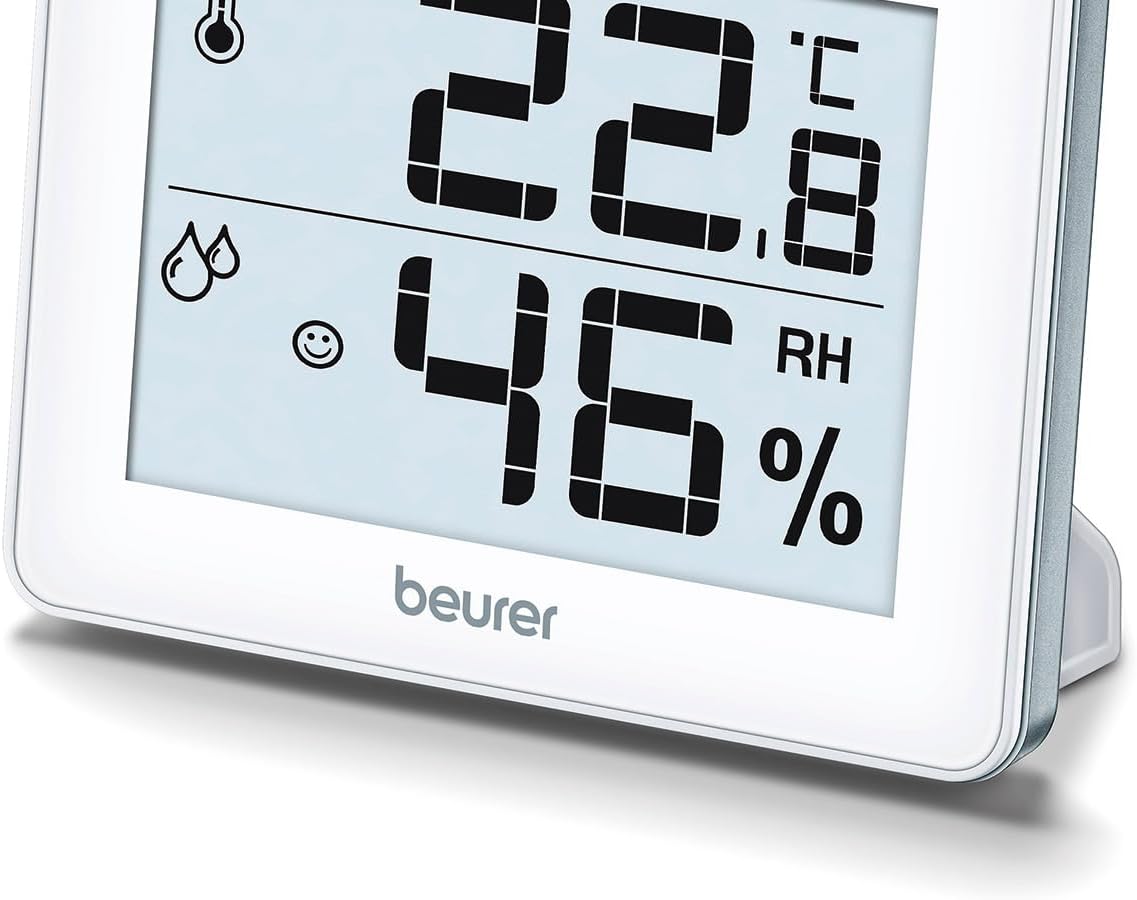
شکل 1: سامنے View of Beurer HM16
This image shows the front of the Beurer HM16 Thermo Hygrometer, featuring its large digital display. The display indicates both temperature and relative humidity, along with a comfort level smiley icon. The device is shown with its integrated fold-out stand extended, allowing for tabletop placement.

شکل 2: پیچھے View of Beurer HM16
This image displays the rear of the Beurer HM16 Thermo Hygrometer. Visible features include the battery compartment cover, a small button for switching between Celsius and Fahrenheit (°C/°F), and a keyhole slot for wall mounting. The fold-out stand is also shown in its retracted position.
- ڈسپلے: Shows temperature, humidity, and comfort indicator.
- بیٹری ٹوکری: پشت پر واقع ہے۔
- °C/°F سوئچ: Button on the back to change temperature units.
- فولڈ آؤٹ اسٹینڈ: ٹیبل ٹاپ کی جگہ کے لیے۔
- وال ماؤنٹ ہول: For hanging the device.
سیٹ اپ
1. بیٹری کی تنصیب
The Beurer HM16 requires one CR2025 Lithium Metal battery. This battery is typically included and may be pre-installed with a protective tab.
- ڈیوائس کے پچھلے حصے میں بیٹری کے ڈبے کو تلاش کریں (شکل 2 دیکھیں)۔
- If a protective tab is present, gently pull it out to activate the battery.
- If replacing the battery, use a small screwdriver or coin to open the battery compartment cover.
- Insert the new CR2025 battery with the positive (+) side facing upwards.
- بیٹری کے کمپارٹمنٹ کور کو محفوظ طریقے سے بند کریں۔
2. مقام
The device can be placed on a flat surface or mounted on a wall.
- ٹیبل ٹاپ پلیسمنٹ: Extend the fold-out stand on the back of the device. Place the hygrometer on a stable, flat surface away from direct heat sources, windows, or vents that could affect readings.
- دیوار چڑھانا: Use a screw (not included) suitable for your wall type. Insert the screw into the wall, leaving a small portion protruding. Hang the device using the keyhole slot on its back (refer to Figure 2).
ڈیوائس کو آپریٹ کرنا
1. Automatic Display
Once the battery is installed, the device will automatically power on and begin displaying the current temperature and relative humidity. Readings are updated regularly.
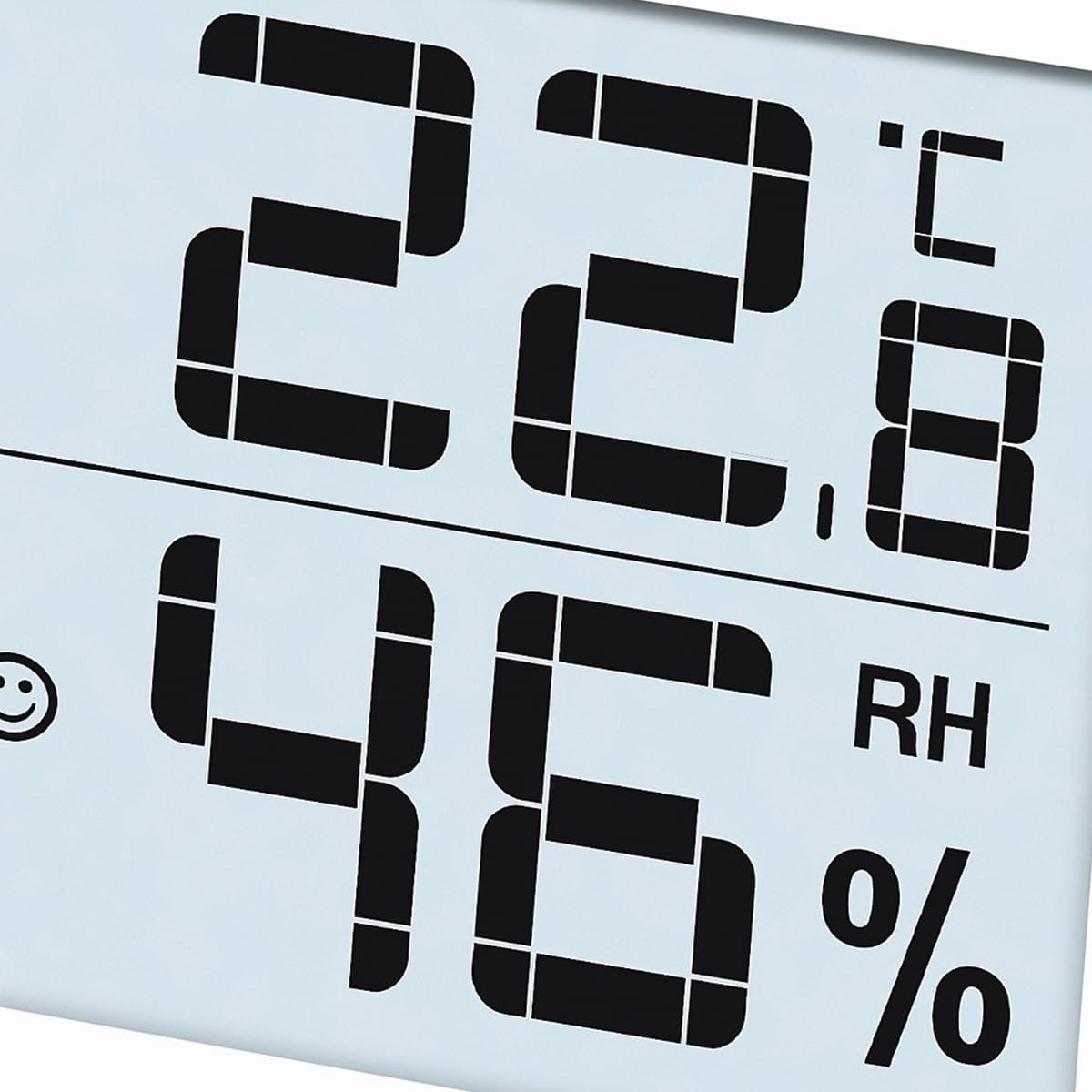
Figure 3: Display Example
This close-up image shows the digital display of the Beurer HM16, clearly indicating a temperature of 22.8 °C and a relative humidity of 46% RH. A small smiley icon is also visible, indicating the comfort level.
2. Switching Temperature Units (°C/°F)
سیلسیس (°C) اور فارن ہائیٹ (°F) کے درمیان سوئچ کرنے کے لیے:
- Locate the small button labeled "°C/°F" on the back of the device (refer to Figure 2).
- Press this button once to toggle the temperature display between Celsius and Fahrenheit.
3. Comfort Level Indicator (Smiley Display)
The HM16 features a visual comfort indicator to quickly assess the indoor climate:
- Smiling Face :) : Indicates a comfortable climate (Temperature: 20-25°C / 68-77°F, Humidity: 30-60% RH).
- Neutral Face :| : Indicates a dry climate (Humidity: <30% RH, regardless of temperature).
- Sad Face :( : Indicates a wet climate (Humidity: >60% RH, regardless of temperature).
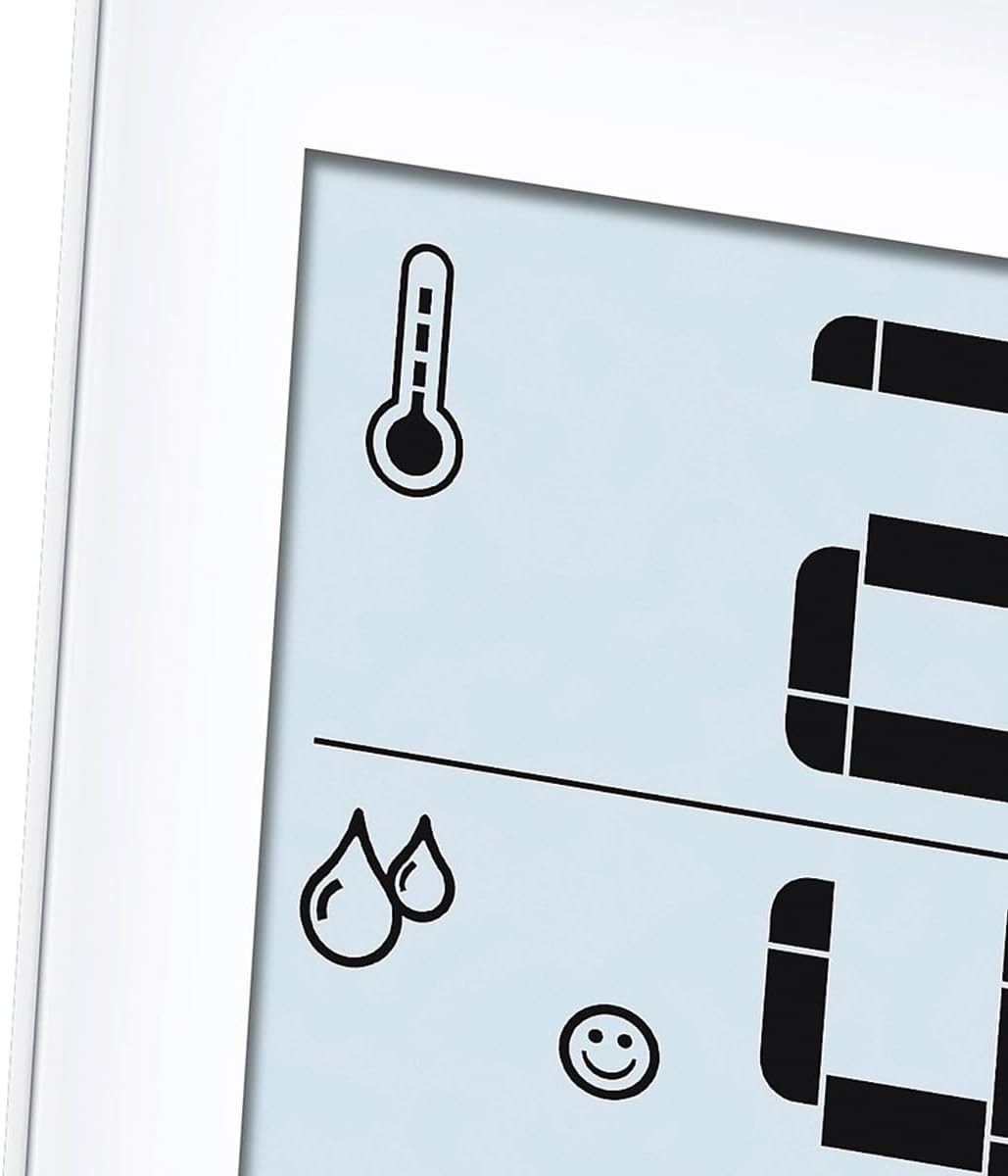
Figure 4: Comfort Indicator and Icons
This image provides a close-up of the display's icons, including the thermometer symbol for temperature, the droplet symbols for humidity, and the smiling face icon which serves as the comfort level indicator. This visual cue helps users quickly understand the current indoor climate conditions.
دیکھ بھال اور دیکھ بھال
- نرم، خشک کپڑے سے آلہ کو باقاعدگی سے صاف کریں۔
- کھرچنے والے صفائی کے ایجنٹوں یا سالوینٹس کا استعمال نہ کریں۔
- اگر آلہ ایک طویل مدت تک استعمال نہیں کیا جائے گا، بیٹری کو ہٹا دیں تاکہ رساو کو روکا جا سکے۔
- آلے کو ٹھنڈی، خشک جگہ پر اسٹور کریں۔
خرابی کا سراغ لگانا
| مسئلہ | ممکنہ وجہ | حل |
|---|---|---|
| No display / Display is dim | Battery is empty or incorrectly inserted. | Replace the battery (CR2025) or ensure it is inserted correctly with the positive (+) side up. |
| غلط پڑھنا۔ | آلہ گرمی کے ذرائع، وینٹوں کے قریب یا براہ راست سورج کی روشنی میں رکھا گیا ہے۔ | Relocate the device to a central area of the room, away from factors that could influence readings. Allow time for stabilization. |
| Temperature unit cannot be changed | Button not pressed firmly or device malfunction. | Ensure the °C/°F button on the back is pressed firmly. If the issue persists, contact customer support. |
تکنیکی وضاحتیں
- ماڈل: HM16 (Type 67915)
- مصنوعات کے طول و عرض: 10 x 21.5 x 8.1 سینٹی میٹر
- وزن: 100 گرام (0.1 کلوگرام)
- بجلی کی فراہمی: 1 x CR2025 لتیم میٹل بیٹری (شامل)
- درجہ حرارت کی پیمائش کی حد: 0°C سے 50°C (32°F سے 122°F)
- درجہ حرارت کی درستگی: ±0.5°C (±1°F)
- نمی کی پیمائش کی حد: 20% سے 95% RH
- نمی کی درستگی: ±5% RH (between 40-80% RH)
- چڑھنے کی قسم: ٹیبل ٹاپ، وال ماؤنٹ
- مینوفیکچرر: بیورر آتم
وارنٹی اور سپورٹ
For information regarding warranty terms and conditions, or if you require technical support, please refer to the warranty card included with your product or visit the official Beurer webسائٹ آپ مدد کے لیے براہ راست Beurer کسٹمر سروس سے بھی رابطہ کر سکتے ہیں۔
نوٹ: The manufacturer's legal disclaimer states that actual product packaging and materials may contain more and different information than what is shown on websites. Always read labels, warnings, and directions before using or consuming a product.
تصرف
ڈیوائس کو ضائع کرنا
Do not dispose of the device in household waste. Dispose of the device in accordance with local regulations for electronic waste. Contact your local authorities or waste disposal service for information on proper disposal methods.
بیٹریوں کو ضائع کرنا
Batteries must not be disposed of with household waste. They may contain toxic heavy metals and are subject to special waste treatment. Dispose of batteries at designated collection points in accordance with local regulations.


