вступ
This manual provides essential information for setting up, operating, and maintaining your Philips Ambilight 55MLED920 'The Xtra' Mini LED 4K Smart TV. Please read these instructions carefully before using your television to ensure optimal performance and safety.
Налаштування
1. Розпакування та вміст упаковки
Обережно вийміть усі компоненти з упаковки. Переконайтеся, що всі перелічені нижче елементи присутні:
- Телевізійний блок
- Кабель живлення
- Пульт дистанційного керування з 2 батарейками типу AAA
- стенд
- Керівництво користувача та гарантійний талон
Keep the packaging for future transport or storage.
2. Installing the TV Stand or Wall Mount
Follow the instructions provided in the separate stand installation guide or wall mount kit. Ensure the TV is placed on a stable, level surface or securely mounted to a wall, away from direct sunlight or heat sources.
3. Підключення пристроїв
Connect your external devices such as set-top boxes, gaming consoles, or sound systems to the appropriate ports on your TV.

зображення: Ззаду і збоку view of the Philips Ambilight TV, illustrating the various connectivity ports available for external devices. These include HDMI, USB, Satellite, TV Antenna, Digital Audio Out, and Network connections.
- HDMI: For high-definition audio and video connections (e.g., Blu-ray players, game consoles). This TV supports HDMI 2.1.
- USB: Для підключення USB-накопичувачів для відтворення медіафайлів fileабо для оновлень програмного забезпечення.
- Ethernet (мережа): Для дротового підключення до Інтернету.
- Wi-Fi: Для бездротового підключення до інтернету.
- Bluetooth: Для підключення бездротових аксесуарів, таких як навушники або колонки.
- Антена/Супутник: For connecting to broadcast signals.
- Цифровий аудіовихід: Для підключення до зовнішніх аудіосистем.
4. Підключення живлення
Connect the power cable to the TV and then to a wall outlet. The TV will enter standby mode.
Керування телевізором
1. Пульт дистанційного керування
The included remote control allows you to navigate menus, adjust settings, and control your TV's functions. Insert the two AAA batteries as indicated in the battery compartment.
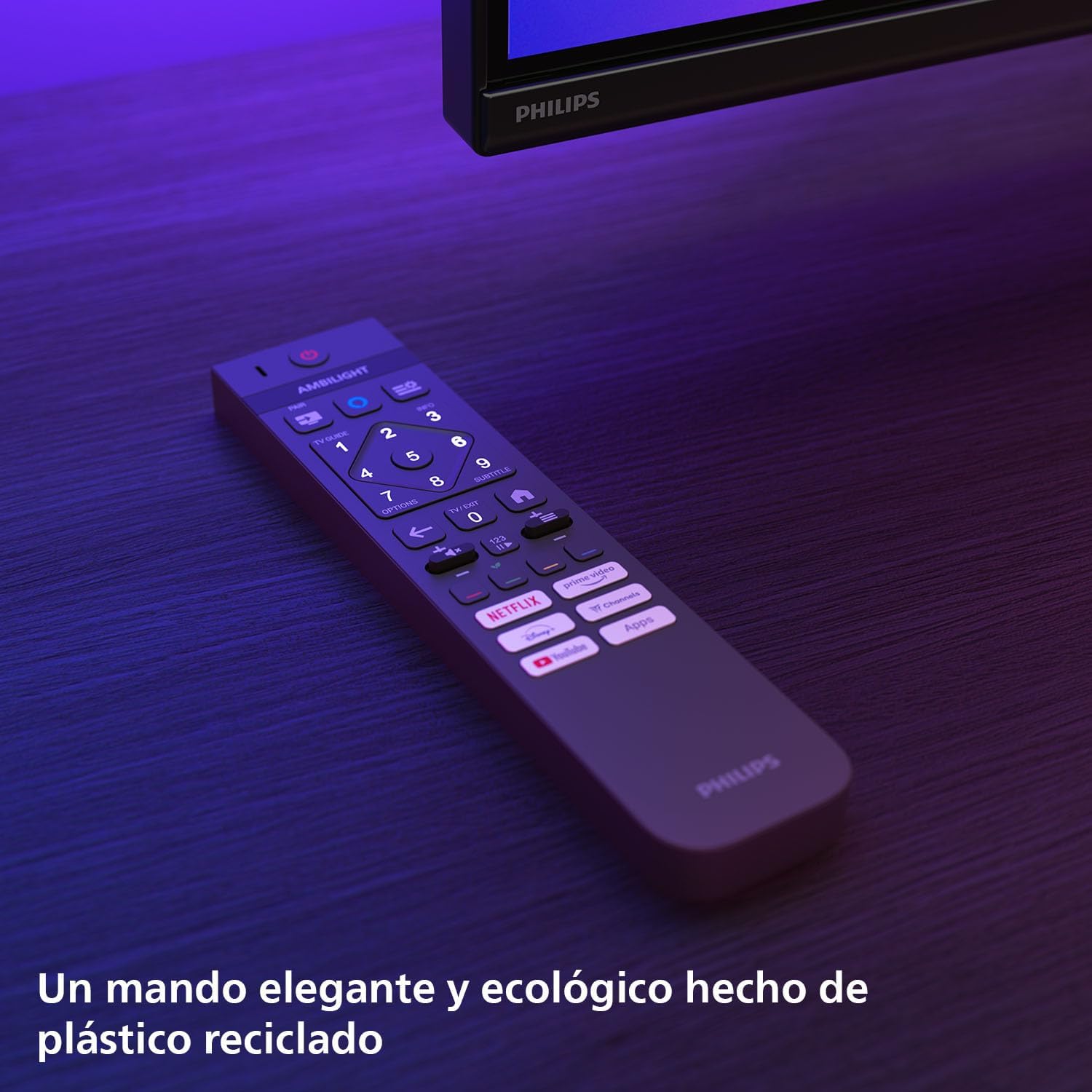
зображення: The Philips TV remote control, designed for ease of use and made from recycled plastic, shown illuminated by the TV's Ambilight feature.
2. Увімкнення/вимкнення живлення
Press the power button on the remote control or on the TV to turn the TV on or off. Pressing it once will put the TV into standby mode.
3. Функція Ambilight
Your Philips Ambilight TV features reactive LED lights integrated into the back of the screen. These lights project colors onto the wall behind the TV, matching the on-screen content to create an immersive viewing experience. You can customize Ambilight settings through the TV menu.

зображення: The Philips Ambilight TV in a living room setting, showcasing its reactive LED lights that extend the visual experience beyond the screen by projecting matching colors onto the surrounding wall.
4. Picture Quality (P5 Picture Engine, Mini LED, Quantum Dot, HDR)
The TV utilizes the P5 Picture Engine to deliver vibrant colors, natural skin tones, and sharp contrast. Combined with Quantum Dot Mini-LED technology, it produces deeper blacks, brighter whites, and a wider color spectrum for clear, detailed images. It supports various HDR formats for enhanced depth and contrast.
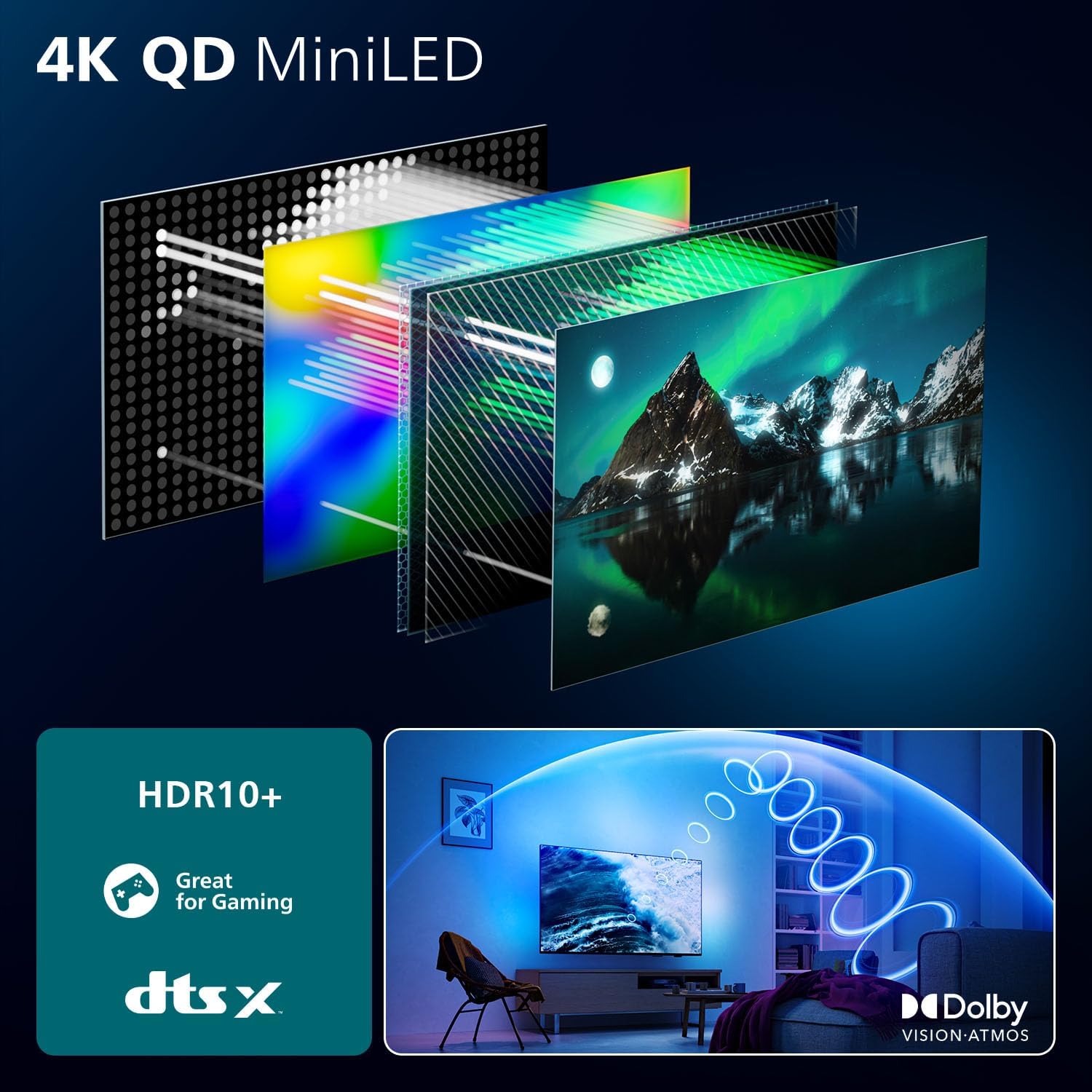
зображення: A detailed diagram illustrating the internal structure of the 4K QD MiniLED display, highlighting the layers responsible for producing enhanced color and contrast.
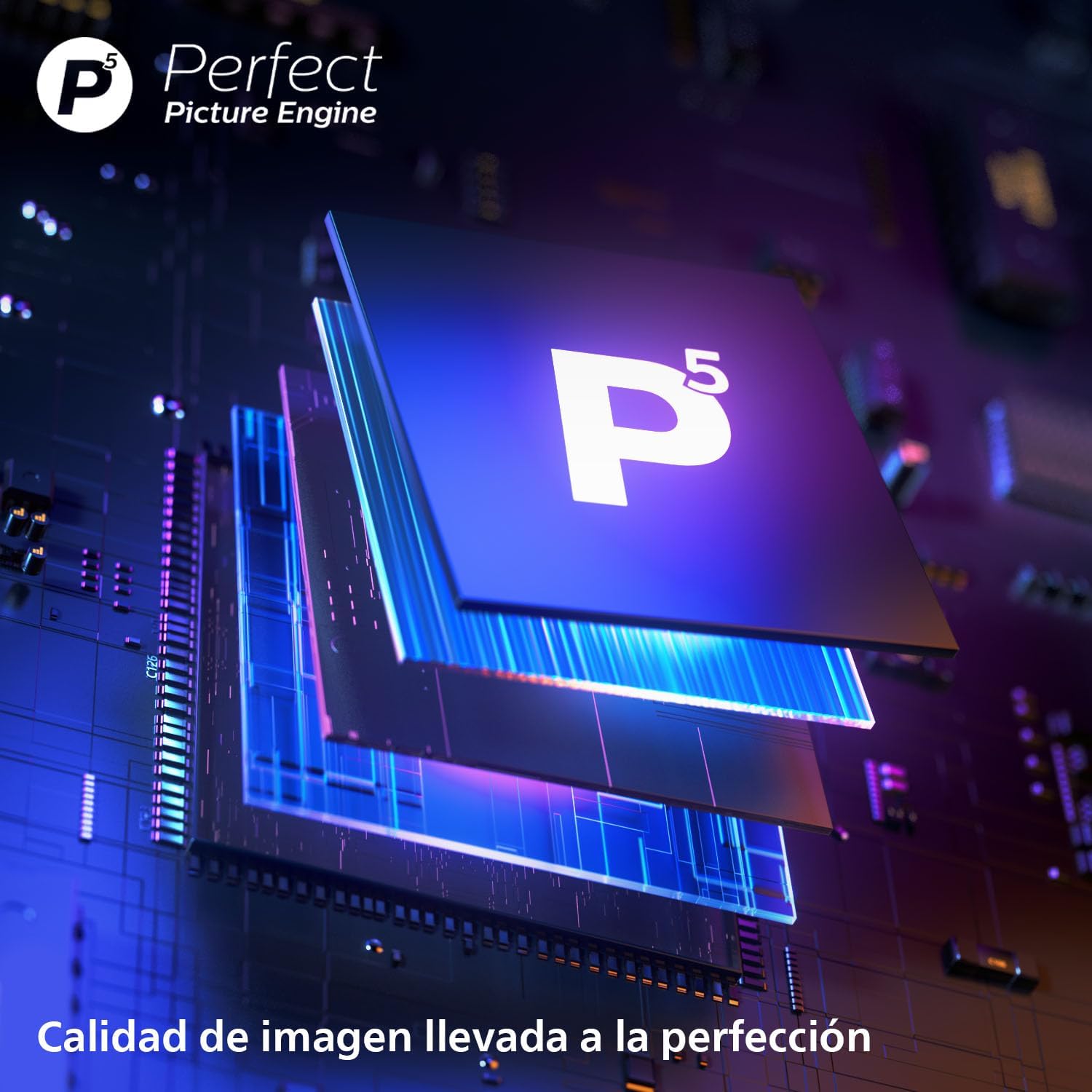
зображення: Крупний план view of the P5 Perfect Picture Engine microchip, symbolizing the advanced image processing capabilities that ensure brilliant and detailed visuals.
5. Sound Quality (Dolby Atmos, IntelliSound)
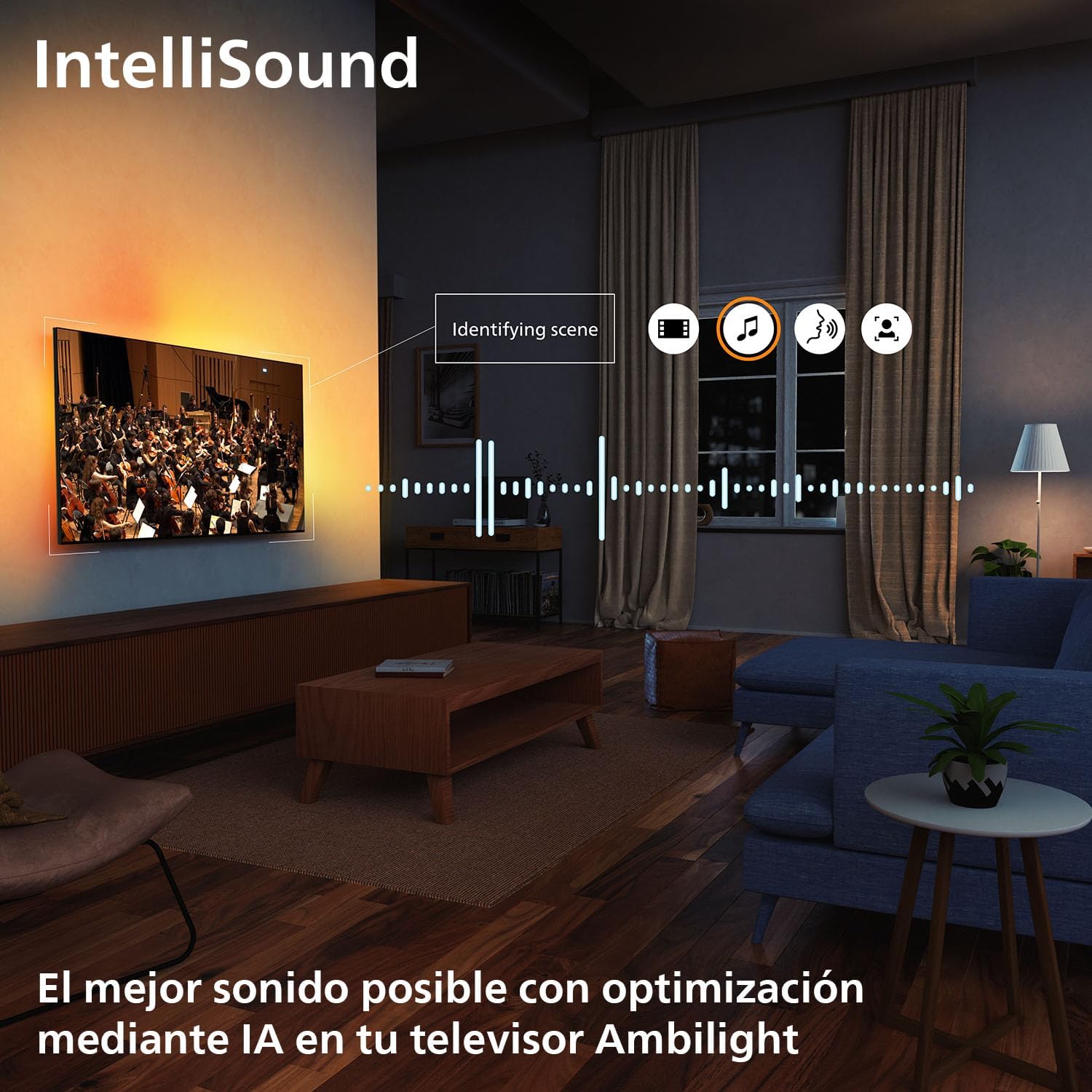
Experience immersive audio with Dolby Atmos, which creates a three-dimensional sound experience. The integrated IntelliSound engine uses AI to optimize audio settings automatically based on the content you are watching, whether it's news, music, or movies.
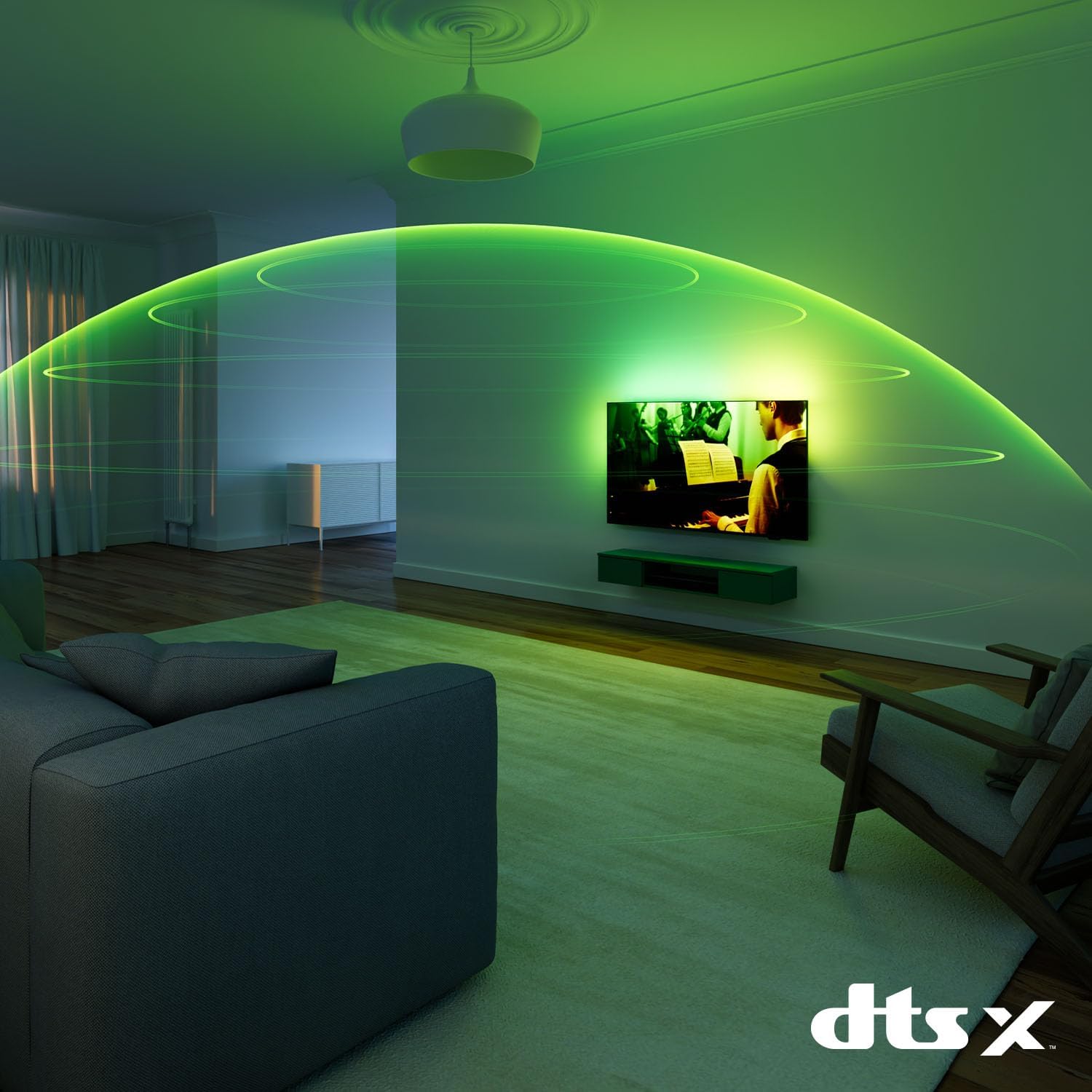
зображення: A visual representation of immersive sound technology in a living room, with sound waves emanating from the Philips Ambilight TV, indicating a rich audio experience.
6. Smart TV Features (Titan OS, Voice Assistant, Matter)
Ваш телевізор працює Титан ОС, providing access to streaming services and apps. The intuitive interface allows for easy navigation and content discovery. The TV is compatible with Матерія for seamless integration into your smart home network and supports voice assistants like Алекса і Google Assistant for hands-free control.

зображення: The Philips TV displaying the Titan OS smart TV interface, featuring popular streaming applications and indicating compatibility with Alexa and Matter smart home systems.
зображення: Illustrations demonstrating the TV's integration with voice assistants, showing interactions with both Google Home and Alexa devices for controlling the TV and querying information.
7. Ігрові функції
This TV is optimized for gaming with features like AMD FreeSync, а Частота оновлення 120 Гц (up to 144 Hz VRR via HDMI for PC gaming), and a dedicated Game Mode. These features ensure smooth, tear-free gameplay and ultra-low input lag.

зображення: A gaming setup featuring the Philips Ambilight TV, emphasizing its high refresh rate (up to 144Hz VRR) and AMD FreeSync Premium for a smooth gaming experience.
Технічне обслуговування
- Очищення екрану: Обережно протріть екран м’якою тканиною без ворсу. Для стійких плям використовуйте спеціальний розчин для чищення екранів, нанесений на тканину, а не безпосередньо на екран.
- Прибирання шафи: Використовуйте м’яку суху тканину для очищення корпусу телевізора. Уникайте використання абразивних засобів для чищення або розчинників.
- Оновлення програмного забезпечення: Ensure your TV's software is up to date for optimal performance and new features. You can usually find this option in the TV's settings menu under "Software Update" or "About TV".
Усунення несправностей
If you encounter issues with your TV, try the following common solutions before contacting support:
- Немає живлення: Перевірте, чи кабель живлення надійно підключено до телевізора та розетки. Переконайтеся, що розетка справна.
- Немає зображення/звуку: Перевірте, чи вибрано правильне джерело вхідного сигналу. Перевірте всі кабельні з’єднання із зовнішніми пристроями.
- Пульт дистанційного керування не працює: Замініть батарейки. Переконайтеся, що між пультом дистанційного керування та ІЧ-датчиком телевізора немає перешкод.
- Погана якість зображення: Check the signal source. Adjust picture settings (brightness, contrast, sharpness) in the TV menu.
- Немає підключення до Інтернету: For Wi-Fi, check your router and network settings. For wired connection, ensure the Ethernet cable is properly connected.
For more detailed troubleshooting, refer to the full user manual or visit the Philips support webсайт.
Технічні характеристики
| Особливість | Деталь |
|---|---|
| Бренд | Philips |
| Номер моделі | 55MLED920/12 |
| Розмір екрана | 55 дюймів |
| Технологія дисплея | Міні світлодіод |
| роздільна здатність | 4K |
| Частота оновлення | 120 Hz (up to 144 Hz VRR) |
| Особливості | AMD FreeSync, Ambilight, Game Mode, Automatic Volume Leveler, Ambient Light Sensor |
| Технологія підключення | Bluetooth, Ethernet, HDMI, USB, Wi-Fi |
| Співвідношення сторін | 16:9 |
| Розміри продукту | 28 х 122.6 х 77.8 см; 11.7 кг |
| Операційна система | Титан ОС |
Гарантія та підтримка
Your Philips Ambilight TV comes with a manufacturer's warranty. Please refer to the warranty card included in your package for details on coverage and terms. For technical support, product registration, or to download the full user manual, please visit the official Philips support webсайту або зв’яжіться з їхньою службою обслуговування клієнтів.
Інтернет-підтримка: www.philips.com/support