1. Більшеview
This manual provides essential information for setting up, operating, maintaining, and troubleshooting your HP 14-dq5009nr laptop. Designed for productivity and entertainment, this thin and light laptop offers reliable performance for everyday tasks.

Figure 1: HP 14-dq5009nr Laptop in Natural Silver.
Ключові характеристики:
- Micro-Edge HD Display: Enjoy an ultra-wide viewing experience with minimal bezel.
- Intel Core i3-1215U Processor: 12th Generation Intel Core processor with 6 cores for multitasking.
- Intel UHD Graphics: Smooth streaming of 4K content and casual gaming.
- Зберігання та пам'ять: 256 GB PCIe NVMe M.2 SSD for fast performance and 8 GB DDR4 RAM for enhanced multitasking.
- Windows 11 Домашня в S-режимі: Secure operating system with fast boot times and protection against malware.

Малюнок 2: Закінченоview of the HP 14-dq5009nr Laptop's main features including display, processor, graphics, storage, and memory.
2. Налаштування
2.1 Початкове ввімкнення
- Розпакуйте ноутбук та всі аксесуари з коробки.
- Підключіть адаптер живлення до порту зарядки ноутбука, а потім до розетки.
- Відкрийте кришку ноутбука. Ноутбук може увімкнутися автоматично, або вам може знадобитися натиснути кнопку живлення, розташовану у верхньому правому куті клавіатури.
- Follow the on-screen instructions to complete the Windows 11 Home in S Mode setup, including selecting your region, language, and connecting to a Wi-Fi network.

Figure 3: The HP laptop screen showing the Windows 11 Start Menu, indicating successful initial setup.
2.2 Підключення до Wi-Fi
During the initial setup, you will be prompted to connect to a wireless network. If you need to connect later or change networks:
- Натисніть на Значок мережі (usually a Wi-Fi symbol) in the bottom-right corner of the taskbar.
- Виберіть потрібну мережу Wi-Fi зі списку.
- Натисніть Підключитися і введіть ключ безпеки мережі (пароль), якщо буде запропоновано.
3. Керування ноутбуком HP
3.1 Клавіатура та сенсорна панель
The laptop features a full-sized keyboard and an integrated precision touchpad with multi-touch support. The touchpad supports gestures for smooth scrolling, zooming, and navigation.
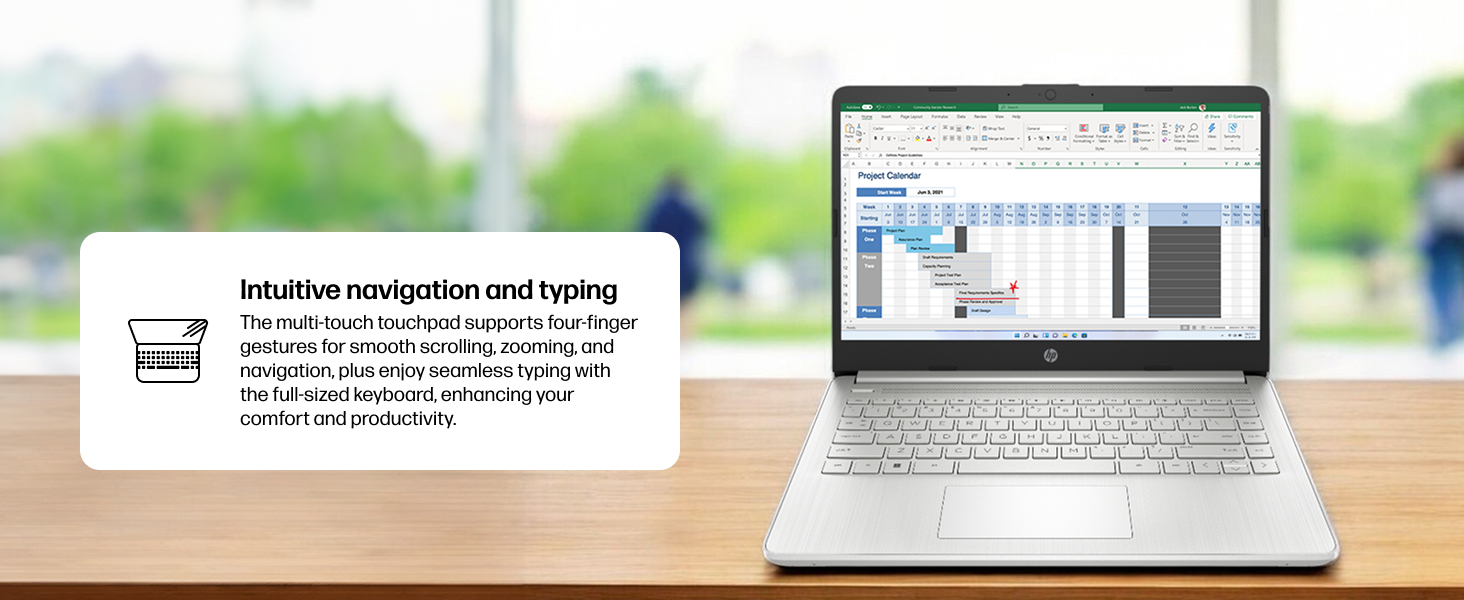
Figure 4: Demonstrating intuitive navigation and typing with the multi-touch touchpad and full-sized keyboard.
3.2 Дисплей та графіка
Your HP laptop is equipped with a 14-inch HD micro-edge display and Intel UHD Graphics, providing vibrant visuals for various tasks, from web browsing to multimedia consumption.
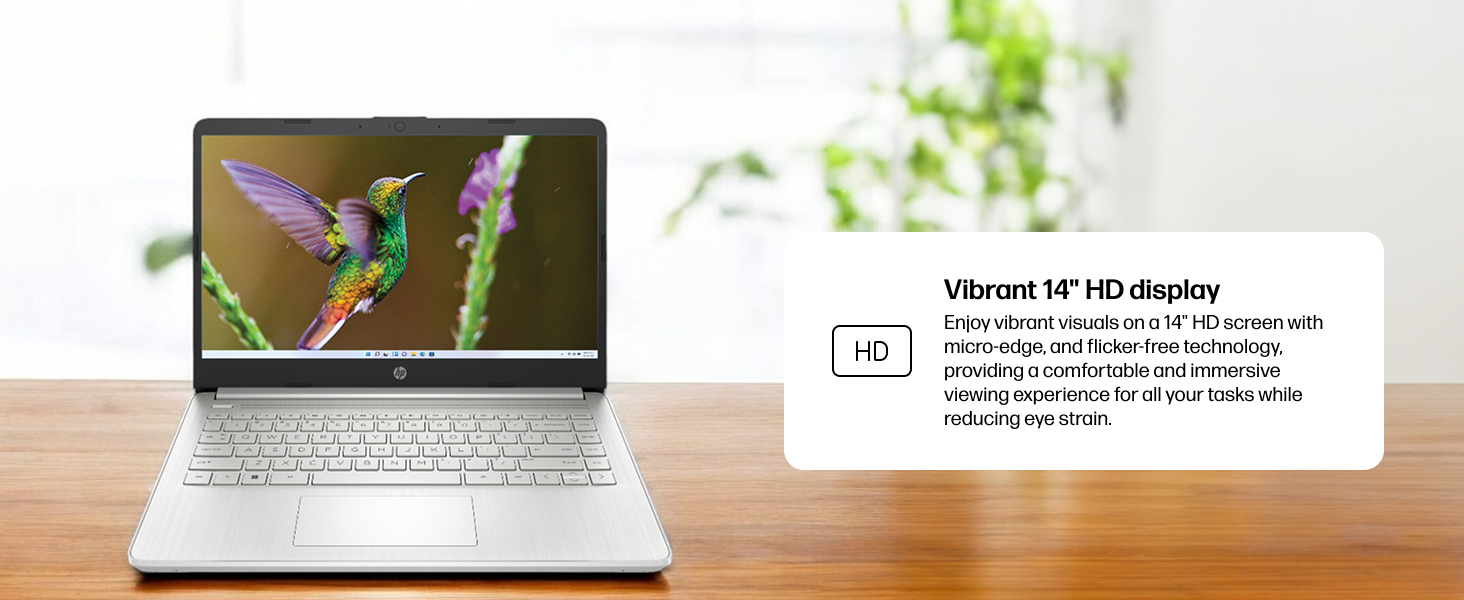
Рисунок 5: Зображення на екрані ноутбукаasing vivid visuals powered by Intel UHD graphics.
3.3 Порти та підключення
The laptop offers a range of ports for connecting peripherals and external devices:
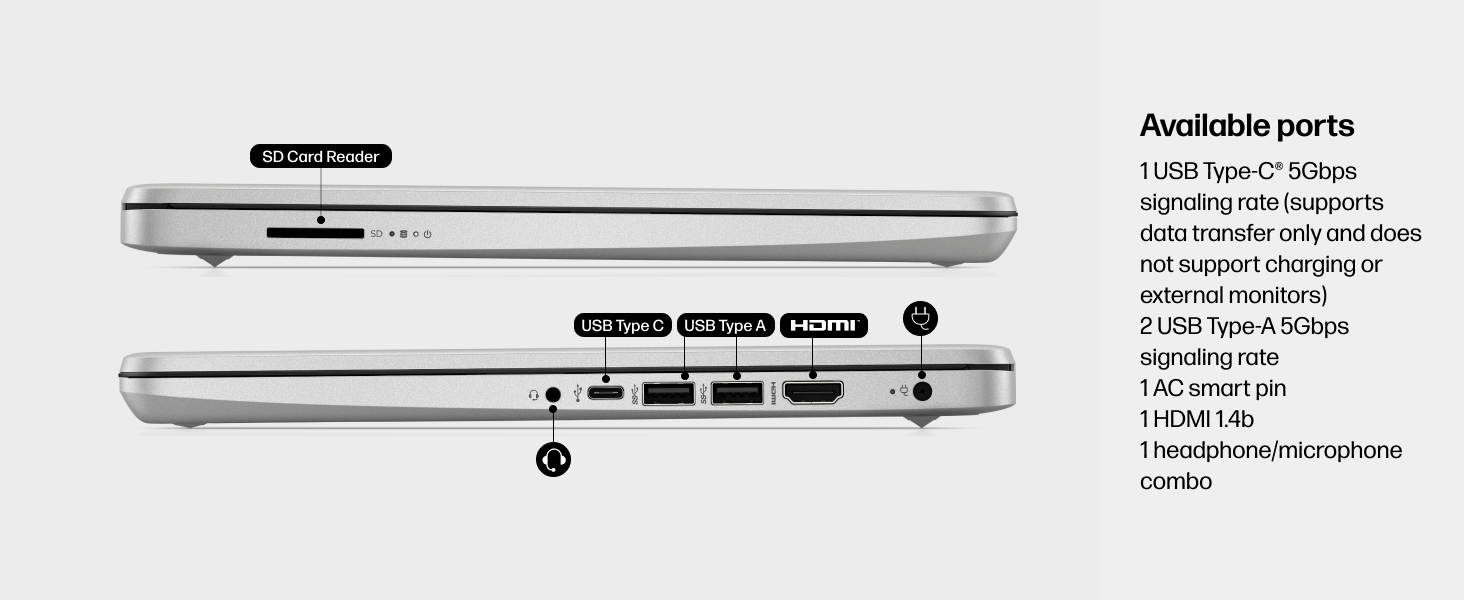
Малюнок 6: Детально view of the available ports on the HP 14-dq5009nr laptop.
- 1 USB Type-C® 5Gbps signaling rate (supports data transfer only, no charging or external monitors)
- 2 Швидкість сигналу USB Type-A 5 Гбіт/с
- 1 AC smart pin (for power adapter)
- 1 HDMI 1.4b
- 1 комбінований роз'єм для навушників/мікрофона
- 1 Зчитувач SD-карт
4. Технічне обслуговування
4.1 Догляд за акумулятором
The HP 14-dq5009nr features a long-lasting battery and HP Fast Charge technology, allowing you to charge from 0 to 50% in approximately 45 minutes. To maximize battery lifespan:
- Уникайте екстремальних температур.
- Не розряджайте акумулятор повністю регулярно.
- Зберігайте ноутбук частково зарядженим, якщо він не використовується протягом тривалого часу.
4.2 Інструкції з очищення
- Злегка протріть м’якою тканиною без ворсу dampводою або засобом для чищення екранів, щоб очистити дисплей.
- Для клавіатури та корпусу використовуйте м’яку тканину. Уникайте агресивних хімічних речовин.
4.3 Оновлення програмного забезпечення
Ensure your Windows 11 operating system and drivers are regularly updated for optimal performance and security. Windows Update typically handles this automatically.
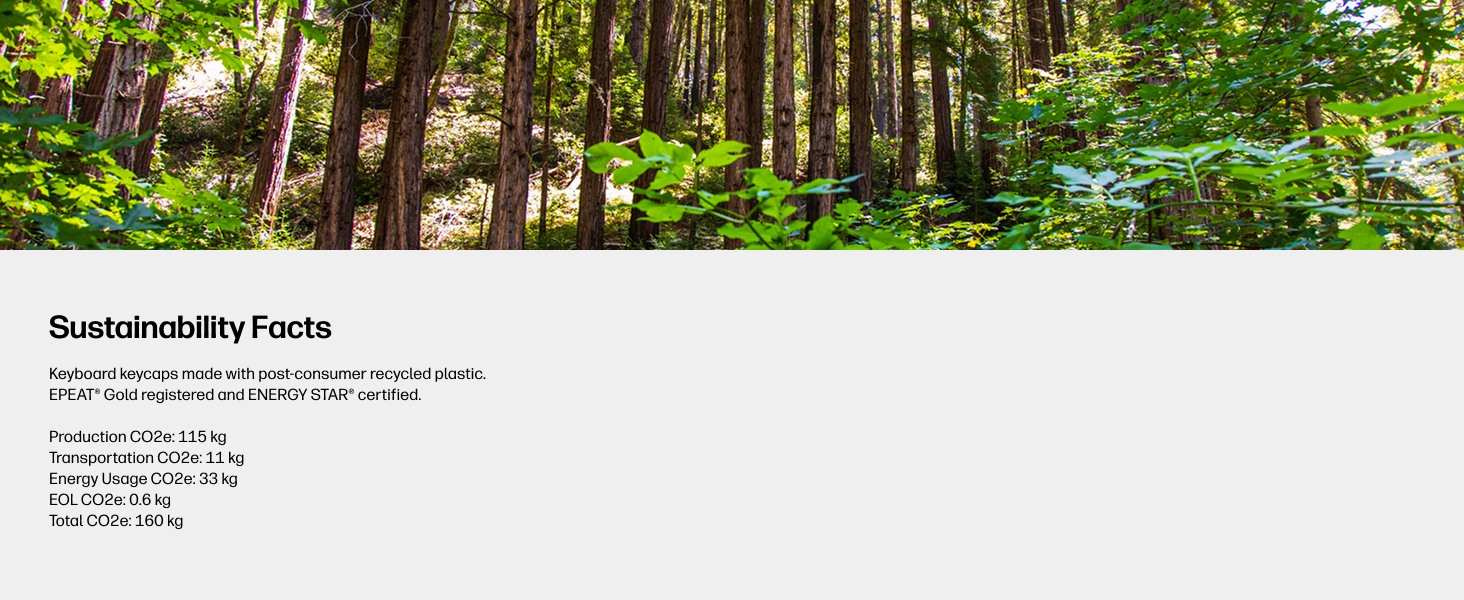
Figure 7: The laptop's keyboard keycaps are made from post-consumer recycled plastic, reflecting HP's commitment to sustainability.
5. Вирішення проблем
5.1 Проблеми з живленням
- Ноутбук не вмикається: Ensure the power adapter is securely connected and the battery has sufficient charge. Try pressing and holding the power button for 15 seconds.
- Акумулятор не заряджається: Перевірте, чи не пошкоджено адаптер живлення та кабель. Спробуйте підключитися до іншої розетки.
5.2 Проблеми з дисплеєм
- Порожній екран: Connect an external monitor to check if the display is the issue. Try adjusting screen brightness using the function keys (F2/F3 or similar, look for sun icons).
- Мерехтіння екрана: Оновіть графічні драйвери.
5.3 Проблеми з підключенням
- Wi-Fi не підключається: Ensure Wi-Fi is enabled in Windows settings. Restart your router and modem.
- Пристрій Bluetooth не підключається: Переконайтеся, що Bluetooth увімкнено на обох пристроях, і вони перебувають у режимі сполучення.
6. Технічні характеристики
| Особливість | Специфікація |
|---|---|
| Розмір дисплея стоячого екрана | 14 дюймів |
| Роздільна здатність екрана | 1366 x 768 пікселів (HD) |
| Процесор | Intel Core i3-1215U (4.4 ГГц) |
| ОЗУ | 8 ГБ DDR4 (2400 МГц) |
| Жорсткий диск | Твердотільний накопичувач 256 ГБ (PCIe NVMe M.2) |
| Графічний співпроцесор | Графіка Intel UHD |
| Операційна система | Windows 11 Home в режимі S |
| Бездротовий тип | 802.11a/b/g/n/ac, Bluetooth |
| Вага товару | 3.24 фунта |
| Розміри продукту | 12.76 x 0.71 x 8.86 дюймів |
| Колір | Срібло |
7. Гарантія та підтримка
7.1 Інформація про гарантію
Your HP 14-dq5009nr laptop comes with a 1 рік обмеженої гарантії на обладнанняКрім того, 90-денна обмежена технічна підтримка for software and initial setup is provided when the product is shipped from and sold by Amazon.
7.2 Технічна підтримка
For technical assistance, please refer to the official HP support channels. Web support is available 24 hours a day, 7 days a week. You can also visit the Магазин HP на Amazon для отримання додаткової інформації та ресурсів.