giriiş
This manual provides essential instructions for setting up, operating, and maintaining your LIGE EF21-J Smart Watch. Please read this guide thoroughly to ensure proper use and to fully utilize all features of your device. This smart watch is designed to be a versatile companion for both business and sports activities, offering advanced health monitoring, communication, and fitness tracking capabilities.
Paket İçeriği
Paketinizde tüm öğelerin mevcut olduğundan emin olun:
- 1 x LIGE EF21-J Smart Watch
- 1 x Stainless Steel Strap
- 1 x Silikon Kayış
- 1 x USB Manyetik Şarj Kablosu
- 1 x Type-C Şarj Kablosu
- 1 x Kullanım Kılavuzu (bu belge)
Ürün Bittiview
The LIGE EF21-J Smart Watch features a 1.43-inch AMOLED display, a durable metal case, and interchangeable straps to suit various occasions. It integrates advanced sensors for comprehensive health and fitness tracking.

Image: The LIGE EF21-J Smart Watch shown in different lifestyle scenarios, highlighting its adaptability for business, casual, and active use.
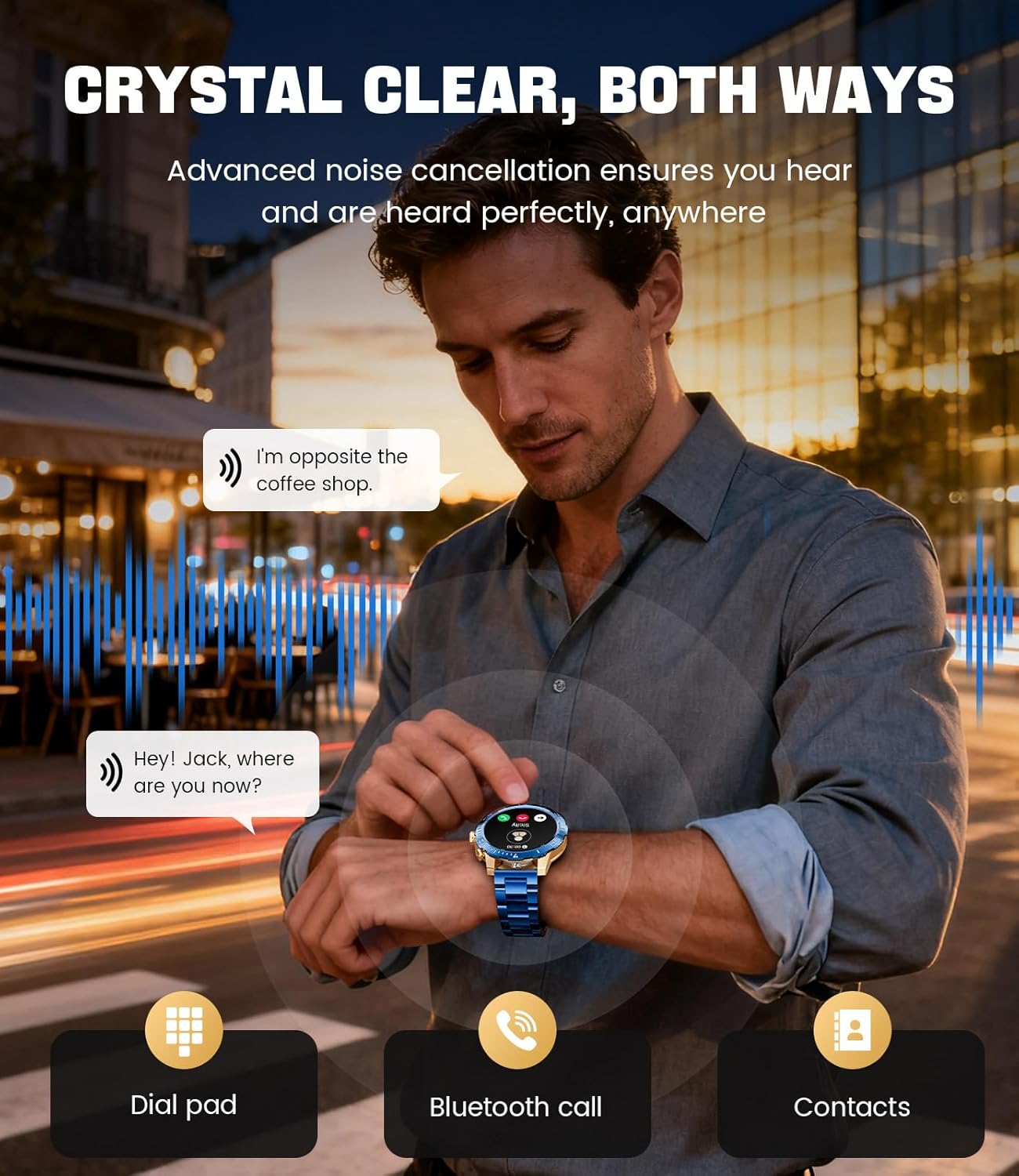
Image: A close-up of the LIGE EF21-J Smart Watch screen showing an incoming call, demonstrating its Bluetooth calling capability with clear audio.

Image: The LIGE EF21-J Smart Watch interface showing a selection of sports modes, including golf, climbing, and running, indicating its extensive activity tracking features.

Image: The LIGE EF21-J Smart Watch screen displaying heart rate, blood oxygen, and sleep data, illustrating its 24/7 health monitoring capabilities.
Video: Resmi bir ürün videosu gösterimiasing the LIGE EF21-J Smart Watch's key features, including its AMOLED display, rotary encoder crown, charging capabilities, compatibility, sports modes, health monitoring, and various smart functions.
Kurmak
1. Akıllı Saati Şarj Etme
Before first use, fully charge your LIGE EF21-J Smart Watch. The watch comes with both a USB magnetic charging cable and a Type-C charging cable for convenience.
- Connect the magnetic end of the charging cable to the charging points on the back of the watch. Ensure it snaps securely into place.
- Connect the USB or Type-C end of the cable to a compatible power adapter (not included) or a computer's USB port.
- Saat ekranı şarj durumunu gösterecektir. Tam şarj genellikle yaklaşık 2-3 saat sürer.

Image: The LIGE EF21-J Smart Watch connected to its magnetic charging cable, illustrating the charging process and the inclusion of both USB and Type-C cable options.
2. Uygulama Kurulumu
To unlock the full functionality of your smart watch, download and install the companion application on your smartphone.
- The LIGE EF21-J Smart Watch uses the FitCloudPro App.
- Arama "FitCloudPro" in the Apple App Store (for iOS 12.0+ devices) or Google Play Store (for Android 8.0+ devices).
- Uygulamayı indirin ve kurun.
3. Cihaz Eşleştirme
Pair your smart watch with the FitCloudPro app via Bluetooth to synchronize data and enable smart features.
- Akıllı telefonunuzda Bluetooth'un etkinleştirildiğinden emin olun.
- Open the FitCloudPro app and create an account or log in.
- Yeni bir cihaz eklemek için uygulama içi yönergeleri izleyin. Uygulama, kullanılabilir cihazları arayacaktır.
- Select "EF21-J" or the corresponding device name from the list.
- Eşleştirme isteğini hem akıllı telefonunuzdan hem de saatinizden onaylayın.
- Eşleştirme işlemi tamamlandıktan sonra saatiniz telefonunuzla zamanı ve verileri senkronize edecektir.
Kullanım Talimatları
Temel Gezinme
- Dokunmatik ekran: Menüler ve işlevler arasında gezinmek için sola, sağa, yukarı veya aşağı kaydırın. Seçmek için dokunun.
- Rotary Encoder Crown: Listelerde gezinmek veya ayarları düzenlemek için tepeyi çevirin. Ana ekrana dönmek veya seçimleri onaylamak için tepeye basın.
- Yan Düğme: Typically used for quick access to sports modes or as a back button.
Bluetooth çağrısı
Akıllı telefonunuza bağlıyken, doğrudan bileğinizden arama yapabilir ve aramaları yanıtlayabilirsiniz.
- Saatinizin Bluetooth aracılığıyla telefonunuzla eşleştirildiğinden emin olun.
- To make a call: Access the dial pad or contacts list on your watch.
- To answer a call: When a call comes in, tap the green answer icon on the watch screen.
- To reject a call: Tap the red reject icon.
Akıllı Bildirimler
Aramalar, mesajlar ve uygulama bildirimleri için uyarıları doğrudan saatinizde alın.
- Enable notification permissions for the FitCloudPro app in your phone's settings.
- Configure which app notifications you wish to receive through the FitCloudPro app.
- Saat kadranından aşağı doğru kaydırın. view son bildirimler.
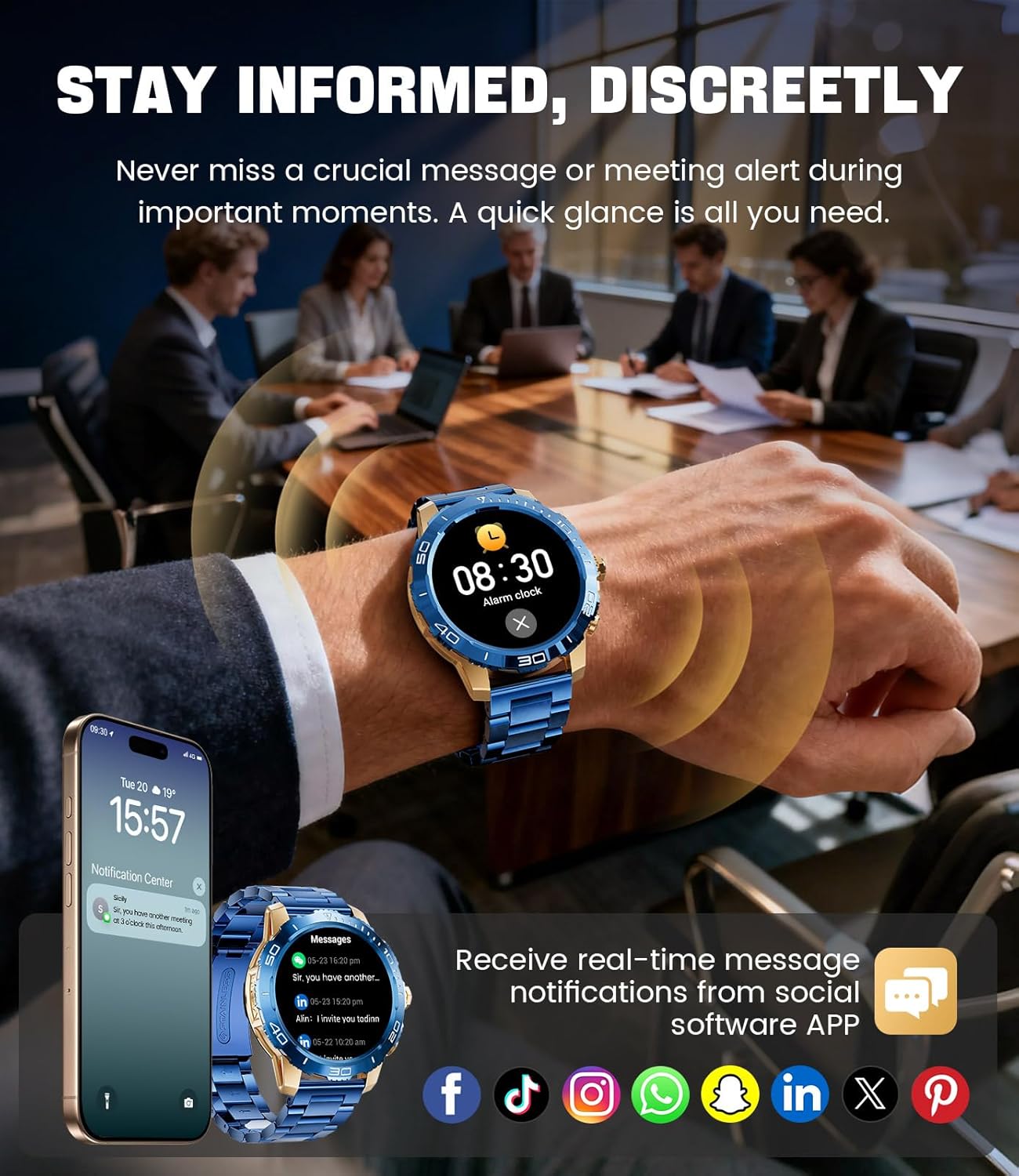
Image: The LIGE EF21-J Smart Watch screen showing incoming message notifications from various social media applications, demonstrating its ability to keep users informed discreetly.
Spor Modları
The watch supports over 200 sports modes to accurately track your physical activities.
- Access the sports mode menu from the main interface.
- Select your desired activity (e.g., running, cycling, yoga, basketball).
- Saat, mesafe, adım sayısı, yakılan kalori ve kalp atış hızı gibi ölçümleri takip etmeye başlayacak.
- End your workout by following the on-screen prompts. Data will sync to the FitCloudPro app for detailed analysis.
Sağlık İzleme
Monitor your heart rate, blood oxygen, and sleep patterns throughout the day.
- Kalp Atış Hızı: Saat, kalp atış hızınızı sürekli olarak izler. View real-time data on the watch or historical trends in the app.
- Kan Oksijeni (SpO2): İhtiyaç duyduğunuzda kan oksijen seviyenizi ölçün.
- Uyku Takibi: Wear the watch to bed to track your sleep duration and quality. Data includes deep sleep, light sleep, and awake times.
- Stres İzleme: The watch can also provide insights into your daily stress levels.
Important: The LIGE EF21-J Smart Watch is not a medical device. Health data provided is for reference only and should not be used for medical diagnosis or treatment. Consult a healthcare professional for any health concerns.
Diğer Fonksiyonlar
The watch offers a variety of additional features to enhance your daily life:
- Sesli Asistan: Interact with your phone's voice assistant directly from your watch.
- Müzik Çalar Kontrolü: Akıllı telefonunuzda müzik çalmayı kontrol edin (oynat, durdur, parçaları atla).
- Hava Durumu tahmini: Gerçek zamanlı hava durumu güncellemelerini alın.
- Çalar Saat: Set alarms to wake you up or remind you of tasks.
- Hareketsizliğe Dikkat: Belirli süreler boyunca hareketsiz kaldıktan sonra hareket etmeniz için uyarı alın.
- Su İçme Hatırlatması: Su tüketimine dikkat etmek için hatırlatıcılar ayarlayın.
- El feneri: Use the watch screen as a small flashlight.
- Telefonumu Bul: Eşleştirilmiş akıllı telefonunuzu bulun.
- Şifre Koruması: Enhance security with a screen lock password.

Image: The LIGE EF21-J Smart Watch interface showcasing a range of smart functions, including music control, weather, breath training, drink reminders, flashlight, and health monitoring summaries.
Pil Yönetimi
The LIGE EF21-J Smart Watch is equipped with an 800mAh battery, designed for extended use.
- Tipik Kullanım: Expect over 10 days of battery life with regular use.
- Bekleme Süresi: The watch can last over 30 days in standby mode.
- Şarj: Use the provided USB magnetic or Type-C charging cables. Always use a compatible 5V/1A power adapter.
- Pil Optimizasyonu: Pil ömrünü uzatmak için ekran parlaklığını azaltın, arka planda uygulama yenilemesini sınırlayın ve gereksiz bildirimleri devre dışı bırakın.
Bakım
- Temizlik: Saatin ekranını ve gövdesini düzenli olarak yumuşak, kuru bir bezle silin. İnatçı kirler için biraz daha yumuşak bir bez kullanın.amp bezle silin ve iyice kurulayın.
- Suya Dayanıklılık: The watch has an IP68 water resistance rating, meaning it is protected against dust and can withstand immersion in water up to 1.5 meters for up to 30 minutes. It is suitable for daily use, hand washing, and light rain. Buhar ve yüksek basınç sızdırmazlığı bozabileceğinden, sıcak sudan, saunadan veya dalıştan kaçının.
- Kayış Bakımı: Clean silicone straps with mild soap and water. For stainless steel straps, use a soft brush and mild cleaning solution, then dry completely.
- Depolamak: Saatinizi kullanmadığınız zamanlarda serin ve kuru bir yerde saklayın. Aşırı sıcaklıklardan kaçının.
Sorun giderme
| Sorun | Çözüm |
|---|---|
| Saat açılmıyor | Saatinizin tam şarjlı olduğundan emin olun. Saatinizi en az 30 dakika şarj cihazına takın. |
| Telefonla eşleştirilemiyor |
|
| Bildirimler alınmadı |
|
| Yanlış sağlık verileri | Ensure the watch is worn snugly on your wrist, about one finger's width from your wrist bone. Avoid excessive movement during measurements. Remember, this is not a medical device. |
| Kısa pil ömrü |
|
Özellikler
| Özellik | Detay |
|---|---|
| Model Numarası | EF21-J |
| Görüntülemek | 1.43 inç AMOLED, 466x466 piksel |
| Pil Kapasitesi | 800mAh Lityum Polimer |
| Pil Ömrü (Tipik) | 10+ gün |
| Bekleme Süresi | 30+ gün |
| Bağlantı | Bluetooth |
| Suya Dayanıklılık | IP68 |
| İşletim Sistemi Uyumluluğu | Android 8.0+ veya iOS 12.0+ |
| Eşlik eden uygulama | FitCloudPro |
| Sağlık İzleme | Heart Rate, Blood Oxygen, Sleep Tracking, Stress Monitoring |
| Spor Modları | 200'den fazla mod |
| Özel Özellikler | Bluetooth Call, Voice Assistant, Music Control, Weather, Alarm, Sedentary Reminder, Drink Reminder, Flashlight, Find My Phone, Password Protection, AMOLED Always On Display |
| Ürün Ağırlığı | 7.1 ons (201 gram) |
| Paket Boyutları | 6 x 4 x 0.9 inç (15.24 x 10.16 x 2.29 cm) |
Garanti ve Destek
LIGE provides customer support for your EF21-J Smart Watch. If you encounter any issues or have questions regarding your device, please contact us through the Amazon messaging system. Our professional customer service team is available to assist you.
Belirli garanti şartları ve koşulları için lütfen satın alma belgelerinize bakın.


