1. Giriş
This manual provides detailed instructions for the Rapoo V500Pro Full-Size Mechanical Gaming Keyboard. Please read this manual thoroughly before using the product to ensure proper operation and to maximize its features. The V500Pro is designed for both gaming and office use, featuring durable mechanical switches, customizable RGB backlighting, and programmable keys.

Image 1: Rapoo V500Pro Full-Size Mechanical Gaming Keyboard (White version).
2. Kurulum Kılavuzu
2.1 Paket İçeriği
- Rapoo V500Pro Mechanical Gaming Keyboard
- USB-C Kablosu
- Kullanım Kılavuzu (bu belge)
2.2 Klavyenin Bağlanması
- Klavyenin arka tarafında bulunan USB-C bağlantı noktasını bulun.
- Kutuda bulunan USB-C kablosunun bir ucunu klavyenin USB-C portuna bağlayın.
- Connect the other end of the USB-C cable (USB-A connector) to an available USB port on your computer or compatible device.
- Klavyeniz işletim sisteminiz tarafından otomatik olarak tanınacaktır. Temel işlevler için genellikle ek sürücülere gerek duyulmaz.
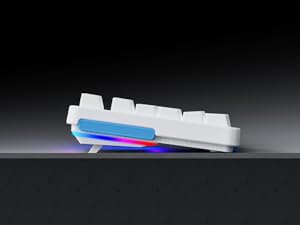
Image 2: Connecting the USB-C cable to the keyboard. The keyboard features an optimized cable management system allowing the cable to be routed to the left, center, or right.
2.3 Kablo Yönetimi
The V500Pro features an optimized cable management system on its underside. You can route the USB-C cable to the left, center, or right to suit your desk setup and minimize cable clutter.

Image 3: Underside of the keyboard showing the three-way cable routing channels.
3. Kullanım Talimatları
3.1 Mekanik Anahtarlar
The Rapoo V500Pro utilizes brown mechanical switches, offering a tactile feel with a lower audible click compared to blue switches, making them suitable for both gaming and typing in various environments.

Image 4: Detail of the brown mechanical switch, highlighting its design for balanced performance.
3.2 RGB Arka Aydınlatma Özelleştirmesi
The keyboard features customizable Rainbow RGB backlighting with 20 lighting modes. You can adjust brightness and speed directly from the keyboard.
- FN + PGUP/PGDN: Farklı arka ışık modları arasında geçiş yapın.
- FN + INS: Switch side lights modes (RGB/solid color/solid breathing/off).
- FN + DEL: Switch side lights color (red/orange/yellow/green/cyan/blue/purple/white).
- FN + D: Brightness adjustment (press repeatedly to cycle through levels).
- FN + D: Breathing frequency adjustment (press repeatedly to cycle through speeds).
- FN + ESC (short press): Arka ışığı açın/kapatın.
- FN + ESC (long press): Restore default lighting settings.
- FN + V: Switch logo lighting (on/breathing/off).
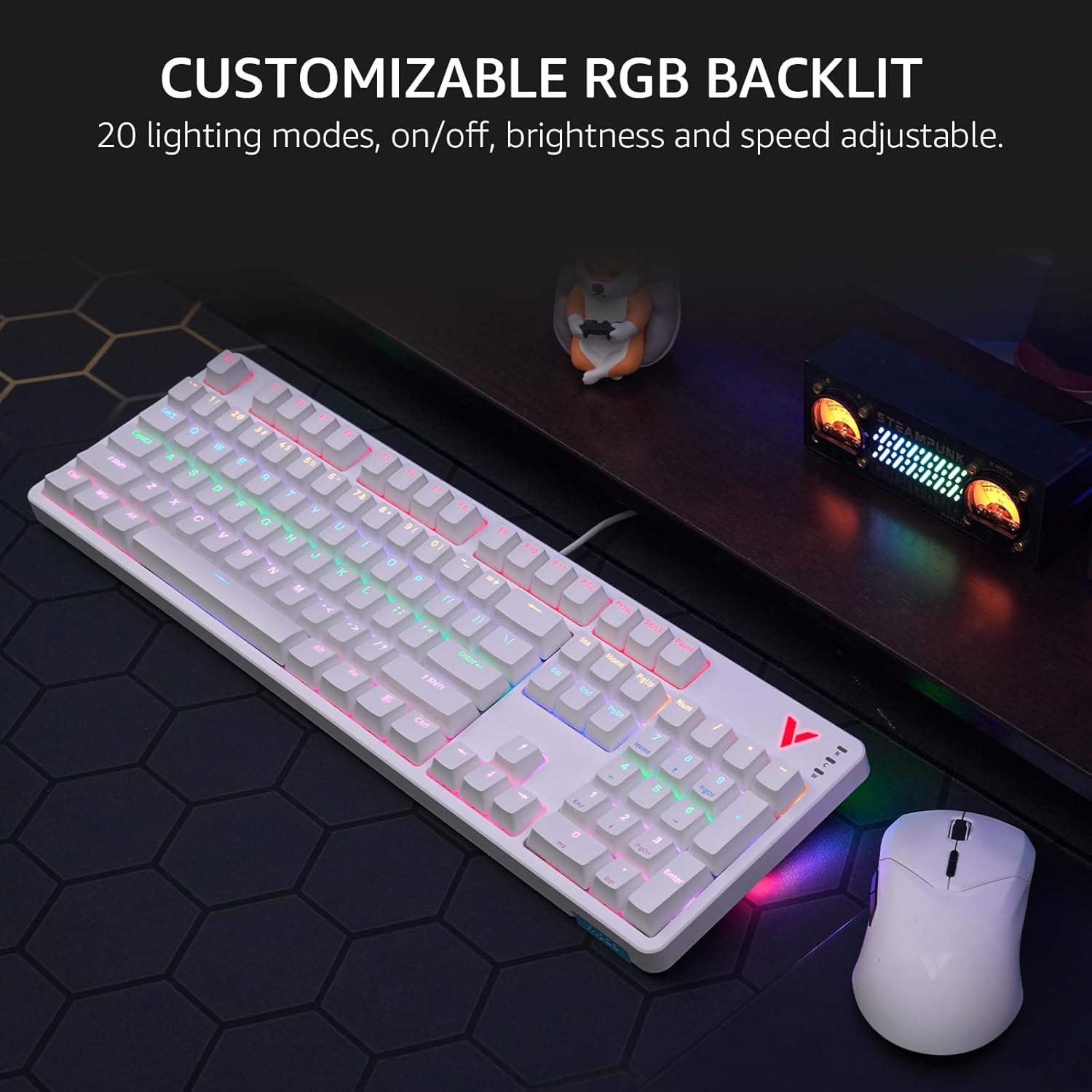
Image 5: The keyboard displaying its customizable RGB backlighting in a typical desktop setup.
Video 1: Bir overview of the Rapoo V500Pro keyboard, demonstrating its features including RGB lighting and mechanical switches.
3.3 Multimedya Kısayol Tuşu
The keyboard includes 12 multimedia hotkeys, accessible by pressing the FN ile birlikte anahtar F1-F12 keys. These provide quick access to common functions.
| Anahtar Kombinasyonu | İşlev |
|---|---|
| FN + F1 | Bilgisayar |
| FN + F2 | Hesap makinesi |
| FN + F3 | Posta kutusu |
| FN + F4 | Ana sayfa |
| FN + F5 | Ara |
| FN + F6 | Medya Oynatıcısı |
| FN + F7 | Önceki Parça |
| FN + F8 | Sonraki Parça |
| FN + F9 | Oynat/Duraklat |
| FN + F10 | Sesi Azalt |
| FN + F11 | Sesi Aç |
| FN + F12 | Sesini kapatmak |
| FN + Kazan | Windows Tuş Kilidi |

Image 6: Visual representation of the FN key combinations for multimedia and system controls.
3.4 Programmable Keys and On-board Memory
The V500Pro allows for programming 103 keys (excluding the FN key) to assign commands and macros. This functionality is managed through dedicated software (available for Windows operating systems) and stored in the keyboard's on-board memory. This enables users to save profiles and apply them across different devices without re-configuration.

Image 7: The software interface for customizing key functions and creating macros. Note: Keyboard driver available for Windows system only.
3.5 Hayalet Görüntü Önleme
The keyboard supports full 104-key anti-ghosting, ensuring that all simultaneous key presses are registered accurately. This is particularly beneficial for complex skill combinations in gaming.
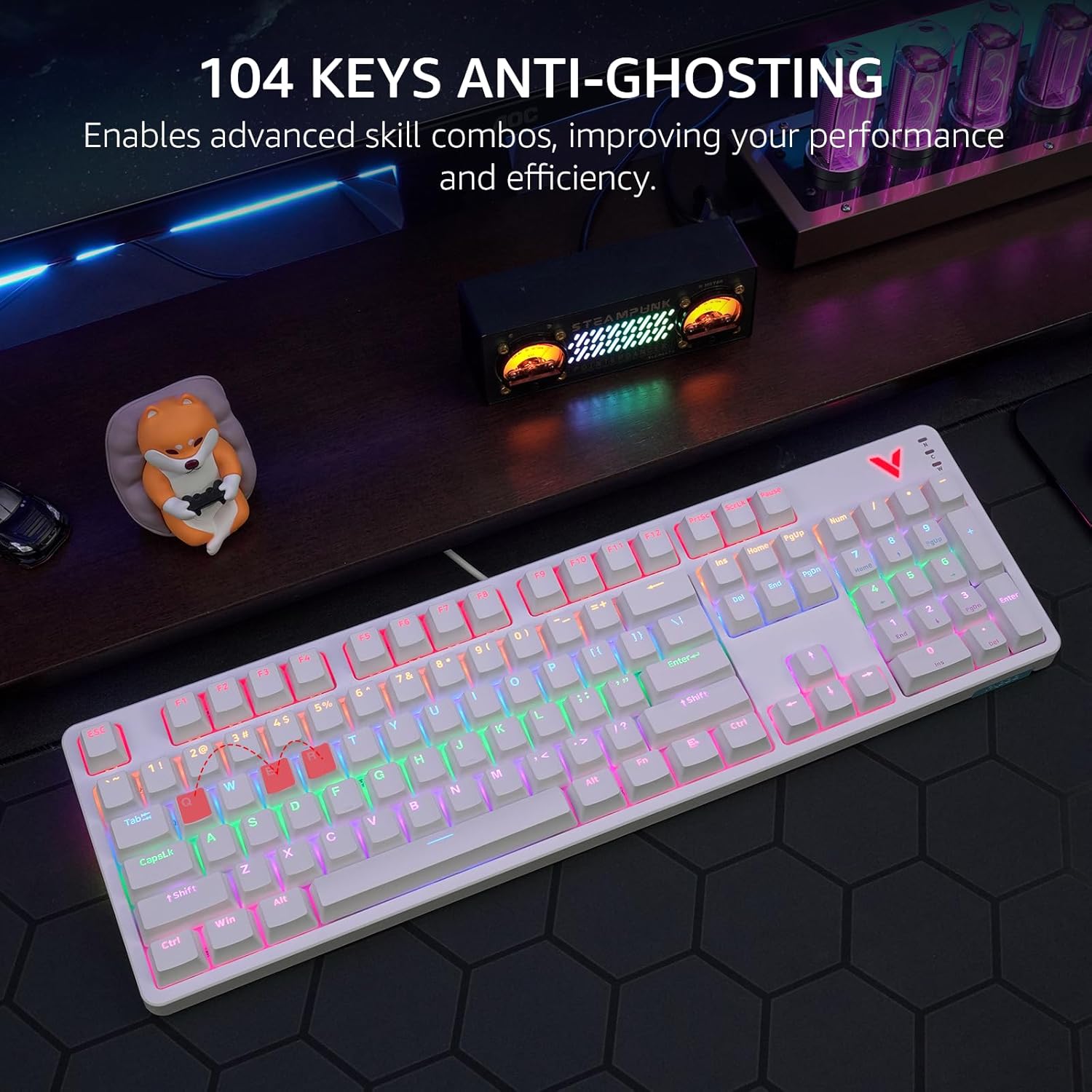
Image 8: Visual explanation of anti-ghosting technology, showing multiple key presses being registered simultaneously.
4. Bakım
4.1 Klavyeyi Temizleme
To clean your Rapoo V500Pro keyboard, follow these steps:
- Temizlemeden önce klavyeyi bilgisayarınızdan ayırın.
- Yumuşak, tiftiksiz bir bez kullanın ve hafifçe kurulayın.ampTuş takımlarını ve kasayı silmek için su veya hafif bir temizleme solüsyonu kullanın.
- For deeper cleaning, the top case of the keyboard is removable, allowing easier access to the switches and plate. Gently detach the top case as shown in the product images.
- Sıvıların doğrudan klavyeye püskürtülmesinden kaçının.
- Tuş başlıkları arasındaki toz ve kalıntıları temizlemek için basınçlı hava kullanın.

Image 9: The removable top case feature, which facilitates cleaning and allows for switching between high and low profile keycap setups.
4.2 Depolama
Store the keyboard in a dry, cool environment away from direct sunlight and extreme temperatures to prevent damage.
5. Sorun Giderme
| Sorun | Olası Çözüm |
|---|---|
| Klavye yanıt vermiyor |
|
| Backlighting not working or incorrect |
|
| Anahtarlar kaydedilmiyor veya çift yazılıyor |
|
6. Özellikler
| Özellik | Detay |
|---|---|
| Örnek | V500Pro |
| Klavye Türü | Full-Size Mechanical Gaming Keyboard |
| Anahtar Sayısı | 104 |
| Anahtar Türü | Kahverengi Mekanik Anahtarlar |
| Arka aydınlatma | Customizable Rainbow RGB (20 modes) |
| Anti-Ghosting | All 104 Keys |
| Programlanabilir Tuşlar | 103 (excluding FN) with On-board Memory |
| Multimedya Kısayol Tuşları | 12 (FN + F1-F12) |
| Bağlantı | USB-C (Kablolu) |
| Malzeme | Aircraft-grade aluminum alloy frame |
| Ürün Boyutları | 17.4 x 5.29 x 1.58 inç (44.2 x 13.4 x 4 cm) |
| Ürün Ağırlığı | 2.42 pound (1.1 kg) |
| Uyumlu Cihazlar | PC, Laptop, Gaming Console, Smart TV |

Image 10: Dimensions and weight of the Rapoo V500Pro keyboard.
7. Garanti ve Destek
Rapoo products are designed for durability and performance. For warranty information, technical support, or service inquiries, please refer to the official Rapoo webSatın alma fişinizi saklayın veya yerel distribütörünüzle iletişime geçin. Garanti talepleriniz için satın alma fişinizi saklayın.
Online resources and software downloads (e.g., for programmable keys) can typically be found on the official Rapoo support page.


