giriiş
This manual provides detailed instructions for the setup, operation, maintenance, and troubleshooting of your 3PLUS Vibe Pro Smart Watch. Please read this manual thoroughly to ensure proper use and to maximize the features of your device.

Image: The 3PLUS Vibe Pro Smart Watch, featuring a black watch body with a black silicone band, accompanied by an additional pink silicone band. The watch display shows time, date, activity metrics, and weather.
Kurmak
1. Cihazın Şarj Edilmesi
Before initial use, fully charge your 3PLUS Vibe Pro Smart Watch. Connect the magnetic charging cable to the charging contacts on the back of the watch and plug the USB end into a power adapter (not included) or a computer USB port. The watch display will indicate charging status.
2. Uygulama Kurulumu
To unlock the full potential of your smart watch, download the official 3Plus app on your smartphone. The app is compatible with both iPhone and Android devices.
- Arama "3Plus" in the Apple App Store (for iOS) or Google Play Store (for Android).
- Uygulamayı indirin ve yükleyin.
- Hesap oluşturmak veya giriş yapmak için ekrandaki yönergeleri izleyin.
3. Akıllı Saatinizi Eşleştirme
Akıllı telefonunuzun Bluetooth özelliğinin etkin olduğundan emin olun.
- Open the 3Plus app on your smartphone.
- Navigate to the device pairing section (usually found under 'Devices' or 'Profile').
- Select 'Add New Device' or similar option.
- The app will search for nearby 3PLUS Vibe Pro Smart Watches. Select your watch from the list.
- Eşleştirme isteğini hem saatinizde hem de akıllı telefonunuzda onaylayın.
Kullanım Talimatları
Temel Gezinme
- Dokunmatik ekran: Menüler ve ekranlar arasında gezinmek için sola/sağa, yukarı/aşağı kaydırın. Bir seçeneği belirlemek için dokunun.
- Yan Düğme: Ana ekrana dönmek veya cihazı uyandırmak için basın. Güç seçenekleri için uzun basın.
Temel Özellikler
GPS Takibi
The integrated GPS allows for accurate tracking of outdoor activities without needing your phone. Ensure GPS is enabled in the watch settings for outdoor workouts.
Kalp Atış Hızı İzleme
Saat, kalp atış hızınızı sürekli olarak izler. View real-time data on the watch or detailed trends in the 3Plus app.
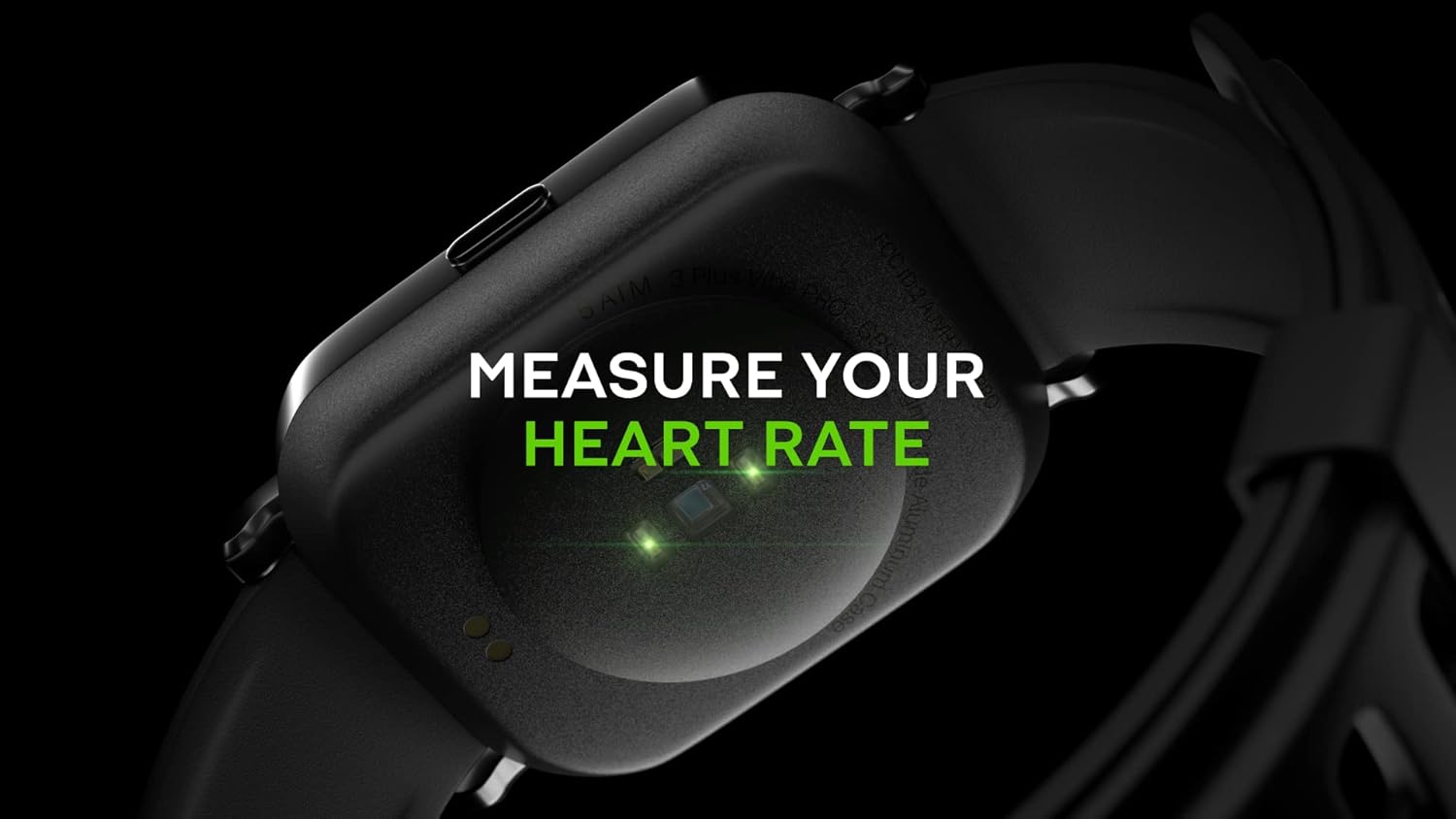
Image: Close-up of the back of the 3PLUS Vibe Pro Smart Watch, showing green LED lights indicating heart rate measurement in progress. Text overlay reads "MEASURE YOUR HEART RATE".
Kan Oksijen (SpO2) İzleme
Measure your blood oxygen saturation levels directly from your wrist. For accurate readings, remain still during measurement.

Image: The 3PLUS Vibe Pro Smart Watch display showing a blood oxygen measurement in progress, with a circular animation and text instructing the user to stay still. Text overlay reads "MEASURE YOUR BLOOD OXYGEN".
Uyku İzleme
Saat, derin uyku, hafif uyku ve uyanık kalma süreleri de dahil olmak üzere uyku düzeninizi otomatik olarak takip eder.view your sleep data in the 3Plus app to understand your sleep quality.

Image: A person sleeping with the 3PLUS Vibe Pro Smart Watch on their wrist, showing the watch display with sleep data (deep sleep, light sleep, awake time). Text overlay indicates "6 HOURS 52 MINUTES SLEPT".
Çoklu Spor Modları
Select from various sports modes to track specific activities like running, cycling, basketball, and more. Each mode provides relevant metrics for your workout.

Image: The 3PLUS Vibe Pro Smart Watch display showing a list of workout modes, including Basketball and Soccer, with a basketball player in the background. Text overlay reads "MULTIPLE SPORTS MODES".
Akıllı Bildirimler
Receive notifications for calls, messages, and app alerts directly on your wrist when connected to your smartphone.

Image: The 3PLUS Vibe Pro Smart Watch display showing various notifications from messaging apps like Messenger, Instagram, and Facebook. Speech bubbles representing these apps are floating around the watch.
5ATM Su Direnci
The watch is rated 5ATM water resistant, meaning it can withstand pressures equivalent to a depth of 50 meters. It is suitable for swimming and showering but not for diving or high-pressure water activities.

Image: The 3PLUS Vibe Pro Smart Watch covered in water droplets, emphasizing its water resistance. Text overlay reads "5 ATM RATED WATER RESISTANT".
Bakım
Akıllı Saatinizi Temizlemek
- Regularly clean the watch body and bands with a soft, damp Kumaş.
- For the charging contacts and sensors on the back, use a dry cotton swab to gently remove any dirt or debris.
- Cihazınıza zarar verebileceğinden, sert kimyasallar veya aşındırıcı malzemeler kullanmaktan kaçının.
Bant Bakımı
If your watch comes with silicone bands, clean them regularly with mild soap and water to prevent skin irritation, especially after workouts or prolonged wear. Ensure the band is completely dry before reattaching it to the watch.
Sorun giderme
İzle Açılmıyor
- Saatinizin tam şarjlı olduğundan emin olun. Saatinizi en az 30 dakika şarj cihazına takın.
- Yan düğmeyi 10-15 saniye basılı tutarak yumuşak sıfırlama yapmayı deneyin.
Akıllı telefonla eşleştirilemiyor.
- Akıllı telefonunuzda Bluetooth özelliğinin etkin olduğundan emin olun.
- Ensure the watch is within Bluetooth range (typically 10 meters or 33 feet).
- Hem saatinizi hem de akıllı telefonunuzu yeniden başlatın.
- 3Plus uygulamasının en son sürüme güncellenmiş olup olmadığını kontrol edin.
- Daha önce eşleştirildiyse, telefonunuzun Bluetooth ayarlarından cihazın eşleştirmesini kaldırıp ardından uygulama üzerinden yeniden eşleştirmeyi deneyin.
Inaccurate Readings (Heart Rate, SpO2, Sleep)
- Saatin bileğinize tam oturduğundan, bilek kemiğinizin yaklaşık bir parmak yukarısında olduğundan emin olun.
- Keep the sensor clean and free from dirt or sweat.
- For SpO2, remain still during the measurement.
Bildirimler Görünmüyor
- Saatin Bluetooth aracılığıyla akıllı telefonunuza bağlı olduğundan emin olun.
- Check notification settings within the 3Plus app to ensure app notifications are enabled.
- Ensure your phone's notification settings allow the 3Plus app to send notifications.
Özellikler
| Özellik | Şartname |
|---|---|
| Model Adı | Vibe Pro Akıllı Saat |
| Ekran Boyutu | 1.78 Inches AMOLED Color Touchscreen |
| Suya Dayanıklılık | 5ATM (50 metreye kadar) |
| Bağlantı | Bluetooth |
| Küresel Konumlama Sistemi | Dahili GPS |
| Sensörler | Heart Rate Monitor, Blood Oxygen Monitor |
| Uyumluluk | iPhone ve Android |
| Ürün Ağırlığı | 7.8 ons |
| Paket Boyutları | 6.69 x 4.09 x 2.28 inç |
| İlk Mevcut | 14 Ocak 2022 |
Garanti ve Destek
For warranty information and customer support, please refer to the official 3Plus website or contact their customer service directly. Details can typically be found on the product packaging or within the 3Plus mobile application.
Official 3Plus Store: Amazon'daki 3Plus Mağazasını ziyaret edin.
Resmi Ürün Videoları
Sağlanan verilerde bu ürün için resmi satıcı videosu bulunamadı.


