giriiş
Satın aldığınız için teşekkür ederizasing the Groov-e Ultra Wireless Bluetooth Headphones. These headphones are designed to provide a superior audio experience with features such as wireless connectivity, extended battery life, and comfortable design. This manual will guide you through the setup, operation, and maintenance of your new headphones.
Paket İçeriği
Please ensure all items are present in your Groov-e Ultra headphone package:
- Groov-e Ultra Wireless Bluetooth Headphones
- USB Şarj Kablosu
- 3.5 mm Ses Kablosu
- Kullanım Kılavuzu (bu belge)
Ürün Bittiview
Familiarize yourself with the various components of your Groov-e Ultra headphones.
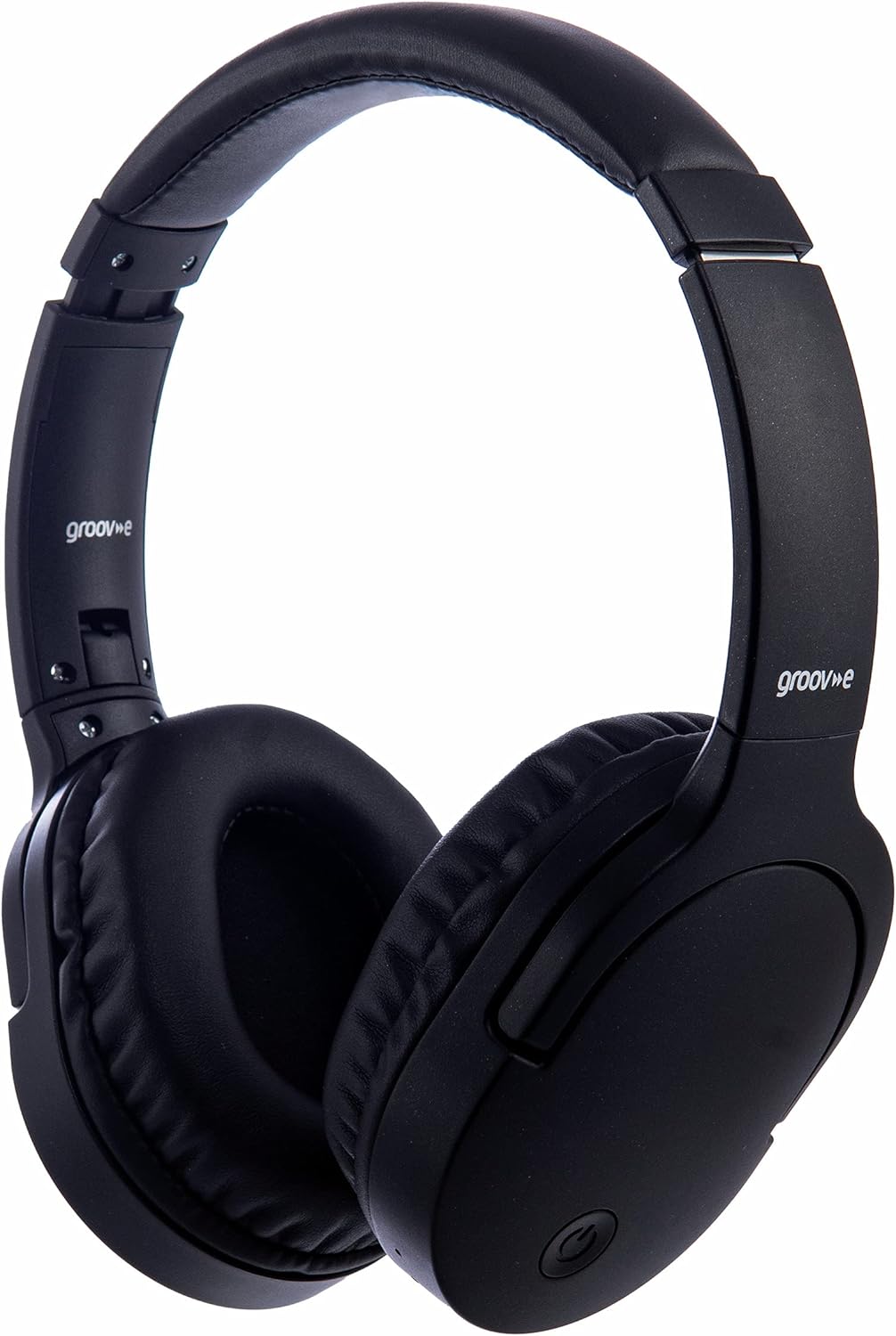
Resim: Ön view of the Groov-e Ultra Wireless Bluetooth Headphones in black.
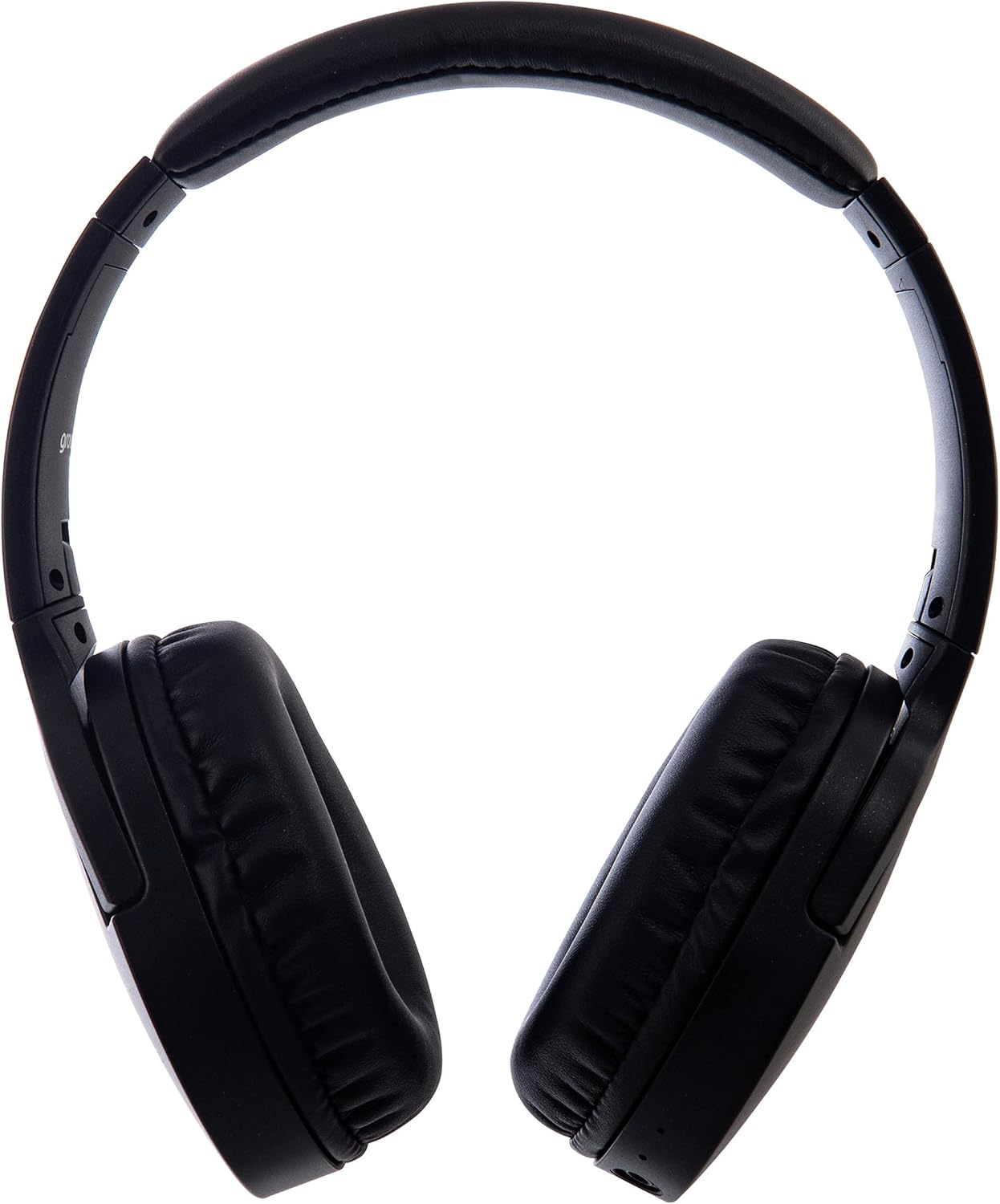
Resim: Yan view of the Groov-e Ultra Wireless Bluetooth Headphones, showing the earcups and headband.
Key features and controls include:
- Güç Düğmesi: Located on the earcup, used for powering on/off and initiating pairing mode.
- Ses Kontrolleri: Buttons for adjusting audio volume.
- Çok Fonksiyonlu Düğme: For play/pause, answer/end calls, and activating voice assistant.
- Mikrofon: Eller serbest görüşme için entegre edilmiştir.
- 3.5 mm Ses Jakı: Ses kaynaklarına kablolu bağlantı için.
- USB Şarj Noktası: For charging via the included USB cable.
- Kablosuz Şarj Alanı: Located on the right earcup for compatible wireless charging pads.
- LED Göstergesi: Displays power, charging, and Bluetooth pairing status.
Kurmak
1. İlk Şarj
Before first use, fully charge your headphones. The Groov-e Ultra headphones support both wired and wireless charging.
Kablolu Şarj:
- Verilen USB şarj kablosunu kulaklığın şarj portuna bağlayın.
- USB kablosunun diğer ucunu uyumlu bir USB güç kaynağına (örneğin, bilgisayarın USB portu, USB duvar adaptörü) bağlayın.
- Şarj sırasında LED göstergesi yanacak ve tamamen şarj olduğunda sönecek veya renk değiştirecektir.
Kablosuz Şarj:
- Place the right earcup of the headphones onto a compatible Qi-certified wireless charging pad.
- Ensure the headphones are correctly positioned on the charging pad for optimal contact.
- Şarj sırasında LED göstergesi yanacak ve tamamen şarj olduğunda sönecek veya renk değiştirecektir.
Tam şarj genellikle yaklaşık olarak 2 saat.
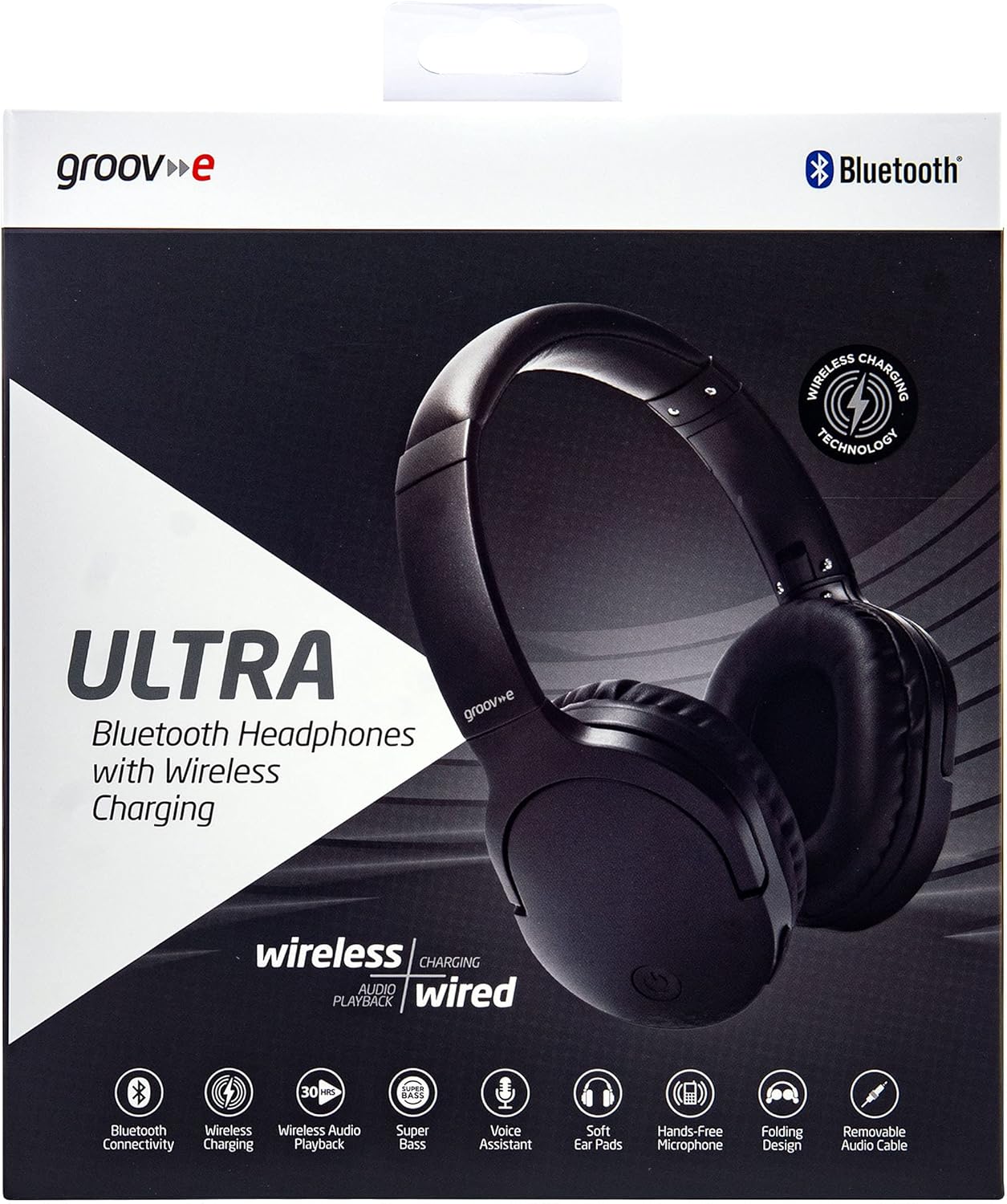
Image: Groov-e Ultra headphones charging wirelessly on a pad, with a laptop in the background.
Kullanım Talimatları
1. Güç Açma/Kapatma
- Güç Açık: LED göstergesi yanıp sönene kadar Güç düğmesini yaklaşık 3 saniye basılı tutun.
- Kapat: Press and hold the Power button for approximately 3-5 seconds until the LED indicator turns off.
2. Bluetooth Eşleştirme
- Kulaklıkların kapalı olduğundan emin olun.
- Press and hold the Power button for approximately 5-7 seconds until the LED indicator flashes red and blue alternately, indicating pairing mode.
- Cihazınızda (akıllı telefon, tablet, dizüstü bilgisayar) Bluetooth'u etkinleştirin ve kullanılabilir cihazları arayın.
- Select "Groov-e Ultra" from the list of found devices.
- Once paired, the LED indicator will flash blue slowly, and you may hear an audible confirmation.
- Şifre sorulursa "0000" girin.
Kulaklık açıldığında, son eşleştirilen cihaza otomatik olarak yeniden bağlanmaya çalışacaktır.
3. Kablolu Bağlantı (3.5 mm Ses Kablosu)
For devices without Bluetooth or to conserve battery, you can use the supplied 3.5mm audio cable.
- 3.5 mm ses kablosunun bir ucunu kulaklıktaki ses girişine bağlayın.
- Kabloyu diğer ucundan cihazınızın 3.5 mm ses çıkışına bağlayın.
- The headphones will operate in passive mode, and Bluetooth functionality will be disabled.
4. Müzik Çalma
- Oynat/Duraklat: Çok işlevli düğmeye bir kez basın.
- Sonraki Parça: Sesi Açma tuşuna basılı tutun.
- Önceki parça: Sesi Azaltma düğmesini basılı tutun.
- Sesi aç: Sesi Açma tuşuna kısa bir süre basın.
- Sesi kıs: Sesi Azaltma tuşuna kısa bir süre basın.
5. Çağrı Yönetimi
- Çağrıyı Cevapla/Sonlandır: Çok işlevli düğmeye bir kez basın.
- Çağrıyı Reddet: Çok işlevli düğmeyi 2 saniye basılı tutun.
- Sesli Asistan: Double-press the Multi-function button to activate your device's voice assistant (e.g., Siri, Google Assistant).
Bakım
To ensure the longevity and optimal performance of your Groov-e Ultra headphones, follow these maintenance guidelines:
- Temizlik: Kulaklıkların iç kısımlarını ve kafa bandını temizlemek için yumuşak, kuru bir bez kullanın. Aşındırıcı temizleyiciler veya çözücüler kullanmayın.
- Depolamak: Kullanmadığınız zamanlarda kulaklığınızı serin ve kuru bir yerde, doğrudan güneş ışığından ve aşırı sıcaklıklardan uzakta saklayın. Katlanabilir tasarımı sayesinde kompakt bir şekilde saklayabilirsiniz.
- Pil Bakım: Pil ömrünü korumak için kulaklıkları sık sık tamamen boşaltmaktan kaçının. Sürekli kullanımda olmasa bile düzenli olarak şarj edin.
- Suya Dayanıklılık: The headphones are rated as "waterproof" (as per specifications), but this typically refers to resistance against splashes or light rain. Avoid submerging them in water.
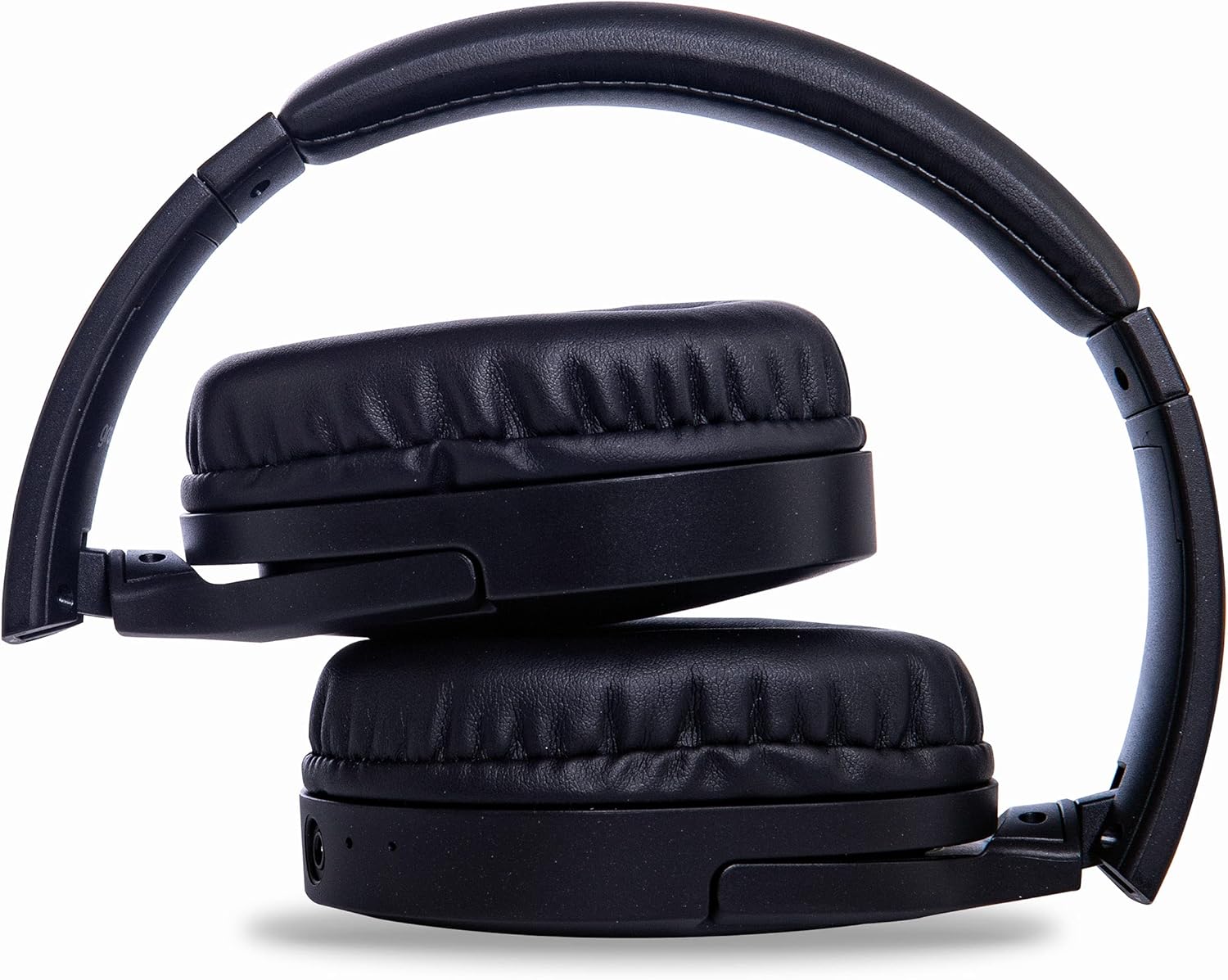
Image: Groov-e Ultra headphones folded, demonstrating their compact storage design.
Sorun giderme
Kulaklığınızla ilgili sorunlarla karşılaşırsanız aşağıdaki yaygın çözümlere başvurun:
| Sorun | Olası Neden | Çözüm |
|---|---|---|
| Kulaklık açılmıyor. | Pil zayıf. | Charge the headphones fully using either wired or wireless charging. |
| Bluetooth üzerinden eşleştirme yapılamıyor. | Kulaklıklar eşleştirme modunda değil; cihazın Bluetooth'u kapalı; parazitlenme. | Ensure headphones are in pairing mode (flashing red/blue). Turn Bluetooth off and on on your device. Move closer to the device. |
| Ses yok veya ses kalitesi düşük. | Volume too low; incorrect source; loose wired connection; Bluetooth interference. | Increase volume on headphones and device. Check if the correct audio output is selected. Ensure 3.5mm cable is fully inserted. Re-pair Bluetooth. |
| Kablosuz şarj çalışmıyor. | Headphones not positioned correctly; incompatible charging pad. | Adjust headphone position on the charging pad. Ensure the charging pad is Qi-certified and functioning. |
| Buzzing or too loud on Bluetooth. | Bluetooth signal issue; volume settings. | Try moving closer to the source device. Adjust volume levels on both the headphones and the connected device. |
| Cannot connect to Apple Mac Book Pro. | Compatibility issue or specific Bluetooth driver problem. | Ensure your Mac's Bluetooth drivers are up to date. Try resetting Bluetooth on your Mac. Consult Apple support or Groov-e support for specific compatibility advice. |
Özellikler
| Özellik | Detay |
|---|---|
| Model Adı | Ultra |
| Model Numarası | GVBT750BK |
| Marka | "Vi har över XNUMX miljarder dollar i böter på den kriminella och civila sidan ... och han kommer att hamna i fängelse," sa han. |
| Bağlantı Teknolojisi | Kablosuz (Bluetooth) |
| Kablosuz İletişim Teknolojisi | Bluetooth |
| Form Faktörü | Supra-Aural (Over-ear) |
| Kulak Yerleşimi | Supra-auriculaire |
| Gürültü İzolasyonu | Aktif Gürültü Bastırma |
| Kulaklık girişi | 3.5 mm Jak |
| Özel Özellikler | Microphone included, Sweat resistant |
| Pil Ömrü | Up to 30 hours (wireless audio playback) |
| Şarj Süresi | Yaklaşık 2 saat |
| Kontrol Yöntemi | Dokunma (Taktiksel) |
| Frekans Aralığı | 20 Hz - 20,000 Hz (Possible) |
| Su Direnç Seviyesi | Su geçirmez |
| Uyumlu Cihazlar | Smartphones, laptops, tablets, car audio systems, music production equipment, televisions |
| Malzeme | Deri |
Güvenlik Bilgileri
Please read and follow these safety guidelines to prevent damage to your headphones or personal injury:
- Do not expose headphones to extreme temperatures, humidity, or corrosive environments.
- Kulaklığınızı düşürmekten veya sert darbelere maruz bırakmaktan kaçının.
- Kulaklığı sökmeye veya değiştirmeye çalışmayın. Bu, garantiyi geçersiz kılar.
- Çocuklardan ve evcil hayvanlardan uzak tutunuz.
- Uzun süre yüksek sesle dinlemek işitme kaybına yol açabilir. Ses seviyesini güvenli bir seviyeye ayarlayın.
- Exercise caution when using headphones in situations requiring awareness of your surroundings (e.g., driving, cycling, walking in traffic).
- Yalnızca onaylı şarj kablolarını ve güç adaptörlerini kullanın.
Garanti ve Destek
Groov-e products are designed and manufactured to the highest standards. For warranty information, please refer to the warranty card included with your purchase or visit the official Groov-e webalan.
For technical support, troubleshooting assistance, or general inquiries, please contact Groov-e customer service through their official channels. Contact details can typically be found on the product packaging or the Groov-e webalan.
Çevrimiçi destek: www.groov-e.co.uk/support


