1. บทนำ
Thank you for choosing the TCL 55T6C 4K UHD Smart QLED Google TV. This manual provides essential information for the safe and efficient use of your television. Please read it thoroughly before operating the device and retain it for future reference.
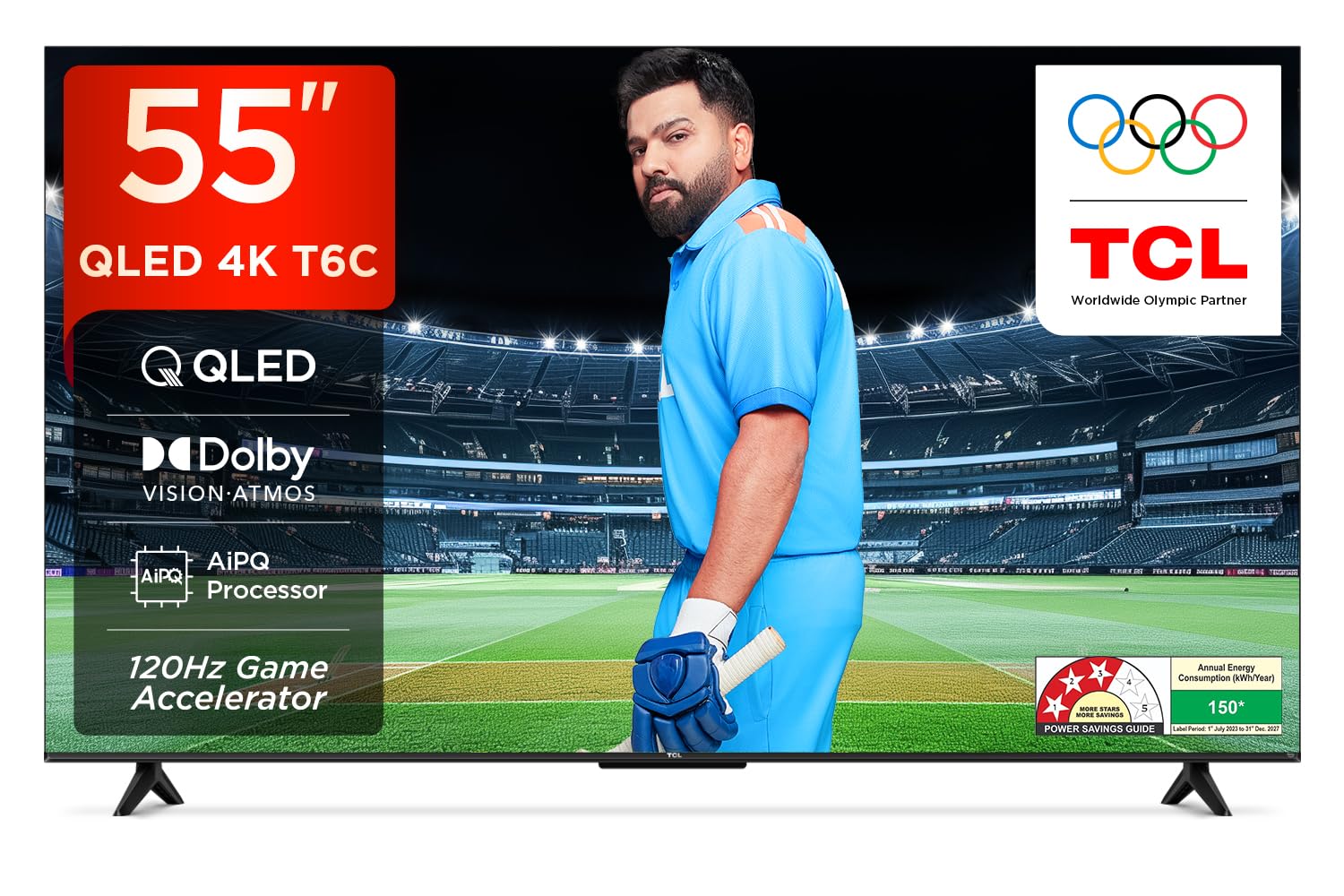
ภาพ: ด้านหน้า view of the TCL 55T6C television, highlighting its sleek design and energy efficiency rating.
2. ข้อมูลด้านความปลอดภัย
Always observe the following basic safety precautions when using your television:
- อย่าปิดกั้นช่องระบายอากาศ ควรมีพื้นที่รอบทีวีเพียงพอเพื่อให้อากาศถ่ายเทได้สะดวก
- ห้ามวางทีวีบนรถเข็น ขาตั้ง ขาตั้งกล้อง ขายึด หรือโต๊ะที่ไม่มั่นคง
- ปกป้องสายไฟจากการถูกเหยียบหรือถูกหนีบ
- อย่านำโทรทัศน์ไปวางไว้กลางฝนหรือความชื้น เพื่อป้องกันไฟไหม้หรือไฟฟ้าช็อต
- ส่งต่อการบริการทั้งหมดไปยังบุคลากรบริการที่มีคุณสมบัติเหมาะสม
3. อะไรอยู่ในกล่อง
Carefully unpack your television and check that all items are present:
- 1N LED TV (TCL 55T6C)
- สายสัญญาณเสียง 1N
- 1N Stand (for tabletop mounting)
- รีโมทคอนโทรล 1N
- แบตเตอรี่ AAA 2 ก้อน (สำหรับรีโมทคอนโทรล)
Note: A fixed or adjustable wall mount is not included and must be purchased separately if wall mounting is desired.

Image: Illustration of the items included in the product packaging.
4. การตั้งค่าทางกายภาพ
4.1 การติดตั้งขาตั้ง
- วางจอทีวีลงบนพื้นผิวที่นุ่มและเรียบเพื่อป้องกันความเสียหาย
- จัดวางขาตั้งให้ตรงกับรูยึดที่ด้านล่างของทีวี
- ยึดขาตั้งโดยใช้สกรูที่ให้มา
4.2 การติดตั้งบนผนัง (ทางเลือก)
If you choose to wall mount your TV, please use a compatible VESA wall mount (not included) and follow the instructions provided with the wall mount. Ensure the wall can support the weight of the TV (approximately 9.2 kg with stand, 9 kg without stand).

ภาพ: ด้านหลัง view of the television, indicating the VESA mounting pattern for wall installation.
4.3 การเชื่อมต่ออุปกรณ์
Your TCL 55T6C TV offers various connectivity options:
- พอร์ต HDMI (3): Connect Blu-ray players, gaming consoles, or set-top boxes. One port supports eARC for enhanced audio return.
- พอร์ต USB (1): เชื่อมต่ออุปกรณ์จัดเก็บข้อมูล USB สำหรับการเล่นสื่อ
- เสาอากาศ/สายเคเบิลเข้า: เชื่อมต่อสัญญาณเสาอากาศหรือเคเบิลทีวี
- AV IN Adapter: สำหรับอุปกรณ์รุ่นเก่าที่ใช้คอมโพสิตวิดีโอและเสียงสเตอริโอ
- LAN: สำหรับการเชื่อมต่ออินเตอร์เน็ตแบบใช้สาย
- เอาต์พุตเสียงดิจิตอล (ออปติคัล): สำหรับเชื่อมต่อกับระบบเสียงภายนอก

ภาพ: รายละเอียด view of the television's side panel, showing all available input and output ports with numerical labels.
5. การตั้งค่าเริ่มต้น
- เปิดเครื่อง: เสียบสายไฟเข้ากับทีวีและเต้ารับไฟฟ้า กดปุ่มเปิด/ปิดบนรีโมทคอนโทรล
- เลือกภาษา: ทำตามคำแนะนำบนหน้าจอเพื่อเลือกภาษาที่คุณต้องการ
- การเชื่อมต่อเครือข่าย: Connect your TV to the internet via Wi-Fi or Ethernet.
- การตั้งค่าบัญชี Google: ลงชื่อเข้าใช้ด้วยบัญชี Google ของคุณเพื่อเข้าถึงฟีเจอร์ แอป และคำแนะนำส่วนบุคคลของ Google TV
- การสแกนช่อง: หากใช้เสาอากาศหรือสายเคเบิล ให้ทำการสแกนช่องสัญญาณอัตโนมัติ

Image: Screenshot of the Google TV home screen, displaying popular streaming applications and content suggestions.
6. การใช้งานทีวีของคุณ
6.1 การควบคุมระยะไกล
The smart remote control allows you to navigate the TV's features. It includes dedicated hotkeys for popular streaming services and a Google Assistant button for voice commands.
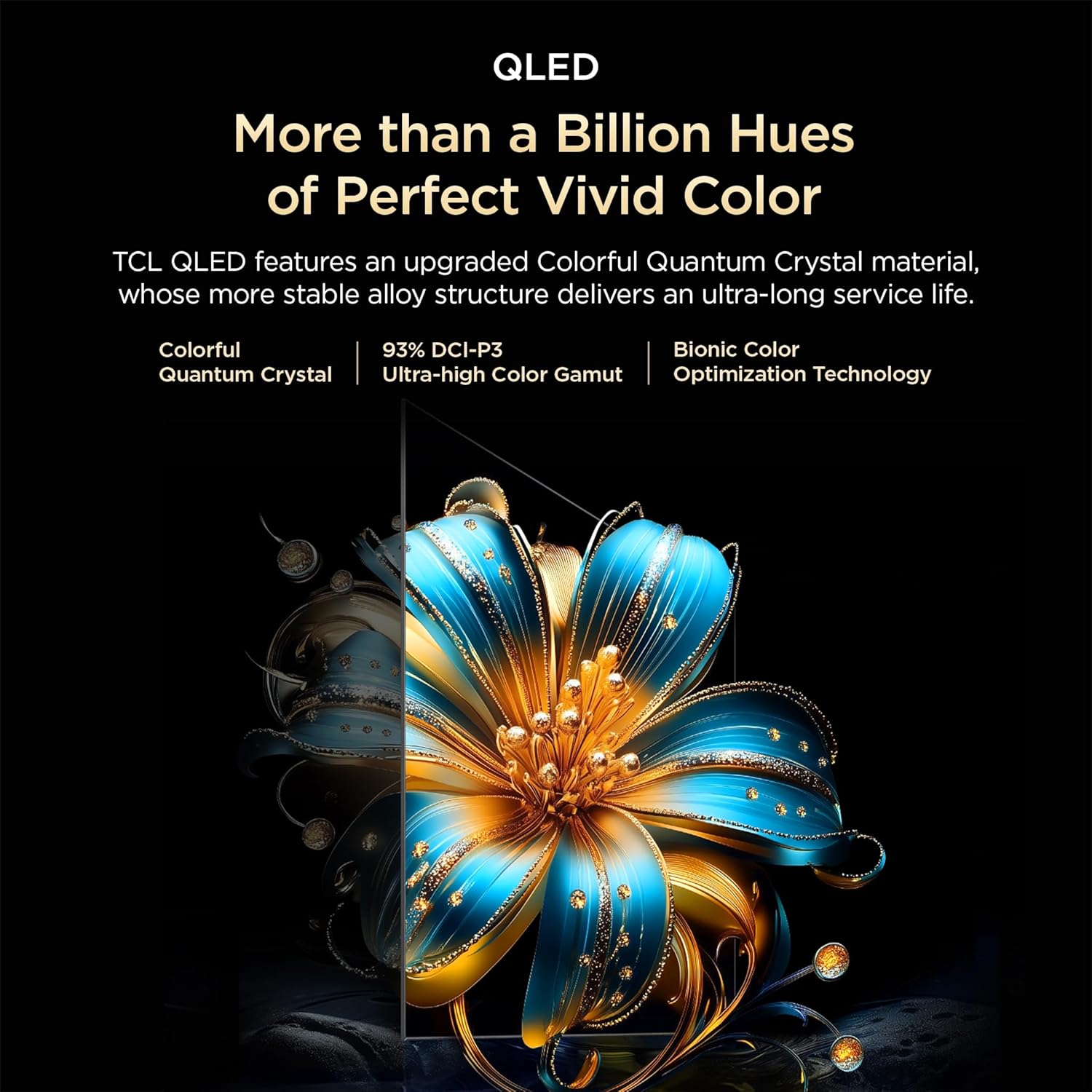
Image: Close-up of the remote control, highlighting the Google Assistant microphone button and quick access buttons for streaming services.
6.2 ฟีเจอร์สมาร์ททีวี (Google TV)
- ผู้ช่วย Google: ใช้คำสั่งเสียงเพื่อค้นหาเนื้อหา ควบคุมอุปกรณ์สมาร์ทโฮม และรับข้อมูล
- แอปสตรีมมิ่ง: Access pre-installed apps like Prime Video, Netflix, Hotstar, Zee5, and download more from the Google Play Store.
- มิเรอร์หน้าจอ: ส่งเนื้อหาจากสมาร์ทโฟนหรือแท็บเล็ตของคุณไปยังทีวี
- รายการเฝ้าดู: Create a unified watchlist across various streaming services.

Image: The Google TV interface demonstrating the Watchlist feature and its integration with mobile devices.
6.3 การตั้งค่าภาพและเสียง
ปรับการตั้งค่าภาพและเสียงเพื่อคุณภาพเสียงที่ดีที่สุด viewประสบการณ์การ:
- โหมดภาพ: Select from various preset modes (e.g., Standard, Vivid, Movie, Game) or customize settings like brightness, contrast, and color.
- โหมดเสียง: Choose audio presets (e.g., Standard, Music, Movie) or adjust equalizer settings.
- ระบบเสียง Dolby Atmos: Experience immersive, three-dimensional audio.
- DTS เสมือน:X: Enjoy virtualized 3D sound without additional speakers.
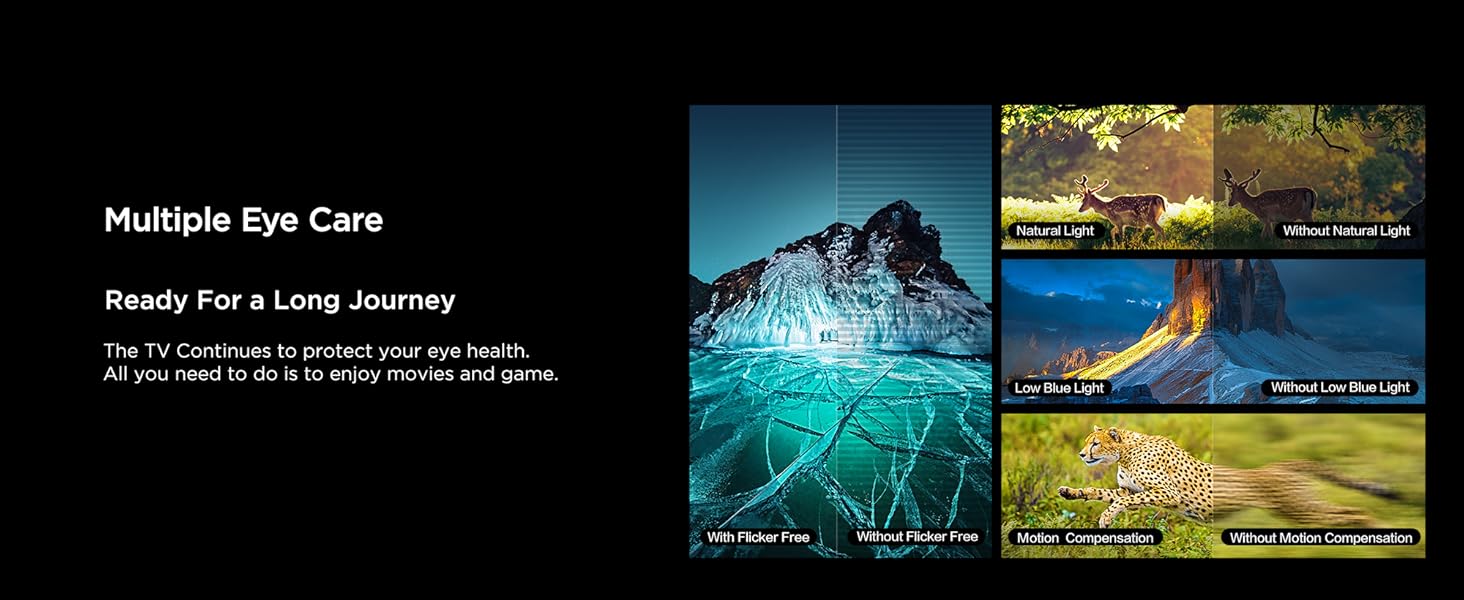
Image: Visual representation of Dolby Atmos technology delivering immersive sound from the television.
6.4 Gaming Features (Game Master)
The Game Master feature enhances your gaming experience:
- ตัวเร่งความเร็วเกม 120Hz: Reduces latency and provides a higher refresh rate for smoother gameplay.
- ความล่าช้าในการป้อนข้อมูลต่ำ: Optimized for responsive gaming.

Image: A gaming scene displayed on the television, illustrating the benefits of the Game Master feature for an optimized gaming experience.
7. การบำรุงรักษา
7.1 การทำความสะอาดทีวี
- ควรถอดปลั๊กทีวีทุกครั้งก่อนทำความสะอาด
- ใช้ผ้าแห้งนุ่มเช็ดหน้าจอและตู้
- สำหรับคราบฝังแน่น ให้ใช้น้ำยาทำความสะอาดหน้าจอที่ออกแบบมาสำหรับทีวีโดยเฉพาะ โดยใช้กับผ้าเช็ดทำความสะอาด ไม่ควรเช็ดลงบนหน้าจอโดยตรง
- ห้ามใช้น้ำยาทำความสะอาดที่มีฤทธิ์กัดกร่อน ขี้ผึ้ง หรือตัวทำละลาย
7.2 การอัปเดตซอฟต์แวร์
Your TV may receive automatic software updates. Ensure your TV is connected to the internet to receive these updates, which can improve performance and add new features.
8 การแก้ไขปัญหา
หากคุณประสบปัญหาเกี่ยวกับทีวี โปรดดูวิธีแก้ไขทั่วไปต่อไปนี้:
| ปัญหา | วิธีแก้ปัญหาที่เป็นไปได้ |
|---|---|
| ไม่มีไฟฟ้า | Check if the power cord is securely plugged into the TV and the power outlet. Ensure the outlet is active. |
| ไม่มีภาพแต่มีเสียง | ตรวจสอบแหล่งสัญญาณเข้า ตรวจสอบให้แน่ใจว่าอุปกรณ์ภายนอกเชื่อมต่อและเปิดเครื่องอย่างถูกต้อง |
| ไม่มีเสียงแต่มีภาพ | ตรวจสอบระดับเสียง ตรวจสอบให้แน่ใจว่าไม่ได้เปิดใช้งานโหมดปิดเสียง ตรวจสอบการตั้งค่าเอาต์พุตเสียงหากใช้ลำโพงภายนอก |
| รีโมตคอนโทรลไม่ทำงาน | เปลี่ยนแบตเตอรี่ ตรวจสอบให้แน่ใจว่าไม่มีสิ่งกีดขวางระหว่างรีโมทและเซ็นเซอร์อินฟราเรดของทีวี |
| ปัญหาการเชื่อมต่อ Wi-Fi | รีสตาร์ทเราเตอร์และโมเด็มของคุณ ป้อนรหัสผ่าน Wi-Fi อีกครั้ง ตรวจสอบให้แน่ใจว่าทีวีอยู่ในระยะสัญญาณของเราเตอร์ |
สำหรับปัญหาที่ซับซ้อนกว่านี้ โปรดติดต่อฝ่ายบริการลูกค้าของ TCL
9. ข้อมูลจำเพาะ
| คุณสมบัติ | รายละเอียด |
|---|---|
| แบบอย่าง | 55T6C |
| ขนาดจอแสดงผล | 139 ซม. (55 นิ้ว) |
| ปณิธาน | 4K UHD (3840 x 2160) |
| เทคโนโลยีการแสดงผล | QLED, HDR 10+, HVA Panel, Dynamic Color Enhancement |
| อัตราการรีเฟรช | 60 Hz (120Hz Game Accelerator) |
| โปรเซสเซอร์ | 64-bit Quad Core, AiPQ Processor |
| ระบบปฏิบัติการ | กูเกิลทีวี |
| แรม / รอม | 2GB / 16GB |
| เอาท์พุตเสียง | 24 Watts, Dolby Atmos, DTS Virtual:X |
| การเชื่อมต่อ | 3 HDMI (1 eARC), 1 USB, Wi-Fi 5, Ethernet, Bluetooth |
| ขนาด (รวมขาตั้ง) | 25.5 x 122.6 x 75 ซม. |
| น้ำหนัก (รวมขาตั้ง) | 9.2 กก. |
| การใช้พลังงาน | 135 วัตต์ |
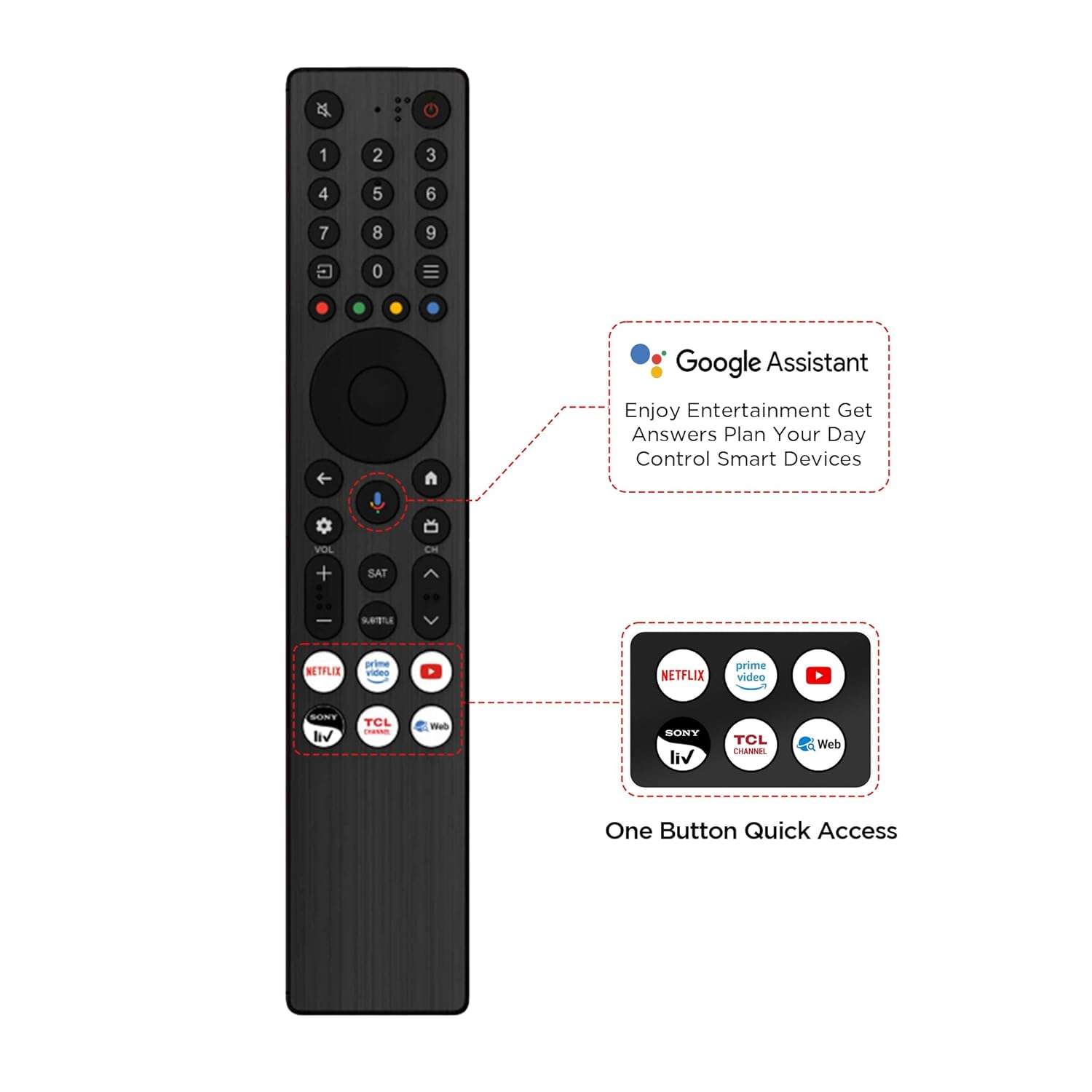
Image: Diagram illustrating the physical dimensions of the TCL 55T6C television, both with and without its stand.
10. การรับประกันและการสนับสนุน
10.1 ข้อมูลการรับประกัน
Your TCL 55T6C television comes with a การรับประกันจากผู้ผลิต 2 ปี from the date of purchase. The remote control has a separate รับประกัน 6 เดือนคุณสามารถดำเนินการเคลมประกันสินค้าได้โดยใช้ใบแจ้งหนี้อิเล็กทรอนิกส์จาก Amazon
10.2 การสนับสนุนลูกค้า
For technical assistance, service requests, or further inquiries, please visit the official TCL support website or contact their customer service helpline. Refer to the product packaging or TCL's official webเว็บไซต์สำหรับข้อมูลการติดต่อล่าสุด


