การแนะนำ
The TCL 43P69K is a 43-inch 4K Ultra HD Smart LED TV designed to deliver a high-quality viewing experience. Featuring a 3840 x 2160 pixel resolution and LED display technology, it offers vivid colors and sharp details. This television integrates Google TV, providing access to a wide range of streaming applications and smart features. Advanced HDR support, including HDR10 and HLG, enhances contrast and color accuracy. Connectivity options include Wi-Fi, Bluetooth 5.2, Ethernet LAN, and multiple HDMI 2.1 and USB ports. The TV also supports Apple AirPlay 2 and Chromecast for seamless content sharing.
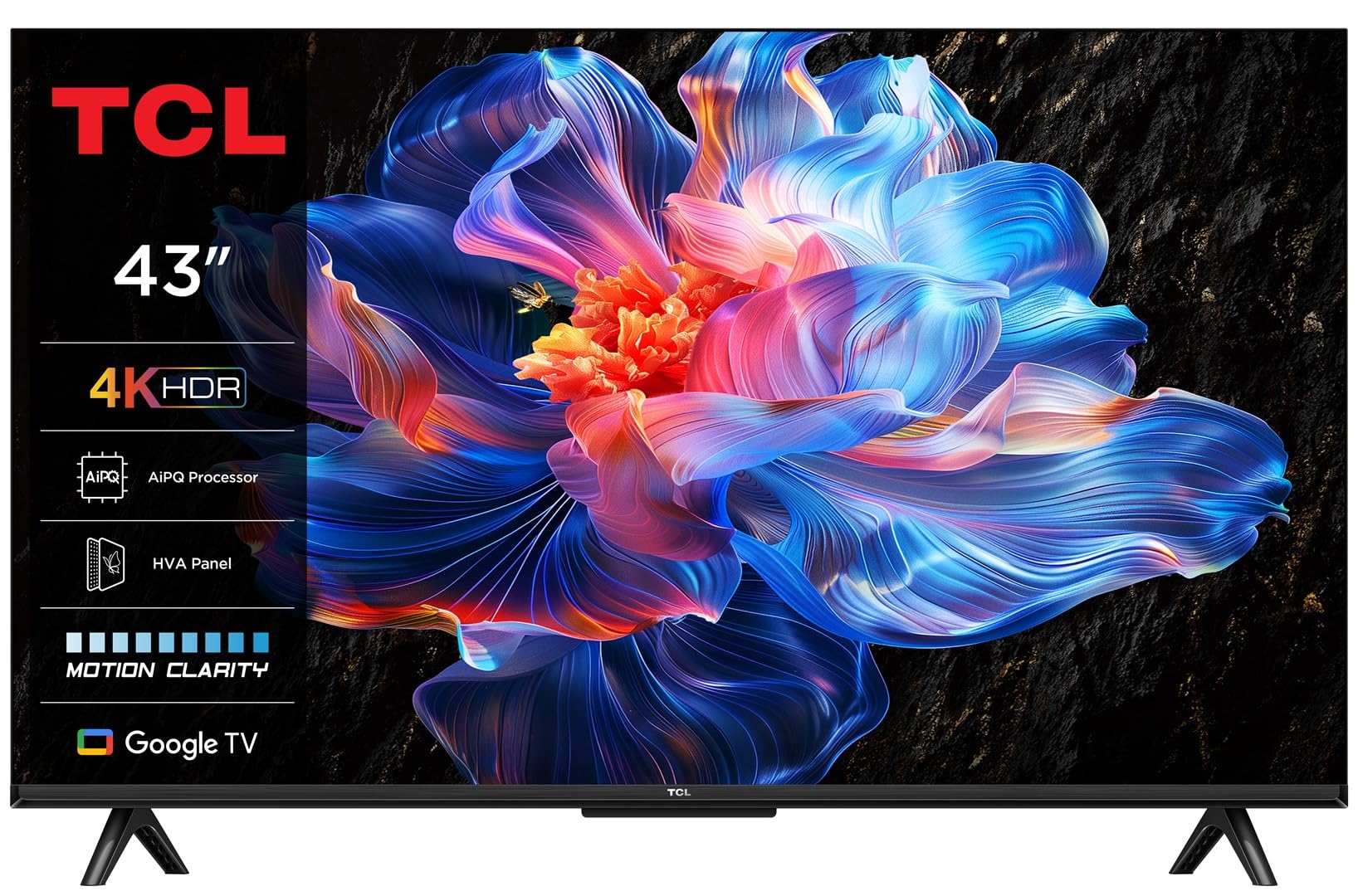
Image: The TCL 43P69K TV showcasing its smart interface in a contemporary living room environment.
การตั้งค่า
การแกะกล่องและการติดตั้งขาตั้ง
Carefully remove the TV from its packaging. Place the TV screen-down on a soft, flat surface to prevent damage. Attach the included feet to the designated slots on the bottom of the TV using the provided screws. Ensure the stand is securely fastened before proceeding.
การเชื่อมต่ออุปกรณ์ต่อพ่วง
The TCL 43P69K offers various ports for connecting external devices:
- พอร์ต HDMI (x3): Connect Blu-ray players, gaming consoles, soundbars, or other HDMI-compatible devices. HDMI 2.1 ensures high-bandwidth connections for 4K content and gaming.
- พอร์ต USB 2.0 (x1): เชื่อมต่ออุปกรณ์จัดเก็บข้อมูล USB สำหรับการเล่นสื่อหรืออัปเดตซอฟต์แวร์
- Ethernet LAN Port (x1): เพื่อการเชื่อมต่ออินเตอร์เน็ตแบบมีสายที่เสถียร
- Optical Digital Audio Output (x1): Connect to a sound system for high-quality audio.
- RF Ports (x2): For connecting antenna (DVB-T2) and satellite (DVB-S2) signals.
- ช่อง CI+ (x1): For inserting a Common Interface Plus module, often used for encrypted digital TV services.

ภาพ: รายละเอียด view ของพอร์ตเชื่อมต่อของทีวี
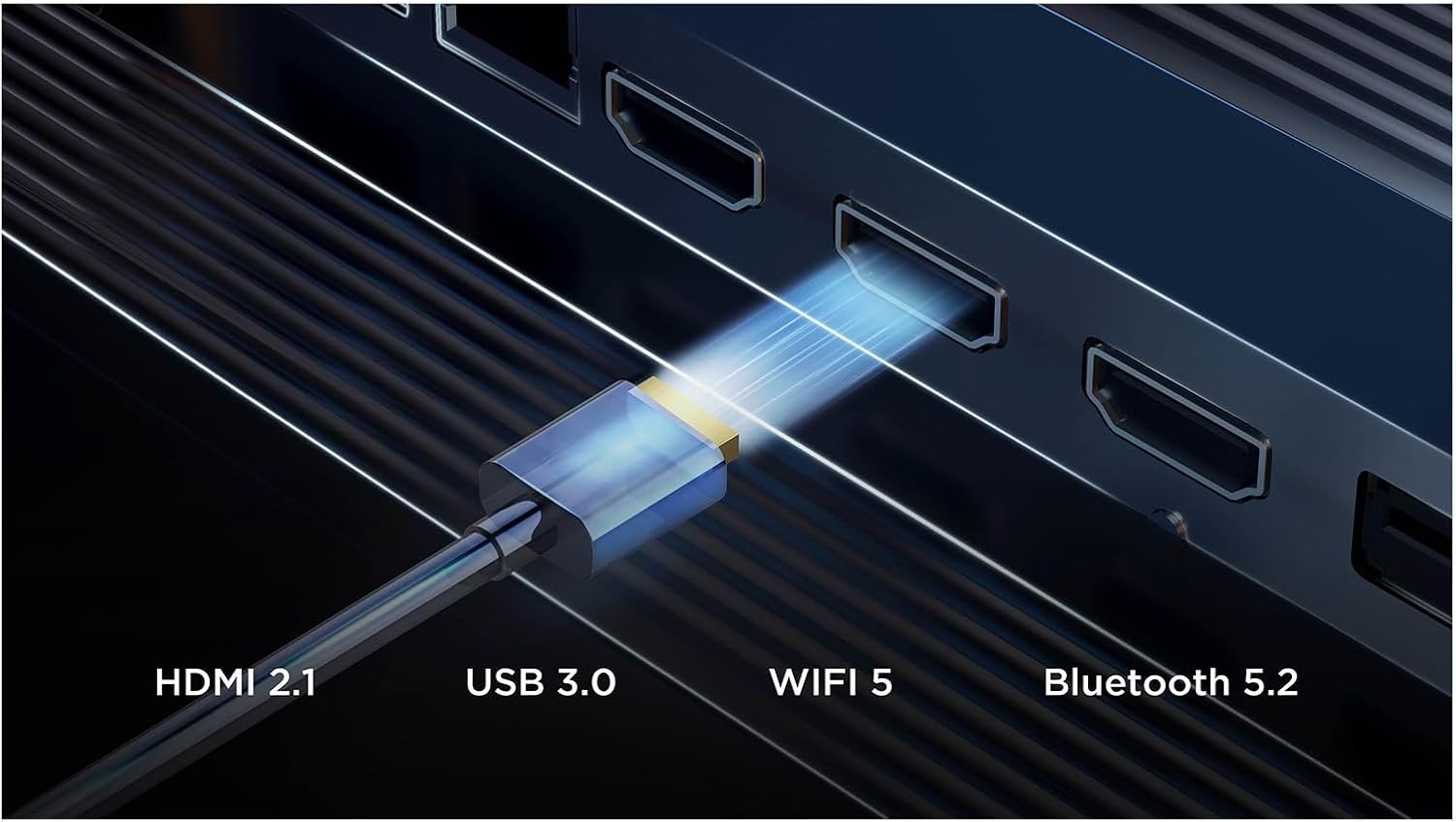
Image: Visual representation of the TV's advanced connectivity features.
เปิดเครื่องและการตั้งค่าเริ่มต้น
After connecting all necessary cables, plug the power cord into an electrical outlet. Press the power button on the remote control or the TV. Follow the on-screen instructions to complete the initial setup, including language selection, network connection, and channel scanning.
การใช้งานทีวี
ฟังก์ชั่นการควบคุมระยะไกล
The included remote control (RC833) provides full control over your TV's features. Key buttons include power, volume, channel, navigation, smart app shortcuts (Netflix, Prime Video, YouTube, Disney+), and a dedicated voice assistant button.

Image: The remote control for the TCL 43P69K TV.
อินเทอร์เฟซ Google TV
Your TV runs on Google TV (version 12), offering a personalized content experience. Access your favorite streaming services, discover new shows, and manage your apps directly from the home screen. Create multiple user profileเพื่อคำแนะนำที่เหมาะสม
การควบคุมด้วยเสียง
The TV supports voice commands via Google Assistant and Amazon Alexa. Press the voice assistant button on your remote and speak your commands to search for content, control smart home devices, or get information.
การตั้งค่าภาพและเสียง
The 43P69K features a 4K Ultra HD LED display with HDR10 and HLG support for enhanced contrast and color. The AiPQ Processor optimizes image quality. Audio is delivered through a 2.0 channel system with 20W output, supporting Dolby AC4, Dolby TrueHD, DTS Virtual:X, and DTS-HD for an immersive sound experience. Adjust picture modes (Game, Movie, PC, Smart HDR, Sport, Standard, Vivid) and sound equalizer settings to your preference.

ภาพ: เหนือview of key features including picture, sound, and smart capabilities.
คุณสมบัติการเล่นเกม
For gamers, the TV includes features like AMD FreeSync, Auto Low Latency Mode (ALLM), and Game Master 2.0, ensuring a smooth and responsive gaming experience with reduced input lag.
การบูรณาการสื่อ
Screen Mirroring and Casting
Utilize built-in Chromecast and Apple AirPlay 2 to wirelessly stream content from your smartphone, tablet, or computer directly to your TV screen.
วิดีโอผลิตภัณฑ์อย่างเป็นทางการ
ชมวิดีโอนี้เพื่อดูภาพรวมview of some features available on TCL TVs with Google TV. Please note that specific features and design elements may vary slightly depending on the model.
Video: TCL TV V6C features overview. Features shown may vary by model.
การซ่อมบำรุง
การทำความสะอาดหน้าจอ
เช็ดหน้าจอเบาๆ ด้วยผ้านุ่มที่ไม่เป็นขุย สำหรับรอยฝังแน่น ให้เช็ดเบาๆampเช็ดผ้าด้วยน้ำหรือน้ำยาทำความสะอาดหน้าจอโดยเฉพาะ หลีกเลี่ยงการใช้สารเคมีรุนแรงหรือวัสดุที่มีฤทธิ์กัดกร่อน
การดูแลทั่วไป
Keep the TV in a well-ventilated area. Avoid exposing it to direct sunlight, extreme temperatures, or high humidity. Do not block the ventilation openings on the back of the TV. Regularly check cable connections to ensure they are secure.
การแก้ไขปัญหา
ไม่มีไฟฟ้า
- ตรวจสอบให้แน่ใจว่าสายไฟเสียบเข้ากับทีวีและเต้ารับไฟฟ้าที่ใช้งานได้แน่นหนา
- ตรวจสอบว่าเต้ารับใช้งานได้หรือไม่โดยเสียบอุปกรณ์อื่น
- ลองกดปุ่มเปิดปิดบนทีวีโดยตรง ไม่ใช่แค่ที่รีโมท
ไม่มีภาพหรือเสียง
- ตรวจสอบว่าเลือกแหล่งอินพุตที่ถูกต้อง (เช่น HDMI 1, ทีวี)
- ตรวจสอบการเชื่อมต่อสายเคเบิลทั้งหมด (HDMI, เสาอากาศ ฯลฯ) เพื่อดูว่าหลวมหรือเสียหายหรือไม่
- รีสตาร์ททีวีและอุปกรณ์ที่เชื่อมต่อใดๆ
รีโมทคอนโทรลไม่ตอบสนอง
- เปลี่ยนแบตเตอรี่ในรีโมทคอนโทรล
- ตรวจสอบให้แน่ใจว่าไม่มีสิ่งกีดขวางระหว่างรีโมทและเซ็นเซอร์ IR ของทีวี
ปัญหาการเชื่อมต่อเครือข่าย
- รีสตาร์ทเราเตอร์ Wi-Fi และโมเด็มของคุณ
- ตรวจสอบการตั้งค่าเครือข่ายของทีวีเพื่อให้แน่ใจว่าเชื่อมต่อกับเครือข่ายที่ถูกต้องแล้ว
- หากใช้ Wi-Fi ให้ลองใช้การเชื่อมต่ออีเธอร์เน็ตแบบมีสายเพื่อตัดปัญหาการรบกวนจากสัญญาณไร้สาย
ข้อมูลจำเพาะ
| คุณสมบัติ | รายละเอียด |
|---|---|
| ขนาดหน้าจอ | 109.2 ซม. (43 นิ้ว) |
| ความละเอียดการแสดงผล | 3840 x 2160 พิกเซล (4K Ultra HD) |
| เทคโนโลยีการแสดงผล | LED (Direct-LED backlight) |
| อัตราส่วนภาพดั้งเดิม | 16:9 น. |
| เทคโนโลยีการสอดแทรกการเคลื่อนไหว | PPI (ดัชนีประสิทธิภาพภาพ) 2500 |
| อัตรารีเฟรชดั้งเดิม | 60 Hz (supports 50 Hz, 60 Hz) |
| เทคโนโลยี HDR | HDR10, ไฮบริดล็อกแกมมา (HLG) |
| ระบบปฏิบัติการ | Google TV (Version 12) |
| กำลังขับเสียง (RMS) | 20 วัตต์ (2.0 แชนแนล) |
| เครื่องถอดรหัสเสียง | Dolby AC4, Dolby TrueHD, DTS Virtual:X, DTS-HD |
| มาตรฐาน Wi-Fi | 802.11g, Wi-Fi4 (802.11n), Wi-Fi5 (802.11ac) |
| เวอร์ชันบลูทูธ | 5.2 |
| พอร์ต HDMI | 3 (เวอร์ชัน 2.1) |
| พอร์ต USB | 1 (ยูเอสบี 2.0) |
| ระดับประสิทธิภาพพลังงาน (SDR) | F |
| Energy Consumption (SDR) per 1000h | 45 กิโลวัตต์ชั่วโมง |
| ระดับประสิทธิภาพการใช้พลังงาน (HDR) | G |
| Energy Consumption (HDR) per 1000h | 72 กิโลวัตต์ชั่วโมง |
การรับประกันและการสนับสนุน
สำหรับข้อมูลการรับประกันโดยละเอียด โปรดดูบัตรรับประกันที่แนบมากับผลิตภัณฑ์ของคุณ หรือไปที่เว็บไซต์ฝ่ายสนับสนุนอย่างเป็นทางการของ TCL website. If you encounter any issues not covered in this manual, please contact TCL customer support for assistance.


