การแนะนำ
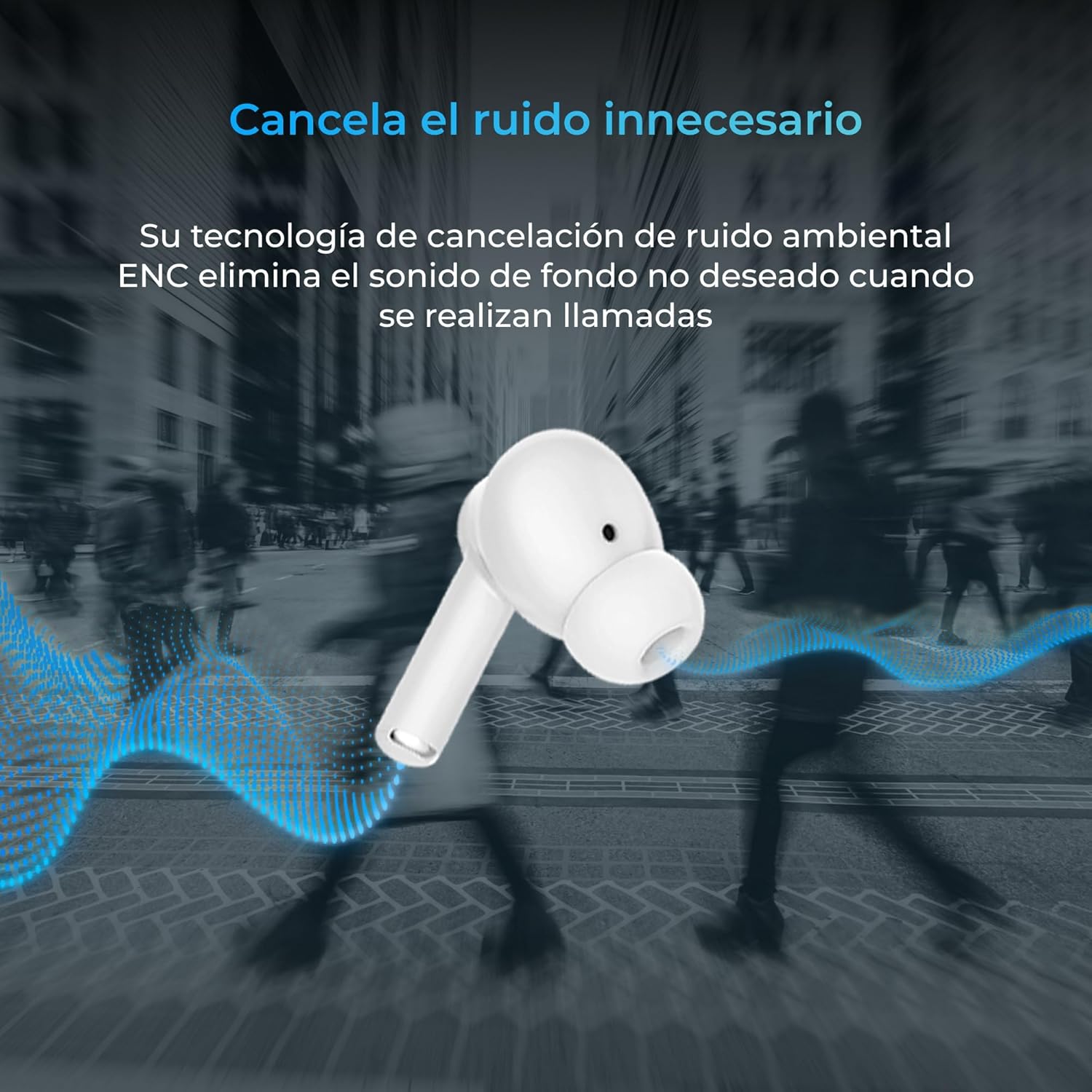
Thank you for choosing the KSIX Orion Wireless Earbuds. These earbuds are designed to provide a superior audio experience with features such as HD calls, Environmental Noise Cancellation (ENC), True Wireless Stereo (TWS), and intuitive touch controls. With up to 15 hours of total battery life and IPX4 water resistance, they are perfect for music, sports, and travel. This manual will guide you through the setup, operation, and maintenance of your new earbuds to ensure optimal performance and longevity.
สินค้าเกินview




การตั้งค่า
1. การชาร์จหูฟังและเคส
Before first use, fully charge your KSIX Orion earbuds and charging case. The case and earbuds can be fully charged in approximately 1 hour. The earbuds provide up to 5 hours of playback, and the charging case provides an additional 10 hours, for a total of 15 hours of autonomy.
- วางหูฟังลงในกล่องชาร์จ
- เชื่อมต่อเคสชาร์จเข้ากับแหล่งจ่ายไฟโดยใช้สาย USB-C ที่เข้ากันได้
- ไฟแสดงสถานะบนเคสจะแสดงสถานะการชาร์จ
2. การจับคู่กับอุปกรณ์ของคุณ
The KSIX Orion earbuds utilize Bluetooth 5.3 for a stable and uninterrupted connection.
- Ensure the earbuds are in the charging case and the case lid is open, or take them out of the case. They will automatically enter pairing mode.
- บนสมาร์ทโฟน แท็บเล็ต หรืออุปกรณ์อื่นๆ ที่เปิดใช้งาน Bluetooth ให้ไปที่การตั้งค่า Bluetooth
- ค้นหา "KSIX Orion" in the list of available devices.
- Select "KSIX Orion" to connect. Once connected, you will hear a confirmation tone, and the earbuds will be ready for use.
- หากการจับคู่ล้มเหลว ให้ใส่หูฟังกลับเข้าไปในกล่อง ปิดฝา รอสักครู่ แล้วเปิดฝาและลองอีกครั้ง
คำแนะนำการใช้งาน
The KSIX Orion earbuds feature intuitive touch controls for easy management of music and calls.
การควบคุมแบบสัมผัส
| การกระทำ | เอียร์บัดข้างซ้าย | เอียร์บัดด้านขวา |
|---|---|---|
| เล่น/หยุดเพลง | แตะเพียงครั้งเดียว | แตะเพียงครั้งเดียว |
| เพลงต่อไป | แตะสามครั้ง | แตะสามครั้ง |
| เพลงก่อนหน้า | แตะสองครั้ง | แตะสองครั้ง |
| เพิ่มระดับเสียง | กดค้าง (ขวา) | กดค้าง (ขวา) |
| ลดระดับเสียง | กดค้าง (ซ้าย) | กดค้าง (ซ้าย) |
| รับสาย/วางสาย | แตะเพียงครั้งเดียว | แตะเพียงครั้งเดียว |
| ปฏิเสธการรับสาย | กดแบบยาว | กดแบบยาว |
| เปิดใช้งานผู้ช่วยเสียง | แตะค้างไว้ 2 วินาที | แตะค้างไว้ 2 วินาที |
ผู้ช่วยเสียง
The KSIX Orion earbuds are compatible with popular voice assistants such as Siri, Amazon Alexa, and Google Assistant. To activate your preferred voice assistant, use the designated touch control (tap and hold for 2 seconds). You can then issue commands for calls, music control, and more.
การซ่อมบำรุง
Proper maintenance ensures the longevity and optimal performance of your KSIX Orion earbuds.
- การทำความสะอาด: Regularly clean the earbuds, especially the ear tips and charging contacts, with a soft, dry, lint-free cloth. Do not use abrasive cleaners or solvents.
- ความต้านทานน้ำ: The earbuds are IPX4 water resistant, meaning they are protected against splashing water from any direction. They are resistant to sweat and light rain. Do not submerge the earbuds in water or expose them to strong jets of water. Ensure the earbuds are dry before placing them back in the charging case to prevent damage.
- พื้นที่จัดเก็บ: เมื่อไม่ใช้งาน ควรเก็บหูฟังไว้ในกล่องชาร์จเพื่อป้องกันฝุ่นและความเสียหายทางกายภาพ เก็บในที่แห้งและเย็น หลีกเลี่ยงอุณหภูมิที่สูงหรือต่ำเกินไป
- การดูแลแบตเตอรี่ เพื่อยืดอายุการใช้งานแบตเตอรี่ ควรหลีกเลี่ยงการปล่อยประจุแบตเตอรี่จนหมดบ่อยเกินไป ควรชาร์จหูฟังและเคสเป็นประจำ แม้จะไม่ได้ใช้งานบ่อยก็ตาม
การแก้ไขปัญหา
If you encounter issues with your KSIX Orion earbuds, try the following solutions:
| ปัญหา | วิธีแก้ปัญหาที่เป็นไปได้ |
|---|---|
| หูฟังเอียร์บัดไม่จับคู่ |
|
| ไม่มีเสียงจากหูฟังข้างหนึ่งหรือทั้งสองข้าง |
|
| หูฟังเอียร์บัดไม่ชาร์จ |
|
| Poor call quality / ENC not working |
|
ข้อมูลจำเพาะ
| คุณสมบัติ | รายละเอียด |
|---|---|
| หมายเลขรุ่น | BXTW09B |
| ยี่ห้อ | KSIX สมาร์ทเทคโนโลยีของคุณ |
| สี | สีขาว |
| เทคโนโลยีการเชื่อมต่อ | ไร้สาย (บลูทูธ 5.3) |
| การวางตำแหน่งหู | อินเอียร์ |
| ฟอร์มแฟกเตอร์ | อินเอียร์ |
| ฉนวนกันเสียง | การลดเสียงรบกวนสิ่งแวดล้อม (ENC) |
| ระดับความต้านทานต่อน้ำ | IPX4 (กันน้ำกระเด็น) |
| อายุการใช้งานแบตเตอรี่ (หูฟัง) | นานถึง 5 ชั่วโมง |
| อายุการใช้งานแบตเตอรี่ทั้งหมด (รวมเคส) | นานถึง 15 ชั่วโมง |
| เวลาในการชาร์จ | ประมาณ 1 ชั่วโมง |
| ช่วงความถี่ | 20 เฮิรตซ์ - 20,000 เฮิรตซ์ |
| ประเภทการควบคุม | ระบบควบคุมแบบสัมผัส, ระบบควบคุมด้วยเสียง |
| อุปกรณ์ที่รองรับ | สมาร์ทโฟน แท็บเล็ต แล็ปท็อป คอมพิวเตอร์ตั้งโต๊ะ ลำโพงอัจฉริยะ |
| การใช้ที่แนะนำ | Calls, Music, Sport, Travel |
| ส่วนประกอบที่รวมอยู่ | เคสชาร์จแบบไร้สาย |
การรับประกันและการสนับสนุน
For detailed warranty information and customer support, please refer to the official KSIX website or contact their customer service directly. Information regarding spare parts availability and software update guarantees is not available in this manual.
หากต้องการความช่วยเหลือเพิ่มเติม โปรดไปที่: www.ksix.com


