การแนะนำ
The Homcloud Mini 8S Wi-Fi Camera is designed to enhance your home security with smart, intuitive features. This camera allows you to monitor, program, and automate your home devices directly from your smartphone, providing control from anywhere. It integrates seamlessly into your smart home ecosystem, offering convenience and peace of mind.
คุณสมบัติที่สำคัญ ได้แก่:
- Full HD 1080p Video Recording
- Night Vision up to 10 meters
- Motion Detection with Live Notifications
- Two-Way Audio and Noise Reduction
- ตัวเลือกการ์ด SD และพื้นที่จัดเก็บข้อมูลบนคลาวด์
- การเชื่อมต่อ Wi-Fi
- Compatibility with Homcloud App, Amazon Alexa, and Google Home

Image: The Homcloud Mini 8S Wi-Fi Camera on a desk, highlighting its key features such as HD Video, Night Vision, SD Card & Cloud storage, Motion Detection, and Live Notifications.
ส่วนประกอบของผลิตภัณฑ์
The Homcloud Mini 8S Wi-Fi Camera package typically includes the following items:
- Homcloud Mini 8S Wi-Fi Camera
- สายไฟ USB
- อะแดปเตอร์ไฟฟ้า (อาจแตกต่างกันไปตามภูมิภาค)
- Mounting Accessories (for wall mounting)
- คู่มือการใช้งาน (เอกสารนี้)

Image: The Homcloud Mini 8S Wi-Fi Camera positioned on a desk, demonstrating its compact design and typical indoor placement.
คู่มือการติดตั้ง
Follow these steps to set up your Homcloud Mini 8S Wi-Fi Camera:
- Download the Homcloud App: ค้นหา "Homcloud" in the Apple App Store or Google Play Store, or scan the QR code below to download the official application.
- สร้างบัญชี: Open the Homcloud app and register for a new account or log in if you already have one.
- เปิดกล้อง: Connect the camera to a power source using the provided USB cable and power adapter. Wait for the indicator light to flash, indicating it's ready for pairing.
- เพิ่มอุปกรณ์: In the Homcloud app, tap the "+" icon (usually in the top right corner) to add a new device. Select "Security Camera" or "Smart Camera" from the device list.
- เชื่อมต่อกับ Wi-Fi: Follow the in-app instructions to connect the camera to your 2.4GHz Wi-Fi network. You may need to scan a QR code displayed on your phone screen with the camera lens.
- การจัดวาง: Position the camera in your desired location. It supports standalone placement or wall mounting. Ensure it has a clear view ของพื้นที่ที่คุณต้องการติดตาม

Image: Multiple smartphones displaying the Homcloud application interface, along with the Homcloud logo and a QR code for easy app download. The QR code links to https://smartapp.tuya.com/homcloudsmart.
คำแนะนำการใช้งาน
Once your Homcloud Mini 8S Wi-Fi Camera is set up, you can control and monitor it using the Homcloud app:
- สด View: เปิดแอปและเลือกกล้องของคุณ view live video feed in Full HD 1080p resolution.
- เสียงสองทาง: Use the microphone and speaker icons in the app to communicate with people near the camera.
- การมองเห็นตอนกลางคืน: The camera automatically switches to night vision mode in low-light conditions, providing clear black and white video up to 10 meters.
- การตรวจจับการเคลื่อนไหว: Enable motion detection in the app settings to receive instant notifications on your smartphone when movement is detected. You can adjust sensitivity levels.
- การบันทึกและการจัดเก็บ:
- การ์ด SD: Insert a microSD card (not included) into the camera's slot for local video storage. The camera supports continuous recording or event-triggered recording.
- การเก็บข้อมูลบนคลาวด์: Subscribe to Homcloud's cloud storage service (if available) for secure off-site video backup.
- การรวมระบบบ้านอัจฉริยะ: Connect your Homcloud account with Amazon Alexa or Google Home to control the camera using voice commands (e.g., "Alexa, show me the living room camera").
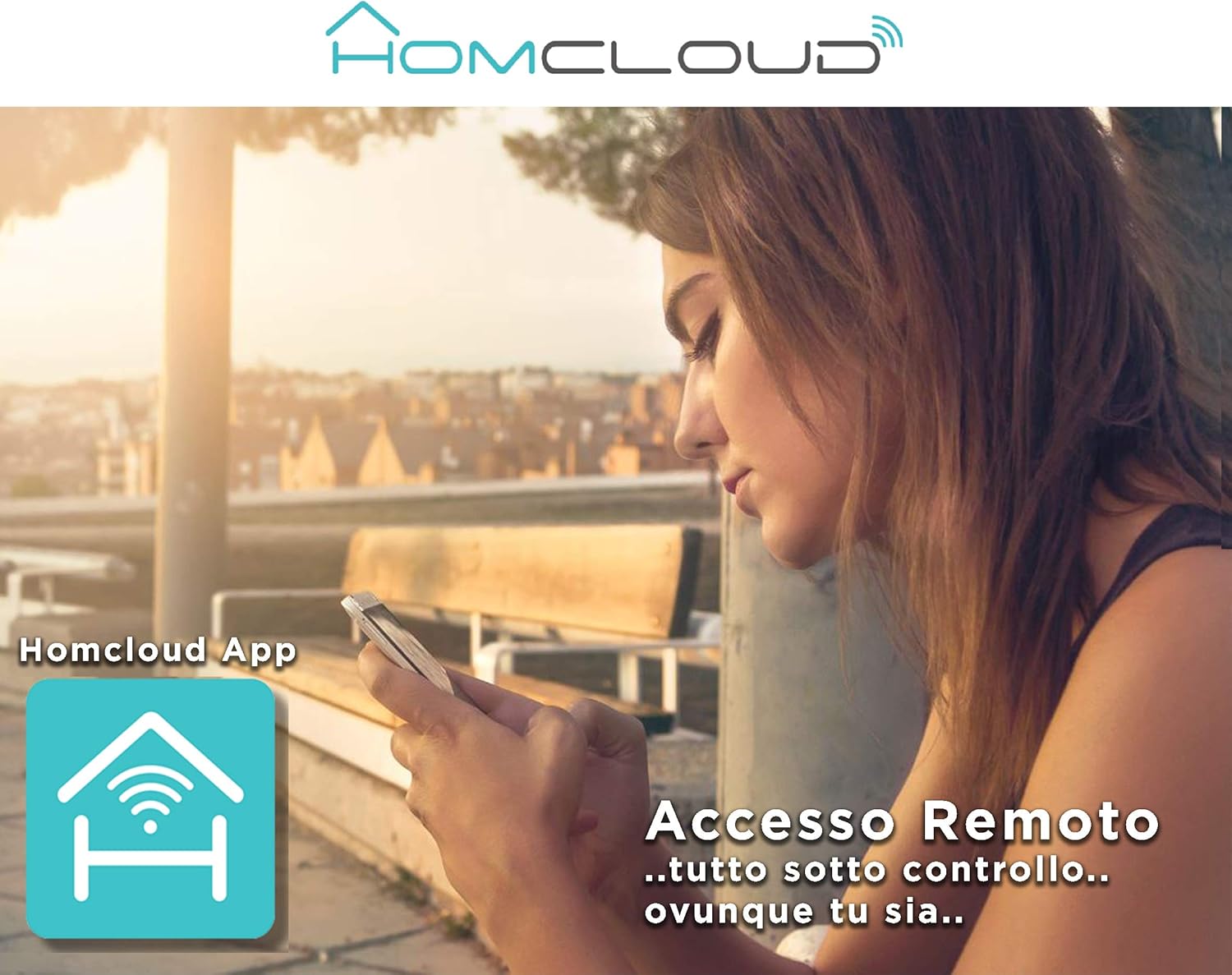
Image: A woman using her smartphone, illustrating the remote access capabilities of the Homcloud App to control and monitor the camera from any location.

Image: A family enjoying their smart home, demonstrating the integration of Homcloud solutions with Amazon Alexa and Google Assistant for convenient control.
การซ่อมบำรุง
การบำรุงรักษาอย่างถูกต้องจะช่วยให้กล้องของคุณมีอายุการใช้งานยาวนานและมีประสิทธิภาพสูงสุด:
- การทำความสะอาด: Gently wipe the camera lens and body with a soft, dry cloth. Avoid using harsh chemicals or abrasive materials that could scratch the lens or damage the casing.
- อัพเดตเฟิร์มแวร์: Regularly check the Homcloud app for available firmware updates. Keeping your camera's firmware up-to-date ensures you have the latest features, security patches, and performance improvements.
- แหล่งจ่ายไฟ: Use only the original power adapter and cable provided with the camera. Ensure the power connection is secure and free from damage.
- สิ่งแวดล้อม: The camera is designed for indoor use. Avoid exposing it to extreme temperatures, direct sunlight, high humidity, or water. While it is listed as "waterproof" in some specifications, this typically refers to splash resistance and not full submersion or outdoor exposure.
การแก้ไขปัญหา
If you encounter issues with your Homcloud Mini 8S Wi-Fi Camera, refer to the following common solutions:
- กล้องออฟไลน์:
- Check if the camera is powered on and the power cable is securely connected.
- Ensure your Wi-Fi router is working and the internet connection is stable.
- รีสตาร์ทกล้องโดยการถอดปลั๊กแล้วเสียบปลั๊กใหม่
- ตรวจสอบให้แน่ใจว่ากล้องอยู่ในระยะสัญญาณของเราเตอร์ Wi-Fi ของคุณ
- If the issue persists, try re-pairing the camera with the Homcloud app.
- คุณภาพวิดีโอไม่ดี:
- ทำความสะอาดเลนส์กล้องด้วยผ้านุ่ม
- Ensure adequate lighting in the monitored area, especially for color video.
- ตรวจสอบความแรงของสัญญาณ Wi-Fi สัญญาณอ่อนอาจส่งผลต่อคุณภาพการสตรีมได้
- การตรวจจับความเคลื่อนไหวไม่ทำงาน:
- Verify that motion detection is enabled in the Homcloud app settings for your camera.
- ปรับความไวในการตรวจจับการเคลื่อนไหว
- ตรวจสอบให้แน่ใจว่าไม่มีสิ่งกีดขวางปิดกั้นกล้อง view.
- ไม่สามารถเชื่อมต่อกับแอปได้:
- Make sure your smartphone is connected to a 2.4GHz Wi-Fi network during the pairing process.
- Confirm that you are entering the correct Wi-Fi password.
- Reset the camera (refer to the app or product for specific reset instructions, usually a small button) and try the pairing process again.
ข้อมูลจำเพาะ
| คุณสมบัติ | รายละเอียด |
|---|---|
| ยี่ห้อ | โฮมคลาวด์ |
| หมายเลขรุ่น | TY-WCM8S |
| ความละเอียดในการบันทึกวิดีโอ | 1080p เต็ม HD |
| ความละเอียดวิดีโอที่มีประสิทธิภาพ | 1080 |
| อัตราเฟรม | 25 เฟรมต่อวินาที |
| เทคโนโลยีการสื่อสารไร้สาย | ไวไฟ |
| โปรโตคอลการเชื่อมต่อ | ไวไฟ |
| Viewอิงแองเกิล | 100 องศา |
| ช่วงการมองเห็นตอนกลางคืน | 10 เมตร |
| คุณสมบัติพิเศษ | Two-Way Audio, Noise Reduction, HD Resolution, Night Vision |
| ข้อแนะนำการใช้ | การรักษาความปลอดภัยในร่ม |
| การใช้งานในร่ม/กลางแจ้ง | ในร่ม |
| อุปกรณ์ที่รองรับ | Homcloud App, Amazon Alexa, Android, Google Home, Smart Life, iOS |
| แหล่งพลังงาน | สายไฟฟ้า |
| เล่มที่tage | 5 โวลต์ |
| การใช้พลังงาน | 2.5 วัตต์ |
| วัสดุ | พลาสติก |
| ขนาด (กว้าง x ยาว x สูง) | 8 x 5 x 9 ซม. |
| น้ำหนัก | 350 กรัม |
| ประเภทการติดตั้ง | ติดผนัง |
| ระดับความต้านทานต่อน้ำ | Waterproof (Note: Typically splash resistant for indoor use) |
การรับประกันและการสนับสนุน
For warranty information, please refer to the documentation provided at the time of purchase or visit the official Homcloud website. If you require technical assistance or have questions not covered in this manual, please contact Homcloud customer support through their official channels.
You can find more information and support resources on the Homcloud website or through the Homcloud application.


