การแนะนำ
This manual provides comprehensive instructions for the LG 65UM6900 65" 4K UHD Smart TV. This television features a 65-inch IPS 4K display, offering a resolution of 3,840 x 2,160 pixels with wide viewing angles and nearly 100% color accuracy. It is equipped with a Quad-core processor that enhances picture and sound quality by reducing video noise and motion blur. The TV supports 4K Active HDR (HDR10, HLG) with advanced tone mapping technology for optimized scene-by-scene image adjustment. The webOS platform provides easy access to streaming content and smart features. Connectivity includes Wi-Fi and multiple HDMI ports.
การตั้งค่า
1. Physical Setup (Attaching the Stand)
Carefully place the TV screen-down on a soft, flat surface to prevent damage. Attach the two stand legs to the designated slots on the bottom of the TV. Secure them using the provided screws. Ensure the stand is firmly attached before placing the TV upright.
Video: Demonstration of attaching TV stand legs. The video shows how to correctly align and secure the stand components to the television unit.
Alternatively, the TV can be mounted on a wall using a compatible VESA wall mount (sold separately). Refer to the wall mount manufacturer's instructions for proper installation.

ภาพ: ด้านหน้า view of the LG 65UM6900 65" 4K UHD Smart TV, showcasinด้วยดีไซน์ที่บางเฉียบและคุณภาพของจอแสดงผล
2. การเปิดเครื่องและการเชื่อมต่อเครือข่ายครั้งแรก
Connect the power cord to the TV and then to a power outlet. Press the power button on the remote control or on the TV itself. Follow the on-screen prompts to complete the initial setup, including language selection, time zone, and connecting to your home Wi-Fi network. A stable internet connection is required to access smart features and streaming services.
คำแนะนำการใช้งาน
1. ฟังก์ชั่นการควบคุมระยะไกล
The LG Magic Remote allows for intuitive navigation. Use the scroll wheel for quick browsing and the pointer function to select items on screen. Dedicated buttons provide direct access to popular streaming services like Netflix, Prime Video, Disney+, and LG Channels. The remote also includes voice control capabilities for enhanced interaction.
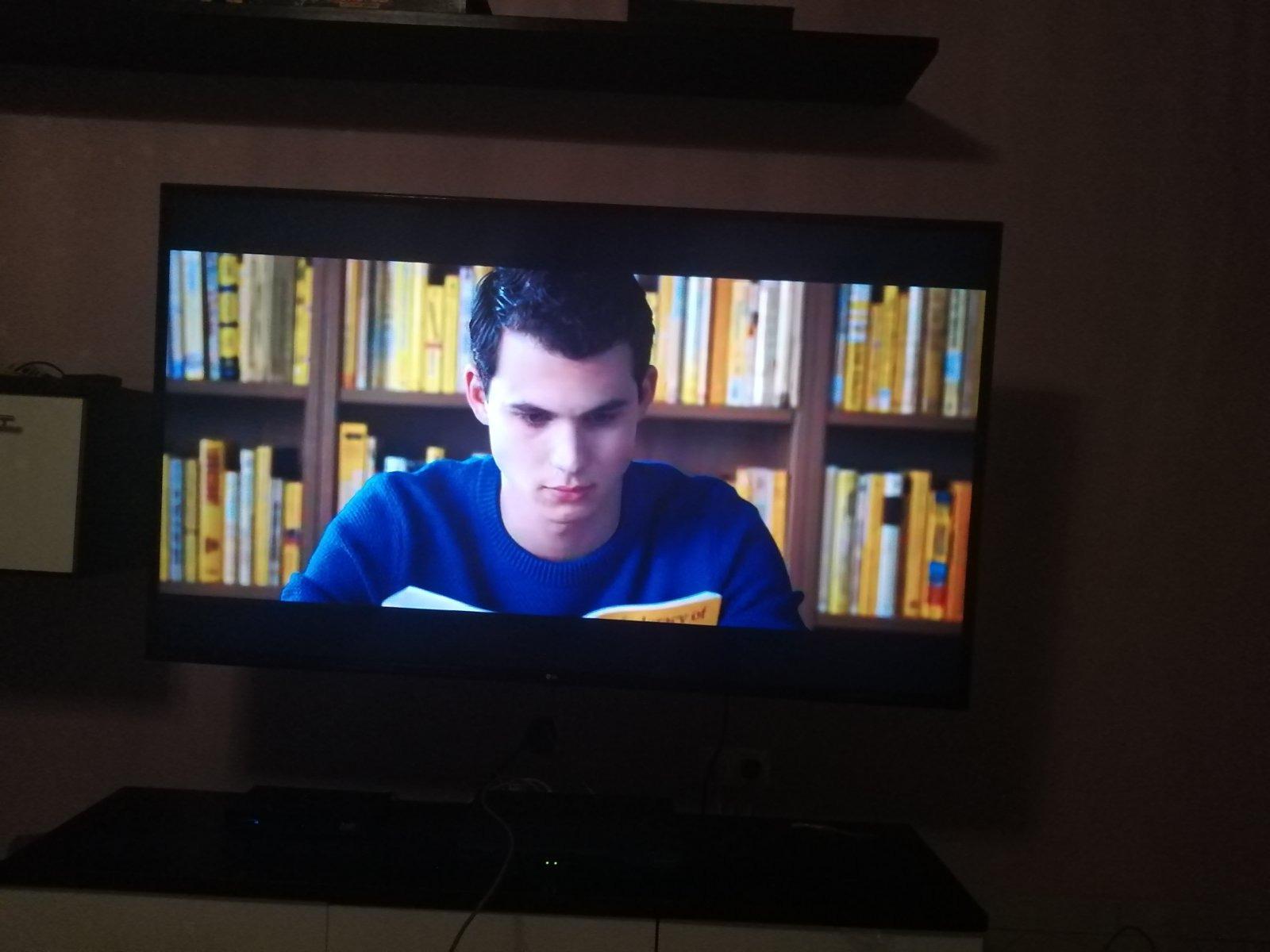
Image: Close-up of the LG Magic Remote, highlighting its ergonomic design and dedicated app buttons.
2. webฟีเจอร์สมาร์ทของระบบปฏิบัติการ
การ webOS platform provides a user-friendly interface for accessing a wide range of content. The Home Dashboard allows you to manage connected devices, view frequently used apps, and access various settings. Explore the App List for pre-installed and downloadable streaming applications. The TV supports popular internet services such as Browser, Hulu, and Netflix.
3. การตั้งค่าภาพและเสียง
- คุณภาพของภาพ: The IPS 4K display ensures consistent color accuracy and wide viewing angles. The Quad-core processor enhances image clarity and reduces motion blur. 4K Active HDR (HDR10, HLG) dynamically adjusts picture settings scene-by-scene for optimal contrast and color.
- TruMotion 120: This technology provides a native 60Hz refresh rate, effectively simulating a 120Hz effect for smoother motion in fast-paced scenes.
- เสียง: The integrated speakers deliver clear audio. For enhanced sound, external audio systems can be connected via optical output or other available ports.
4. คุณสมบัติการเล่นเกม
The LG 65UM6900 is designed to enhance your gaming experience. It features HDMI 2.1 ports, supporting advanced gaming functionalities. Auto Low Latency Mode (ALLM) automatically optimizes settings for a responsive gaming experience. The Game Optimizer Dashboard provides quick access to game-related settings. Cloud gaming services like GeForce Now and Xbox Game Pass can be accessed directly through the TV, allowing you to stream games without a console.
การซ่อมบำรุง
- การทำความสะอาด: เช็ดหน้าจอเบาๆ ด้วยผ้าไมโครไฟเบอร์ที่นุ่มและแห้ง สำหรับรอยเปื้อนฝังแน่น ให้เช็ดเบาๆampชุบผ้าด้วยน้ำหรือน้ำยาทำความสะอาดที่ปลอดภัยต่อหน้าจอ หลีกเลี่ยงสารเคมีรุนแรง
- การอัปเดตซอฟต์แวร์: Ensure your TV's software is up-to-date for optimal performance and security. Updates can usually be found in the TV's settings menu under "General" or "Support."
- การระบายอากาศ : ตรวจสอบให้แน่ใจว่าทีวีมีการไหลเวียนของอากาศที่เพียงพอเพื่อป้องกันความร้อนสูงเกินไป อย่าปิดกั้นช่องระบายอากาศ
การแก้ไขปัญหา
- ไม่มีไฟฟ้า: ตรวจสอบว่าสายไฟเสียบเข้ากับทีวีและเต้ารับไฟฟ้าแน่นดีแล้ว ลองเสียบกับเต้ารับอื่นดู
- ไม่มีภาพ/เสียง: ตรวจสอบให้แน่ใจว่าได้เลือกแหล่งสัญญาณเข้าที่ถูกต้องแล้ว ตรวจสอบการเชื่อมต่อสายเคเบิลทั้งหมด (HDMI, ออปติคอล ฯลฯ)
- คุณภาพภาพไม่ดี: ปรับการตั้งค่าภาพ (ความสว่าง ความคมชัด ความละเอียด) ตรวจสอบให้แน่ใจว่าแหล่งที่มาของเนื้อหามีคุณภาพสูง
- ระยะไกลไม่ทำงาน: เปลี่ยนแบตเตอรี่ ตรวจสอบให้แน่ใจว่าไม่มีสิ่งกีดขวางระหว่างรีโมทและทีวี
- คุณสมบัติอัจฉริยะไม่ทำงาน: Check your Wi-Fi connection. Restart the TV and your router.
- รีเซ็ตเป็นค่าเริ่มต้นจากโรงงาน: If issues persist, a factory reset can resolve many software-related problems. This will erase all personalized settings. Consult the on-screen menu for this option.
ข้อมูลจำเพาะ
| ยี่ห้อ | LG |
| หมายเลขรุ่น | 65UM6900 |
| ขนาดหน้าจอ | 65 นิ้ว |
| ประเภทหน้าจอ | IPS 4K |
| ปณิธาน | 4K Ultra HD (3,840 x 2,160) |
| อัตราการรีเฟรช | TruMotion 120 (เนทีฟ 60Hz) |
| โปรเซสเซอร์ | โปรเซสเซอร์ Quad Core |
| รองรับ HDR | 4K Active HDR (HDR10, HLG) |
| การเชื่อมต่อ | Wi-Fi, HDMI 2.1 (quantity not specified in provided data, assuming multiple based on features), Composite Input (AV) |
| ระบบปฏิบัติการ | webOS |
| ขนาด (รวมขาตั้ง) | 57.8 x 10 x 35.9 นิ้ว |
| น้ำหนักสินค้า | 22 ปอนด์ |
| ส่วนประกอบที่รวมอยู่ | สแตนด์, ทีวี |
การรับประกันและการสนับสนุน
สำหรับข้อมูลการรับประกันและการบริการลูกค้า โปรดดูเอกสารที่แนบมากับผลิตภัณฑ์ของคุณ หรือเยี่ยมชมเว็บไซต์อย่างเป็นทางการของ LG website. You can also find general customer support information via the provided ลิงค์สนับสนุนลูกค้า.
