การแนะนำ
Thank you for choosing the AKASO C330 Dash Cam. This manual provides detailed instructions to help you set up, operate, and maintain your device. Please read it carefully before use to ensure optimal performance and safety.
สินค้าเกินview และคุณสมบัติที่สำคัญ
The AKASO C330 Dash Cam is designed to record your driving journey in high definition, offering a wide range of features for enhanced road safety and evidence collection.

The AKASO C330 Dash Cam is fully functional, featuring G-sensor protection, parking monitor, loop recording, super night vision, 1080P recording, 170° wide angle, and a fatigue reminder.
- บันทึกวิดีโอความละเอียด Full HD 1080P: บันทึกวิดีโอได้ชัดเจน footage at 1920 x 1080 resolution.
- เลนส์มุมกว้าง 170°: Provides extensive road coverage, minimizing blind spots.
- หน้าจอ IPS ขนาด 3.0 นิ้ว: Offers a clear display for real-time viewการทำและการเล่นซ้ำ
- ซูเปอร์ไนท์วิชั่น: ปรับปรุงประสิทธิภาพการทำงานในที่แสงน้อย เพื่อการบันทึกภาพที่คมชัดในเวลากลางคืน
- การบันทึกแบบวนซ้ำ: เขียนทับ foo ที่เก่าที่สุดโดยอัตโนมัติtagเช่น เมื่อการ์ดหน่วยความจำเต็ม เพื่อให้สามารถบันทึกได้อย่างต่อเนื่อง
- จีเซ็นเซอร์: Detects sudden movements or collisions and automatically locks the current video file เพื่อป้องกันไม่ให้ถูกเขียนทับ
- การตรวจสอบที่จอดรถ: Records automatically if an impact is detected while the vehicle is parked.
- การตรวจจับการเคลื่อนไหว: Starts recording when movement is detected in front of the camera, useful for surveillance.

The dash cam records every detail in 1080P Full HD resolution, utilizing an F1.8 aperture lens and displaying on a 3.0-inch screen.

The 170° wide-angle lens provides extensive coverage, typically spanning about four lanes of traffic.

The Super Night Vision feature ensures clear video recording even in low-light conditions.

The dash cam includes three emergency recording functions: G-sensor for impact detection, motion detection for security, and parking monitor for surveillance when parked.
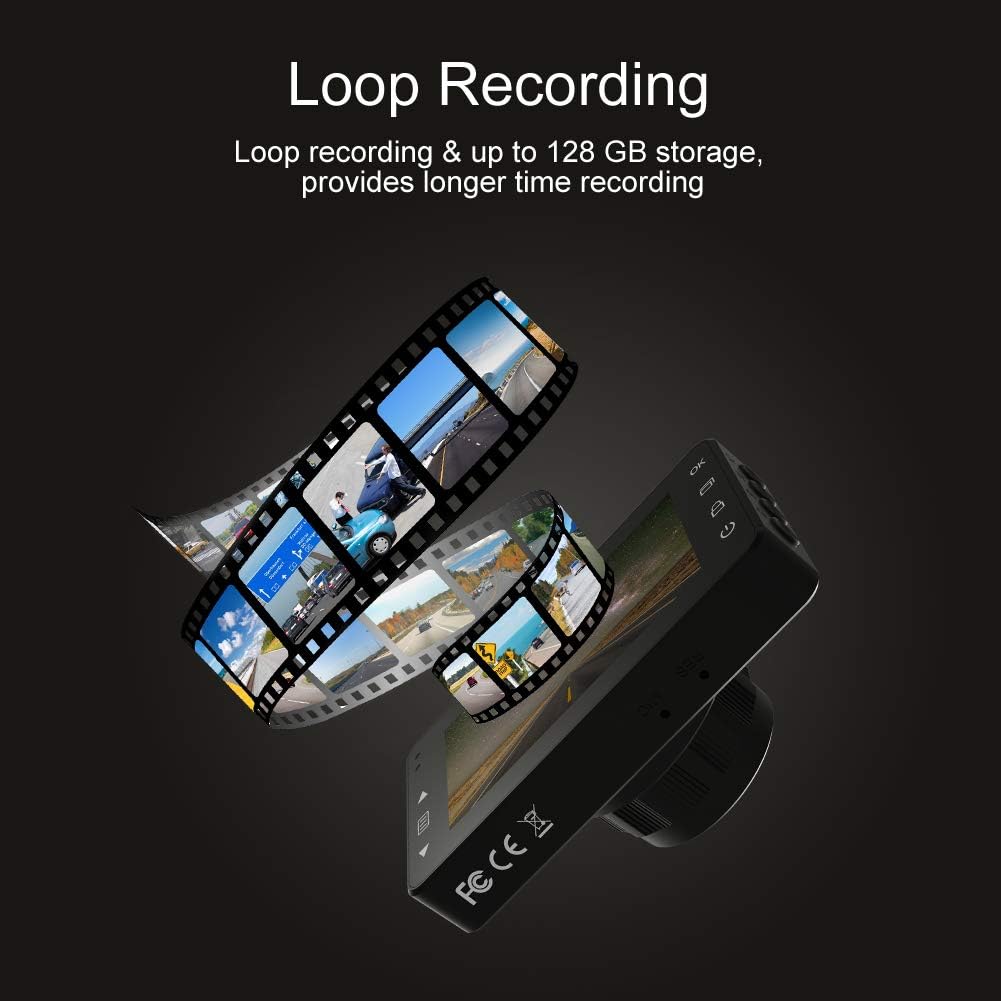
Loop recording ensures continuous video capture, automatically overwriting older files, and supports up to 128 GB storage for longer recording times.
วิดีโอแสดงผลิตภัณฑ์อย่างเป็นทางการasing the features and capabilities of the AKASO C330 Dash Cam, including its 1080P HD recording, 3-inch LCD screen, and 170° wide-angle view.
เนื้อหาแพ็คเกจ
กรุณาทำเครื่องหมายในช่องสำหรับรายการต่อไปนี้:
- AKASO C330 Dash Cam
- แท่นดูด
- ที่ชาร์จในรถยนต์
- สาย USB
- คู่มือการใช้งาน (เอกสารนี้)
- Memory Card (if included in your specific package)
แผนผังผลิตภัณฑ์
Familiarize yourself with the various parts and buttons of your AKASO C330 Dash Cam:

Detailed diagram of the AKASO C330 Dash Cam, highlighting the Micro SD Power Slot, OK Button, Up Button, Mode Button, Menu Button, Lock Button, Power Mode Button, Down Button, and USB Port, along with its dimensions.
- Micro SD Power Slot: ใส่การ์ด Micro SD ของคุณที่นี่
- ปุ่มตกลง: ยืนยันการเลือกหรือเริ่ม/หยุดการบันทึก
- ปุ่มขึ้น: Navigates up in menus or zooms in during playback.
- ปุ่มโหมด: สลับระหว่างโหมดวิดีโอ รูปภาพ และการเล่น
- ปุ่มเมนู: เข้าสู่เมนูการตั้งค่า
- ปุ่มล็อค: Manually locks the current recording.
- ปุ่มโหมดพลังงาน: เปิด/ปิดอุปกรณ์
- ปุ่มลง: Navigates down in menus or zooms out during playback.
- พอร์ต USB: Connects to power source or computer.
การตั้งค่า
1 การติดตั้งการ์ด Micro SD
The AKASO C330 requires a Micro SD card (Class 10 or higher, 8GB-128GB) for recording. The memory card is not always included and may need to be purchased separately.
- ตรวจสอบให้แน่ใจว่ากล้องติดรถยนต์ปิดอยู่
- Insert the Micro SD card into the Micro SD Power Slot until it clicks into place.
- ในการถอด ให้ค่อยๆ ดันการ์ดเข้าไปจนกว่าจะมีเสียงคลิก แล้วจึงปล่อย
บันทึก: It is recommended to format the Micro SD card in the dash cam before first use and periodically thereafter to ensure stable recording.
2. การติดตั้ง Dash Cam
Use the provided suction mount to securely attach the dash cam to your vehicle's windshield.
- ทำความสะอาดบริเวณกระจกหน้ารถที่คุณต้องการติดตั้งกล้องติดรถยนต์
- ติดฐานยึดแบบดูดเข้ากับกล้องติดรถยนต์
- กดถ้วยดูดให้แน่นเข้ากับกระจกหน้ารถแล้วพลิกคันโยกเพื่อยึดให้แน่น
- ปรับมุมกล้องให้ชัด view ของถนนข้างหน้า
3. Powering the Dash Cam
Connect the dash cam to your car's power supply using the car charger.
- Plug one end of the car charger into the dash cam's USB Port.
- Plug the other end into your vehicle's 12V power outlet (cigarette lighter socket).
- กล้องติดรถยนต์จะเปิดใช้งานและเริ่มบันทึกโดยอัตโนมัติเมื่อรถของคุณสตาร์ท
คำแนะนำการใช้งาน
การทำงานพื้นฐาน
- เปิด/ปิดเครื่อง: The camera automatically powers on/off with the car ignition. You can also manually press and hold the Power Mode Button to turn it on or off.
- เริ่ม/หยุดการบันทึก: Once powered on and connected to power, the camera will automatically start loop recording. Press the OK Button to manually start or stop recording.
การนำทางเมนู
Use the Menu Button to access settings, and the Up/Down Buttons to navigate. Press the OK Button to confirm selections.
การบันทึกแบบวนซ้ำ
This feature ensures continuous recording by overwriting the oldest files when the SD card is full. You can set the loop recording duration (1, 3, or 5 minutes) in the settings menu. To disable, select 'off'.
จีเซนเซอร์
The G-Sensor detects sudden impacts or rapid acceleration/deceleration. When triggered, it automatically locks the current video segment, preventing it from being overwritten by loop recording. The sensitivity can be adjusted in the settings.
จอภาพที่จอดรถ
When enabled, the dash cam will automatically start recording if it detects a collision or vibration while your vehicle is parked and the engine is off. This feature requires a continuous power supply or the camera's internal battery to be charged.
การตรวจจับการเคลื่อนไหว
With motion detection enabled, the camera will begin recording when it senses movement in its field of view. This is useful for monitoring your vehicle when parked. Ensure the camera has power for this function.
การมองเห็นตอนกลางคืน
The AKASO C330 features updated night vision technology to provide clearer video quality in low-light conditions. This feature activates automatically.
การซ่อมบำรุง
การฟอร์แมตการ์ด SD
Regularly formatting your Micro SD card helps maintain its performance and prevents data corruption. It is recommended to format the card every 2-4 weeks.
- Insert the Micro SD card into the dash cam.
- เปิดกล้องหน้ารถ
- Navigate to the settings menu using the Menu Button.
- Find the 'Format' option and confirm.
การทำความสะอาดเลนส์
To ensure clear video quality, keep the camera lens clean.
- ใช้ผ้าเนื้อนุ่มที่ไม่เป็นขุยเช็ดเลนส์เบาๆ
- Avoid using abrasive cleaners or solvents that could damage the lens coating.
การแก้ไขปัญหา
If you encounter issues with your AKASO C330 Dash Cam, refer to the following common problems and solutions:
| ปัญหา | วิธีแก้ปัญหาที่เป็นไปได้ |
|---|---|
| กล้องไม่สามารถเปิดได้ | Check the power connection to the car charger and the vehicle's 12V outlet. Ensure the car's ignition is on. The internal battery may be depleted; charge it for a few hours. |
| Camera stops recording randomly. | Format the Micro SD card. Ensure the card is Class 10 or higher and not full. Disable parking monitor or motion detection if not needed, as they can affect continuous recording. |
| วิดีโอ footage ไม่ชัดเจนหรือไม่ชัดเจน | Clean the camera lens and the windshield area where the camera is mounted. Ensure the protective film has been removed from the lens. |
| "SD Card Error" or "Please Insert SD Card" message. | Reinsert the Micro SD card. Format the card in the camera. Try a different, compatible Micro SD card. |
| ปุ่มต่างๆ ไม่ตอบสนอง | Perform a soft reset by pressing the reset button (if available) or by powering off and on the device. Ensure the device is not in a locked state. |
ข้อมูลจำเพาะ
- จอแสดงผล LCD: หน้าจอ IPS ขนาด 3.0 นิ้ว
- พิกเซล: 1.2 ล้านพิกเซล
- เลนส์ด้านหน้า: 170° HD wide-angle lens
- รูรับแสงของเลนส์: F1.8 aperture
- ความละเอียดสูงสุดของวิดีโอ: 1080FHD (1920 x 1080)
- การบันทึกรอบ: 1 minute / 3 minutes / 5 minutes / off
- อินเทอร์เฟซ PC: ยูเอสบี 2.0
- อินเทอร์เฟซพลังงาน: 5V / 2A
- พื้นที่จัดเก็บ: 8-128 GB Micro SD card (not included)
- น้ำหนักสินค้า: 12 ออนซ์
- แบตเตอรี่: แบตเตอรี่ลิเธียมโพลิเมอร์ 1 ก้อน (รวมอยู่ด้วย)
- ประเภทการติดตั้ง: แท่นดูด
การรับประกันและการสนับสนุน
AKASO products are designed for reliability and performance. For warranty information, technical support, or customer service, please refer to the contact details provided on the AKASO official website or your purchase documentation. Please have your product model (C330) and purchase date ready when contacting support.


