1. บทนำและผลิตภัณฑ์view
The Hormann IT3b-1 Interior Push Button (Model 4511647) is designed for convenient and reliable operation of your garage door system from within your garage or home. This wired push button features a large, easy-to-press button with an illuminated ring for enhanced visibility and user comfort. It offers multiple functions for controlling your garage door and its associated lighting.
2. คำแนะนำด้านความปลอดภัย
Please read and understand all safety instructions before installation and operation. Failure to follow these instructions may result in injury or damage to the product.
- ความปลอดภัยทางไฟฟ้า: Installation should only be performed by qualified personnel or under the supervision of a qualified electrician. Ensure power to the garage door operator is disconnected before beginning any installation or wiring work.
- วัตถุประสงค์การใช้: This device is intended for controlling Hormann garage door operators. Do not use it for purposes other than those specified.
- เด็ก: Keep children away from the push button and garage door area.
- สิ่งแวดล้อม: Do not expose the device to moisture, extreme temperatures, or corrosive substances.
3. เนื้อหาบรรจุภัณฑ์
ตรวจสอบว่ามีส่วนประกอบทั้งหมดอยู่ในแพ็คเกจ:
- Hormann IT3b-1 Interior Push Button
- ฮาร์ดแวร์สำหรับติดตั้ง (สกรู, ปลั๊กผนัง)
- Connection cable (typically included)
- คู่มือการใช้งานหลายภาษา
4. การตั้งค่าและการติดตั้ง
The IT3b-1 push button is designed for surface mounting and requires a wired connection to your garage door operator's control unit.
- เลือกสถานที่: Select a suitable indoor location for the push button, typically near the garage entrance, ensuring it is easily accessible but out of reach of small children.
- ตัดการเชื่อมต่อไฟฟ้า: Before proceeding, ensure the main power supply to your garage door operator is completely disconnected.
- ติดตั้งปุ่มกด:
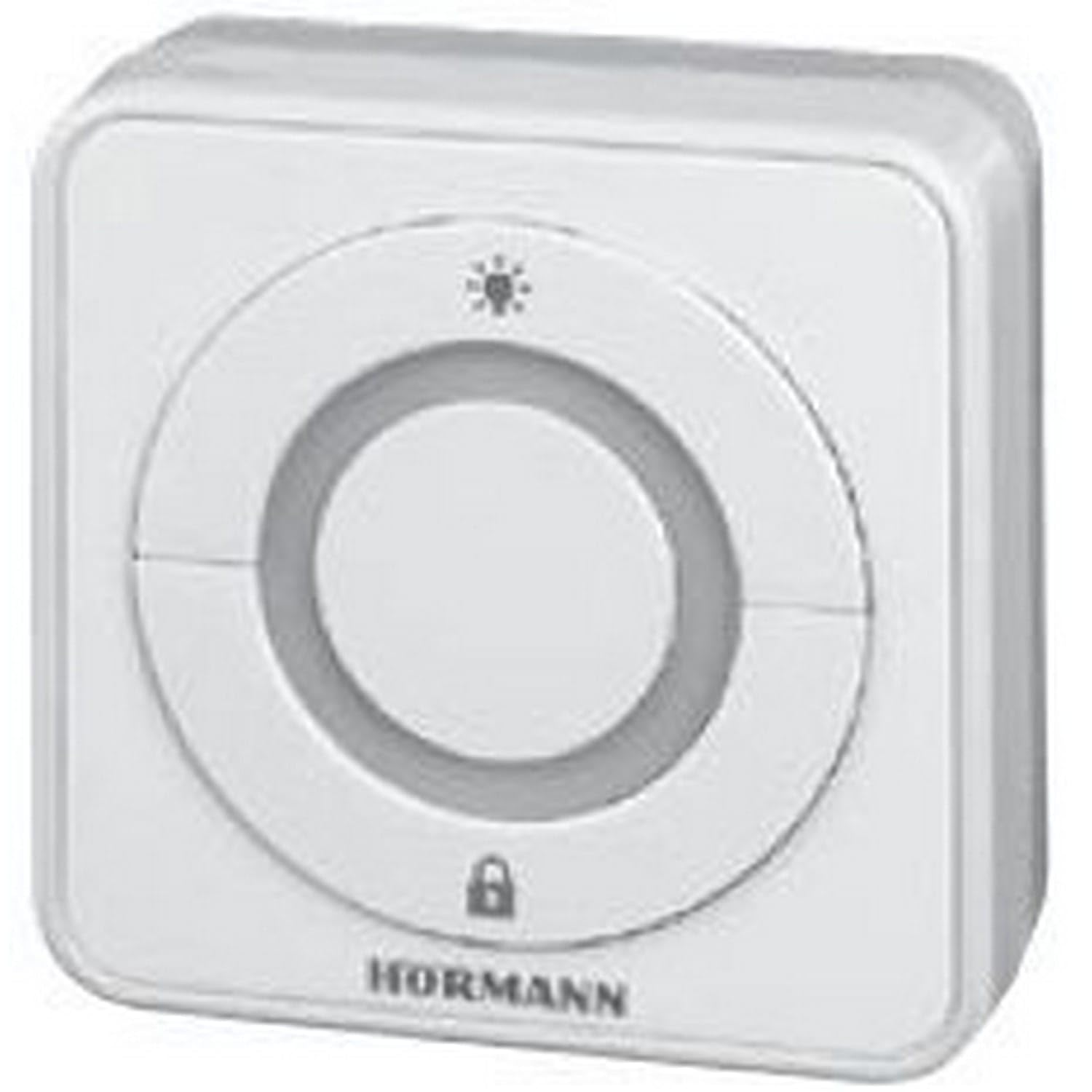
Image: The Hormann IT3b-1 Interior Push Button, showing its compact design and large central button with an illuminated ring. This image illustrates the product's appearance when mounted.
Use the provided mounting hardware to securely attach the push button housing to the wall. - Wire the Connection: Connect the provided cable from the push button to the designated terminals on your Hormann garage door operator's control unit. Refer to your garage door operator's manual for specific wiring diagrams and terminal assignments. The push button uses screw terminals for connection.
- คืนค่าพลัง: Once wiring is complete and secure, restore power to the garage door operator.
5. คู่มือการใช้งาน
The IT3b-1 push button offers intuitive control over your garage door system.
- Garage Door Operation: Press the large central button once to initiate the garage door movement (open or close). Pressing it again during movement will stop the door. A third press will reverse the door's direction.
- แหวนเรืองแสง: The illuminated ring around the button provides visual feedback and makes the button easy to locate in low light conditions.
- Drive Light Control: The push button may also include a function to control the drive unit's integrated lighting. Consult your garage door operator's manual for specific instructions on activating this feature.
- Remote Control Stop Function: This button can be used to stop or deactivate remote control access, providing an added security feature. Refer to your garage door operator's manual for details on configuring and using this function.
6. การบำรุงรักษา
The Hormann IT3b-1 Interior Push Button requires minimal maintenance.
- การทำความสะอาด: Clean the surface of the push button with a soft, damp ผ้า ห้ามใช้สารทำความสะอาดที่มีฤทธิ์กัดกร่อนหรือตัวทำละลาย
- การตรวจสอบ: ตรวจสอบการเชื่อมต่อสายไฟเป็นระยะเพื่อให้แน่ใจว่ามีความปลอดภัย
- ไม่มีชิ้นส่วนที่ผู้ใช้สามารถซ่อมบำรุงได้: The device contains no user-serviceable parts. Do not attempt to open or repair the unit yourself.
7 การแก้ไขปัญหา
If you experience issues with your IT3b-1 Interior Push Button, consider the following:
- ปุ่มไม่ตอบสนอง:
- Check if the garage door operator has power.
- Verify all wiring connections are secure at both the push button and the operator's control unit.
- Ensure there are no obstructions preventing the garage door from moving.
- Illuminated Ring Not Working:
- Confirm the push button is correctly wired and receiving power.
- If the button functions but the light does not, the internal LED may be faulty. Contact customer support.
- การทำงานเป็นระยะ:
- ตรวจสอบสายไฟว่ามีจุดเชื่อมต่อหลวมหรือเสียหายหรือไม่
- Ensure the push button is not exposed to excessive vibration or impact.
If problems persist, consult your garage door operator's manual or contact Hormann customer support.
8. ข้อมูลจำเพาะ
| คุณสมบัติ | ข้อมูลจำเพาะ |
|---|---|
| หมายเลขรุ่น | 4511647 |
| ขนาด (กว้าง x ยาว x สูง) | 8 x 8 x 4.5 ซม. (3.15 x 3.15 x 1.77 นิ้ว) |
| น้ำหนัก | 200 กรัม (0.44 ปอนด์) |
| วัสดุ | อะคริโลไนไตรล์ บิวทาไดอีน สไตรีน (ABS) |
| สี | สีขาว |
| ประเภทสวิตซ์ | Push Button, 3-way |
| ประเภทการติดตั้ง | การติดตั้งบนพื้นผิว |
| โหมดการทำงาน | เปิดปิด |
| คะแนนปัจจุบัน | 1 ก |
| ปฏิบัติการฉบับที่tage | 1 Volt (Please refer to your operator's manual for compatible voltagข้อกำหนดอี) |
| ประเภทการติดต่อ | เปิดปกติ |
| ประเภทขั้วต่อ | ปลั๊กอิน |
| ประเภทเทอร์มินัล | สกรู |
| แบตเตอรี่ที่จำเป็น/รวมอยู่ด้วย | เลขที่ |
9. การรับประกันและการสนับสนุน
For warranty information and technical support, please refer to the documentation provided with your Hormann garage door operator or visit the official Hormann webไซต์นี้ โปรดเก็บหลักฐานการซื้อไว้เพื่อใช้ยืนยันการรับประกัน
ผู้ผลิต: ฮอร์โมน


