1. அறிமுகம்
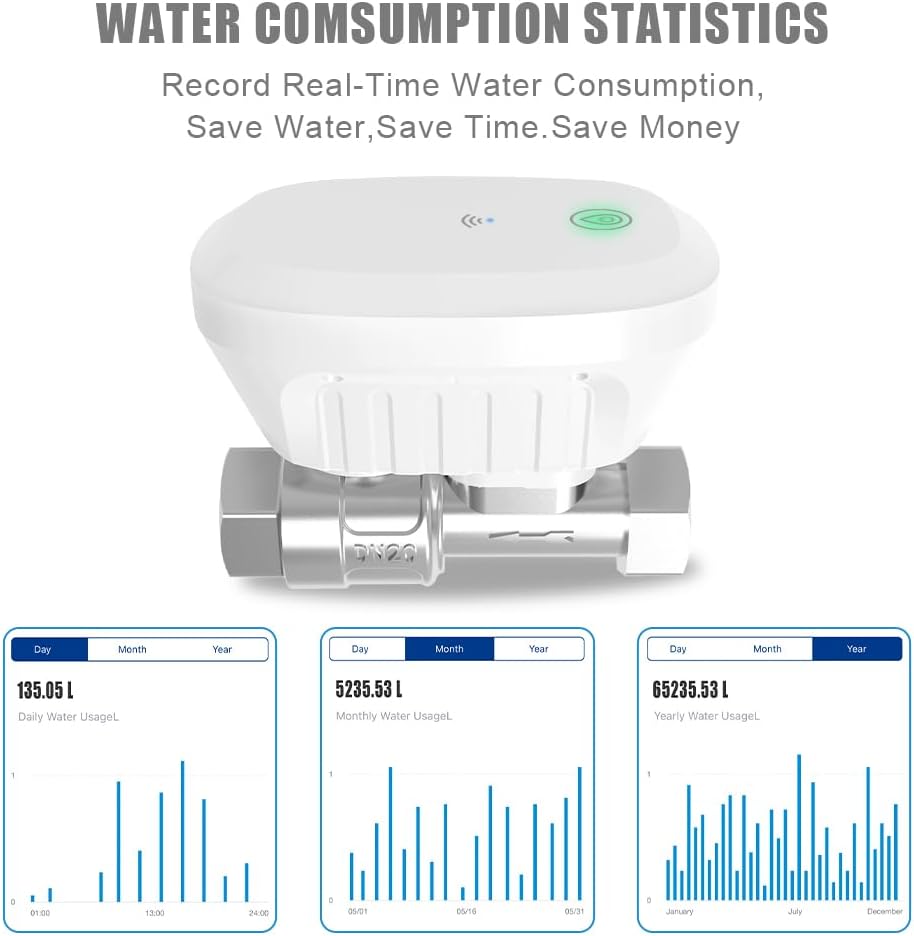
The FRANKEVER DN20 Smart Water Valve is a WiFi-enabled device designed for automated water management. This system allows remote control of water flow for various applications, including faucets, hoses, and sprinkler systems. It integrates with smart home platforms like Alexa and Google Assistant, providing convenient control and scheduling capabilities for efficient water usage and plant care.
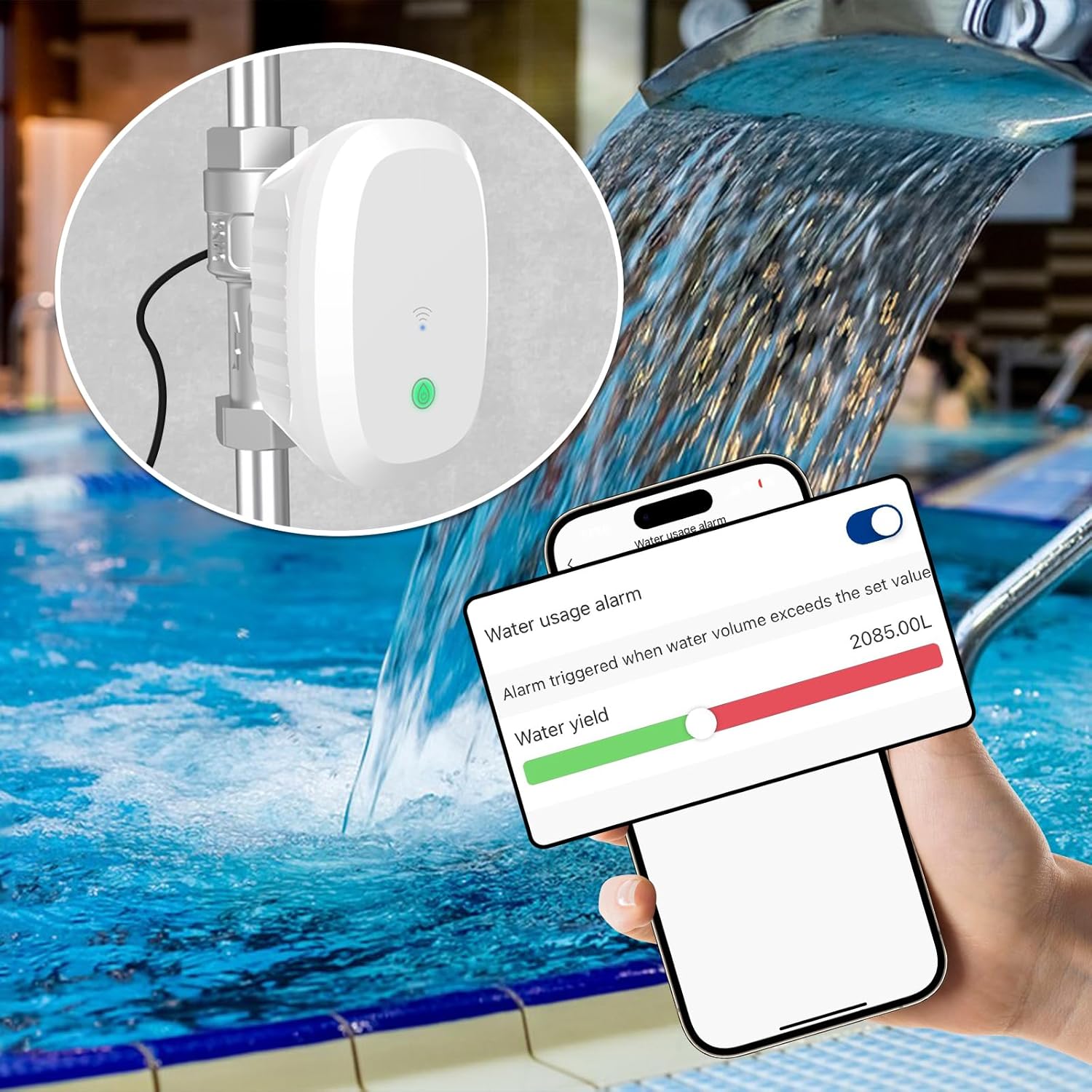
படம் 1.1: The FRANKEVER DN20 Smart Water Valve can be used in various settings such as swimming pools, gardens, bathrooms, and farmlands for automated water control.
2. தயாரிப்பு முடிந்துவிட்டதுview
The DN20 Smart Water Valve offers several features to enhance water management:
- Clear Indication and Smart Alerts: Features visible LED lights (green for open, red for closed) and provides app notifications for scheduled operations or unexpected interruptions. The valve can be configured to automatically close during power outages to prevent leaks.
- Smart Scene Modes: Allows creation of automated interactions with other Tuya-compatible devices. For example, the valve can close automatically if a water sensor detects a leak. Custom scenes can be based on weather conditions or temperature.
- பயன்பாட்டுக் கட்டுப்பாடு: Connects directly via WiFi, eliminating the need for additional hubs. Users can set personalized watering schedules and control the valve remotely through a dedicated application.
- குரல் கட்டுப்பாடு: Compatible with Alexa and Google Home for hands-free operation.
- உயர்தர கைவினைத்திறன்: Constructed from IP65 waterproof, durable, and UV-resistant plastic. The ball valve design ensures a reliable seal to prevent leakage.
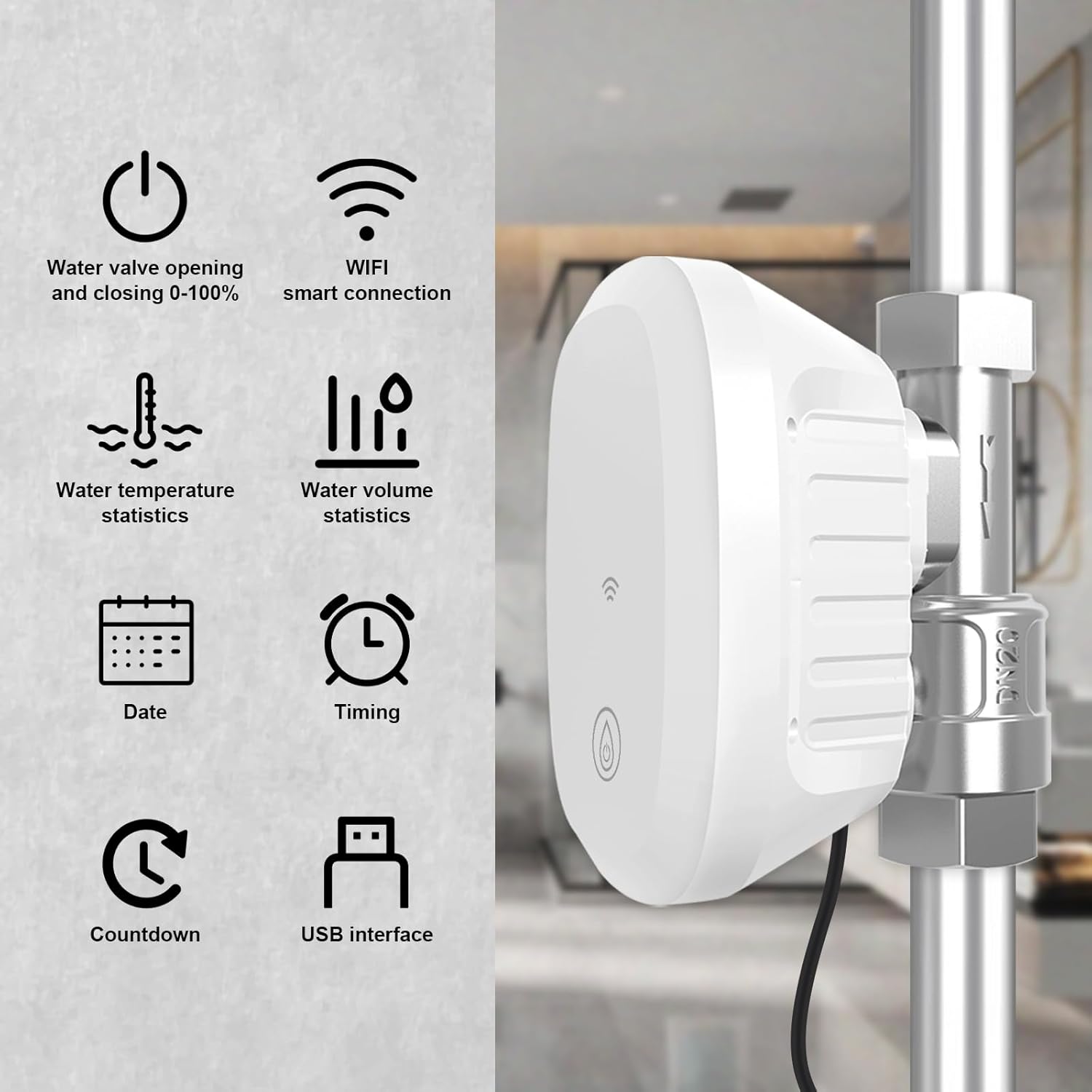
படம் 2.1: Key features include water valve control, WiFi connectivity, water temperature and volume statistics, scheduling, timing, countdown, and a USB interface.
3. பாதுகாப்பு தகவல்
- நிறுவல் அல்லது பராமரிப்புக்கு முன் மின்சாரம் துண்டிக்கப்பட்டுள்ளதா என்பதை உறுதிப்படுத்தவும்.
- Install the device in a location protected from extreme weather conditions, despite its IP65 rating, to prolong its lifespan.
- சாதனத்தை நீங்களே பிரிக்கவோ அல்லது சரிசெய்யவோ முயற்சிக்காதீர்கள். உதவிக்கு வாடிக்கையாளர் ஆதரவைத் தொடர்பு கொள்ளவும்.
- Verify that the water pressure in your system is within the operating limits of the valve.
- குழந்தைகள் மற்றும் செல்லப்பிராணிகளிடமிருந்து சாதனத்தை ஒதுக்கி வைக்கவும்.
4. அமைவு மற்றும் நிறுவல்
4.1 இயற்பியல் நிறுவல்
- நிறுவல் தளத்தை தயார் செய்யவும்: Choose a location on your water line where the valve can be easily accessed and has a stable WiFi signal.
- நீர் விநியோகத்தை நிறுத்து: Before proceeding, ensure the main water supply to the installation area is completely shut off.
- வால்வை நிறுவவும்: Integrate the DN20 valve into your existing water pipe system. Ensure a secure and watertight connection. The valve is designed for 3/4 inch pipes.
- பவர் இணைக்கவும்: Plug the valve's power adapter into a suitable electrical outlet.
- நீர் விநியோகத்தை மீட்டமைத்தல்: Slowly turn the main water supply back on and check for any leaks around the valve connections.
படம் 4.1: The diagram illustrates the installation of the smart water valve between the main water supply and the control water outlet, with the power plug connected.
4.2 ஆப் பதிவிறக்கம் மற்றும் இணைத்தல்
- பயன்பாட்டைப் பதிவிறக்கவும்: தேடுங்கள் the "Tuya Smart" or "Smart Life" app in your smartphone's app store (iOS or Android) and install it.
- பதிவு/உள்நுழை: பயன்பாட்டைத் திறந்து புதிய கணக்கை உருவாக்கவும் அல்லது ஏற்கனவே உள்ள கணக்கைக் கொண்டு உள்நுழையவும்.
- சாதனத்தைச் சேர்: Follow the in-app instructions to add a new device. Select "Water Valve" or a similar category.
- வைஃபையுடன் இணைக்கவும்: Ensure your phone is connected to a 2.4GHz WiFi network. The app will guide you through connecting the valve to your home WiFi.
- உறுதிப்படுத்தல்: Once successfully paired, the valve's LED indicator will confirm connection, and the device will appear in your app.
5. இயக்க வழிமுறைகள்
5.1 Manual Control via App
From the app's main screen for the DN20 valve, you can manually open or close the valve. The app interface typically displays the current state (open/closed) and allows for immediate adjustments.
- Tap the "ON" or "OFF" button to open or close the valve.
- சதவீதத்தை சரிசெய்யவும்tage slider to control the water flow rate (0-100%).
5.2 Setting Watering Schedules
The app allows you to create automated watering schedules:
- Navigate to the "Schedule" or "Timer" section within the valve's app interface.
- Add a new schedule.
- Set the desired start time, duration, and days of the week for the watering cycle.
- Save the schedule. The valve will now operate automatically according to your settings.

படம் 5.1: The app displays the valve's open percentage, water usage, temperature, and provides options for scheduling, quantifying water use, and settings.
6. Smart Features Integration
6.1 குரல் கட்டுப்பாடு (அலெக்சா & கூகிள் ஹோம்)
The FRANKEVER DN20 Smart Water Valve can be controlled using voice commands through Amazon Alexa or Google Assistant:
- இணைப்பு கணக்குகள்: அலெக்சா அல்லது கூகிள் ஹோம் செயலியில், "துயா ஸ்மார்ட்" அல்லது "ஸ்மார்ட் லைஃப்" திறன்/சேவையை இயக்கி, உங்கள் கணக்கை இணைக்கவும்.
- சாதனங்களைக் கண்டறியவும்: Ask your voice assistant to discover new devices. The DN20 valve should appear.
- குரல் கட்டளைகள்: இது போன்ற கட்டளைகளைப் பயன்படுத்தவும்:
- "Alexa, open the smart water valve."
- "Hey Google, close the smart water valve."

படம் 6.1: The smart water valve can be controlled hands-free using voice commands through Amazon Alexa and Google Home devices.
6.2 ஸ்மார்ட் சீன் ஆட்டோமேஷன்
Create custom automation rules within the app to enhance your smart home experience:
- Leak Detection Integration: Link the valve with a compatible water leak sensor. If a leak is detected, the valve can be set to automatically close, preventing water damage.
- சுற்றுச்சூழல் தூண்டுதல்கள்: Configure scenes based on external factors like weather conditions (e.g., close valve if rain is detected) or temperature.

படம் 6.2: The app provides water usage statistics and allows setting alarms for when water volume exceeds a predefined limit.
7. பராமரிப்பு
- சுத்தம்: Periodically wipe the exterior of the valve with a soft, damp துணி. சிராய்ப்பு கிளீனர்கள் அல்லது கரைப்பான்களைப் பயன்படுத்த வேண்டாம்.
- ஆய்வு: Regularly check for any signs of wear, damage, or leaks around the connections.
- குளிர்காலமயமாக்கல்: In regions with freezing temperatures, ensure the valve and connected pipes are properly drained and protected from frost to prevent damage.
- நிலைபொருள் புதுப்பிப்புகள்: Keep the device firmware updated through the app to ensure optimal performance and access to new features.
8. சரிசெய்தல்
| பிரச்சனை | சாத்தியமான காரணம் | தீர்வு |
|---|---|---|
| Valve not connecting to WiFi. | Incorrect WiFi password, 5GHz network, weak signal, or device too far from router. | Ensure correct 2.4GHz WiFi password. Move valve closer to router or use a WiFi extender. Reset the valve and try pairing again. |
| Valve not responding to app/voice commands. | No internet connection, valve offline, or app/voice assistant not linked correctly. | Check internet connectivity. Verify valve status in the app. Re-link app with Alexa/Google Home if necessary. |
| வால்வு முழுமையாகத் திறக்கவில்லை/மூடவில்லை. | Obstruction in the valve mechanism or power issue. | Ensure no debris is obstructing the valve. Check power supply. If problem persists, contact support. |
| Unexpected water flow during power outage. | Valve not configured to close automatically on power loss. | Access app settings to enable the "auto-close on power outage" feature. |
9. விவரக்குறிப்புகள்
| மாதிரி எண் | டிஎன்20 |
| பிராண்ட் | ஃபிராங்கேவர் |
| உற்பத்தியாளர் | ஃபிராங்கேவர் |
| தயாரிப்பு பரிமாணங்கள் | 9.5 x 7.7 x 11.2 செ.மீ |
| பொருளின் எடை | 771 கிராம் (1.7 பவுண்டுகள்) |
| பொருள் | பிளாஸ்டிக், உலோகம் |
| தொகுதிtage | 5 வோல்ட் (DC) |
| காட்சி வகை | LCD or LED (referring to app interface) |
| நீர்ப்புகா மதிப்பீடு | IP65 |
| இணைப்பு | வைஃபை (2.4GHz) |
| இணக்கத்தன்மை | Alexa, Google Home, Tuya Smart/Smart Life App |
10. உத்தரவாதம் மற்றும் ஆதரவு
For any inquiries or technical assistance, please contact FRANKEVER customer support. The manufacturer commits to responding to all inquiries within 24 hours.
Specific warranty details may vary by region and retailer. Please refer to your purchase documentation or contact FRANKEVER customer service for comprehensive warranty information.


