Introduktion
This manual provides instructions for the proper installation, use, and maintenance of your Aroepurt Hybrid Phone Case for the AriVoice FoxxD A67L. Please read this guide thoroughly to ensure optimal performance and protection for your device.
Installation
Follow these steps to correctly install your phone case:
- Ensure your AriVoice FoxxD A67L phone is clean and free of dust or debris.
- Align the phone with the case, starting with one side.
- Gently press the phone into the case, ensuring all corners are securely fitted.
- Verify that all ports, buttons, and camera lenses are correctly aligned with the case openings.
Funktioner och funktion
Skyddsfunktioner
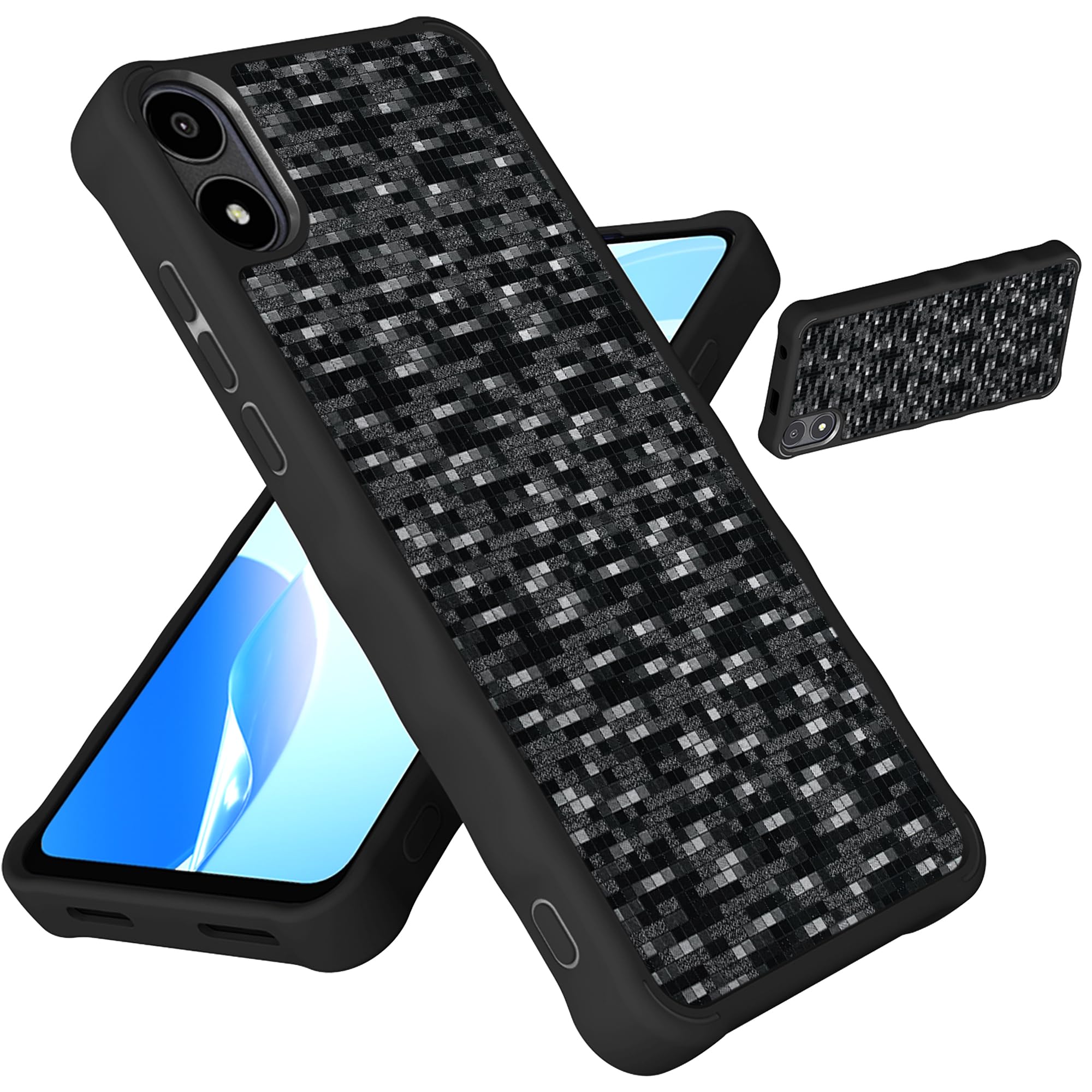
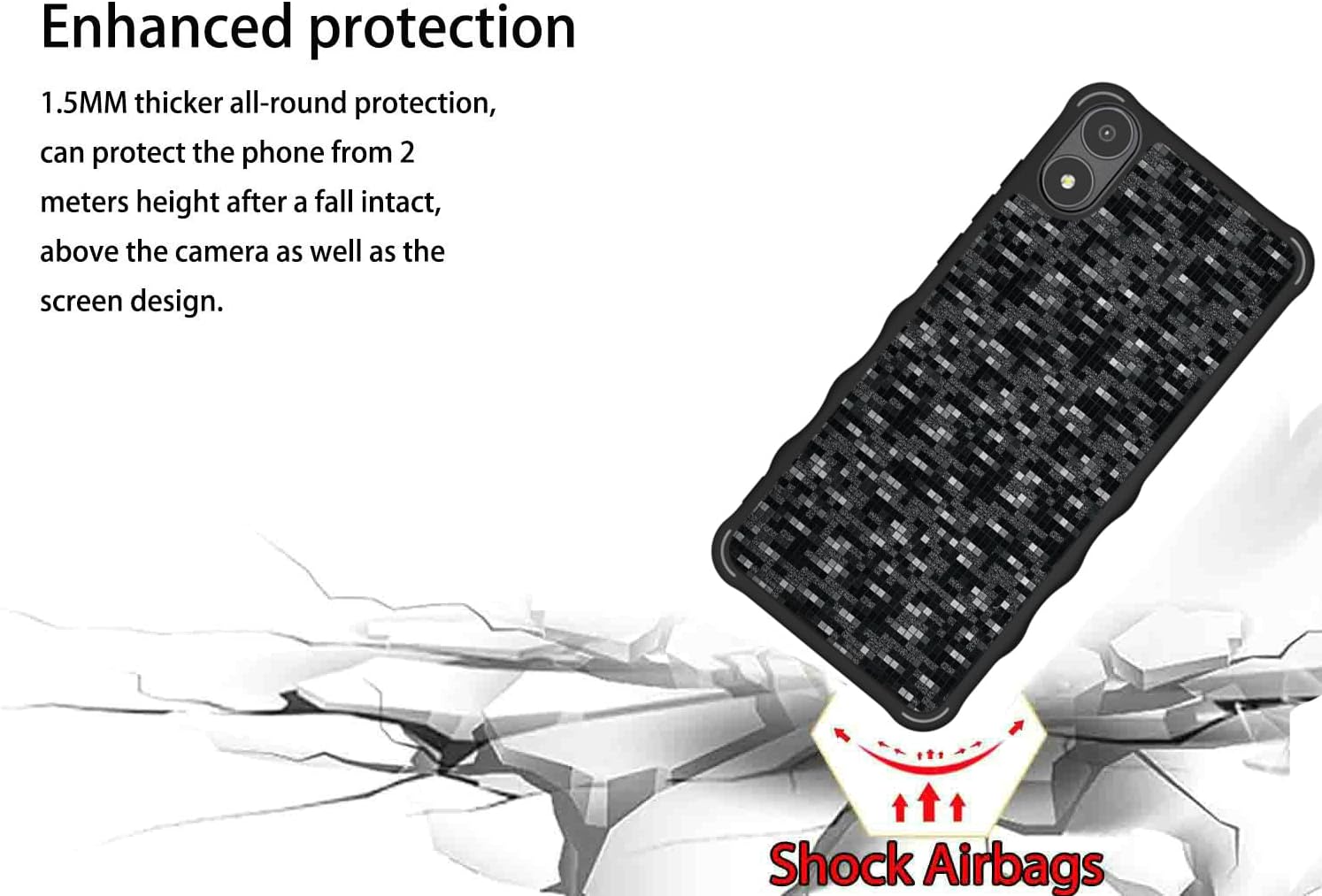
This case offers robust protection for your AriVoice FoxxD A67L. It features a PC hard back panel, a soft silicone frame, and four-corner shock airbags designed to absorb impact from drops. The case is engineered to be 1.2mm higher than the screen and 3mm higher than the camera, providing elevated protection against flat surface contact.

Design and Grip
The case features a frosted surface that resists fingerprints, maintaining a clean appearance. Its 3D multi-directional design changes appearance depending on light and angle, offering a unique visual effect. Non-slip design strips on both sides ensure a firm grip.

Precise Fit
Engineered using a 1:1 real machine model, the case ensures precise cutouts for all ports, buttons, and the camera, allowing full functionality without interference.

Skötsel och underhåll
To keep your Aroepurt Hybrid Phone Case in optimal condition:
- Rengör höljet regelbundet med en mjuk, damp trasa.
- Undvik att använda starka kemikalier eller slipande material, eftersom dessa kan skada höljets yta.
- For stubborn stains, a mild soap solution can be used, followed by wiping with a clean, dry cloth.
- Ensure the case is completely dry before reattaching it to your phone.
Felsökning
Case Does Not Fit Properly
If the case does not seem to fit your phone correctly:
- Double-check that your phone model is indeed the AriVoice FoxxD A67L. This case is specifically designed for this model.
- Remove the case and re-install, ensuring all corners are seated firmly.
- Inspect the phone and case for any obstructions or foreign objects preventing a proper fit.
Fingeravtryck eller fläckar
While the case has a frosted, fingerprint-resistant surface, some smudges may still occur with heavy use.
- Wipe the case with a soft, lint-free cloth to remove smudges.
- For persistent marks, use a slightly damp cloth as described in the "Care and Maintenance" section.
Produktspecifikationer
| Särdrag | Detalj |
|---|---|
| Produktens mått | 0.39 x 0.39 x 0.39 tum |
| Objektets vikt | 2.46 uns |
| Material | Polyurethane (PC hard back panel, soft silicone frame) |
| Kompatibla telefonmodeller | AriVoice FoxxD A67L |
| Skyddsfunktioner | Four-corner Shock Airbags, Elevated screen (1.2mm) and camera (3mm) bezels |
| Designfunktioner | 3D Multi-Directional Shape Change, Frosted Fingerprint-Resistant Surface, Non-slip side strips |
| Ingår i kartongen | 1*Phone Case |
Garanti och support
For warranty information or technical support, please refer to the seller's contact information on the original purchase platform or the product packaging.
This product is covered by a standard return policy, typically allowing returns within 30 days of purchase. Please consult your purchase receipt or platform for specific details regarding returns and exchanges.


