1. Bubuka
Hatur nuhun pikeun meuliasing the Portable Mini Projector. This device is designed to provide a versatile and immersive viewing experience, supporting high-definition decoding and various connectivity options for both indoor and outdoor use. Please read this manual thoroughly before operating the projector to ensure proper use and to maximize its performance and lifespan.
2. Émbaran Kasalametan
Pikeun nyegah kahuruan, sengatan listrik, atanapi karusakan kana proyéktor, mangga perhatoskeun tindakan pencegahan kaamanan ieu:
- Ulah meungpeuk bukaan ventilasi. Pastikeun aliran hawa nyukupan sabudeureun projector nu.
- Ulah ngantepkeun proyéktor ka hujan atanapi kalembaban. Jauhkeun tina sumber cai.
- Paké ngan adaptor kakuatan disadiakeun kalawan projector.
- Hindarkeun ningali langsung kana lensa proyektor nalika lamp hurung, sabab cahaya anu caang tiasa nyababkeun panon pegel atanapi karusakan.
- Ulah nyobian ngabongkar atanapi ngarobih proyéktor. Serahkan sadaya perawatan ka tanaga anu mumpuni.
- Teundeun projector dina permukaan stabil, datar pikeun nyegah ragrag.
- Keep the projector away from direct sunlight, heat sources, and extreme temperatures.
3. Eusi Paket
Mangga parios eusi pakét nalika unboxing:
- Portabel Mini Projector
- Adaptor kakuatan
- Jauh Jauh (Batré henteu kalebet)
- Kabel HDMI
- Manual pamaké
4. Fitur produk jeung komponén
Familiarize yourself with the projector's key features and components:
- Lensa proyéksi: Ngaluarkeun gambar kana layar atanapi permukaan.
- Ring Fokus: Nyaluyukeun kajelasan gambar anu diproyeksikan.
- Palabuhan Input: HDMI, USB, AV, Memory Card slot for various device connections.
- Speaker Diwangun-di: Nyadiakeun kaluaran audio.
- Grilles ventilasi: Pikeun dissipation panas.
- Tombol Daya: Hurungkeun/pareuman proyektor.
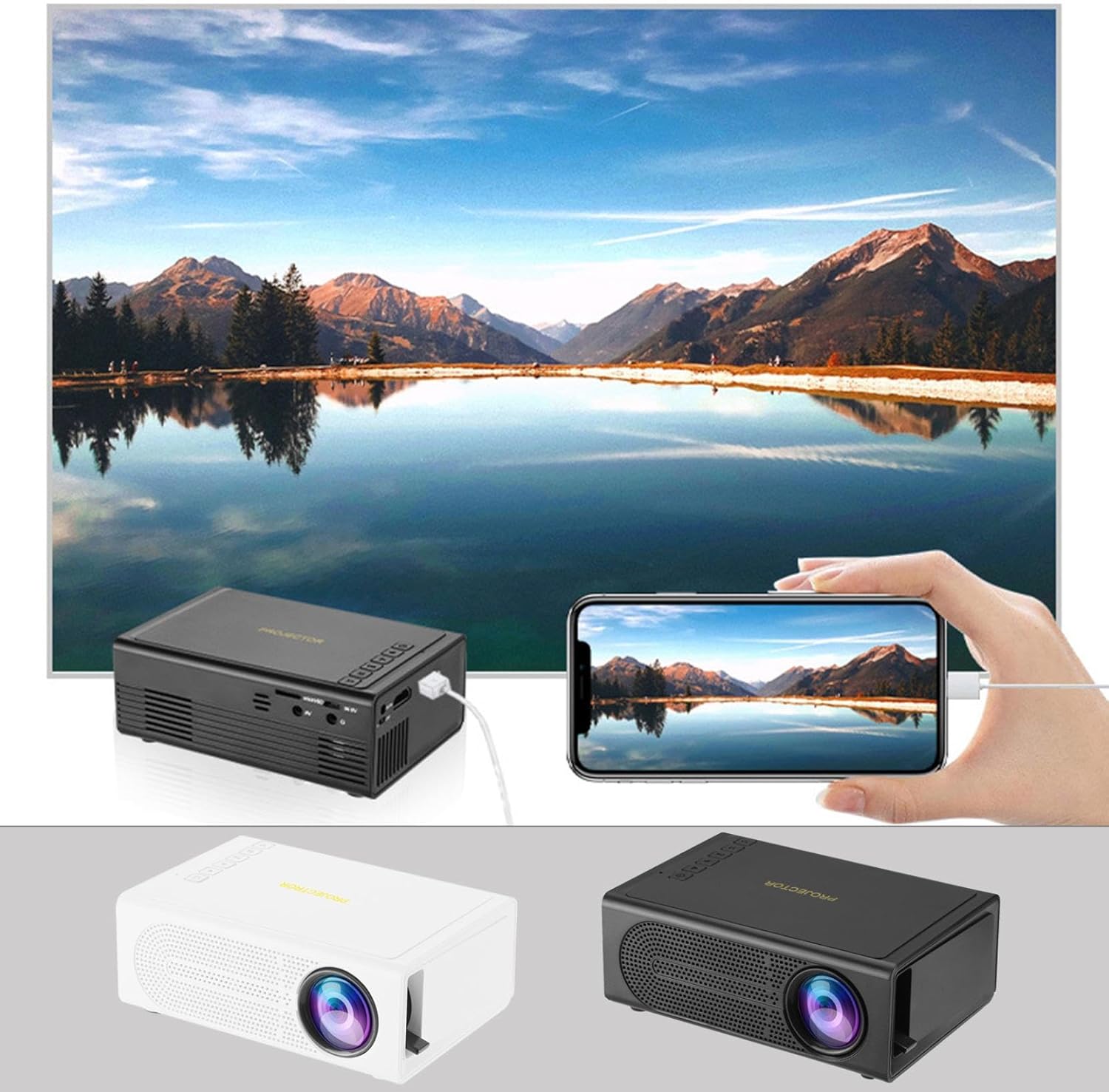
Image: The Portable Mini Projector in use, demonstrating its ability to mirror a smartphone screen onto a large display. Both black and white color options of the projector are shown.

Image: Physical dimensions of the projector, indicating its compact size.
5. Setélan
- Sambungan Daya: Connect the supplied power adapter to the projector's power input port and then plug it into a power outlet.
- panempatan: Teundeun proyektor dina permukaan datar anu stabil. Pikeun optimal viewing, position the projector perpendicular to the projection surface (wall or screen).
- Daya Hurung: Pencét tombol daya dina proyektor atawa kadali jauh pikeun ngahurungkeun alat.
- Penyesuaian fokus: Once powered on, rotate the focus ring on the projector until the projected image appears clear and sharp.
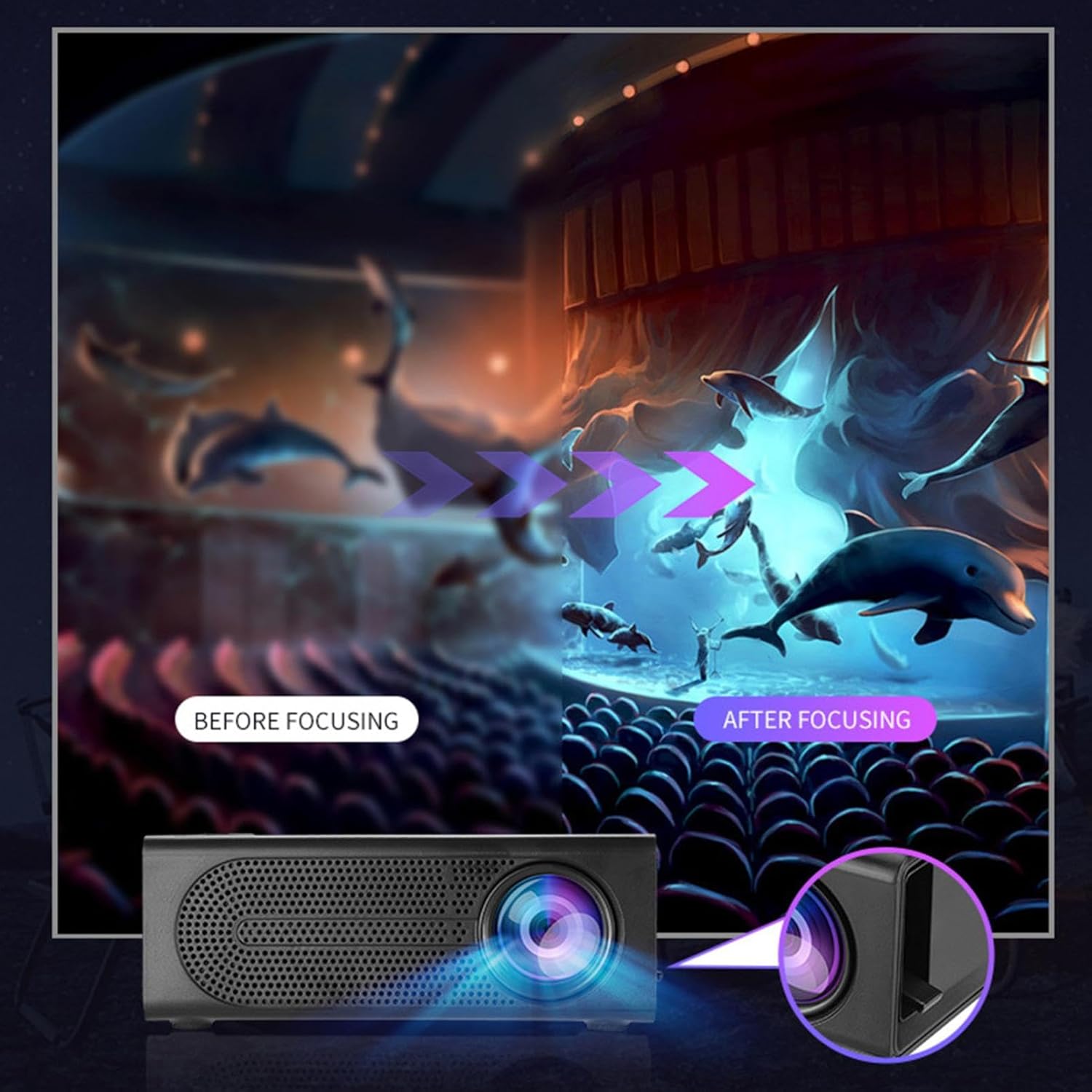
Image: Visual demonstration of focus adjustment, showing the difference between a blurry and a sharp image.
6. Parentah Operasi
6.1 Nyambungkeun Alat
The projector supports various input sources. Select the appropriate input mode from the projector's menu after connecting your device.
- HDMI: Connect laptops, gaming consoles, DVD players, or other HDMI-enabled devices using an HDMI cable.
- USB: Selapkeun flash drive USB pikeun muterkeun média files langsung.
- OF: Use an AV cable to connect older devices like VCRs or some set-top boxes.
- Kartu mémori: Insert a compatible memory card to view poto atanapi pidéo.
- Smartphone / Tablet: For wired phone same screen playback, connect your smartphone or tablet via a compatible cable (e.g., USB to Lightning/USB-C for screen mirroring, if supported by your device and the projector).

Image: Connectivity diagram illustrating the wide range of devices compatible with the projector.
6.2 Nyaluyukeun Ukuran Proyéksi
The projector can project images ranging from 32 to 100 inches. The projection size is determined by the distance between the projector and the projection surface. Move the projector closer to the surface for a smaller image, and further away for a larger image.
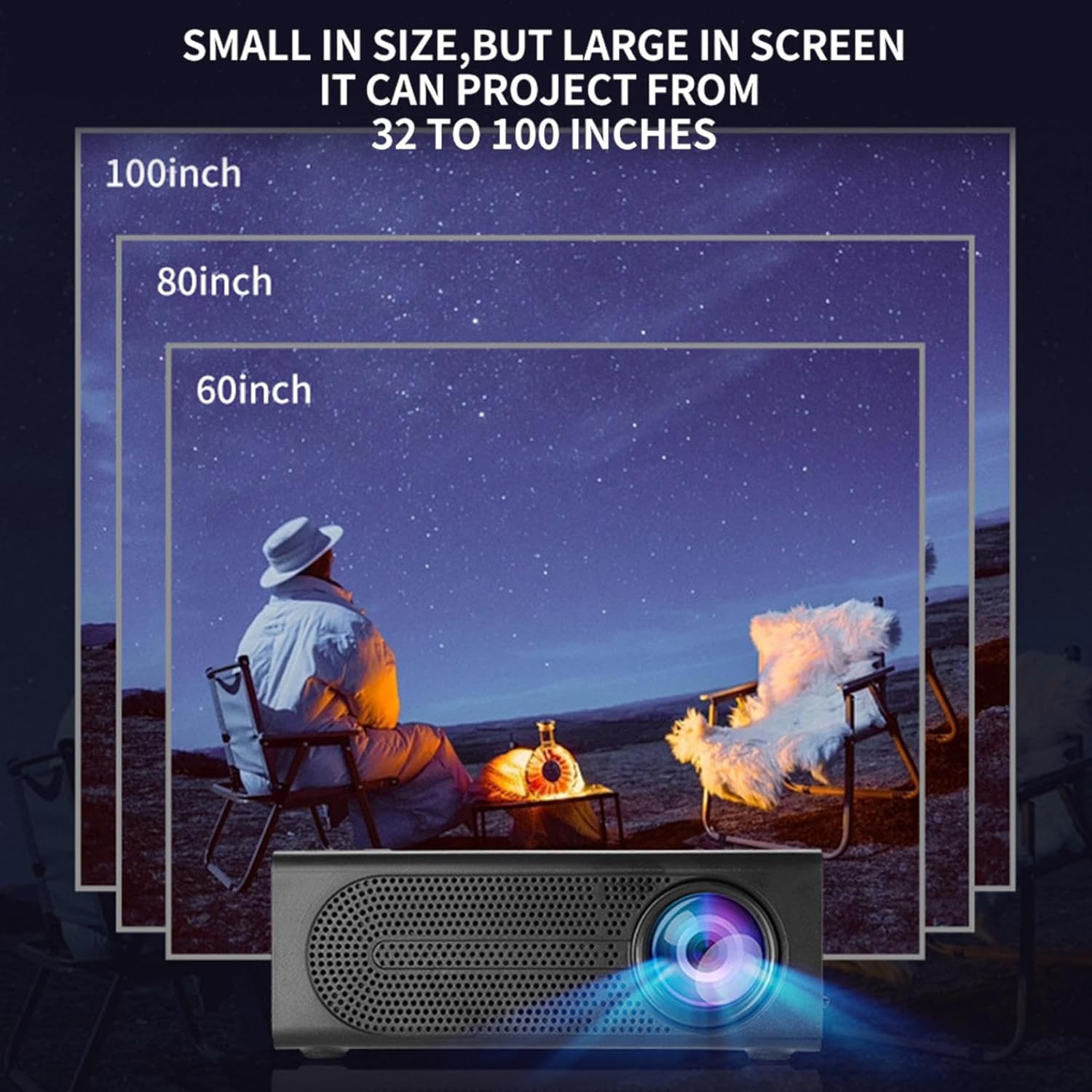
Image: Illustration of various projection sizes achievable with the projector, from 32 to 100 inches.
6.3 Skenario Pamakéan
This projector is suitable for a variety of environments and uses:
- Parent-child interaction: Enjoy movies or educational content with family.
- Outdoor cinema: Set up a movie night in your backyard.
- Bedroom projection: Watch content comfortably from your bed.
- Living room cinema: Transform your living space into a home theater.

Gambar: Examples of diverse usage scenarios for the projector, from indoor home theater to outdoor entertainment.

Image: Depiction of family entertainment using the projector, alongside a technical diagram explaining the benefit of diffuse reflection for eye comfort compared to direct-ray light from a TV.
7. Pangropéa
Pangropéa anu leres mastikeun umur panjang sareng kinerja anu optimal tina proyéktor anjeun:
- Ngabersihan lensa: Anggo lawon anu lemes sareng henteu lint anu dirancang khusus pikeun lénsa optik pikeun ngusap lembut lénsa proyektor. Ulah make cleaners abrasive atawa gaya kaleuleuwihan.
- Ngaleungitkeun lebu: Regularly clean the ventilation grilles with a soft brush or compressed air to prevent dust buildup, which can affect cooling and performance.
- Panyimpenan: Lamun teu dipake keur lila, nyimpen projector dina tiis, tempat garing, jauh tina sinar panonpoé langsung jeung hawa ekstrim.
- Pareuman leres: Pareuman heula proyéktor nganggo tombol daya teras antepkeun tiis heula sateuacan nyabut atanapi mindahkeunana.
8. Cara ngungkulan
Upami anjeun mendakan masalah sareng proyektor anjeun, tingal masalah sareng solusi umum ieu:
| Masalah | Mungkin Cukang lantaranana | Solusi |
|---|---|---|
| Taya gambar projected | Daya teu nyambung; Sumber input teu dipilih; Tutup lénsa hurung. | Pastikeun daya disambungkeun sareng unit hurung; Pilih sumber input anu leres; Cabut tutup lénsa. |
| Gambar kabur | Fokus teu disaluyukeun; Projector deukeut teuing / jauh ti layar. | Saluyukeun ring fokus; Saluyukeun jarak proyéksi. |
| Taya sora | Volume too low; Audio cable not connected; Muted. | Increase volume; Check audio connections; Unmute projector/source device. |
| Kadali jauh teu jalan | Batré maot/dipasang salah; Halangan antara remot sareng proyektor. | Ganti batré; Pastikeun garis paningal anu jelas ka panarima IR. |
Lamun masalah persists sanggeus nyobian solusi ieu, mangga ngahubungan rojongan customer.
9. Spésifikasi
- Jenis produk: Portabel Mini Projector
- merek: Generik
- Alat anu cocog: Laptop, Gaming Console, Tablet, Camera, Smartphone
- Rasio Kontras Gambar: Luhur
- Ukuran proyéksi: 32 nepi ka 100 inci
- Decoding video: H.264, H.265
- Konektipitas: HDMI, USB, AV, Memory Card
- ukuran: Approximately 5in (L) x 3.2in (W) x 1.9in (H) / 12.7cm (L) x 8.15cm (W) x 4.85cm (H)
10. Garansi jeung Rojongan
This product comes with a standard manufacturer's warranty. Please refer to the warranty card included in your package for specific terms and conditions. For technical support, troubleshooting assistance, or warranty claims, please contact the retailer or manufacturer's customer service department.
Kontak Rojongan Palanggan: Please refer to retailer or manufacturer websitus pikeun detil kontak.