Produk Leuwihview
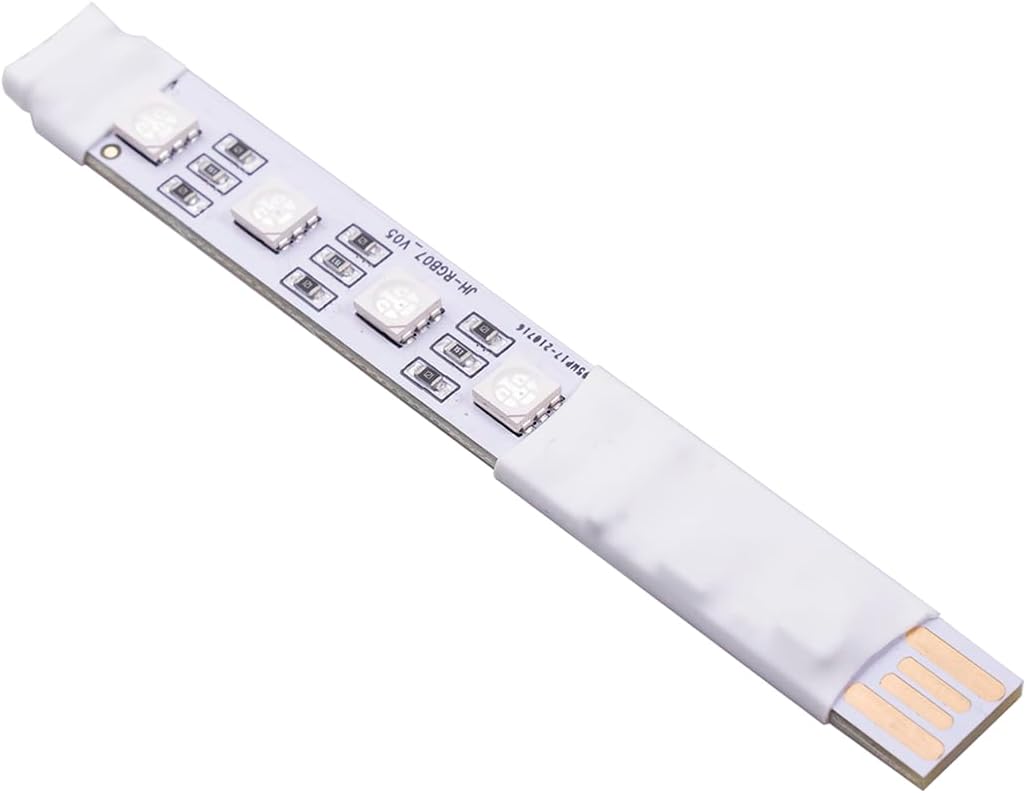
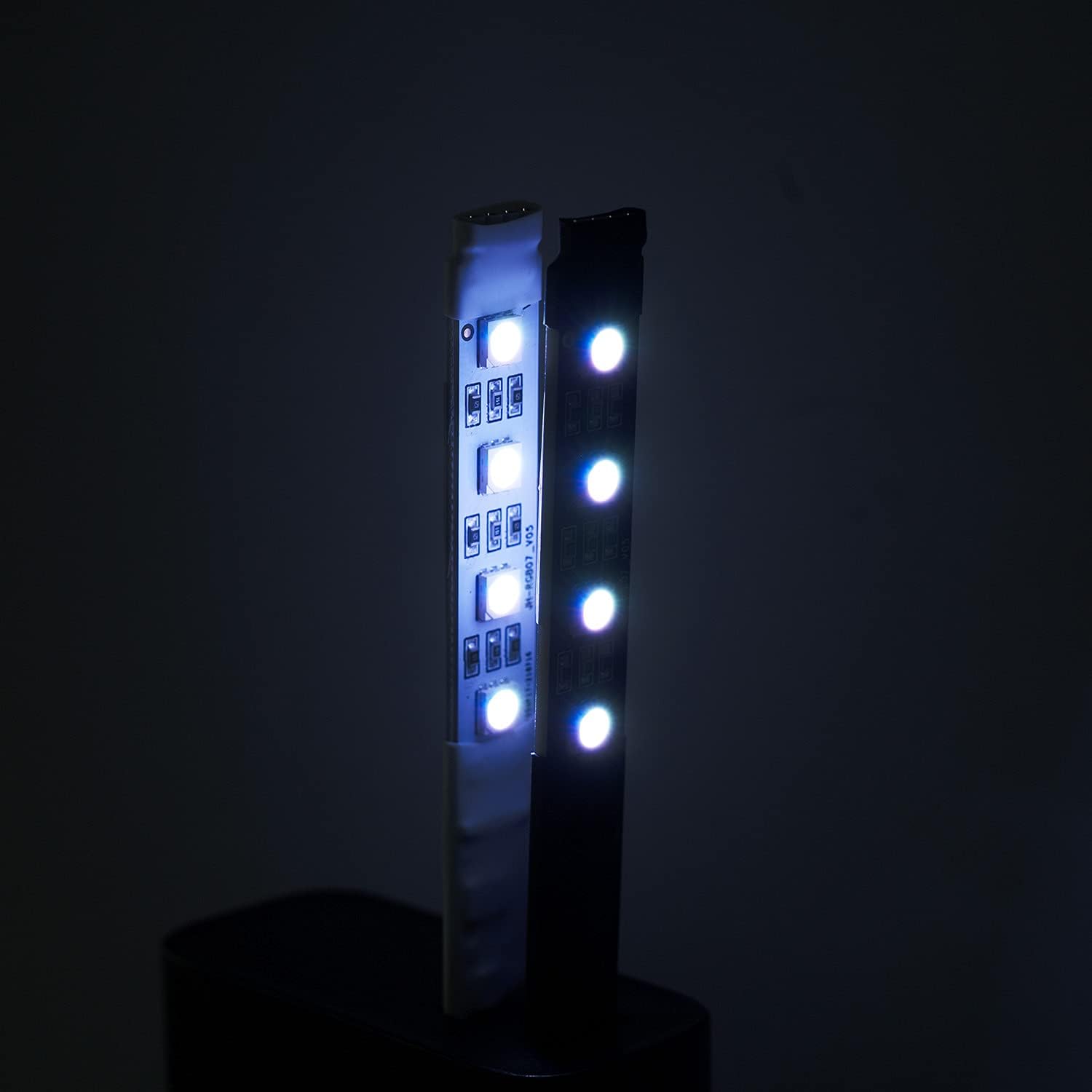
The REXUS 5V USB LED RGB Bluetooth Remote Controller is a compact and versatile device designed to manage RGB LED light strips. It features a USB input for power and a 4-pin male connector for connecting to compatible LED strips. Control is facilitated wirelessly via Bluetooth through a dedicated mobile application, allowing for dynamic color changes, brightness adjustments, and various lighting modes.

Parentah Setup
- Sambungan Daya: Insert the USB end of the REXUS controller into a standard 5V USB power source (e.g., a USB wall adapter, TV USB port, or power bank).
- Sambungan Strip LED: Connect the 4-pin male connector of the REXUS controller to the corresponding 4-pin female connector on your RGB LED light strip. Ensure the pins are aligned correctly (usually indicated by arrows or markings on the connectors).
- Unduhan App: Download the control application to your mobile device. The recommended application is DuoCo Strip, available for both Android and iOS. You can typically find it by searching "DuoCo Strip" in your device's app store or by scanning the QR code provided on the product packaging or associated documentation.
- Masangkeun Bluetooth:
- Pastikeun Bluetooth diaktipkeun dina alat sélulér Anjeun.
- Open the DuoCo Strip application.
- The app should automatically detect and connect to the REXUS controller. If not, look for a device search or connect option within the app.
Parentah Operasi
Once the REXUS controller is connected and paired with the DuoCo Strip app, you can begin controlling your RGB LED light strip:
- Pilihan Warna: Use the color wheel or predefined color palettes within the app to select your desired light color.
- Penyesuaian Caang: Adjust the brightness slider to increase or decrease the intensity of the LED lights.
- Pilihan Mode: The app offers various dynamic modes such as flashing, fading, or jumping. Select a mode to create different lighting effects.
- Music Sync (if available): Some versions of the app may offer a music sync feature, allowing the lights to change in rhythm with music played through your device's microphone.
- Fungsi Timer (upami sayogi): Setel timer supados lampu hurung atanapi pareum sacara otomatis.
Pangropéa
To ensure the longevity and optimal performance of your REXUS controller, follow these simple maintenance guidelines:
- Tetep garing: Avoid exposing the controller to water or high humidity, as this can damage the internal electronic components.
- Beresih Lembut: If cleaning is necessary, use a soft, dry cloth to wipe the surface. Do not use liquid cleaners or abrasive materials.
- Hindarkeun Suhu Ekstrim: Do not operate or store the device in excessively hot or cold environments.
- Nanganan kalayan ati-ati: Hindarkeun leupaskeun atanapi tundukkeun pangendali kana dampak anu kuat.
Pamérésan masalah
| Masalah | Mungkin Cukang lantaranana | Solusi |
|---|---|---|
| Strip LED teu hurung. | No power to the controller; incorrect connection to LED strip; faulty LED strip. | Ensure USB power source is active (5V). Check that the 4-pin connector is securely and correctly inserted into the LED strip. Test the LED strip with another controller if possible. |
| Controller not connecting via Bluetooth. | Bluetooth is off; app not open; device out of range; interference. | Verify Bluetooth is enabled on your mobile device. Ensure the DuoCo Strip app is open and running. Move closer to the controller. Restart the app and/or the controller (by unplugging and replugging USB). |
| Colors are incorrect or not responding. | Incorrect app settings; faulty connection. | Check the color settings within the DuoCo Strip app. Ensure the 4-pin connector is fully seated and not loose. |
| USB connection feels loose or wiggly. | Design characteristic; port compatibility. | This can sometimes occur due to the compact design. Ensure it is inserted into a stable USB port. If it frequently disconnects, try a different USB port or power source. |
spésifikasi
| Fitur | Rincian |
|---|---|
| Nomer modél | JH-02 |
| merek | REXUS |
| Sumber Daya | Listrik Kabel (USB 5V) |
| Voltage | 5 volt |
| Wattage | 1 watt |
| Tipe Sumber Cahaya | LED (TOP 5050RGB LED) |
| Number of Onboard Lights | 4 |
| Warna Cahaya | Mono, RGB |
| Téhnologi konektipitas | Bluetooth |
| Tipe Controller | Aplikasi (Android, iOS) |
| Pamakéan jero rohangan / outdoor | jero rohangan |
| Tingkat Résistansi Cai | Henteu Tahan Cai |
| Item Beurat | 0.19 ons |
| Ukuran Paket | 5.51 x 3.21 x 0.21 inci |

Garansi sareng Rojongan
For warranty information and technical support, please refer to the documentation included with your purchase or contact the manufacturer directly. Keep your proof of purchase for any warranty claims.
For further assistance, you may also visit the REXUS official website or contact their customer service department. Contact details are typically found on the product packaging or on the manufacturer's websitus.