1. Litaelo tsa Bohlokoa tsa Tšireletso
Ka kopo bala litaelo tsohle ka hloko pele o kenya le ho sebelisa. Boloka bukana ena bakeng sa litšupiso tsa nako e tlang.
Kakaretso Polokeho
- Netefatsa hore phepelo ea motlakase e khaotsoe pele u e kenya, u e hlokomela kapa u e hloekisa.
- Sesebelisoa sena ha sea rereloa ho sebelisoa ke batho (ho kenyeletsoa bana) ba nang le matla a fokotsehileng a 'mele, kutlo kapa kelello, kapa ba hlokang boiphihlelo le tsebo, ntle le haeba ba filoe tlhokomelo kapa taelo mabapi le tšebeliso ea sesebelisoa ke motho ea ikarabellang bakeng sa polokeho ea bona.
- Bana ba lokela ho behoa leihlo ho netefatsa hore ha ba bapale ka sesebelisoa.
Tšireletseho ea Motlakase
- All electrical connections must be made by a qualified electrician and conform to local codes and regulations.
- Etsa bonnete ba hore molumotage and frequency of your power supply match the specifications of the fan.
- The fan must be properly grounded to prevent electric shock.
Ts'ireletseho ea Tlhophiso
- Mount the fan to a ceiling structure capable of supporting a minimum of 15 kg (33 lbs).
- Ensure there is adequate clearance between the fan blades and any obstacles (walls, furniture) and the floor. A minimum distance of 2.3 meters (7.5 feet) from the floor to the blades is recommended.
- Do not install the fan in a location where it can be easily reached by children or pets.
2. Sehlahisoa Overview
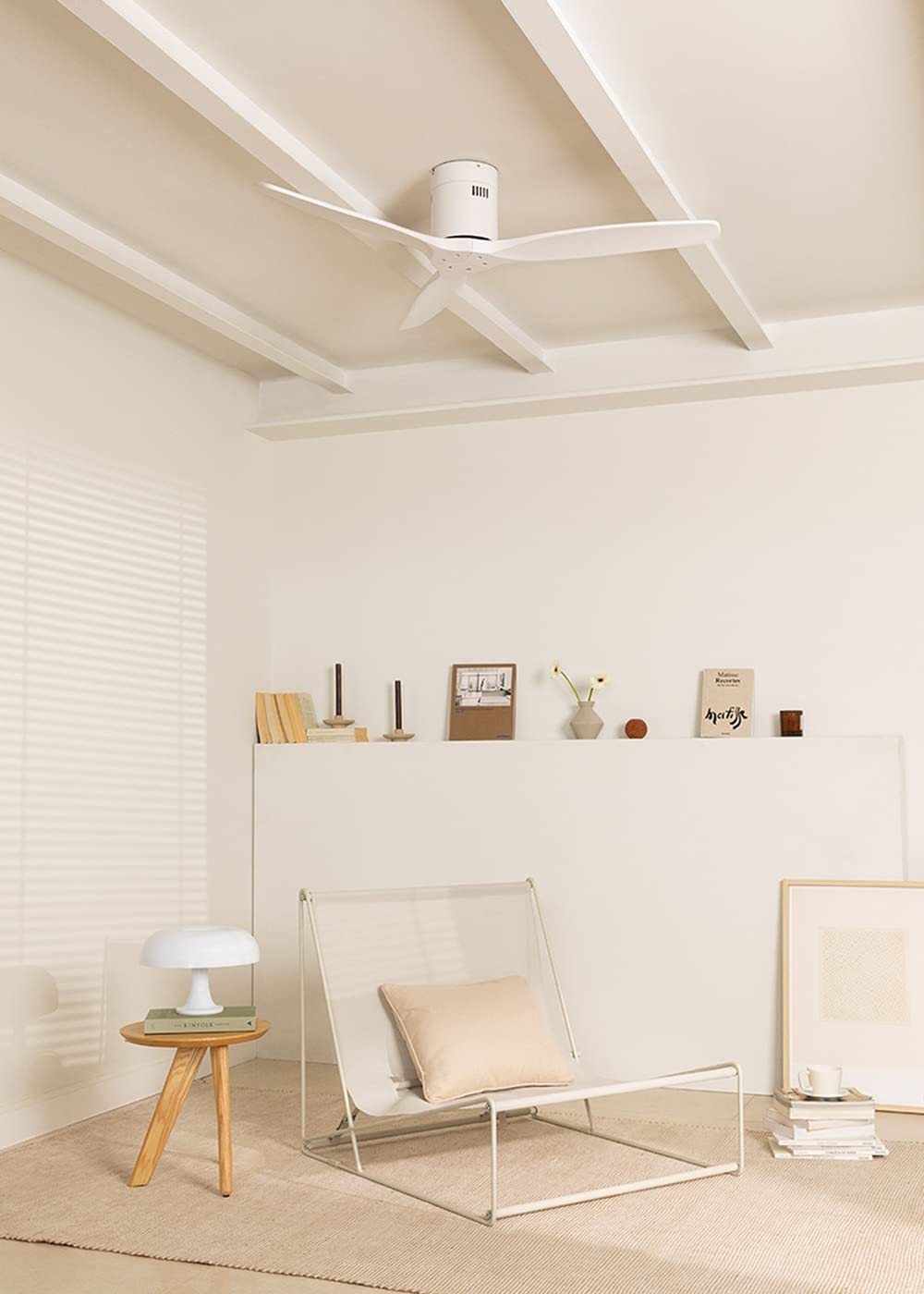
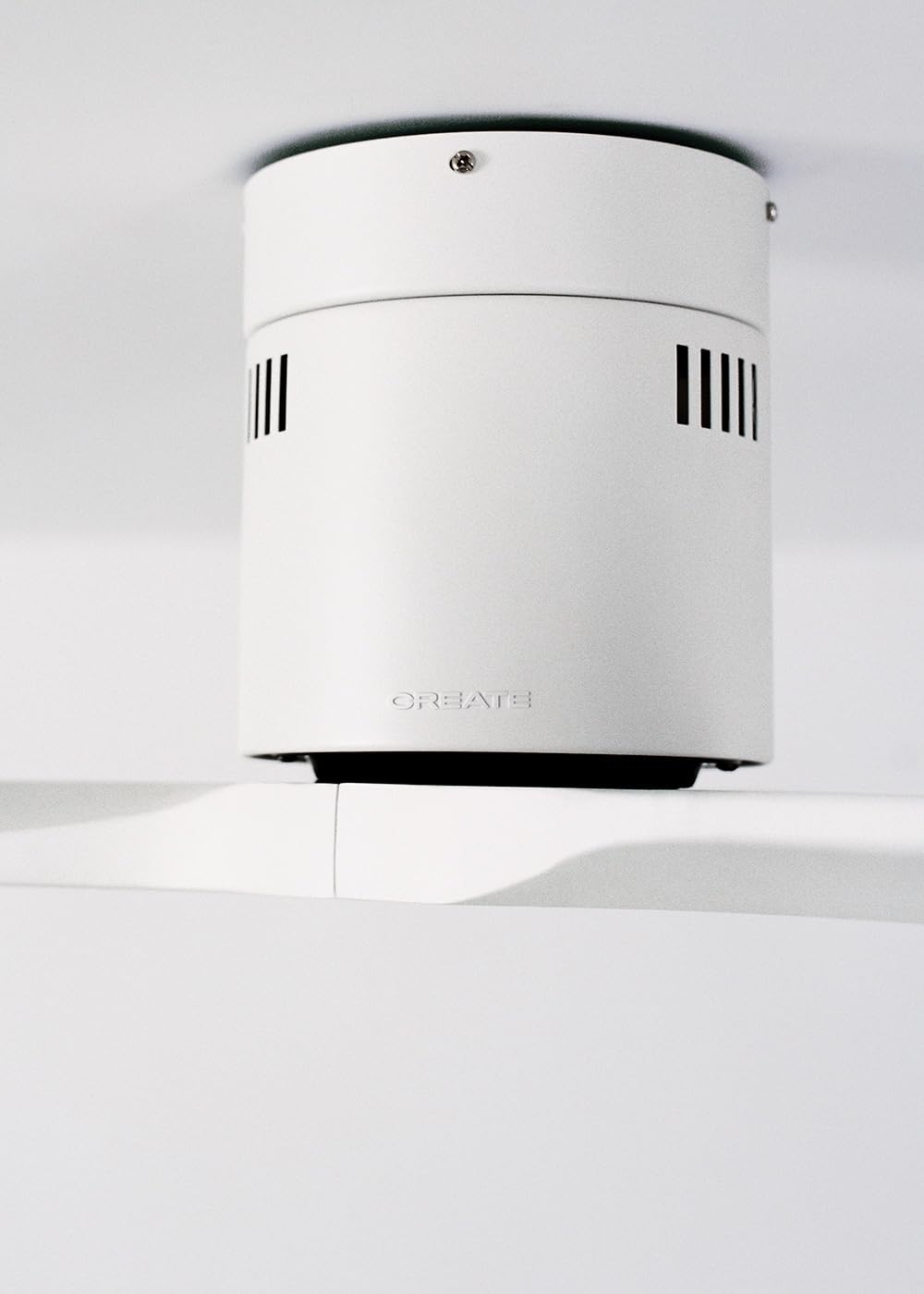
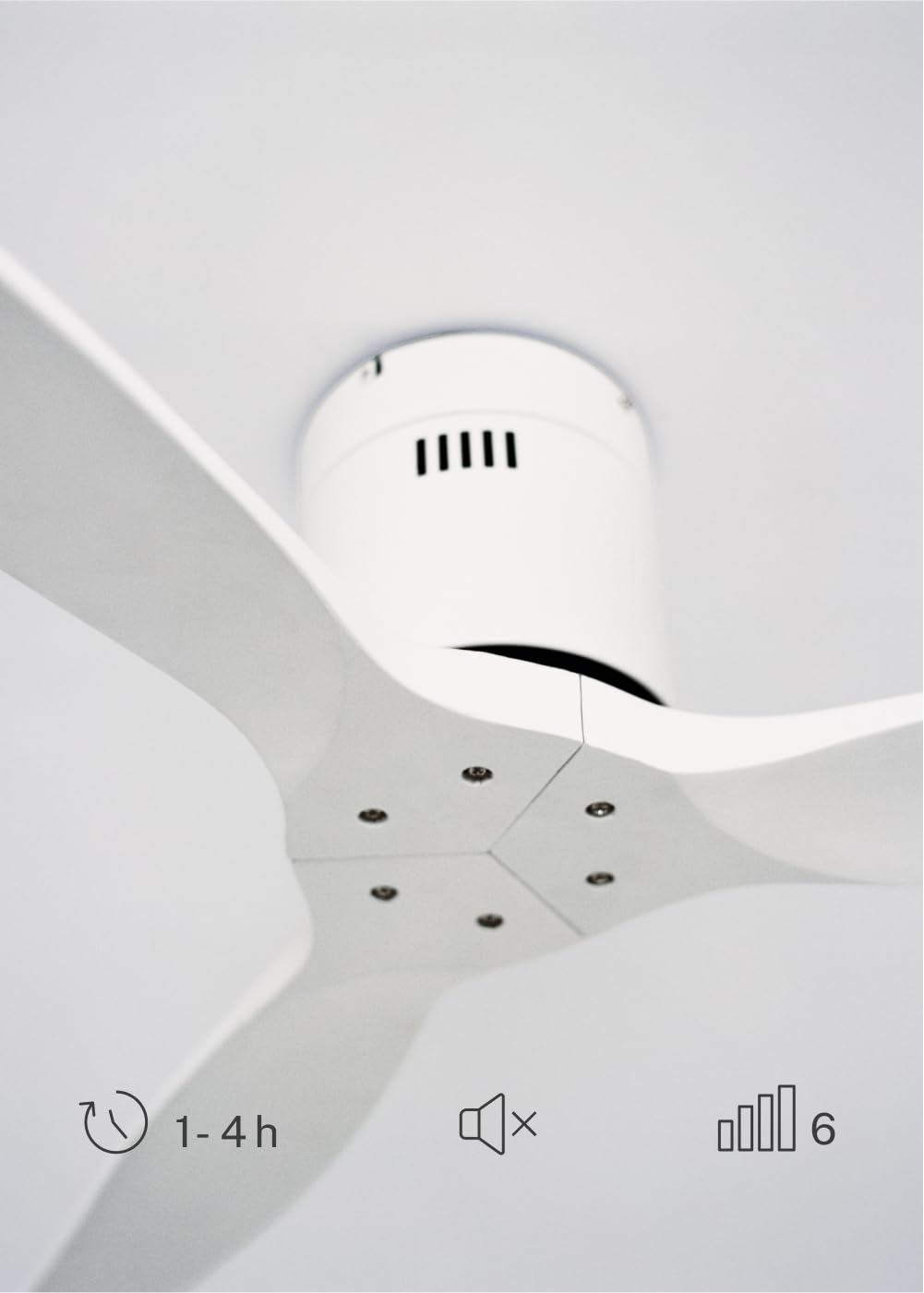
The CREATE WINDCALM DC Ceiling Fan is designed for efficient and quiet air circulation in various indoor spaces. It features a durable aluminum body, a silent DC motor, and three lightweight blades, ensuring minimal noise operation. The fan offers 6 adjustable speeds and a programmable timer for convenience.

3. Lintlha tsa Setegeniki
| Sebopeho | Tlhaloso |
|---|---|
| Brand | BOPA |
| Nomoro ea Mohlala | 43479_88375 |
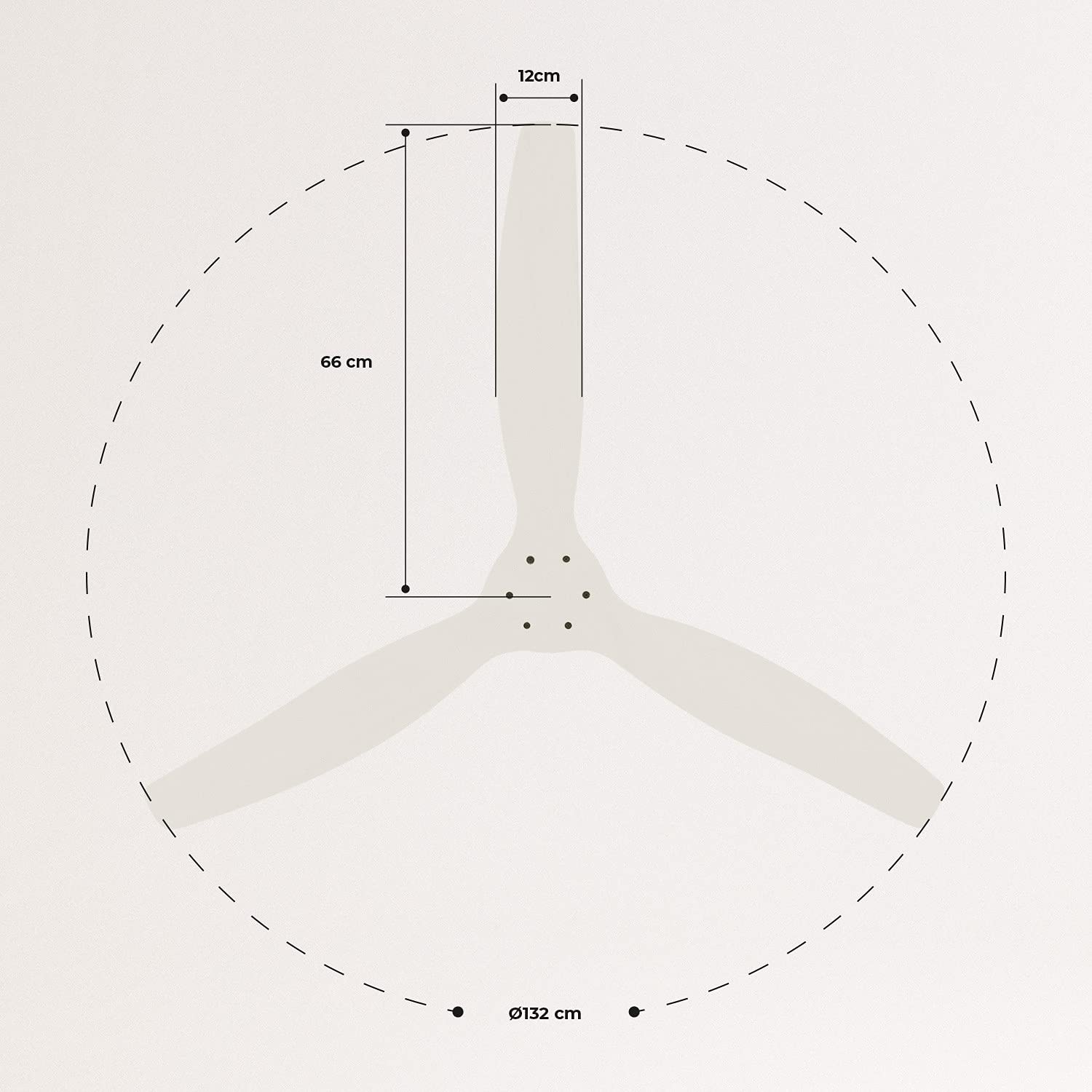
| Litekanyo (L x W x H) | 132 x 132 x 29 cm, |
| Boima ba 'mele | 6.38 lik'hilograma |
| Moralo oa Fans | Siling Fan |
| Mohloli oa Matla | Motlakase oa Motlakase |
| Tšobotsi e Khethehileng | High Speed, Silent DC Motor, Timer, Summer/Winter Function |
| Recommended Sebelisa | Moea oa moea |
| Mofuta oa kamore | Living Room (suitable for 13m² to 25m² rooms) |
| Mmala | White Blades |

4. tlhomamiso Guide
Proper installation is crucial for the safe and efficient operation of your ceiling fan. It is highly recommended that installation be performed by a qualified electrician.
Licheke tsa ho Kena Pele
- Tlosa likarolo tsohle 'me u netefatse ho latela lethathamo la liphutheloana.
- Ensure the ceiling joist or support structure is strong enough to hold the fan's weight.
- Turn off power at the main circuit breaker before starting any electrical work.
Ho phahamisa Fan
- Secure the mounting bracket to the ceiling outlet box using appropriate screws and washers.
- Carefully lift the fan motor assembly and attach it to the mounting bracket.
Lihokelo tsa Wiring
Connect the electrical wires according to the wiring diagram provided in the separate detailed installation manual (not included in this general overview). Ensure all connections are secure and insulated.
Ho kopanya Mahare
Attach the fan blades to the motor hub using the provided screws. Ensure all screws are tightened securely.

5. Litaelo tsa Ts'ebetso
Your CREATE WINDCALM DC Ceiling Fan comes with a remote control for convenient operation of all its functions.
Mesebetsi ea Remote Control
Remoutu e u lumella ho:
- Tlosa/Tima: Bulela kapa tima fene.
- Phetoho ea Potlako: Select from 6 different fan speeds to control airflow intensity.
- Tlhophiso ea Sebali: Program the fan to automatically turn off after 1, 2, or 4 hours.
- Boemo ba Lehlabula/Mariha: Change the direction of blade rotation to optimize air circulation for different seasons.
Mokhoa oa Lehlabula
In summer mode, the fan blades rotate counter-clockwise, pushing air downwards. This creates a cooling breeze effect, helping to dissipate heat and refresh the room.

Mariha Mokhoa
In winter mode, the fan blades rotate clockwise, drawing air upwards. This helps to circulate warm air that accumulates near the ceiling, distributing it evenly throughout the room and improving heating efficiency.
6. Tlhokomelo le Tlhokomelo
Tlhokomelo ea kamehla e netefatsa bophelo bo bolelele le ts'ebetso e nepahetseng ea fan ea hau ea siling.
Ho hloekisa
- Kamehla tima motlakase ho fene e sehatsetsing sa potoloho pele o hlwekisa.
- Sebelisa bonolo, damp Lesela ho hlakola mahare a fene le ntlo ea enjene. U se ke ua sebelisa lihlatsoi tse khorofo kapa li-solvent, kaha li ka senya qetello.
- Ensure the fan is completely dry before restoring power.
Licheke tsa Kamehla
- Periodically check all screws and fasteners on the mounting bracket and blade attachments to ensure they are secure. Tighten if necessary.
- Listen for any unusual noises during operation, which may indicate a loose part or an issue with the motor.
7. Ho rarolla mathata
If you encounter any issues with your fan, refer to the following common problems and their solutions:
| Bothata | Lebaka le ka khonehang | Tharollo |
|---|---|---|
| Fane ha e bulele | Ha ho phepelo ea motlakase Khokahano ea wiring e hlephileng Betri ea remoutu e tlase | Check circuit breaker and wall switch Verify all wiring connections are secure (consult electrician) Fetola libeteri tsa remote control |
| Fene e etsa lerata le feteletseng | Loose screws on blades or mounting Lehare le kobehileng Taba ea motlakase | Tiisa li-screw tsohle Check blades for damage and replace if necessary Ikopanye le tšehetso ea bareki |
| Remote control ha e sebetse | Leshala le felile Tšitiso lipakeng tsa remoutu le moamoheli Remote ha e a kopanngoa (haeba ho hlokahala) | Fetola libeteri Netefatsa tsela e hlakileng ea pono Refer to detailed manual for pairing instructions |
| Fane e a thekesela | Borakete e hlephileng Li-blades tse sa leka-lekanang | Ensure mounting bracket is securely fastened Check blade balance and use balancing kit if needed |
8. Tiisetso le Tšehetso
For warranty information, technical support, or replacement parts, please contact CREATE customer service. Keep your purchase receipt as proof of purchase.
You can find more information and contact details on the official CREATE websebaka: www.create-store.com


