1. Selelekela
The Elitech RCW-2200 is a wireless temperature and humidity data logger designed for continuous monitoring. It operates in conjunction with the Elitech RCW-2000WIFI gateway, transmitting data wirelessly for real-time viewing via a browser or mobile application. This device is suitable for various applications requiring precise environmental monitoring.
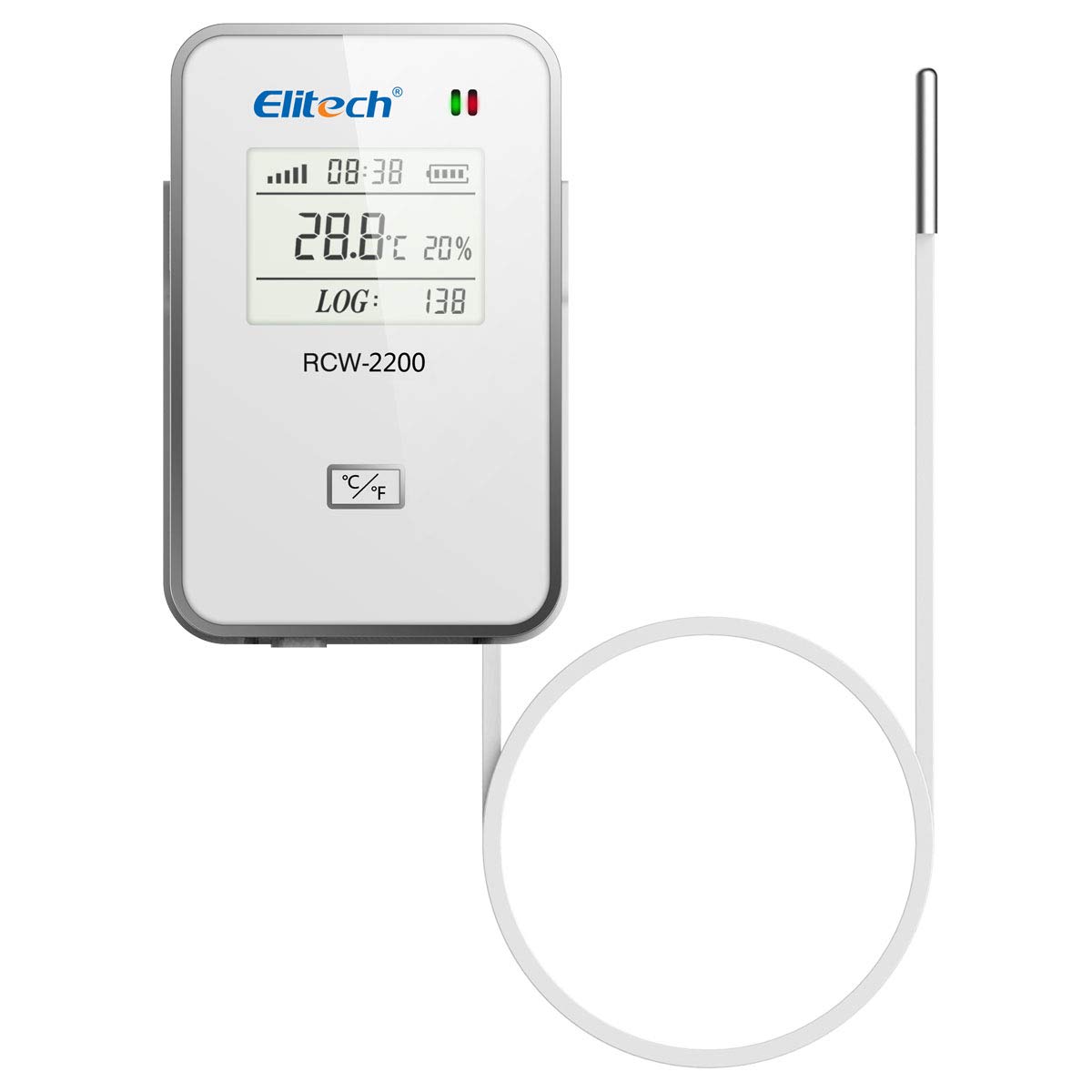
Image 1: Elitech RCW-2200 Wireless Temperature and Humidity Data Logger with external sensor.
2. Sehlahisoa Overview le Likaroloana
The RCW-2200 features a clear display and an external sensor for accurate measurements. It is designed for easy installation and long-term operation.

Image 2: Labeled components of the Elitech RCW-2200. This image highlights the LoRa Signal indicator, Power ON/OFF button, Temperature Values, Time display, Status Indicator, Alarm Indicator, Battery Level, Humidity Values, Logging Points, USB Charging Port, and External Sensor Port.
Litaba tsa Sephutheloana:

Image 3: Contents included in the RCW-2200 package. The package typically includes 1 x Box, 1 x Device, 1 x external temperature and humidity sensor, 1 x USB Cable, 1 x User Manual, and 2 x Screw Nails. Note: The RCW-2200 requires the RCW-2000 gateway for operation.
- 1 x RCW-2200 Device
- 1 x External Temperature and Humidity Sensor
- 1 x thapo ea USB
- 1 x Buka ea Mosebelisi
- 2 x Screw Nails
Hlokomela: The RCW-2200 requires the Elitech RCW-2000WIFI gateway for full functionality and data transmission.
3. Litaelo tsa ho seta
3.1 Ho tjhaja Sesebediswa
Before initial use, ensure the RCW-2200 is fully charged. Connect the device to a USB power source using the provided USB cable. The battery level indicator on the display will show charging status.
3.2 Ho jarolla le ho kenya App
To access real-time data and settings, download the Elitech app on your mobile device.
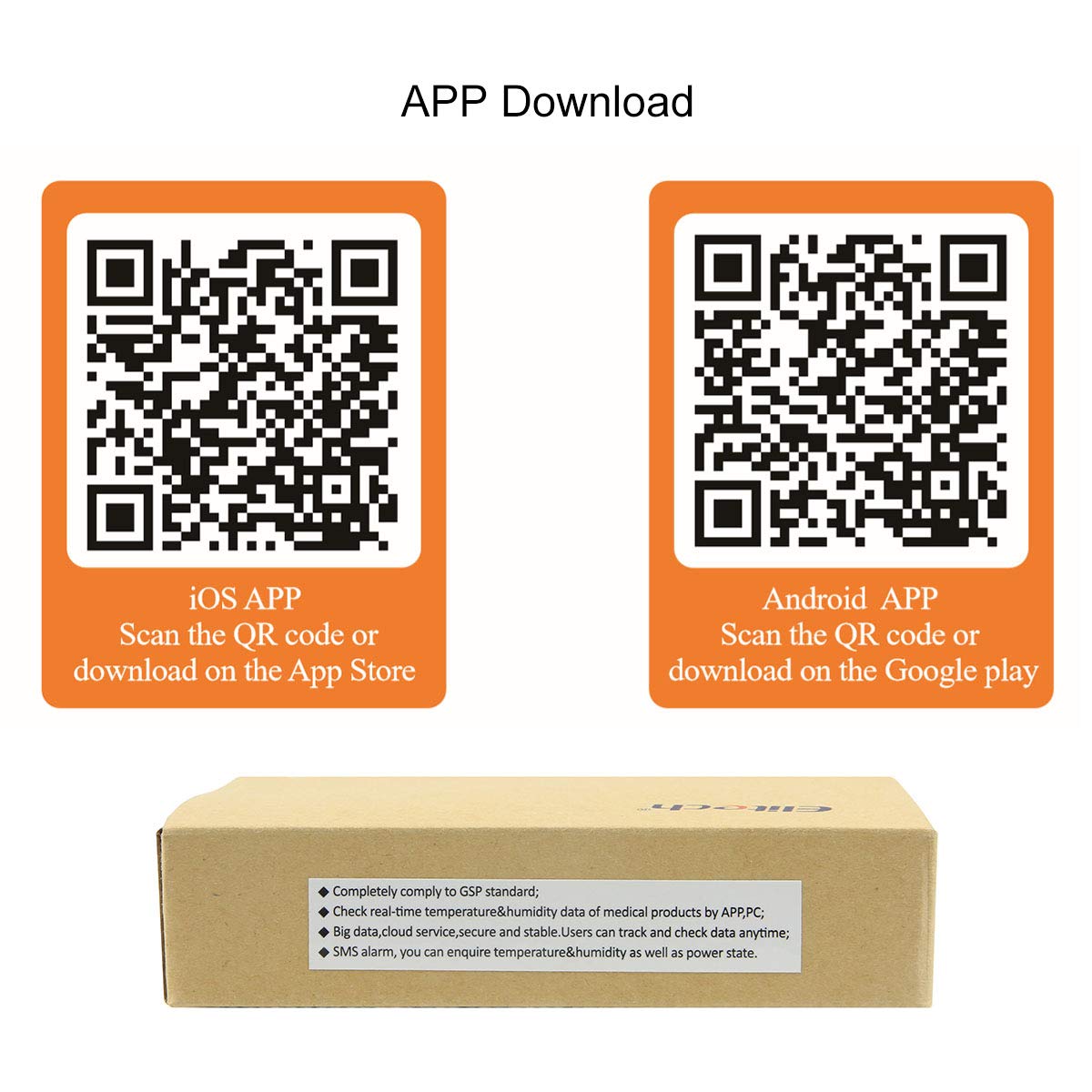
Image 4: QR codes for downloading the Elitech mobile application. Scan the QR code for iOS to download from the App Store, or the QR code for Android to download from Google Play.
- Bakeng sa iOS: Skena khoutu ea QR kapa etela http://www.i-elitech.com/commonAction.do?method=iosdl
- Bakeng sa Android: Skena khoutu ea QR kapa etela http://www.i-elitech.com/commonAction.do?method=andrioddl
3.3 Connecting to RCW-2000WIFI Gateway
The RCW-2200 communicates wirelessly with the RCW-2000WIFI gateway. Ensure your gateway is properly set up and connected to your network. Follow the gateway's instruction manual for its initial configuration. The RCW-2200 will automatically attempt to connect to a nearby configured RCW-2000WIFI gateway.
3.4 Ho kenya sesebelisoa
The RCW-2200 can be mounted using the four integrated magnets on its back or by using the provided screw nails.

Setšoantšo sa 5: Ka morao view of the Elitech RCW-2200, showing the four integrated magnets for easy mounting on metallic surfaces.
- Ho Tlama ha Magnetic: Attach the device to any suitable metallic surface.
- Screw Mounting: Use the provided screw nails to secure the device to a wall or other non-metallic surface.
Ensure the external sensor is positioned in the area where temperature and humidity monitoring is required.
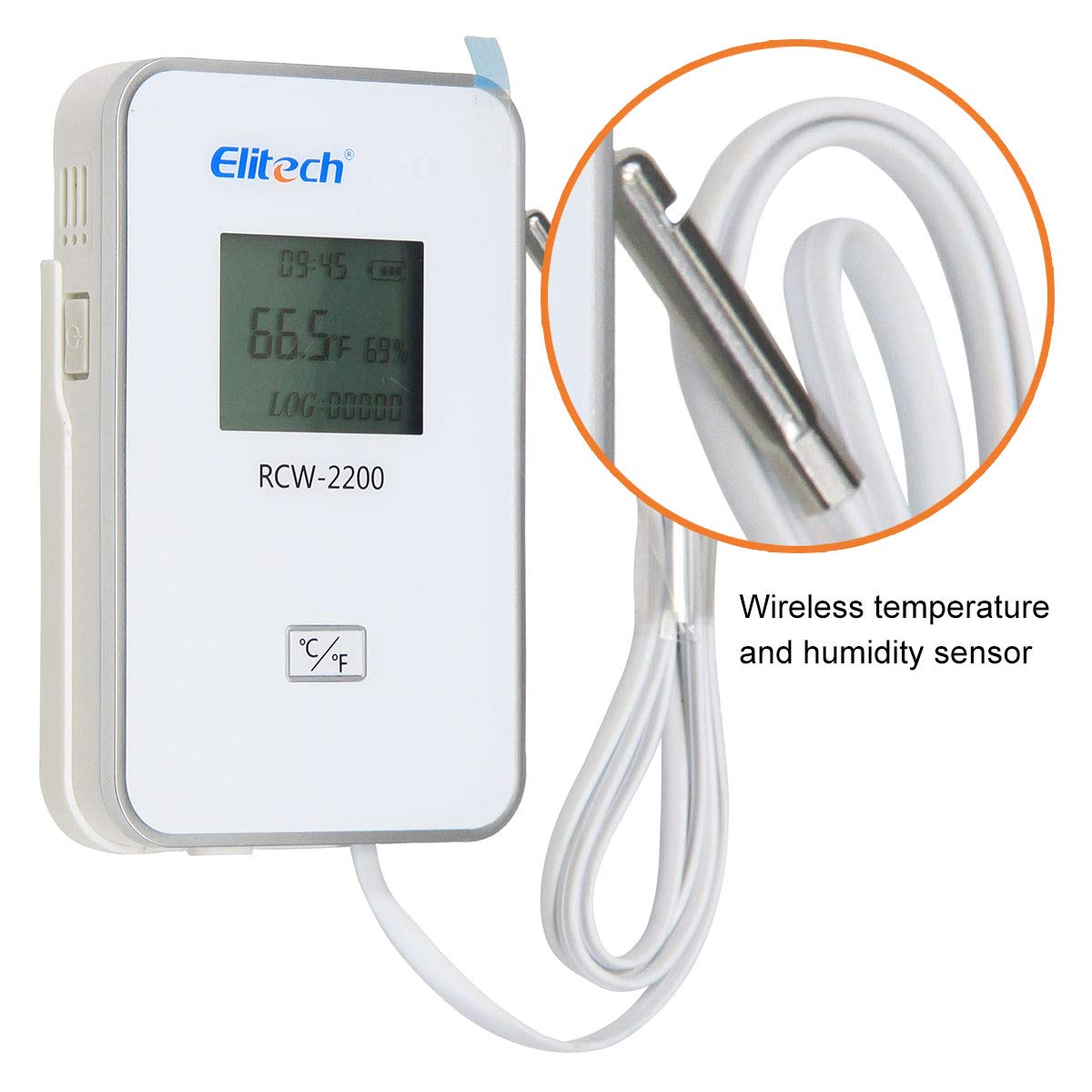
Image 6: Elitech RCW-2200 with its external wireless temperature and humidity sensor connected.
4. Litaelo tsa Ts'ebetso
4.1 Motlakase ON/OFF
Press and hold the Power ON/OFF button (refer to Image 2) to turn the device on or off. The display will illuminate upon powering on.
4.2 Ho utloisisa Pontšo
The LCD screen provides real-time information:
- Nako: Nako ea joale.
- LoRa Signal: Indicates the strength of the wireless connection to the gateway.
- Lesupa la Boemo: E bonts'a boemo ba ts'ebetso.
- Letšoao la alamo: Lights up when set parameters are exceeded.
- Boemo ba Betri: E bonts'a tefo e setseng ea betri.
- Temperature Values: Ho bala mocheso oa hona joale.
- Humidity Values: Current humidity reading.
- Logging Points: Number of data points recorded.
4.3 Remote Monitoring via App/Browser
Once connected to the RCW-2000WIFI gateway, data from the RCW-2200 is uploaded to the Elitech Cloud platform. You can view real-time temperature and humidity, historical data, and receive alerts through the mobile app or a web sebatli.
- Lintlha tsa Nako ea 'Nete: Access current readings from anywhere.
- Kerafo ea data View: Visualize historical data trends.
- Remote Parameter Settings: Adjust logging intervals, alarm thresholds, and other settings remotely via the app or web sethala.
- Tlhokomeliso: Receive email or app notifications when temperature or humidity exceeds predefined limits.
5. Tlhokomelo
5.1 Ho tjhaja Betri
The RCW-2200 uses a rechargeable lithium battery. When the battery level is low, connect the device to a USB power source using the provided cable. A full charge ensures continuous operation for no less than 12 months at a 10-minute uploading interval.
5.2 Ho hloekisa
Wipe the device and sensor with a soft, dry cloth. Do not use abrasive cleaners or immerse the device in water.
5.3 Sensor Care
Ensure the external sensor is kept clean and free from obstructions to maintain accurate readings. Avoid bending or damaging the sensor cable.
6. Ho rarolla mathata
- Sesebelisoa ha se sebetse: Ensure the device is fully charged. Connect it to a USB power source and try again.
- No data displayed on app/browser:
- Verify the RCW-2000WIFI gateway is powered on and connected to the internet.
- Check the LoRa signal strength on the RCW-2200 display. If weak, move the device closer to the gateway.
- Ensure the RCW-2200 is within the 1000m unobstructed line of sight range of the gateway.
- Litemana tse sa nepahalang: Check if the sensor is clean and properly positioned. Ensure it is not exposed to direct sunlight or strong air currents that could affect readings.
- Alarm not triggering: Verify that alarm thresholds are correctly set in the mobile app or web platform. Ensure notifications are enabled.
7. Litlhaloso
| Sebopeho | Tlhaloso |
|---|---|
| Nomoro ea Mohlala | EA-2200-RCW |
| Brand | Elitech |
| Mofuta oa ho Beha | Freestanding, Magnetic |
| Tekanyo e Phahameng ea Mocheso | Likhato tse 65 tsa Celsius |
| Ho Nepaha ha Mocheso | 0.5 °C |
| Mofuta oa Leshala | Lithium e ka nchafatsoang |
| Puisano | Wi-Fi (via RCW-2000WIFI gateway) |
| Range e se nang mohala | Up to 1000m (unobstructed line of sight) |
| Bophelo ba Battery | No less than 12 months (at 10 min upload interval) |
8. Service Plans
Elitech offers various service plans for enhanced data management and features. These plans provide different levels of data storage, export options, and compliance features.

Image 7: Comparison of Elitech service plans (Standard, Advanced, Professional) detailing features like remote settings, data storage duration, data export, and FDA compliance.
For detailed information on features and pricing for Standard, Advanced, and Professional plans, please refer to the Elitech websebaka kapa ikopanye le tšehetso ea bareki.
9. Tiisetso le Tšehetso
Elitech provides a limited warranty for the RCW-2200 data logger. For specific warranty terms and conditions, please refer to the warranty card included with your product or visit the official Elitech websebaka.
For technical support, troubleshooting assistance, or inquiries regarding your device, please contact Elitech customer service through their official websebaka sa marang-rang kapa tlhahisoleseling ea ho ikopanya e fanoeng ka har'a sephutheloana sa sehlahisoa.


