Увод
Thank you for choosing the Mesqool 10.1" Digital Calendar Clock. This device is designed to provide clear, easy-to-read time, date, and environmental information, along with advanced reminder and customization features. Its user-friendly interface and versatile display options make it an ideal addition to any home, especially for individuals who benefit from clear visual cues and scheduled reminders.

The Mesqool 10.1" Digital Calendar Clock, showcasing its main display with time, date, day, temperature, and humidity.
Кључне карактеристике
- 10.1" High-Definition IPS Display: Features ultra-sharp, large fonts for easy readability from any angle, with vibrant, true-to-life colors.
- Six Time Periods Display: Clearly shows pre-dawn, morning, afternoon, evening, night, and midnight to prevent AM/PM confusion.
- Indoor Temperature & Humidity Sensor: Provides real-time environmental readings for optimal comfort monitoring.
- Flexible Alarm & Schedule Settings: Offers fully customizable alarms and reminders, including specific days (weekdays, weekends, or any combination) and one-time reminders for special dates.
- 23 Pre-set & Customizable Schedules: Includes reminders for medication, activities, visits, and allows personalized messages via keyboard input.
- Auto-Dimming & Timed Brightness: Intelligent light sensor automatically adjusts screen brightness based on ambient light. Manual adjustment and different day/night brightness levels are also available.
- 12 Personalized Themes & 9 Font Colors: Choose from various display styles, including text time, analog clock, classic, and minimalist, with multiple color options.
- Функција меморије: An internal backup battery automatically resets the time and date after a power failure and retains all settings.
- 18 Alarm Sounds & 9-Level Volume: Select from a variety of gentle and effective alarm tones with adjustable volume levels.
- Built-in Digital Picture Frame: Display personal photos by inserting a USB flash drive or SD card (up to 64GB, not included).
Водич за подешавање
1. Распакивање и први преглед
Пажљиво извадите све компоненте из паковања. Проверите да ли су све ставке присутне:
- Mesqool 10.1" Digital Calendar Clock
- Повер Адаптер
- УСБ кабл
- Wall Mounting Kit (screws, anchors, wall bracket)
- Упутство за употребу
- Цлотх Цлотх

Contents of the Mesqool Digital Clock package.
2. Прикључак за напајање
- Connect the USB cable to the clock's power input port.
- Plug the power adapter into a standard electrical outlet. The clock will power on automatically.
Напомена: The clock must be connected to an outlet for continuous operation. The internal backup battery is for retaining settings during power interruptions, not for powering the display.

Ensure the clock is properly connected to a power source.
3. Initial Settings (Time, Date, Language)
Upon first power-on or after a prolonged power outage, you may need to set the time, date, and language. Use the navigation buttons on the side of the clock to access the menu and adjust settings.
- Дугмад за навигацију: The side-mounted buttons (Up, Down, Left, Right, Select, Back) allow intuitive navigation through the menu.
- Језик: Select your preferred language (English, German, French, Italian, Spanish, Japanese).
- Формат времена: Choose between 12-hour or 24-hour display.
- Формат датума: Select MM/DD/YYYY or DD/MM/YYYY.
- Аутоматско летње време: Enable or disable Automatic Daylight Saving Time adjustment.

The side buttons provide easy access to menu navigation and settings.
4. Опције монтаже
The clock can be placed on a tabletop using its integrated stand or mounted on a wall.
- Положај стола: Extend the built-in stand on the back of the clock to position it upright on any flat surface.
- Монтажа на зид: Use the provided wall mounting kit. Secure the wall bracket to your desired location using the screws and anchors. Then, carefully slide the clock onto the bracket until it locks into place.

The back of the clock features a foldable stand for tabletop use and mounting points for wall installation.
Упутство за употребу
1. Режими приказа и прилагођавање
The clock offers various display options to suit your preferences:
- Time Periods: The display automatically adjusts to show one of six time periods (pre-dawn, morning, afternoon, evening, night, midnight) to help differentiate between AM and PM.
- Themes & Colors: Navigate to the 'Themes' setting in the menu to choose from 12 unique display themes and 9 font colors. Options include text time, analog clock, classic, and minimalist styles.

Explore 12 themes and 9 colors to personalize your clock's display.
2. Подешавање осветљености
The clock features intelligent brightness control:
- Аутоматско затамњивање: A built-in light sensor automatically adjusts the screen brightness based on ambient room lighting, ensuring optimal visibility day and night.
- Timed Brightness: You can set different brightness levels for daytime and nighttime.
- Ручно подешавање: Adjust brightness manually through the settings menu if desired.
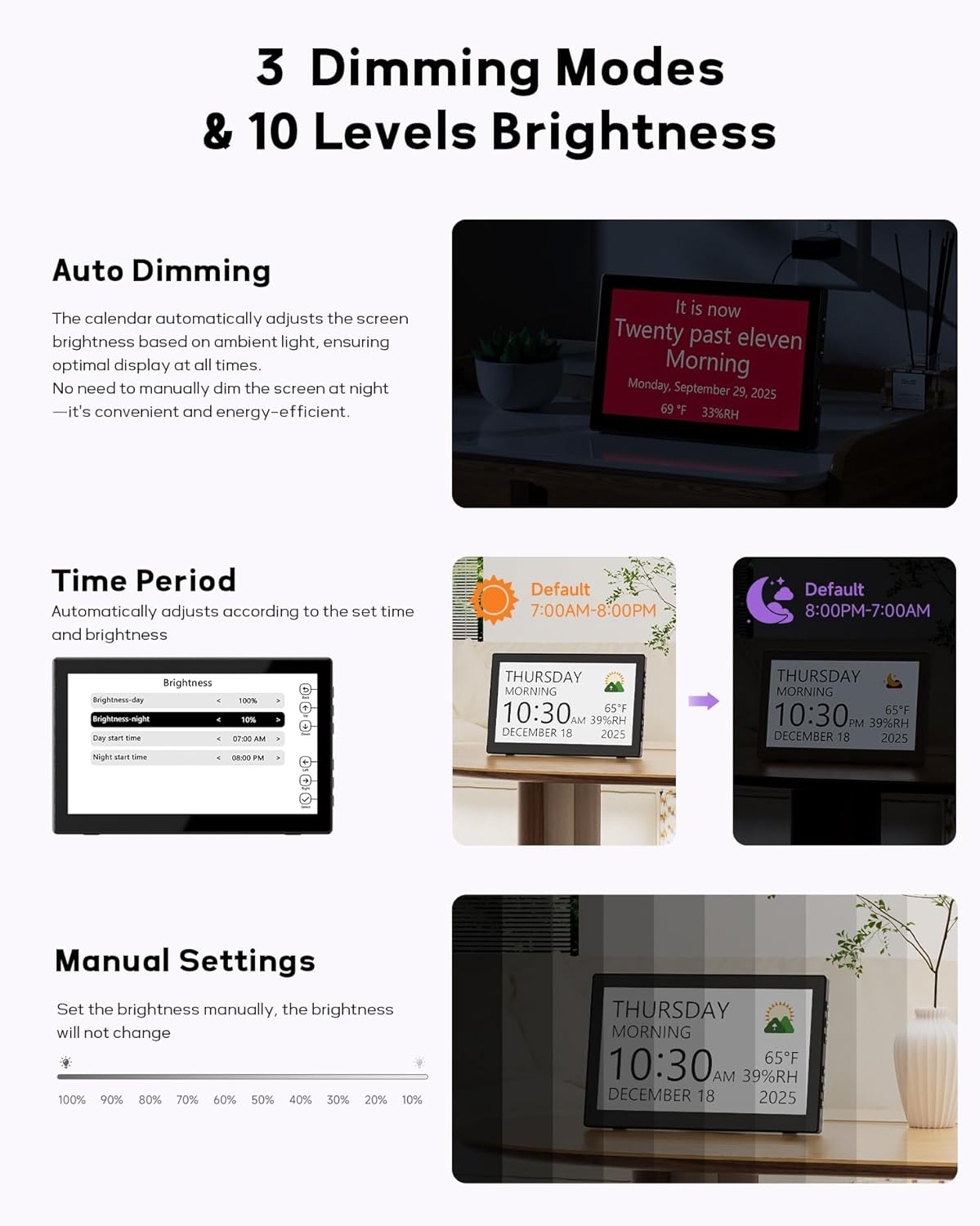
The clock offers automatic, timed, and manual brightness control for optimal viewинг.
3. Alarm and Schedule Settings
The clock provides extensive alarm and reminder capabilities:
- Прилагодљиви аларми: Set multiple alarms for specific days (weekdays only, weekends, or any combination).
- Pre-set Reminders: Utilize 23 pre-set reminders for common daily routines such as medication, activities, and visits.
- Personalized Messages: Create custom reminders using keyboard input for unique events like birthdays or personal notes.
- Звукови аларма: Choose from 18 unique alarm sounds (e.g., guitar, dance music, birds, waves) and adjust the volume across 9 levels.

Set up to 23 pre-set or custom reminders for daily routines and important events.
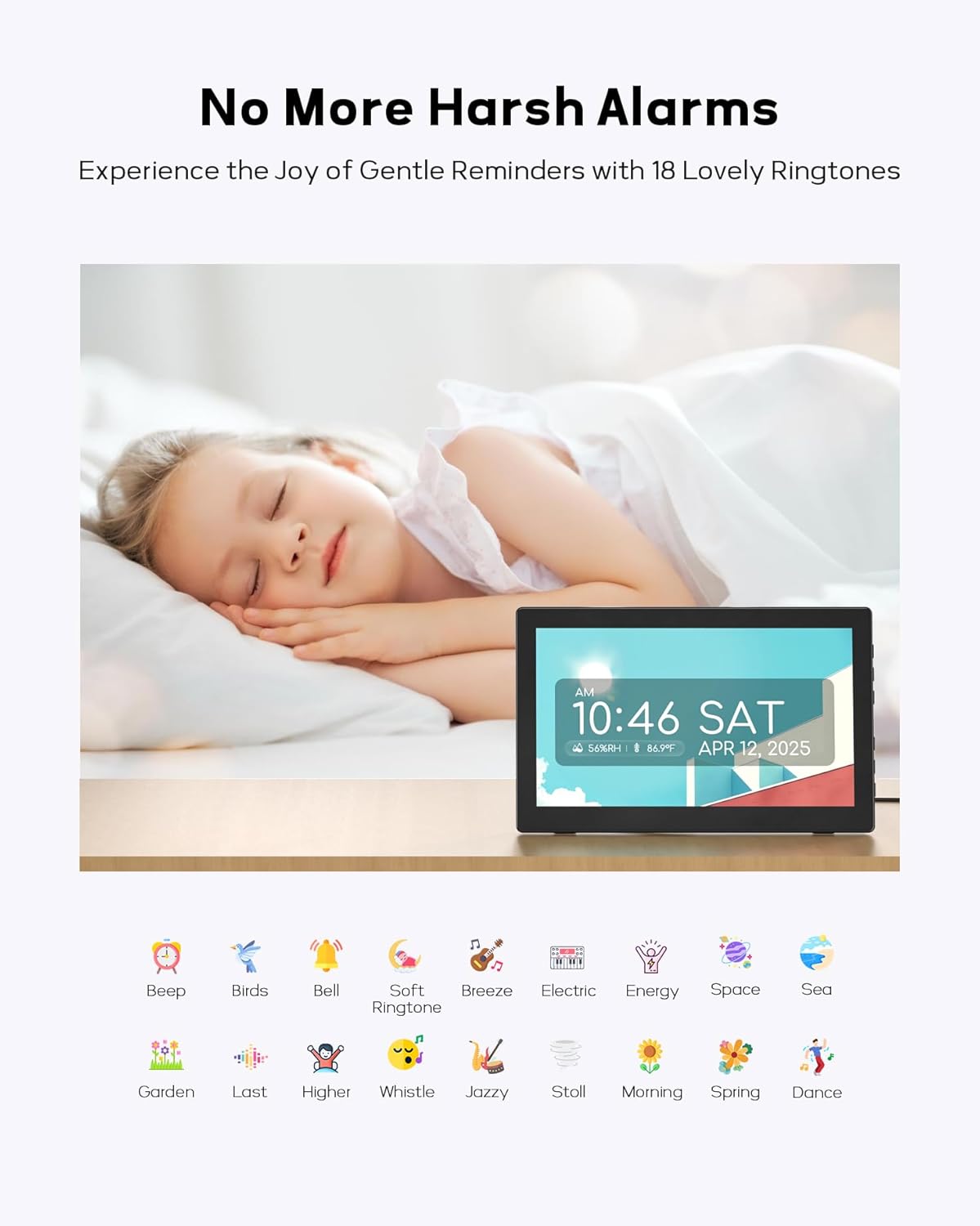
Choose from 18 gentle ringtones and adjust volume for personalized alarms.
4. Digital Picture Frame Function
Transform your clock into a digital picture frame:
- Insert a USB flash drive or SD card (up to 64GB, not included) into the designated slot on the side of the clock.
- Access the 'Album' setting in the menu to display your favorite photos.
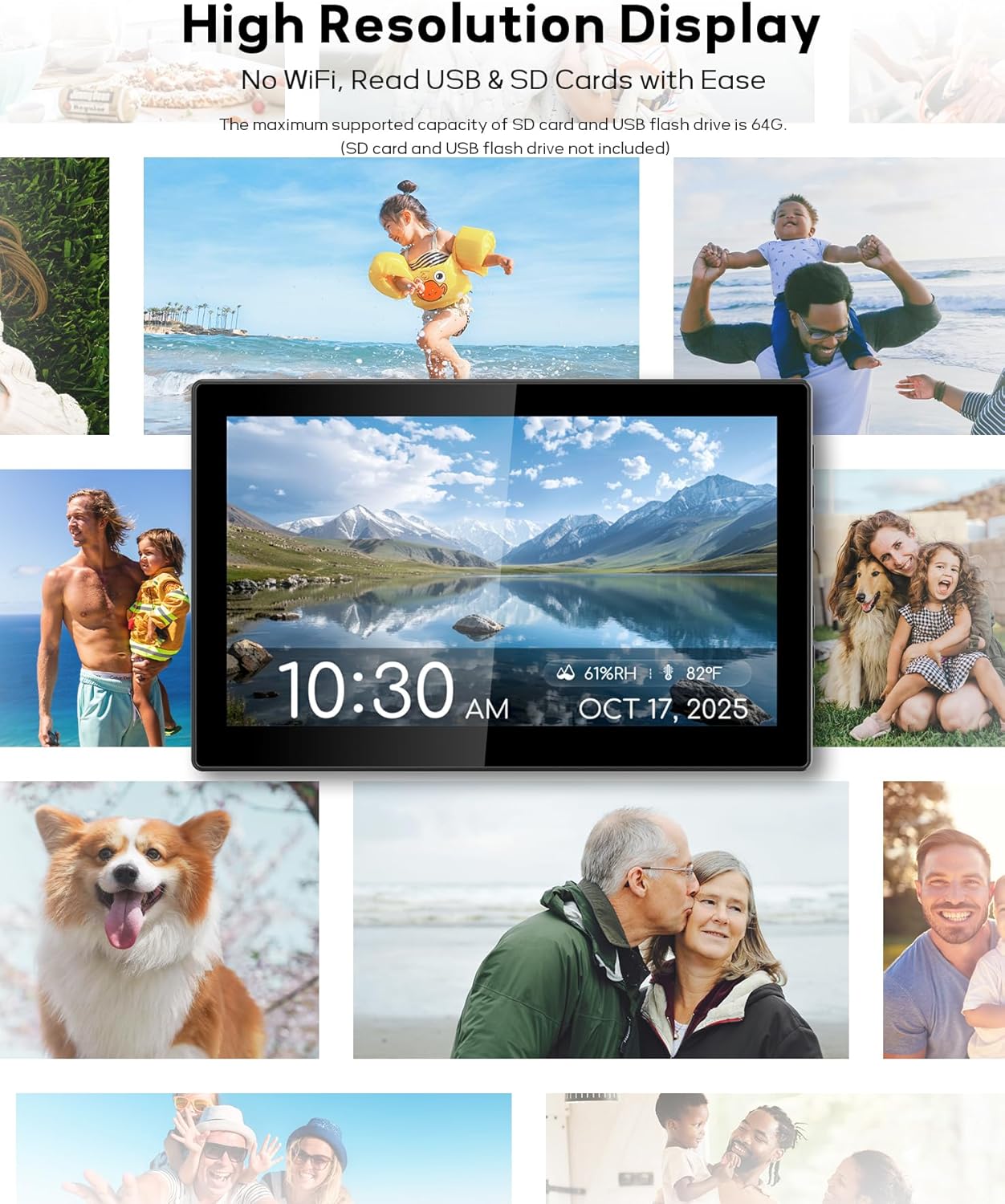
Display cherished memories using the built-in digital picture frame function.
5. Indoor Temperature & Humidity Display
The clock continuously monitors indoor temperature and humidity:
- Real-time temperature (in °F) and humidity (%RH) readings are displayed directly on the screen.
- This feature helps you monitor your indoor environment for comfort and well-being.
Одржавање
- Чишћење: Use the provided cleaning cloth or a soft, dry cloth to gently wipe the screen and body of the clock. Avoid using abrasive cleaners or sprays.
- Пласман: Place the clock on a stable surface or mount it securely on a wall. Avoid direct sunlight or extreme temperatures, which can affect display performance and sensor accuracy.
- Снага: Ensure the clock remains plugged into a power outlet for continuous operation.
Решавање проблема
| Проблем | Могући узрок | Решење |
|---|---|---|
| Сат се не укључује. | Адаптер за напајање није повезан или је утичница неисправна. | Ensure power adapter is securely plugged into the clock and a working electrical outlet. Try a different outlet. |
| Подешавања се губе након нестанка струјеtage. | Backup battery is low or depleted. | The clock includes 2 CR2032 batteries for backup. If settings are not retained, these batteries may need replacement. Refer to the manual for battery compartment access. |
| Екран је превише светао/таман. | Brightness settings need adjustment. | Adjust brightness manually via the settings menu or ensure auto-dimming is enabled and functioning correctly. |
| Alarms are not sounding. | Alarm not set correctly or volume is too low. | Verify alarm times and days in the settings. Increase alarm volume. |
| Photos not displaying from USB/SD card. | Нетачно file format, unsupported card type, or card capacity too large. | Ensure photos are in a compatible format (e.g., JPEG). Use SD, SDHC, SDXC, or USB2.0 devices up to 64GB. Reformat the card if necessary (backing up data first). |
Спецификације
- Бренд: Мескоол
- Модел: ЦР1026
- Тип приказа: ИПС
- Величина екрана: 10.1 инча
- Димензије производа: 14" Ш x 4" В
- Тежина артикла: 1.52 фунти
- Извор напајања: Цордед Елецтриц
- Посебне карактеристике: Battery Backup, Adjustable Brightness, Indoor Temperature & Humidity Sensor, Digital Picture Frame, Multiple Themes, Customizable Alarms
- батерије: 2 CR2032 batteries required (included for memory backup)
- Тип монтаже: Столна плоча, зидни носач
- Подржана меморија: USB Flash Drive, SD Card (SD, SDHC, SDXC, USB2.0, up to 64GB)
Гаранција и подршка
The Mesqool Digital Calendar Clock comes with a Ограничена гаранција provided by Mesqool E-commerce Co,ltd. For detailed warranty information, product support, or technical assistance, please refer to the contact information provided in your product packaging or visit the official Mesqool webсајту.
Произвођач: Mesqool E-commerce Co,ltd