1. Готовоview
This manual provides essential information for setting up, operating, maintaining, and troubleshooting your HP 14-dq5009nr laptop. Designed for productivity and entertainment, this thin and light laptop offers reliable performance for everyday tasks.

Figure 1: HP 14-dq5009nr Laptop in Natural Silver.
Кључне карактеристике:
- Micro-Edge HD Display: Enjoy an ultra-wide viewing experience with minimal bezel.
- Intel Core i3-1215U Processor: 12th Generation Intel Core processor with 6 cores for multitasking.
- Intel UHD Graphics: Smooth streaming of 4K content and casual gaming.
- Складиштење и меморија: 256 GB PCIe NVMe M.2 SSD for fast performance and 8 GB DDR4 RAM for enhanced multitasking.
- Windows 11 Home in S Mode: Secure operating system with fast boot times and protection against malware.

Слика 2: Завршеноview of the HP 14-dq5009nr Laptop's main features including display, processor, graphics, storage, and memory.
2. Подешавање
2.1 Почетно укључивање
- Распакујте лаптоп и сву додатну опрему из кутије.
- Прикључите адаптер за напајање на порт за пуњење лаптопа, а затим на утичницу.
- Open the laptop lid. The laptop may power on automatically, or you may need to press the power button located on the top right of the keyboard.
- Follow the on-screen instructions to complete the Windows 11 Home in S Mode setup, including selecting your region, language, and connecting to a Wi-Fi network.

Figure 3: The HP laptop screen showing the Windows 11 Start Menu, indicating successful initial setup.
2.2 Повезивање на Ви-Фи
During the initial setup, you will be prompted to connect to a wireless network. If you need to connect later or change networks:
- Кликните на Икона мреже (usually a Wi-Fi symbol) in the bottom-right corner of the taskbar.
- Изаберите жељену Wi-Fi мрежу са листе.
- Кликните Повежите се and enter the network security key (password) if prompted.
3. Operating Your HP Laptop
3.1 Тастатура и тачпед
The laptop features a full-sized keyboard and an integrated precision touchpad with multi-touch support. The touchpad supports gestures for smooth scrolling, zooming, and navigation.
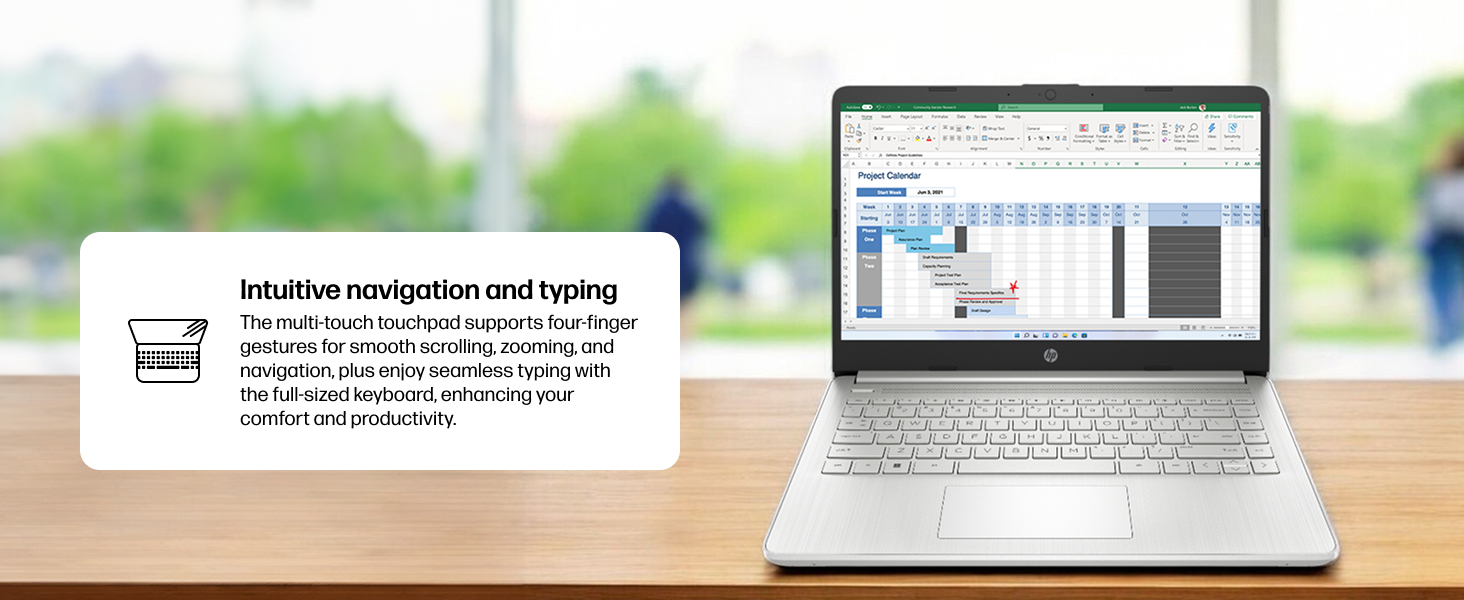
Figure 4: Demonstrating intuitive navigation and typing with the multi-touch touchpad and full-sized keyboard.
3.2 Приказ и графика
Your HP laptop is equipped with a 14-inch HD micro-edge display and Intel UHD Graphics, providing vibrant visuals for various tasks, from web browsing to multimedia consumption.
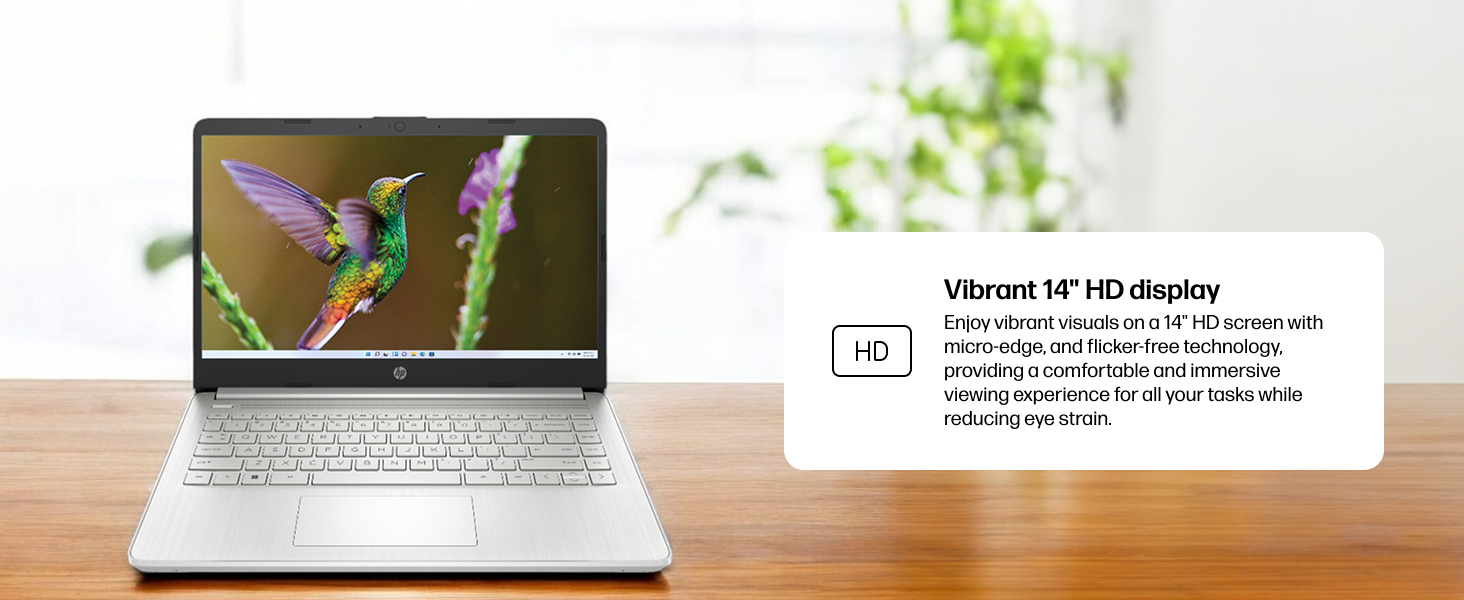
Слика 5: Приказ екрана лаптопаasing vivid visuals powered by Intel UHD graphics.
3.3 Портови и повезивање
The laptop offers a range of ports for connecting peripherals and external devices:
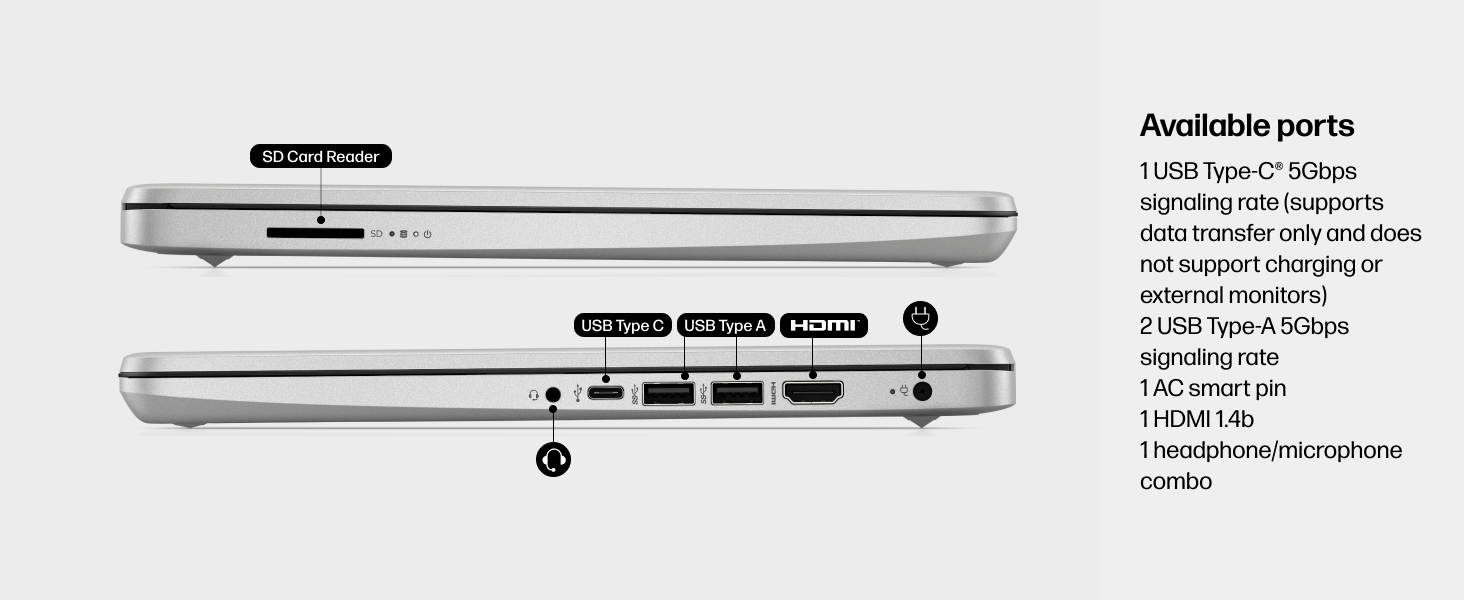
Слика 6: Детаљно view of the available ports on the HP 14-dq5009nr laptop.
- 1 USB Type-C® 5Gbps signaling rate (supports data transfer only, no charging or external monitors)
- 2 УСБ Типе-А 5Гбпс брзина сигнализације
- 1 AC smart pin (for power adapter)
- 1 ХДМИ 1.4б
- 1 Комбиновани прикључак за слушалице/микрофон
- 1 SD Card Reader
4. Одржавање
4.1 Одржавање батерије
The HP 14-dq5009nr features a long-lasting battery and HP Fast Charge technology, allowing you to charge from 0 to 50% in approximately 45 minutes. To maximize battery lifespan:
- Избегавајте екстремне температуре.
- Немојте редовно потпуно празнити батерију.
- Store the laptop with a partial charge if not used for extended periods.
4.2 Упутства за чишћење
- Користите меку крпу која не оставља длачицеampводом или средством за чишћење екрана да бисте очистили екран.
- За тастатуру и кућиште користите меку крпу. Избегавајте јаке хемикалије.
4.3 Ажурирања софтвера
Ensure your Windows 11 operating system and drivers are regularly updated for optimal performance and security. Windows Update typically handles this automatically.
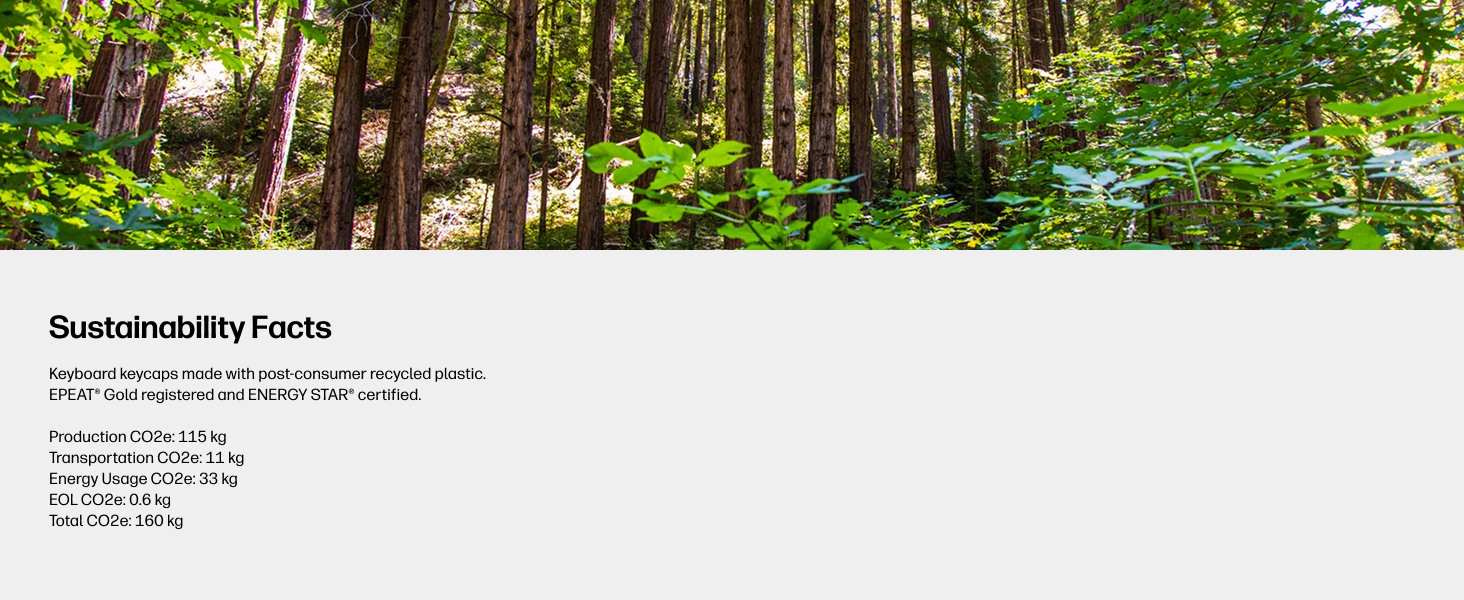
Figure 7: The laptop's keyboard keycaps are made from post-consumer recycled plastic, reflecting HP's commitment to sustainability.
КСНУМКС. Решавање проблема
5.1 Проблеми са напајањем
- Лаптоп се не укључује: Ensure the power adapter is securely connected and the battery has sufficient charge. Try pressing and holding the power button for 15 seconds.
- Батерија се не пуни: Проверите да ли су адаптер за напајање и кабл оштећени. Покушајте са другом утичницом.
5.2 Проблеми са екраном
- Празан екран: Connect an external monitor to check if the display is the issue. Try adjusting screen brightness using the function keys (F2/F3 or similar, look for sun icons).
- Треперећи екран: Ажурирајте своје графичке драјвере.
5.3 Проблеми са повезивањем
- Ви-Фи се не повезује: Ensure Wi-Fi is enabled in Windows settings. Restart your router and modem.
- Блутут уређај се не упарује: Уверите се да је Bluetooth омогућен на оба уређаја и да су у режиму упаривања.
6. Спецификације
| Феатуре | Спецификација |
|---|---|
| Величина екрана на стојећем екрану | 14 инча |
| Резолуција екрана | 1366 к 768 пиксела (ХД) |
| Процесор | Intel Core i3-1215U (4.4 GHz) |
| РАМ | 8 GB DDR4 (2400 MHz) |
| Хард Дриве | SSD од 256 GB (PCIe NVMe M.2) |
| Грапхицс Цопроцессор | Интел УХД графика |
| Оперативни систем | Виндовс 11 Хоме у С режиму |
| Вирелесс Типе | 802.11a/b/g/n/ac, Bluetooth |
| Тежина артикла | 3.24 фунти |
| Димензије производа | 12.76 к 0.71 к 8.86 инча |
| Боја | Сребро |
7. Гаранција и подршка
7.1 Информације о гаранцији
Your HP 14-dq5009nr laptop comes with a 1-годишња ограничена гаранција на хардверПоред тога, 90-days limited technical support for software and initial setup is provided when the product is shipped from and sold by Amazon.
7.2 Техничка подршка
For technical assistance, please refer to the official HP support channels. Web support is available 24 hours a day, 7 days a week. You can also visit the HP продавница на Амазону за више информација и ресурса.