Увод
Хвала вам на куповиниasing the Mesqool Vibrating Alarm Clock. This device is designed to provide a reliable and discreet wake-up experience through powerful vibration, sound, or a combination of both. Its compact, cordless design and long-lasting battery make it ideal for various settings, including bedrooms, living rooms, and offices. This manual provides detailed instructions for setup, operation, and maintenance to ensure optimal performance.
Безбедносне информације
- Држите уређај даље од воде и високе влажности.
- Не излажите екстремним температурама или директној сунчевој светлости.
- Избегавајте испуштање или излагање уређаја јаким ударима.
- Use only the provided Type-C charging cable.
- Не покушавајте сами да раставите или поправите уређај.
- Keep out of reach of small children to prevent accidental operation or damage.
Садржај пакета
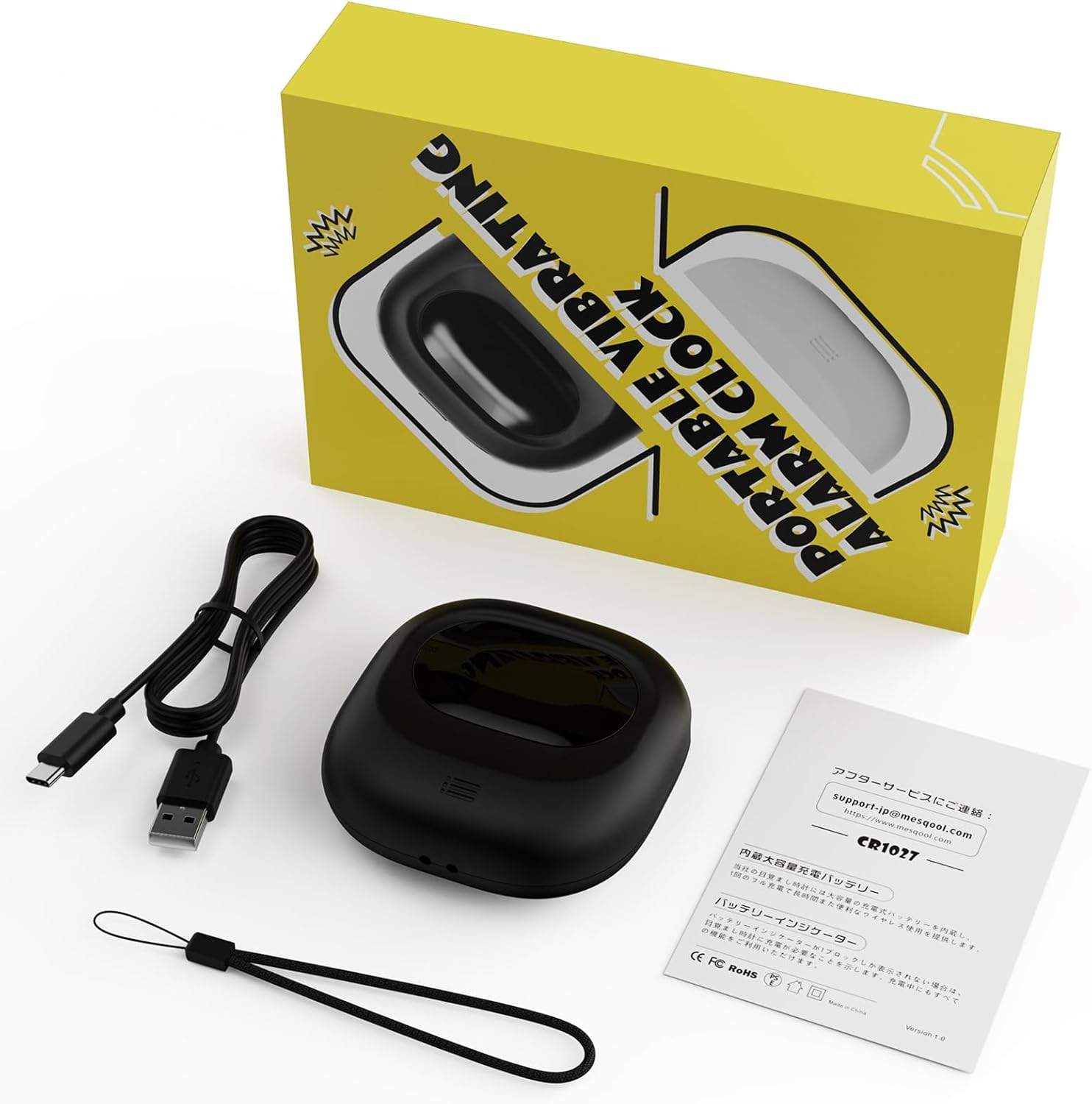
Image: Mesqool Vibrating Alarm Clock package contents, showing the black alarm clock, a Type-C charging cable, and the user manual.
- Mesqool Vibrating Alarm Clock (Model: CR1027)
- Tip-C USB kabl za punjenje
- Упутство за употребу
Производ је завршенview
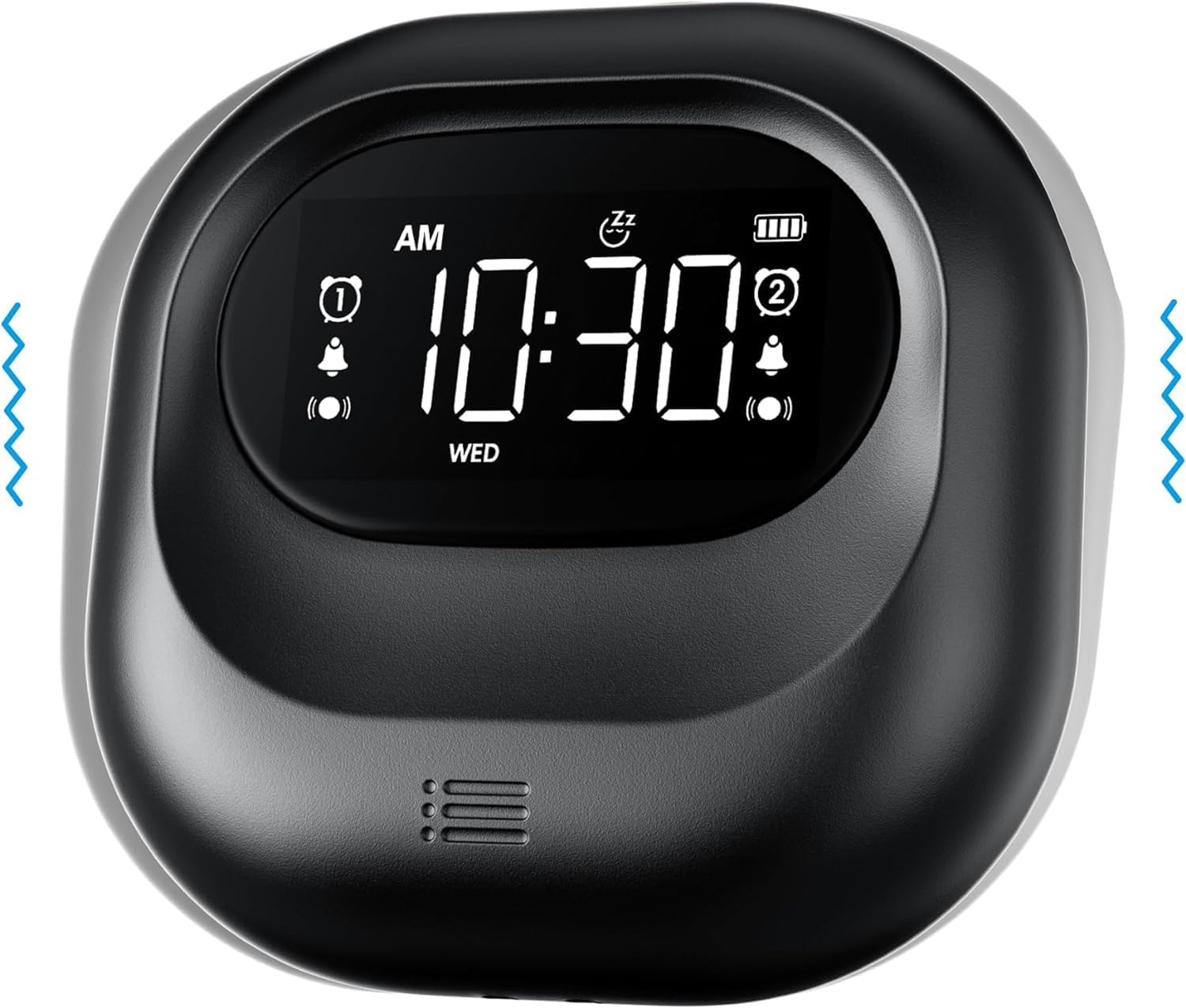
Слика: Фронт view of the Mesqool Vibrating Alarm Clock, highlighting the digital display with time, alarm indicators, and battery level.
Контроле и екран:
- Дигитални ЛЦД екран: Shows time, alarm status, day of the week, and battery level. Features a backlight for visibility in the dark.
- Time/Snooze Button: Used to set time and activate snooze.
- +/- Дугмад: Adjust values (time, alarm, volume, vibration intensity).
- Alarm 1/2 Buttons: Activate/deactivate and set individual alarms.
- Прекидач режима: Select alarm mode (Buzzer, Vibration, Both).
- Vibration Intensity Switch: Adjust vibration strength (Low, Medium, High).
- Прекидач за закључавање: Спречава случајно притискање дугмади.
- Порт за пуњење типа Ц: За пуњење унутрашње батерије.
Сетуп
1. Прво пуњење:
Before first use, fully charge the alarm clock. Connect the provided Type-C USB cable to the charging port on the device and the other end to a USB power adapter (not included), computer, or power bank. The battery indicator on the display will show charging status. A full charge ensures optimal battery life.
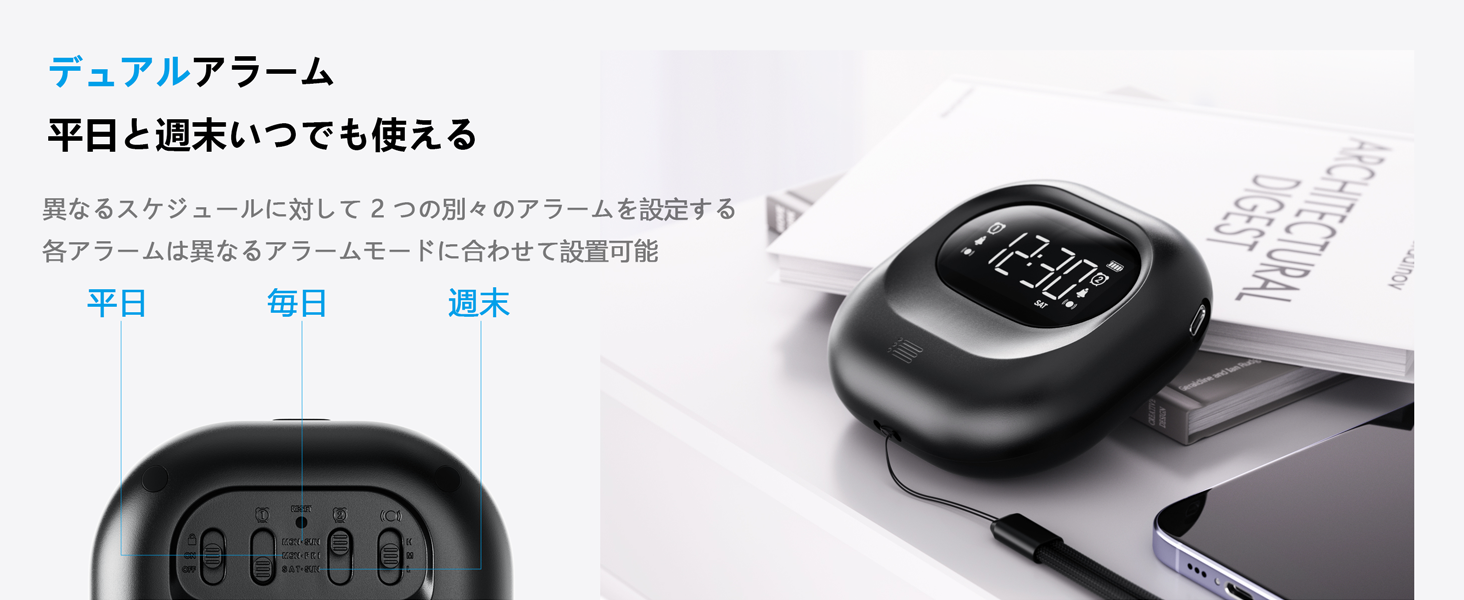
Image: The alarm clock connected to a Type-C charging cable, illustrating the charging process and battery indicator on the display.
2. Укључивање/искључивање:
The device powers on automatically when charged or a button is pressed. It enters an automatic standby mode after 30 seconds of inactivity to conserve power. To fully power off, use the dedicated power switch if available (refer to product overview for specific button layout).
Упутство за употребу
1. Подешавање времена:
- Притисните и држите TIME/SNOOZE button until the hour digit flashes.
- Користите +/- дугмад за подешавање сата.
- Притисните TIME/SNOOZE поново да бисте прешли на минуте, а затим подесите помоћу +/-.
- Repeat for year, month, and day settings.
- Притисните TIME/SNOOZE да потврдите и изађете.
- Да бисте прелазили између 12-часовног и 24-часовног формата, притисните TIME/SNOOZE button briefly during normal time display.
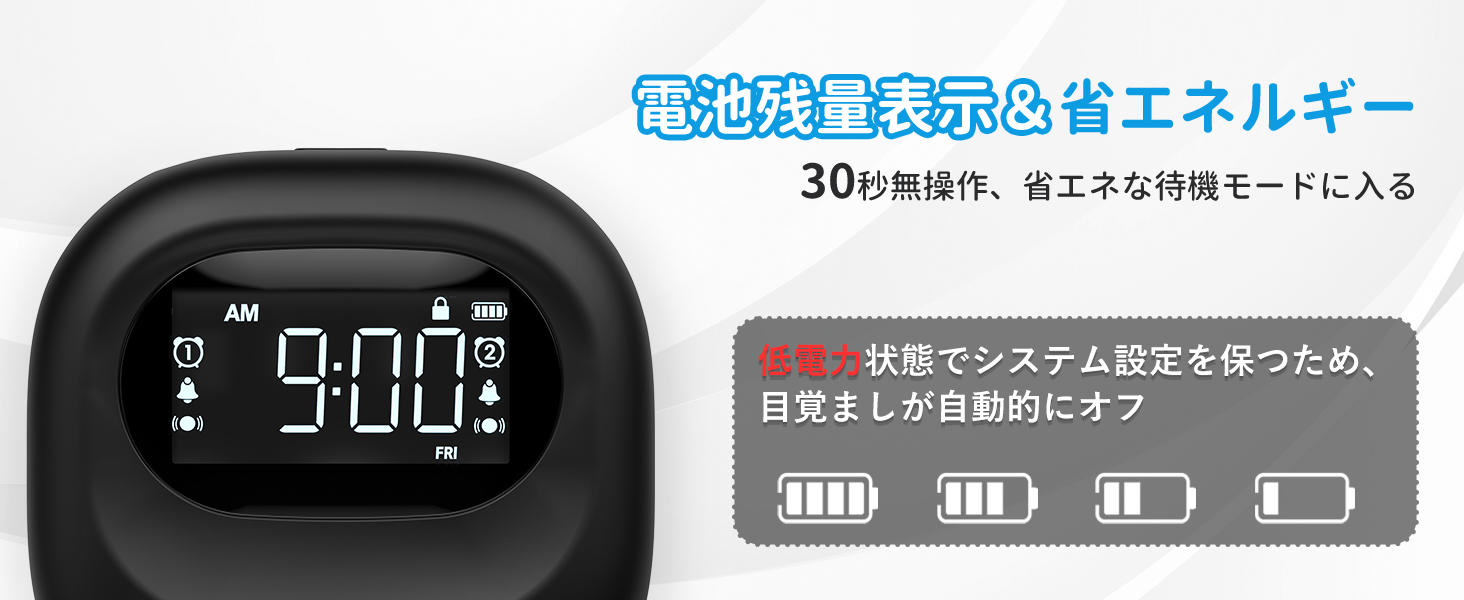
Image: The alarm clock displaying time in both 12-hour and 24-hour formats, demonstrating the adjustable time format feature.
2. Setting Alarms (Alarm 1 & Alarm 2):
The clock features two independent alarms. You can set different times for weekdays, weekends, or every day.
- Притисните и држите АЛАРМ 1 or АЛАРМ 2 дугме док време аларма не почне да трепери.
- Користите +/- дугмад за подешавање сата аларма.
- Притисните одговарајуће АЛАРМ button again to move to minutes, then adjust with +/-.
- Притисните тастер АЛАРМ button again to select the alarm frequency:
- ПОН-ПЕТ: Alarm activates on weekdays.
- SAT-SUN: Alarm activates on weekends.
- СВАКИ ДАН: Alarm activates daily.
- Притисните тастер АЛАРМ дугме за потврду и излаз.
- To activate/deactivate an alarm, briefly press the corresponding АЛАРМ 1 or АЛАРМ 2 дугме. Икона аларма ће се појавити/нестати на екрану.
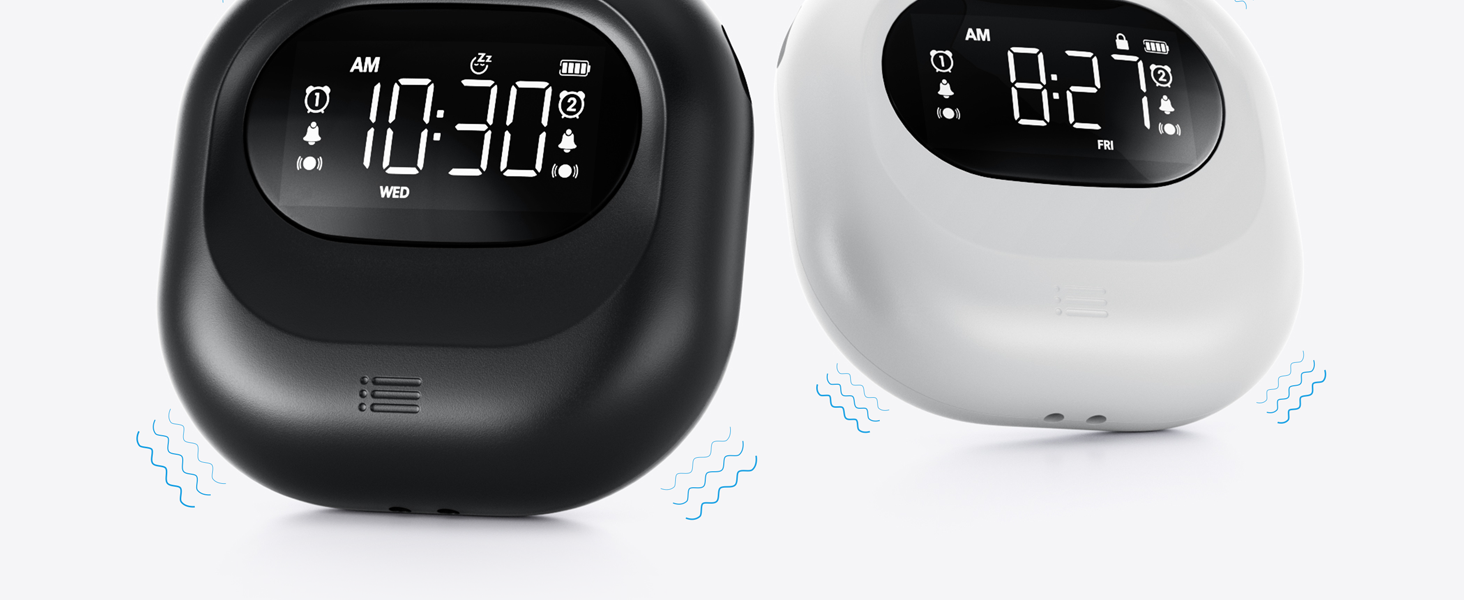
Image: The alarm clock illustrating the dual alarm feature with options for weekday, weekend, and everyday settings.
3. Alarm Modes:
Choose from three wake-up modes to suit your preference:
- Buzzer Only: Стандардни звучни аларм.
- Само вибрација: Silent vibration for discreet wake-up.
- Buzzer + Vibration: Both audible and vibrating alarm for heavy sleepers.
Користите МОДЕ switch on the side/back of the device to select your desired mode.
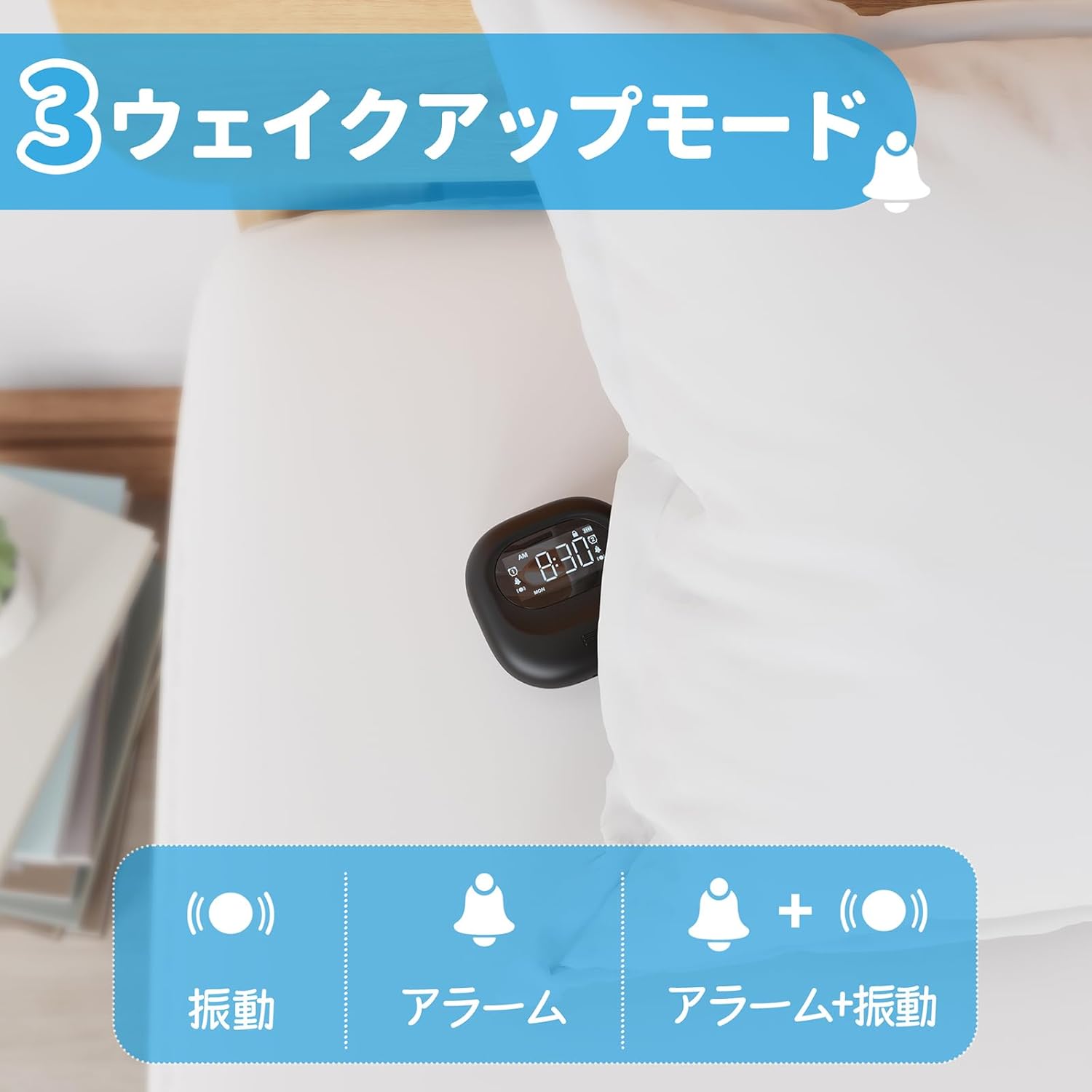
Image: A visual representation of the three alarm modes available on the Mesqool alarm clock: vibration only, buzzer only, and a combination of buzzer and vibration.
4. Vibration Intensity:
Adjust the vibration strength to your comfort level (Low, Medium, High) using the dedicated switch on the device. This is particularly useful for heavy sleepers or those who prefer a gentler wake-up.

Image: The alarm clock demonstrating its three adjustable vibration intensity levels (Low, Medium, High) for personalized wake-up.
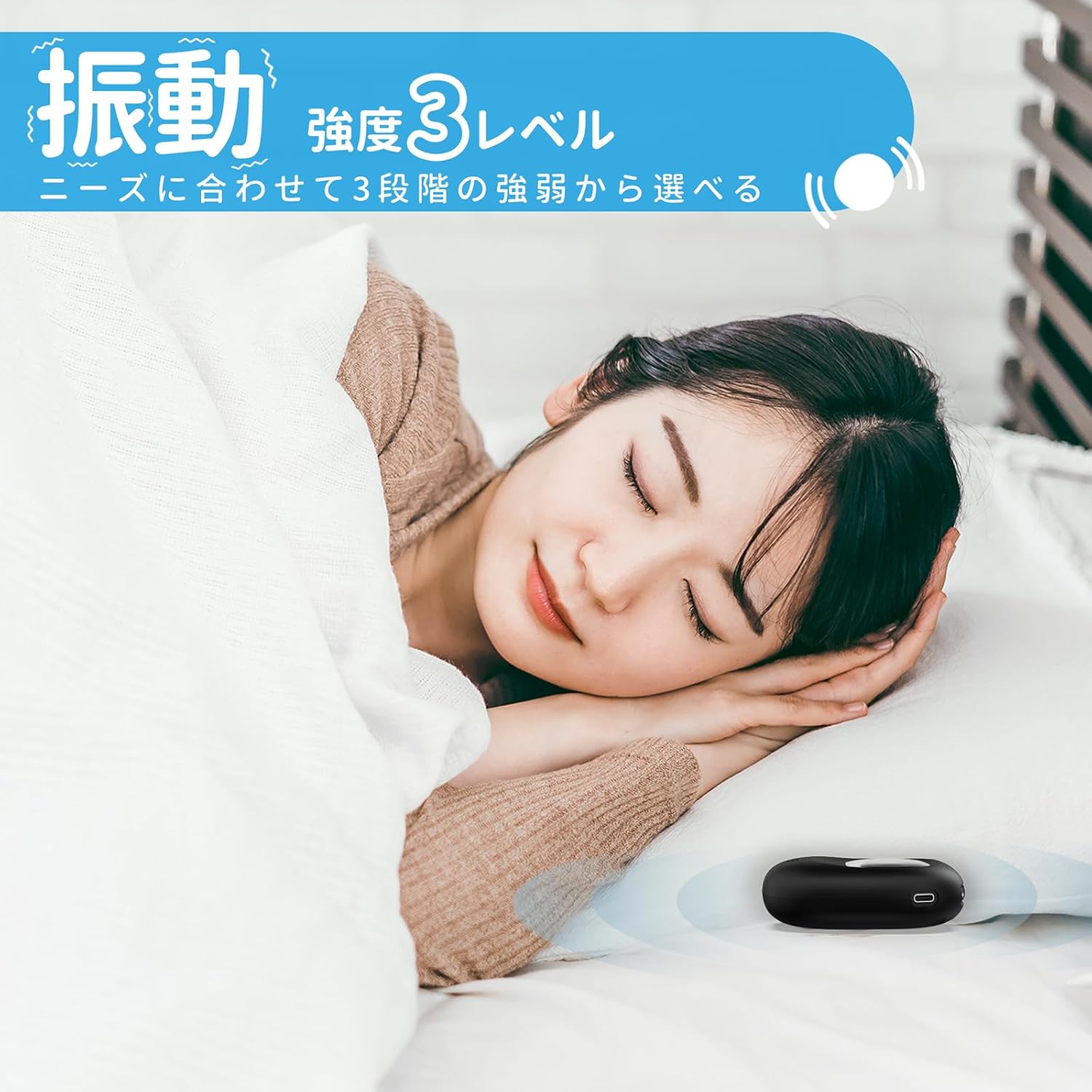
Image: A woman sleeping peacefully with the Mesqool Vibrating Alarm Clock positioned discreetly under her pillow, highlighting its silent wake-up capability.
5. Функција одлагања:
Када се огласи аларм, притисните TIME/SNOOZE button to activate the snooze function. The alarm will pause for 9 minutes and then sound again. This can be repeated up to 9 times.
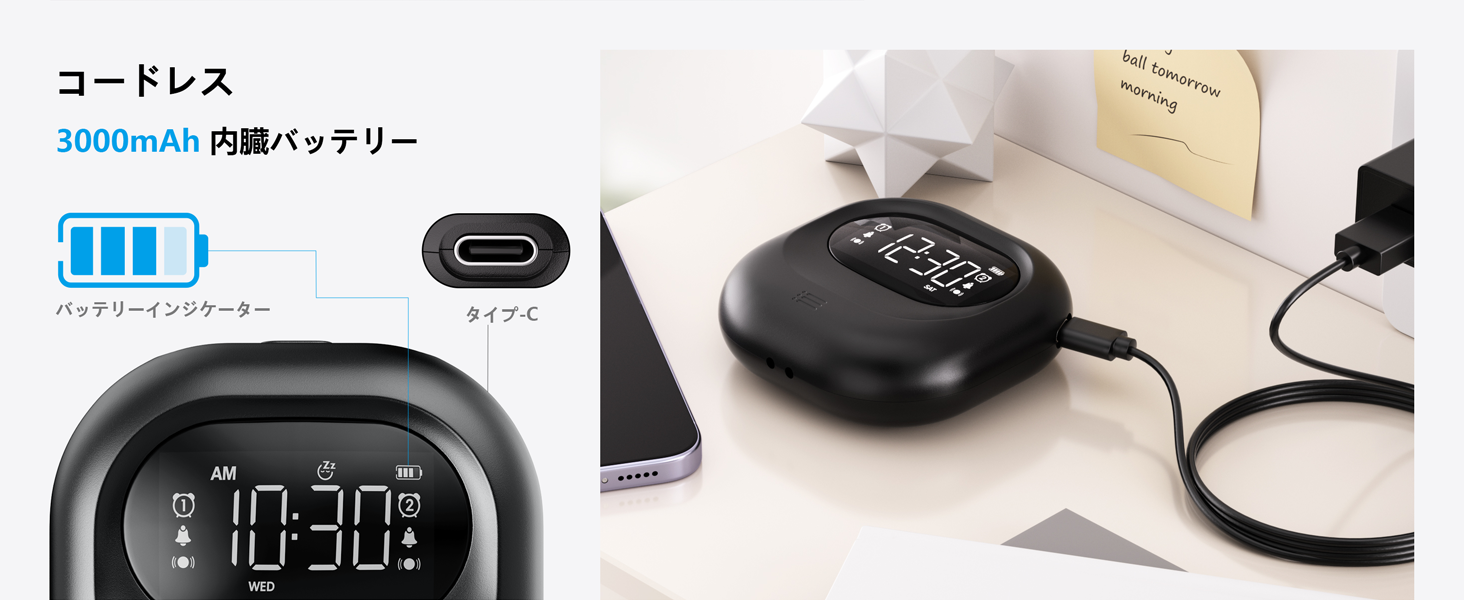
Image: The alarm clock illustrating its snooze feature, which allows for a 9-minute delay before the alarm sounds again.
6. Display Backlight and Lock Mode:
- Позадинско осветљење: The LCD display features a backlight for easy viewing in low light conditions. It automatically enters standby mode after 30 seconds of inactivity to save power and prevent sleep disturbance.
- Режим закључавања: To prevent accidental changes to settings, especially during sleep or when handled by children, activate the lock mode using the ЛОЦК switch. Once locked, buttons will not respond to presses.
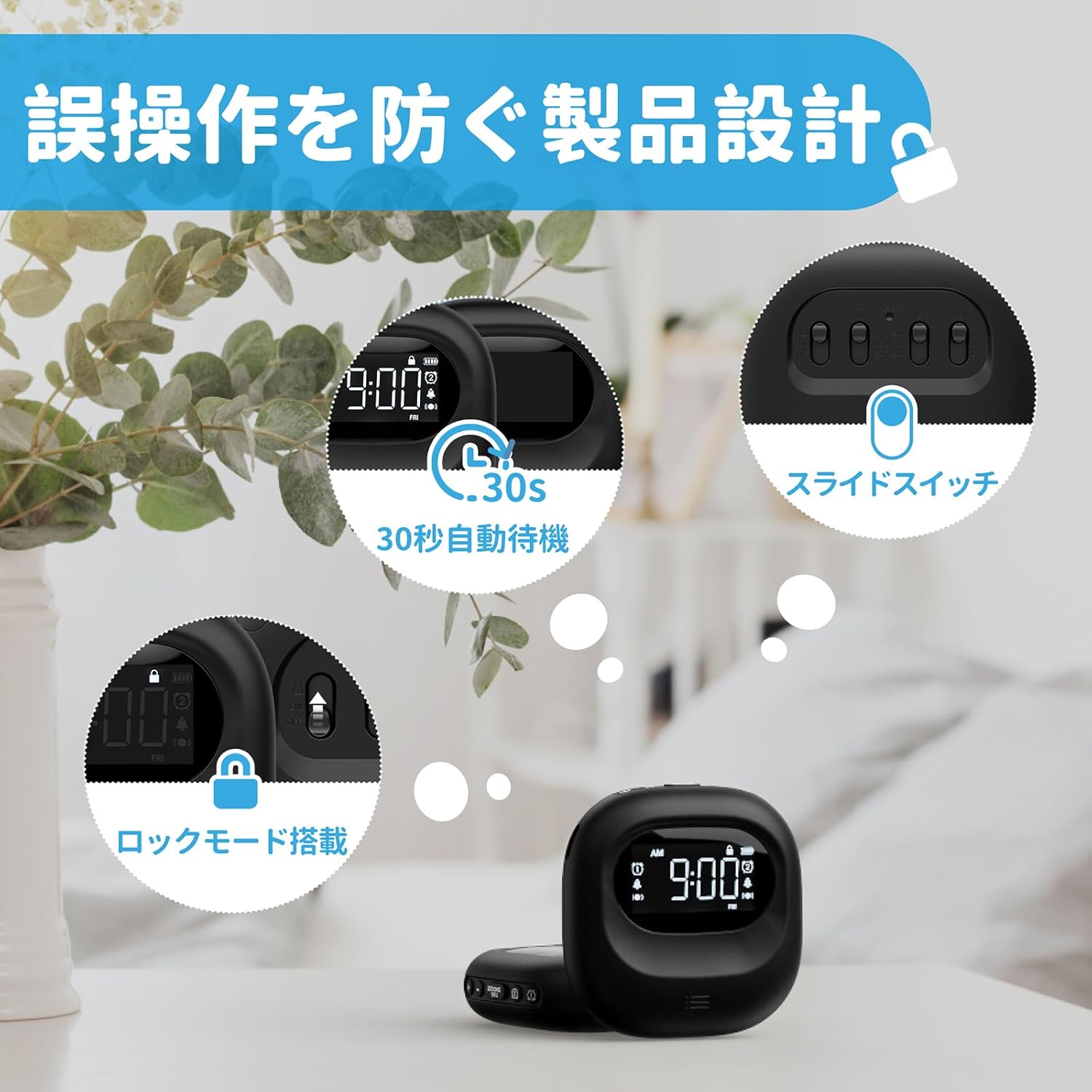
Image: The alarm clock highlighting its lock mode, designed to prevent unintended changes to settings, particularly useful when placed under a pillow or near children.
Одржавање
- Очистите уређај меком, сувом крпом. Не користите абразивна средства за чишћење или раствараче.
- Избегавајте излагање уређаја екстремним температурама или директној сунчевој светлости током дужег периода.
- Чувати на хладном и сувом месту када се не користи.
Решавање проблема
| Проблем | Могући узрок | Решење |
|---|---|---|
| Уређај се не укључује. | Батерија је празна. | У потпуности напуните уређај помоћу Type-C кабла. |
| Аларм се не оглашава/не вибрира. | Alarm is not activated or mode is incorrect. | Ensure the alarm icon is displayed and the alarm mode switch is set correctly (Buzzer, Vibration, or Both). |
| Дугмад не реагују. | Lock mode is enabled. | Disable the lock mode using the ЛОЦК прекидач. |
| Екран је затамњен или искључен. | Device is in power-saving standby mode. | Press any button to reactivate the display. Ensure battery is charged. |
Спецификације
- Модел: ЦР1027
- Бренд: Мескоол
- Димензије: 8.5 cm (width) x 2.7 cm (height)
- Величина пакета: 14.7 к 10.1 к 3.4 цм
- Тежина: 0.19 кг
- Боја: Црно
- Тип приказа: Дигитални ЛЦД
- Извор напајања: Напаја се батеријама (пуњиви литијум-јонски)
- Капацитет батерије: 3000mAh (Internal)
- Карактеристике: Large Capacity Battery, Vibration, Dual Alarm, Snooze, Backlight, 12/24H Time Format, Lock Mode.
- Материјал оквира: Пластика
Званични видео производа
Video: An official product video demonstrating the features and usage of the Mesqool Vibrating Alarm Clock, including its vibration function and dual alarm capabilities.
Гаранција и подршка
Mesqool products are designed for durability and performance. For warranty information, technical support, or any inquiries regarding your device, please refer to the contact information provided on the product packaging or visit the official Mesqool webсајт. Молимо вас да сачувате рачун за куповину у случају рекламације.


