1. Увод
The BuzzTV B5 is an advanced Android 11 TV Box designed to deliver a superior 4K UHD streaming experience. This device allows you to access a wide range of entertainment, including movies, TV shows, and applications, directly on your television. This manual provides essential information for the proper setup, operation, maintenance, and troubleshooting of your BuzzTV B5.
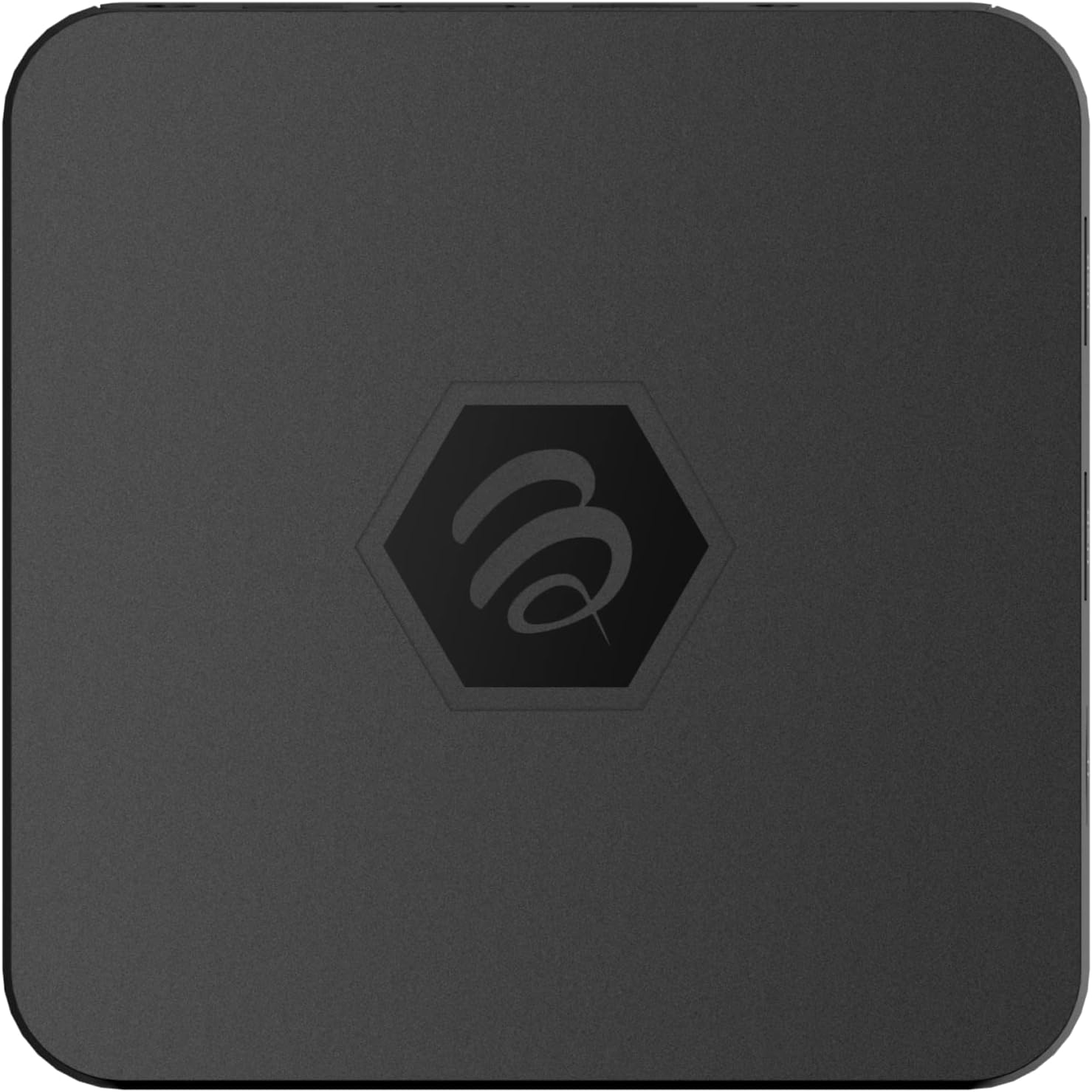
Слика 1.1: Врх view of the BuzzTV B5 Android 11 TV Box.
2. Садржај пакета
Please verify that all items listed below are included in your BuzzTV B5 package:
- BuzzTV B5 Set Top Box
- IR-100 Remote Control
- Адаптер за напајање
- 2x AAA батерије (за даљински управљач)
- ХДМИ кабл
- Кориснички приручник (овај документ)

Image 2.1: Contents included in the BuzzTV B5 retail package.
3. Водич за подешавање
Follow these steps to set up your BuzzTV B5 TV Box:
- Повезивање са ТВ-ом: Connect one end of the provided HDMI cable to the HDMI port on the BuzzTV B5 and the other end to an available HDMI input on your television.
- Прикључите напајање: Plug the power supply adapter into the DC 5V port on the BuzzTV B5, then plug the adapter into a wall outlet. The device should power on automatically or can be powered on using the remote control.
- Уметните батерије у даљински управљач: Open the battery compartment on the back of the IR-100 Remote Control and insert the two AAA batteries, ensuring correct polarity (+/-).
- Мрежна конекција: Once the device boots up, follow the on-screen instructions to connect to your network. You can choose between Wi-Fi (wireless) or Ethernet (wired) connection. For a wired connection, connect an Ethernet cable from your router to the Ethernet port on the BuzzTV B5.
- Почетно подешавање: Complete the initial Android setup process, which may include language selection, Google account login, and time zone settings.

Image 3.1: Rear ports of the BuzzTV B5 for connectivity.
4. Упутство за употребу
The BuzzTV B5 operates on Android 11, providing a user-friendly interface for navigation and content access.
4.1 Функције даљинског управљача
The IR-100 Remote Control is your primary interface for the BuzzTV B5. Key functions include:
- Дугме за напајање: Укључује или искључује уређај.
- Навигациони тастер (горе/доле/лево/десно/ОК): Користи се за навигацију кроз меније и избор ставки.
- Дугме за назад: Враћа се на претходни екран или мени.
- Хоме дугме: Враћа се на главни почетни екран Андроида.
- Дугмад за јачину звука: Подешава јачину звука.
- App/Menu Buttons: Accesses specific applications or context menus.

Image 4.1: Layout of the IR-100 Remote Control.
4.2 Приступ апликацијама
From the home screen, you can access pre-installed applications like Netflix and YouTube, or download new applications from the Google Play Store. Use the navigation pad on your remote to select and launch applications.
4.3 4K UHD Streaming
The BuzzTV B5 supports 4K UHD resolution. Ensure your television is 4K compatible and that you are using a high-speed HDMI cable for optimal picture quality. Streaming quality will also depend on your internet connection speed and the content source.
5. Одржавање
To ensure the longevity and optimal performance of your BuzzTV B5, consider the following maintenance tips:
- Чишћење: Користите меку, суву крпу за чишћење спољашњости уређаја. Избегавајте течна средства за чишћење или абразивне материјале.
- вентилација: Уверите се да је уређај постављен у добро проветреном простору како бисте спречили прегревање. Не покривајте вентилационе отворе.
- Ажурирања софтвера: Periodically check for and install system updates to benefit from new features, performance improvements, and security patches. These can usually be found in the device's settings menu.
- Циклус напајања: Ако уређај престане да реагује, искључите адаптер за напајање, сачекајте 10 секунди, а затим га поново укључите да бисте извршили циклус напајања.
КСНУМКС. Решавање проблема
If you encounter issues with your BuzzTV B5, refer to the following common problems and solutions:
| Проблем | Могући узрок | Решење |
|---|---|---|
| Но Повер | Адаптер за напајање није повезан; утичница не ради. | Уверите се да је адаптер за напајање безбедно повезан са уређајем и исправном утичницом. Покушајте са другом утичницом. |
| Нема сигнала на ТВ-у | Incorrect HDMI input selected; faulty HDMI cable. | Select the correct HDMI input on your TV. Check HDMI cable connections or try a different HDMI cable. |
| Даљински управљач не реагује | Празне батерије; даљински управљач није упарен (ако је применљиво); препрека. | Replace AAA batteries. Ensure no obstructions between remote and device. |
| Проблеми са мрежном везом | Нетачна лозинка за Wi-Fi; проблеми са рутером; слаб сигнал. | Verify Wi-Fi password. Restart your router. Move the device closer to the router or use an Ethernet cable. |
| Applications Crashing/Freezing | Insufficient memory; outdated app; software glitch. | Close background apps. Update the app or the device's firmware. Clear app cache/data in settings. |
7. Спецификације
Detailed technical specifications for the BuzzTV B5 Android 11 TV Box:
- Оперативни систем: Андроид ОС 11
- ЦПУ: Amlogic S905W2 Quad-Core A-35
- ГПУ: Мали-Г31 МП2
- РАМ: 2ГБ ДДР
- Складиштење: 16ГБ еММЦ
- Ви-Фи: Dual Band AC
- ЛАН: 10/100 Мбпс Етхернет
- Блуетоотх: 4.2
- УСБ портови: 2к УСБ 2.0
- МицроСД слот: 1
- Интерфејс напајања: ДЦ 5В
- ХДМИ излаз: 1
- Оптички аудио излаз: 1
- Излазна резолуција: 4K (32 кадрова у секунди)
- Димензије: 9.06 к 5.63 к 2.32 инча
- Тежина артикла: 1.01 фунти

Image 7.1: BuzzTV B5 with a summary of its technical specifications.
8. Информације о гаранцији
For detailed warranty information regarding your BuzzTV B5, please refer to the warranty card included in your product packaging or visit the official BuzzTV webсајт. Услови гаранције могу се разликовати у зависности од региона и продавца.
9. Подршка
If you require further assistance or have questions not covered in this manual, please contact BuzzTV customer support or visit their official website for FAQs, software downloads, and additional resources.
BuzzTV Official Webсајт: ввв.буззтв.цом


