Увод
This manual provides detailed instructions for the proper use and maintenance of your Hytera PNC550 Dual-SIM Rugged IP68 Push-to-Talk Smartphone. Please read this manual thoroughly before operating the device to ensure optimal performance and longevity. The Hytera PNC550 is designed for robust communication in challenging environments, featuring IP68 water and dust resistance and MIL-STD-810G durability.

Сетуп
1. Садржај пакета
Пре него што наставите, уверите се да су сви предмети присутни у пакету:
- Hytera PNC550 Smartphone
- Батерија
- УСБ кабл
- Повер Адаптер
- Водич за брзи почетак

2. Инсталација SIM картице и батерије
The Hytera PNC550 supports Dual SIM cards. To install the SIM cards and battery:
- Locate the SIM card and battery compartment on the device. This is typically on the back, under a protective cover.
- Carefully open the protective cover.
- Insert your GSM SIM cards into the designated slots. Ensure the gold contacts face downwards and the notched corner aligns correctly.
- Insert the battery into its compartment, ensuring the contacts align with those on the phone.
- Close the protective cover securely to maintain the device's IP68 rating.
Note: This smartphone is compatible with GSM networks only. It will not work with CDMA networks (e.g., Verizon, Sprint, US Cellular).

3. Почетно пуњење и укључивање
Before first use, fully charge the device. Connect the USB cable to the phone and the power adapter, then plug it into a power outlet.
To power on the device, press and hold the Power button (usually on the side) until the Hytera logo appears on the screen.
Упутство за употребу
1. Основна навигација
The PNC550 runs on Android 8.1. Navigate using the touchscreen and the standard Android navigation buttons (Back, Home, Recent Apps) located at the bottom of the screen.

2. Притисни за разговор (ПТТ) функционалност
The PNC550 is designed for Push-to-Talk (PTT) communication. The dedicated PTT button is typically located on the side of the device. Consult your network provider or PTT application guide for specific usage instructions related to your service.

3. Употреба камере
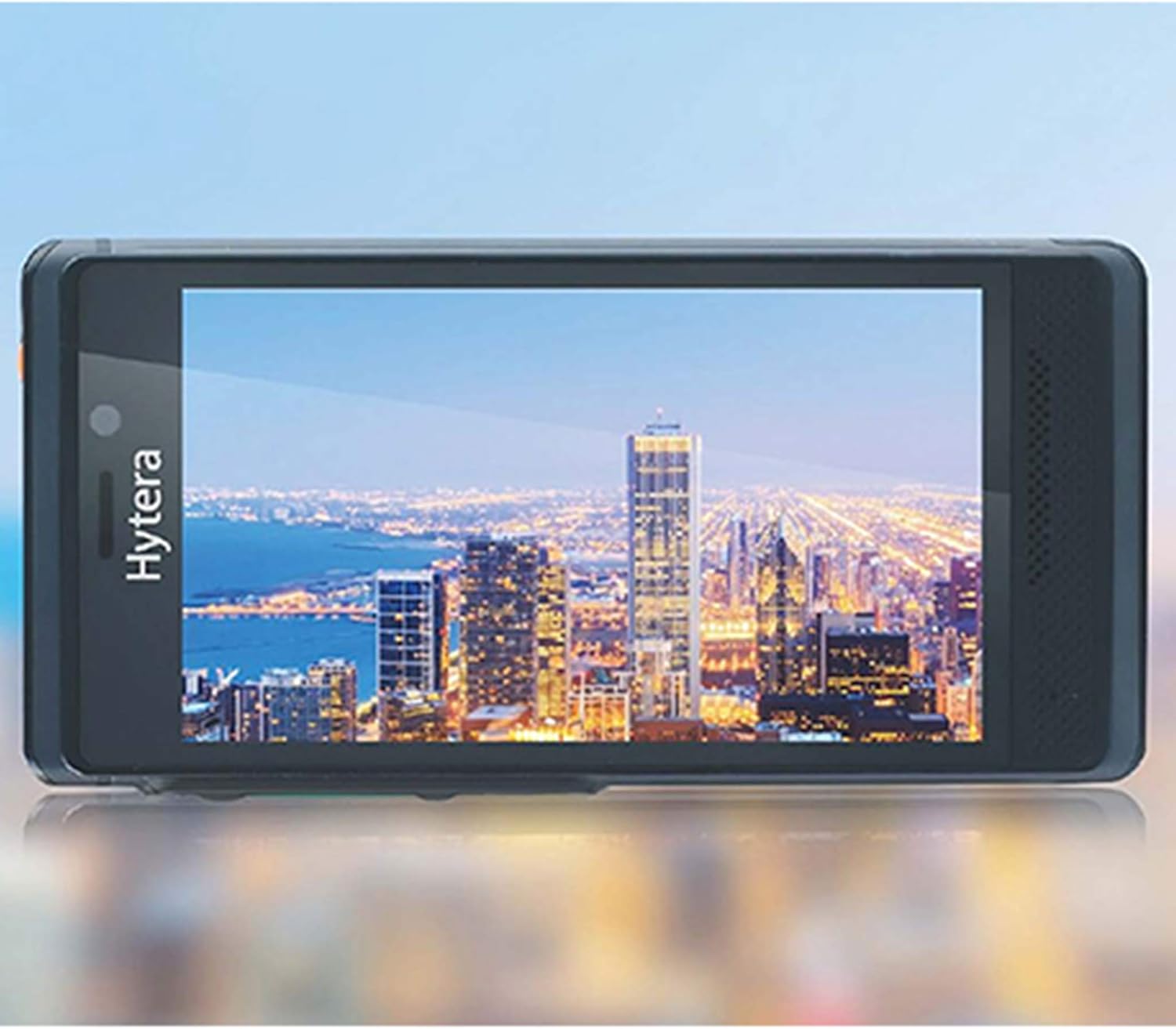
The device features a 13MP main camera and an 8MP front camera. Open the Camera application from the home screen or app drawer. Tap to focus, and press the shutter button to capture photos or videos.
4. Повезивање
The PNC550 supports Wi-Fi and Bluetooth connectivity. Access these settings via the Quick Settings panel (swipe down from the top of the screen) or through the main Settings app.
- Ви-Фи: Connect to available Wi-Fi networks for internet access.
- Блуетоотх: Pair with Bluetooth headsets, speakers, or other compatible devices.
5. Робусне карактеристике
The Hytera PNC550 is built to withstand harsh conditions:
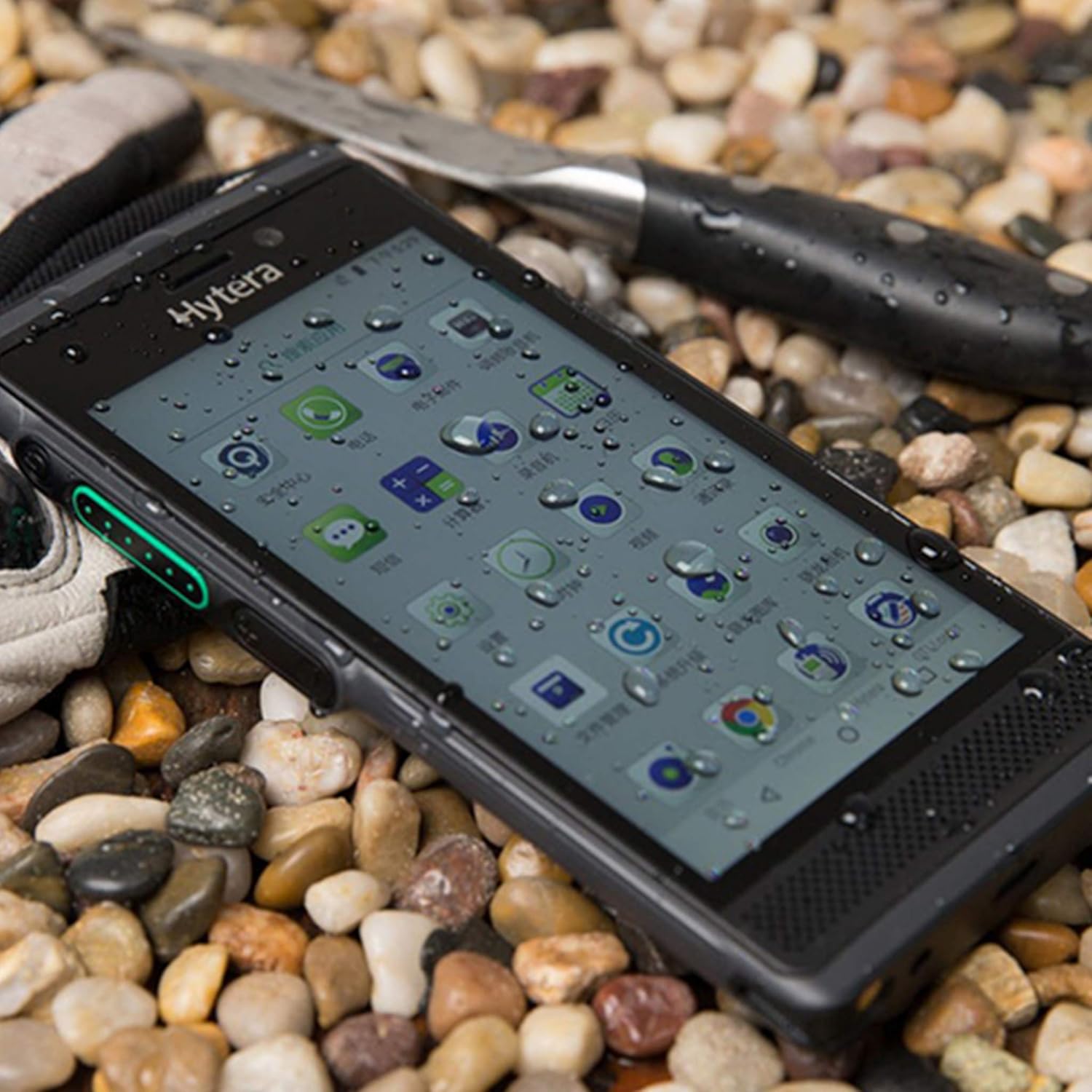
- ИП68 оцена: Пружа заштиту од продора прашине и потапања у воду до 1.5 метара дубине током 30 минута.
- MIL-STD-810G: Complies with military standard for durability, including resistance to drops from 1.2 meters.
Одржавање
1. Чишћење уређаја
Use a soft, lint-free cloth to clean the screen and body of the device. For stubborn dirt, slightly dampИсперите крпу водом. Избегавајте употребу јаких хемикалија или абразивних материјала.
2. Брига о батерији
Да бисте продужили век трајања батерије:
- Избегавајте екстремне температуре.
- Не дозволите да се батерија често потпуно празни.
- Користите само оригинални пуњач и кабл.
3. Ажурирања софтвера
Редовно проверавајте и инсталирајте ажурирања софтвера како бисте осигурали оптималне перформансе, безбедност и приступ новим функцијама. Идите на Подешавања > Систем > Ажурирање система да проверите ажурирања.
Решавање проблема
1. Уређај се не укључује
- Уверите се да је батерија правилно инсталирана и напуњена.
- Connect the device to the charger and wait a few minutes before attempting to power on again.
- If the issue persists, perform a forced restart by holding the Power button for 10-15 seconds.
2. Проблеми са мрежном повезивањем
- Проверите да ли је ваша СИМ картица правилно уметнута.
- Verify that you are within a GSM network coverage area.
- Поново покрените уређај.
- Иди на Подешавања > Мрежа и интернет > Мобилна мрежа and ensure mobile data is enabled.
3. Рушење или замрзавање апликација
- Затворите и поново отворите апликацију.
- Обришите кеш меморију и податке апликације (Подешавања > Апликације и обавештења > [Назив апликације] > Меморија и кеш).
- Уверите се да је апликација ажурирана на најновију верзију.
- If the problem persists, consider uninstalling and reinstalling the app.
4. Проблеми са пуњењем
- Уверите се да су кабл за пуњење и адаптер безбедно повезани.
- Покушајте да користите другу утичницу.
- Прегледајте прикључак за пуњење да ли постоје остаци или оштећења.
- Use only the original Hytera charger and cable.
Спецификације
| Феатуре | Детаљ |
|---|---|
| Модел | Hytera PNC550 |
| Оперативни систем | Андроид 8.1 |
| Процесор | 1.8 GHz Qualcomm |
| РАМ | 3 ГБ |
| Интерна меморија | 32 ГБ |
| Екпандабле Стораге | МицроСД до 64 ГБ |
| Дисплаи | 5-inch (13 cm) Multi-capacitive touch, 1080 x 720 pixels, Gorilla Glass |
| Главна камера | 13 МП |
| Предња камера | 8 МП |
| Капацитет батерије | 4000 мАх |
| СИМ подршка | Dual SIM (GSM Only) |
| Компатибилност са мрежом | 2G GSM, 3G WCDMA, 4G FDD-LTE, 4G TD-LTE |
| Трајност | IP68, MIL-STD-810G, 1.2m drop resistance |
| Повезивање | Блуетоотх, Ви-Фи |
| Тежина артикла | 249.48 г |
Гаранција и подршка
The Hytera PNC550 comes with a standard manufacturer's warranty. Please refer to the warranty card included in your product packaging or visit the official Hytera webсајт за детаљне услове гаранције специфичне за ваш регион.
For technical support, troubleshooting assistance beyond this manual, or warranty claims, please contact your authorized Hytera dealer or Hytera customer service. Contact information can typically be found on the Hytera official webсајту или у документацији вашег производа.
За општа питања, можете посетити Hytera official webсајту.


