1. Nhanganyaya
Thank you for choosing the Oraolo BS02 Portable Bluetooth Speaker. This manual provides essential information for setting up, operating, and maintaining your speaker. Please read it thoroughly before use to ensure optimal performance and longevity of your device.
1.1 Chii chiri muBhokisi
- Oraolo BS02 Bluetooth Speaker ×1
- Type C Kuchaja Cable ×1
- AUX IN Cable ×1
- User Manual ×1

Image: The Oraolo BS02 Portable Bluetooth Speaker, showcasing its waterproof design with water splashes around it.

Image: Two Oraolo BS02 speakers attached to a bicycle frame, demonstrating the product's portable design for outdoor activities.
2. Safety Information
Please observe the following safety guidelines to prevent damage to the device or injury to yourself:
- Usaisa mutauri panzvimbo inopisa zvakanyanya kana kuti pachiedza chezuva kwenguva yakareba.
- Dzivisa kudonhedza kana kuita kuti mukurukuri apedzisire akasimba.
- Do not disassemble, repair, or modify the speaker yourself. Contact qualified service personnel if needed.
- Keep the speaker away from medical devices, as it may interfere with their operation.
- Shandisa chete tambo yekuchaja yakapihwa kana certified yakaenzana.
- Ensure the charging port cover is securely closed when near water to maintain IPX6 water resistance.
3. Chigadzirwa Pamusoroview
3.1 Zvikamu zveSipika
The Oraolo BS02 speaker features advanced audio components for a rich sound experience.

Mufananidzo: Yakaputika view of the Oraolo BS02 speaker, highlighting its internal 51mm full-range horn and RGB dynamic bass diaphragm, contributing to its powerful 24W stereo sound.
3.2 Zviteshi zvekupinza
The speaker offers multiple connectivity options through its various input ports.

Mufananidzo: Yakadzama view of the Oraolo BS02 speaker's input panel, showing the Type-C charging port, AUX-in port, TF Card slot, and USB port.
3.3 Bhatani Mabasa
Familiarize yourself with the control buttons for easy operation.

Image: A visual guide illustrating the control panel of the Oraolo BS02 speaker, detailing the function of each button with corresponding icons and descriptions.
| Bhatani | Chiito | Function |
|---|---|---|
| Bhatani reSimba | Long Press | Simba ON / OFF |
| Pfupi Press | Tamba / Imbomira | |
| Short Press (during call) | Phone Call Option | |
| + | Pfupi Press | Volume Up |
| Long Press | Next Track | |
| - | Pfupi Press | Volume Down |
| Long Press | Previous Track | |
| Chiedza Bhatani | Pfupi Press | Light Change (cycle modes) |
| Long Press | Chiedza ON / OFF | |
| M Bhatani | Pfupi Press | Input Mode (Bluetooth/AUX/TF Card) |
| Twice Press | TWS Pairing | |
| Long Press | Bluetooth Mode (disconnect/reconnect) |
4. Setup
4.1 Kuchaja Mutauriri
- Batanidza tambo yekuchaja yeType-C yakapihwa kune chiteshi cheType-C chespika.
- Batanidza imwe magumo etambo kune USB magetsi adapta (isina kuisirwa) kana komputa USB port.
- Chiedza chechiratidzo chekuchaja chinovhenekera panguva yekuchaja uye kudzima kana chazara chaji.
- Kuchaja kwakazara kunowanzo kunotora maawa angangoita 3-4.
4.2 Simba On/Kudzima
- Power On: Long press the Power button (⏸) for 2-3 seconds until you hear an audible prompt and the indicator light turns on.
- Power Off: Long press the Power button (⏸) for 2-3 seconds until you hear an audible prompt and the indicator light turns off.
5. Operating Instructions
5.1 Bluetooth Connection
- Ensure the speaker is powered on and in Bluetooth pairing mode (the Bluetooth indicator will flash).
- Pamudziyo wako (smartphone, piritsi, komputa), gonesa Bluetooth uye tsvaga zvishandiso zviripo.
- Select "Oraolo BS02" from the list of devices.
- Once connected, you will hear a confirmation sound, and the Bluetooth indicator will remain solid.
5.2 Kubatanidza True Wireless Stereo (TWS)
To achieve a powerful 48W 360° surround sound, you can pair two Oraolo BS02 speakers together.
- Ensure both Oraolo BS02 speakers are powered on and not connected to any other Bluetooth device.
- On one of the speakers (this will be the primary speaker), double-press the 'M' button. You will hear a pairing prompt.
- The two speakers will automatically search for and pair with each other. Once successfully paired, you will hear a confirmation sound.
- Now, connect your device to the primary speaker via Bluetooth as described in section 5.1. Both speakers will play audio simultaneously.

Image: Two Oraolo BS02 speakers wirelessly connected to each other and a smartphone, illustrating the True Wireless Stereo (TWS) pairing feature for enhanced sound.
5.3 AUX Input
- Connect one end of the provided AUX IN cable to the speaker's AUX port.
- Connect the other end to the audio output jack of your device (e.g., MP3 player, computer).
- The speaker will automatically switch to AUX mode, or you can short press the 'M' button to cycle to AUX mode.
5.4 TF Kadhi Kutamba
- Insert a TF (MicroSD) card with pre-loaded audio files kupinda muTF kadhi slot.
- The speaker will automatically switch to TF card mode and begin playing audio, or you can short press the 'M' button to cycle to TF card mode.
5.5 RGB Mwenje Modes
The speaker features dynamic RGB lighting effects that can be customized.
- Shandura Modhi: Short press the Light button (🔆) to cycle through different lighting modes (Lights Off, Solid Color, Breath Gradient, Lights Blink).
- Batidza/Kudzima: Long press the Light button (🔆) to turn the RGB lights ON or OFF.

Image: The Oraolo BS02 speaker displaying various RGB lighting effects, including Lights Off, Solid Color, Breath Gradient, and Lights Blink, demonstrating its party light show feature.
5.6 Kufona Kusina Maoko
When connected via Bluetooth to a smartphone, the speaker can be used for hands-free calls.
- Pindura Call: Short press the Power button (⏸) when an incoming call rings.
- Pedzisa Kufona: Short press the Power button (⏸) during a call.
- Ramba Kufona: Long press the Power button (⏸) when an incoming call rings.
5.7 Hupenyu hwebhatiri
The Oraolo BS02 provides extended playtime for your enjoyment.
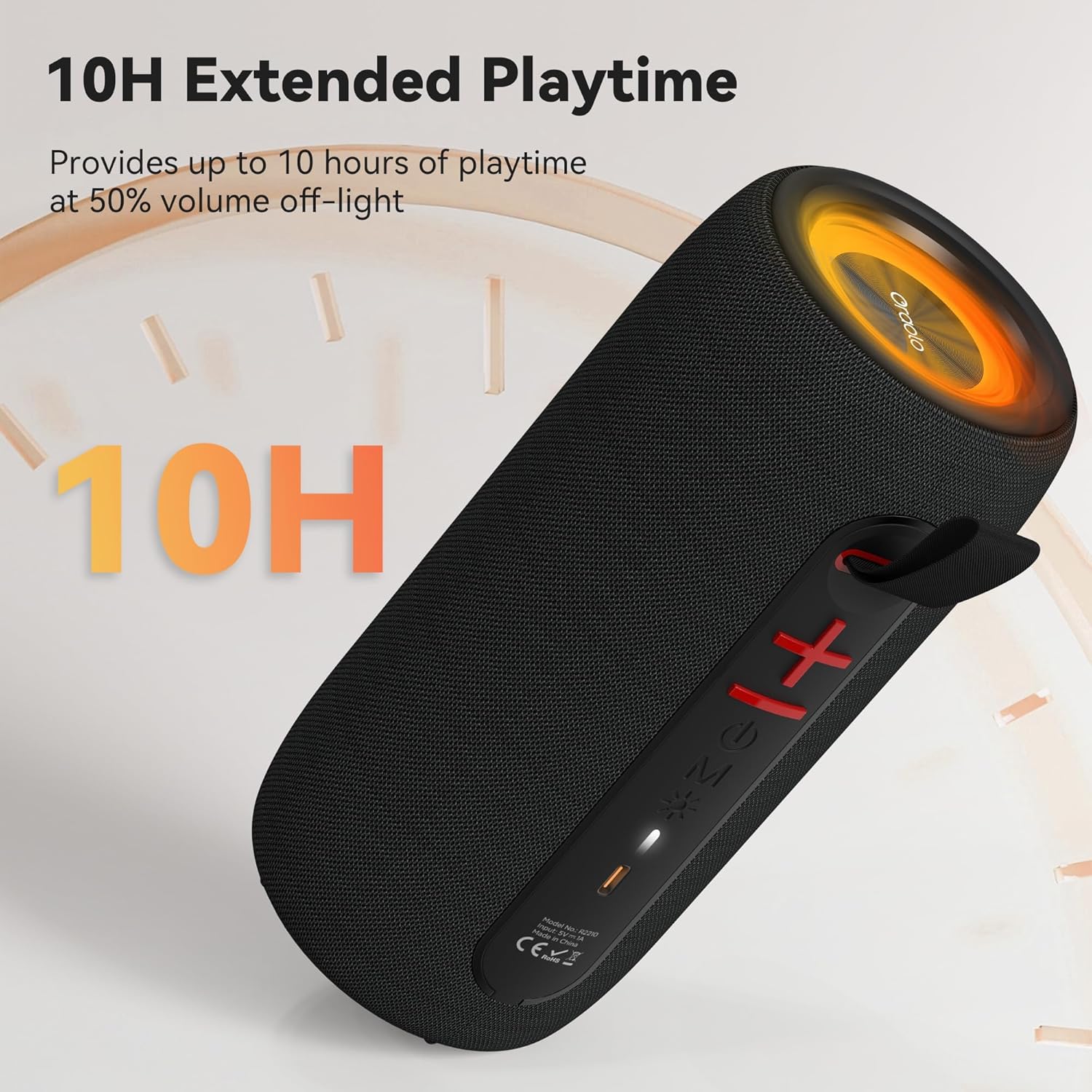
Image: The Oraolo BS02 speaker with an overlay indicating '10H Extended Playtime', signifying its long-lasting battery performance.
6. Kuchengeta
6.1 Kuchenesa
- Pukuta sipika nejira rakapfava, rakaoma.
- Usashandise zvinochenesa zvinokuvadza, doro, kana zvinonyungudutsa makemikari, sezvo izvi zvinogona kukuvadza pamusoro.
- Ensure all port covers are sealed before cleaning with a damp cloth, and dry thoroughly afterward.
6.2 Kuchengeta
- Chengetedza mukurukuri munzvimbo inotonhorera, yakaoma kure nechiedza chezuva uye tembiricha yakanyanyisa.
- If storing for an extended period, charge the battery to approximately 50% every three months to preserve battery life.
7. Kugadzirisa matambudziko
If you encounter issues with your Oraolo BS02 speaker, refer to the following table for common problems and solutions.
| Dambudziko | Zvinogona Kukonzera | Solution |
|---|---|---|
| Mutauri haabatike simba | Bhatiri rakaderera | Chaja mukurukuri zvizere. |
| Bhatani remagetsi harina kudzvanywa zvakanaka | Long press the Power button for 2-3 seconds. | |
| Haikwanise kubatanidza kuburikidza neBluetooth | Mutauri haasi mumodhi yekubatanidza | Ensure the speaker is powered on and the Bluetooth indicator is flashing. |
| Device's Bluetooth is off | Vhura Bluetooth pane chako kifaa. | |
| Speaker already connected to another device | Disconnect from the previous device or long press the 'M' button to reset Bluetooth. | |
| Hapana ruzha | Inzwi rakaderera zvakanyanya | Wedzera vhoriyamu paspika nepamudziyo wako wakabatana. |
| Incorrect input mode | Short press the 'M' button to cycle to the correct input mode (Bluetooth, AUX, TF Card). | |
| TWS pairing inokundikana | Masipika atobatanidzwa kune zvimwe zvishandiso | Ita shuwa kuti vese vatauri vadzimwa kubva kumidziyo yese vasati vatanga TWS pairing. |
| Ruzha rwakashata / Kukanganiswa kweruzha | Mudziyo uri kure zvakanyanya kubva kune speaker | Move your device closer to the speaker (within 10 meters). |
| Kupindira | Move away from other wireless devices or obstacles. |
8. Zvinotsanangurwa
| Feature | Detail |
|---|---|
| Model Name | Oraolo BS02 |
| Mutauri Rudzi | Portable Nomukurukuri |
| Kubatana Technology | Bluetooth 5.4 |
| Mutauri Mukuru Wekubuda Simba | 24 Watts |
| Special Features | RGB Lights, AUX/TF Card Support, True Wireless Stereo (TWS), Built-in Mic, 10H Playtime, Hands-free Calling |
| Mvura Resistance Level | IPX6 Mvura Inodzivirira |
| Product Dimensions | 3.9"D x 3.9"W x 7.8"H (10cm x 10cm x 20cm approx.) |
| Item Weight | 1.39 pounds (0.63 kg approx.) |
| Color | Nhema |
| Material | Plastiki |
| Mabhatiri | 1 Bhatiri inodiwa (inosanganisirwa) |
9. Warranty uye Tsigiro
9.1 Ruzivo rweWaranti
The Oraolo BS02 Portable Bluetooth Speaker comes with a limited warranty. Please refer to the warranty card included in your package or visit the official Oraolo websaiti kune akadzama mazwi uye mamiriro ane chekuita newaranti yekuvhara uye nguva.
9.2 Mutengi Tsigiro
For technical assistance, troubleshooting, or any questions regarding your Oraolo BS02 speaker, please contact our customer support team:
- Email: support@oraolo.com (Eksample email, please check official website for actual contact)
- Websaiti: www.oraolo.com/support (Eksample URL, please check official website for actual support page)
When contacting support, please have your product model (Oraolo BS02) and purchase information ready.


