1. Nhanganyaya
This manual provides essential information for setting up, operating, and maintaining your Samsung Galaxy Tab A 10.1" Wi-Fi tablet. Please read this manual thoroughly to ensure proper use and to maximize the device's capabilities.
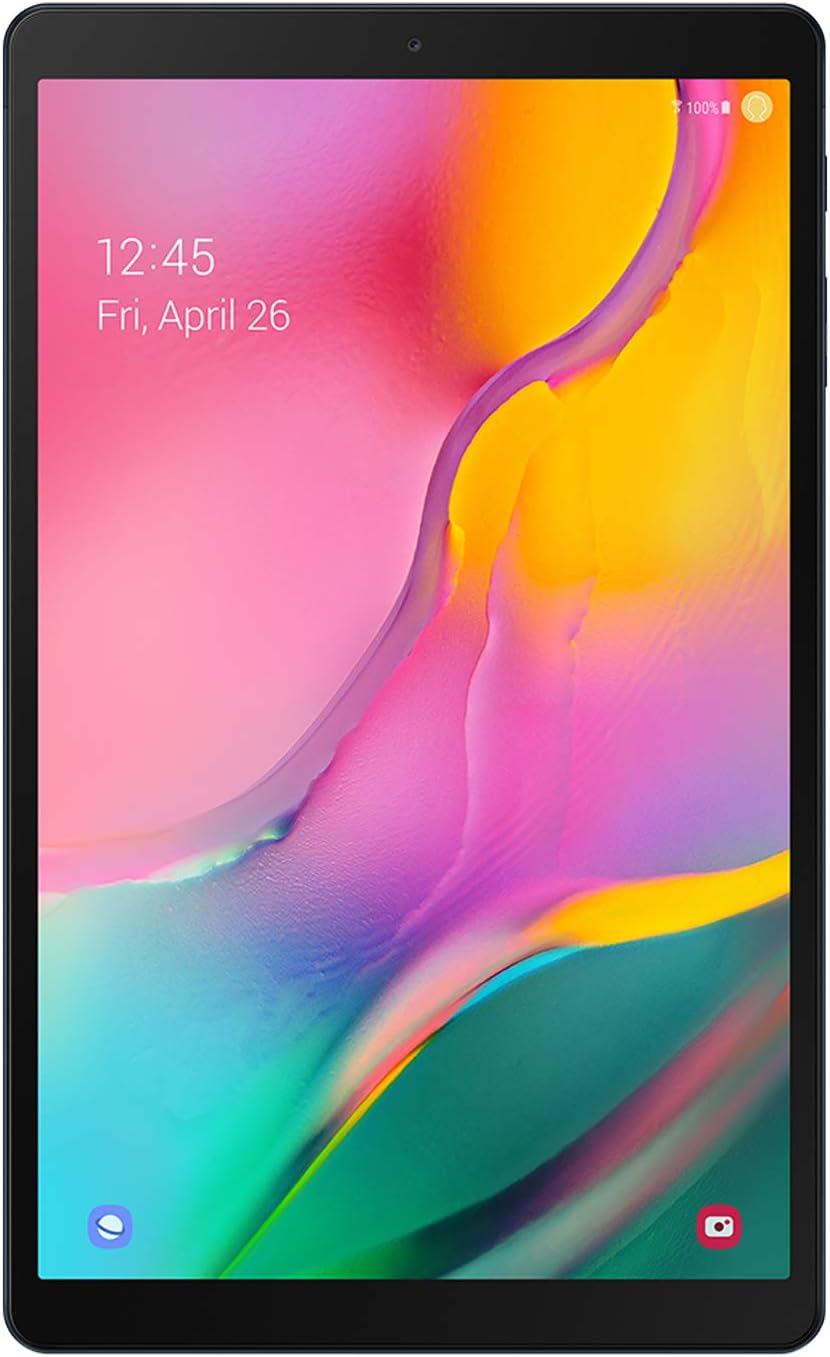
Mufananidzo 1: Mberi view of the Samsung Galaxy Tab A 10.1" tablet.
The Samsung Galaxy Tab A 10.1" features a vibrant Full HD display, immersive Dolby Atmos sound, and a long-lasting battery, making it suitable for entertainment and everyday tasks.
2. Setup
2.1 Chii chiri muBhokisi
- Samsung Galaxy Tab A 10.1" Tablet
- Data Cable
- Ejection Pin
- Quick Start Guide
- Terms Agreement
2.2 Yekutanga Chishandiso Setup
- Power On: Press and hold the Power button located on the side of the tablet until the Samsung logo appears.
- Sarudzo yeMutauro: Tevedzera zviri pa-screen kuti usarudze mutauro waunoda.
- Kubatanidza Wi-Fi: Batanidza kunetiweki yeWi-Fi kuti ugone kupinda painternet.
- Akaundi yeGoogle Pinda neakaundi yako yeGoogle kana gadzira itsva. Izvi zvakakosha kuti uwane iyo Google Play Store uye mamwe masevhisi eGoogle.
- Samsung Account (Optional): Sign in with your Samsung account for additional features and services.
- Kuendesa Data: If you have a previous device, you may transfer data during this step.
- Security Setup: Set up a screen lock (PIN, pattern, password) for device security.
- Zadzisa Setup: Follow any remaining prompts to finalize the setup process.

Mufananidzo 2: Angled view of the Samsung Galaxy Tab A 10.1" tablet, highlighting its slim design.
3. Kushandisa Tablet Yako
3.1 Ratidza uye Odhiyo
The tablet features a 10.1" Full HD display with a resolution of 1920x1200 pixels, offering a clear and vibrant viewing experience. It supports Dolby Atmos surround sound for an immersive audio experience, delivered through its dual speakers located on the bottom edge.

Figure 3: The tablet's 10.1" Full HD display provides a cinematic viewing experience.

Figure 4: Enjoy rich audio with Dolby Atmos surround sound.
3.2 Performance and Gaming
Powered by an Exynos 7904 processor and 3GB of RAM, the Galaxy Tab A 10.1" is designed for smooth performance during everyday tasks such as browsing, streaming, and light multitasking. It comes with 64GB of internal storage, expandable up to 512GB via a Micro SD card (sold separately).
For gaming, the tablet handles popular titles like PUBG Mobile and Asphalt 9 with HD graphics and high frame rates, offering a satisfactory experience for casual gamers.
Video 1: A comparison video showcasing the display and performance of the Galaxy Tab A 10.1" against a newer model. This video highlights screen brightness, color differences, and gaming performance.
3.3 Kamera Kushanda
The tablet is equipped with an 8MP rear camera and a 5MP front-facing camera. Both cameras support 1080p video recording. While not designed for professional photography, they are suitable for video calls, scanning documents, and capturing casual photos in well-lit environments.
Vhidhiyo 2: A review video discussing the features and long-term usability of the Galaxy Tab A 10.1" (2019), including insights into its camera capabilities.
3.4 Connectivity and Battery
The tablet supports Bluetooth v4.2 for connecting wireless accessories and Wi-Fi (802.11a/b/g/n/ac on both 2.4 GHz and 5 GHz bands) for internet access. It features a USB-C port for charging and data transfer, and a 3.5mm headphone jack for wired audio.
A 6150 mAh battery provides approximately 6.5 hours of usage during battery drain tests, allowing for extended browsing, streaming, and gaming sessions.

Mufananidzo 5: Rutivi view of the tablet, showing the USB-C port, headphone jack, and speaker grilles.

Figure 6: The tablet features a long-lasting battery for extended use.
3.5 Software
The tablet originally shipped with Android 9 Pie and has received updates to Android 11, providing access to the latest Android features and security enhancements. It includes Samsung's One UI for a user-friendly interface.

Figure 7: Samsung Kids provides a safe and engaging environment for children.

Figure 8: Stay organized with pre-installed Samsung apps like Calendar and Notes.
4. Kuchengeta
4.1 Kuchenesa uye Kuchengeta
- Shandisa jira rakapfava, risina lint kuchenesa skrini uye muviri wehwendefa.
- Dzivisa kushandisa makemikari ane hasha kana abrasive zvinhu.
- Keep the tablet away from extreme temperatures and direct sunlight.
- Dzivirira sikirini nechidzitiro chekudzivirira uye shandisa bhokisi rekudzivirira kudzivirira kukwenya kana kukuvara.
4.2 Zvigadziriso zveSoftware
Regularly check for and install software updates to ensure your device has the latest features, security patches, and performance improvements. You can usually find this option in the device's Settings menu under "Software update."
5. Kugadzirisa matambudziko
If you encounter issues with your tablet, try the following basic troubleshooting steps:
- Tangazve Chishandiso: A nyore restart anogona kugadzirisa akawanda madiki software glitches.
- Tarisa Makabatana: Ensure Wi-Fi is enabled and connected, and any cables are securely plugged in.
- Nzvimbo Yekuchengetera Yemahara: If the device is slow, delete unnecessary files kana mapurogiramu ekusunungura nzvimbo yekuchengetera.
- Kudzosera zvazvanga zviri kubva kufakitori: As a last resort, if problems persist, you may perform a factory reset. Yambiro: Izvi zvichadzima data rese riri pamudziyo wako. Chengetedza data rakakosha usati waenderera mberi.
- Bata Rutsigiro: If the issue cannot be resolved, refer to the Warranty and Support section for further assistance.
6. Zvinotsanangurwa
| Feature | Tsanangudzo |
|---|---|
| Model Name | Galaxy Tab A 10.1" (T510) |
| Item Model Number | SM-T510NZKFXAR |
| Screen Size | 10.1 inches |
| Screen Resolution | 1920 x 1200 Pixels (Yakazara HD) |
| processor | 1.8 GHz Octa-Core (Exynos 7904) |
| RAM | 3 GB |
| Kuchengeta Kwemukati | 64 GB |
| Expandable Storage | Micro SD kusvika ku512 GB |
| Operating System | Android 9 Pie (Upgradable to Android 11) |
| Rear Camera | 8 MP |
| Front Camera | 5 MP |
| Battery Capacity | 6150 mAh (13 Hours Average Life) |
| Kubatana | Wi-Fi (802.11a/b/g/n/ac), Bluetooth v4.2, USB-C |
| Vadivelu Comedy Audio | Dual Speakers with Dolby Atmos, 3.5mm Headphone Jack |
| Dimensions (LxWxH) | 9.65 x 5.88 x 0.3 inches |
| Item Weight | 1.03 makirogiramu |
7. Warranty uye Tsigiro
For warranty information, technical support, and service inquiries, please visit the official Samsung websaiti kana kubata Samsung vatengi sevhisi. Chengetedza humbowo hwako hwekutenga kune warranty claim.
You can find additional support resources and FAQs on the Samsung Store peji.


