1. Úvod
Thank you for choosing the TECKNET 2.4G Wireless Mini QWERTY Keyboard X315. This ultra-thin, compact keyboard is designed for efficiency and comfort, featuring 2.4 GHz wireless technology for a stable connection and 12 multimedia shortcut keys for enhanced productivity. Its low-profile scissor-switch keys offer a quiet and responsive typing experience. This manual provides essential information for setting up, operating, maintaining, and troubleshooting your new keyboard.
Obrázok: Predná strana view of the TECKNET 2.4G Wireless Mini QWERTY Keyboard X315 in silver.
2. Čo je v krabici
- 1 x TECKNET 2.4G Wireless Mini QWERTY Keyboard
- 1 x Nano USB prijímač
- 1 x Návod na použitie
3. Inštalačná príručka
3.1 Inštalácia batérie
- Locate the battery compartment cover on the back of the keyboard.
- Posunutím otvorte kryt.
- Vložte dve batérie typu AAA (nie sú súčasťou balenia) do priehradky a dbajte na správnu polaritu (+/-).
- Bezpečne zatvorte kryt priestoru pre batérie.

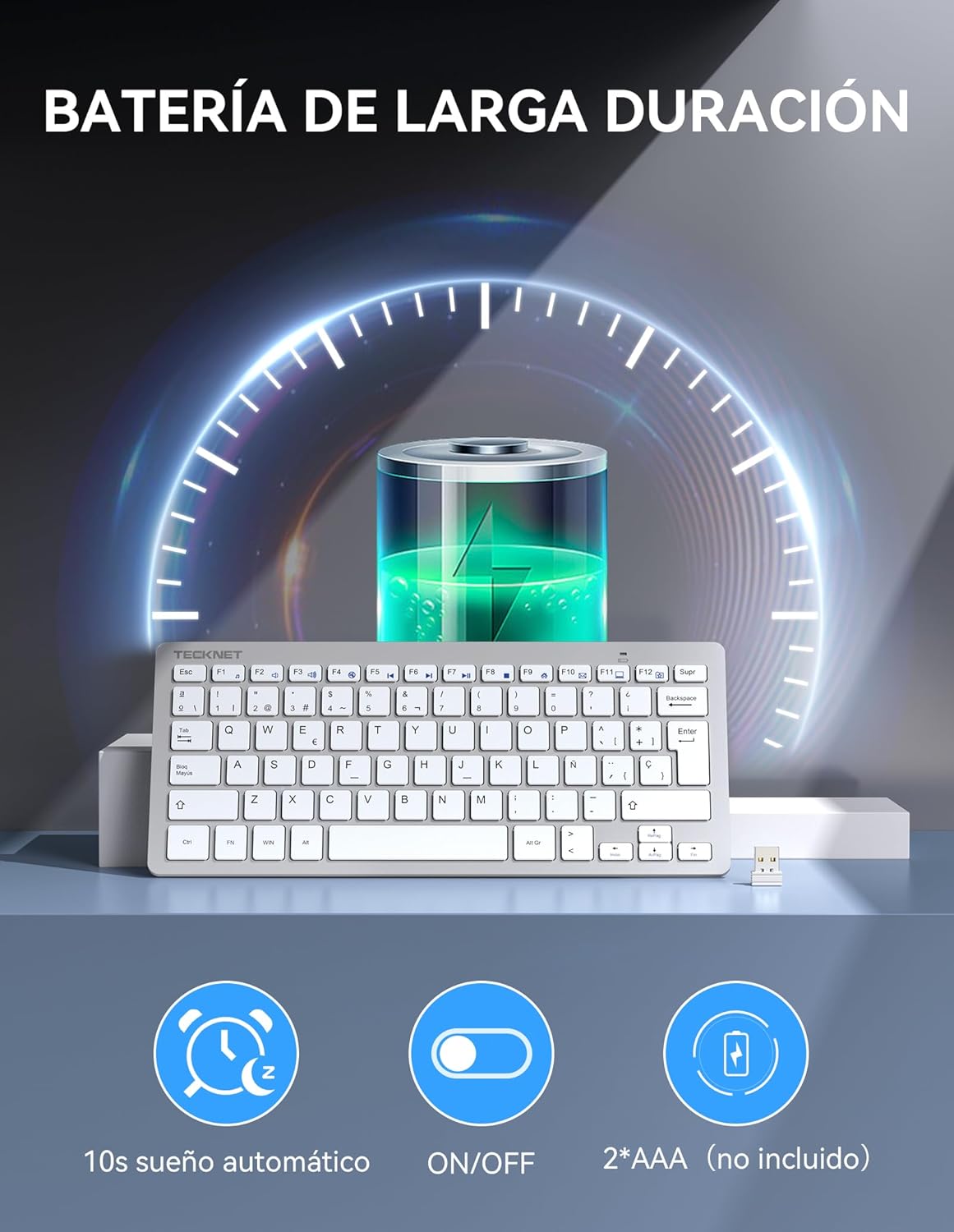
Image: Diagram showing battery installation (2*AAA) and power-saving features like auto-sleep and ON/OFF switch.
3.2 Pripojenie prijímača
- Remove the Nano USB receiver from its storage slot on the back of the keyboard.
- Plug the Nano USB receiver into an available USB port on your computer, laptop, or compatible device.
- The system will automatically detect and install the necessary drivers. This may take a few moments.

Image: Illustration of the 2.4G wireless connection, showing the Nano USB receiver plugged into a laptop and the keyboard operating wirelessly within a 10-meter range.
3.3 Zapnutie/vypnutie
Locate the ON/OFF switch on the back of the keyboard. Slide it to the 'ON' position to power on the keyboard. Slide it to the 'OFF' position when not in use to conserve battery life.
4. Návod na obsluhu
4.1 Všeobecné použitie
Once connected, your keyboard is ready for use. The 2.4 GHz wireless technology provides a stable and reliable connection up to 10 meters (33 feet) without interference.
4.2 Multimediálne klávesové skratky
The keyboard features 12 multimedia shortcut keys. To activate these functions, press and hold the FN key, then press the corresponding F-key (F1-F12).
| Kombinácia klávesov | Funkcia |
|---|---|
| FN + F1 | Prehrávač hudby |
| FN + F2 | Zníženie hlasitosti |
| FN + F3 | Zvýšenie hlasitosti |
| FN + F4 | Stlmiť |
| FN + F5 | Predchádzajúca skladba |
| FN + F6 | Ďalšia skladba |
| FN + F7 | Prehrať/Pozastaviť |
| FN + F8 | Stop |
| FN + F9 | internetový prehliadač |
| FN + F10 | |
| FN + F11 | Môj počítač |
| FN + F12 | Obľúbené |
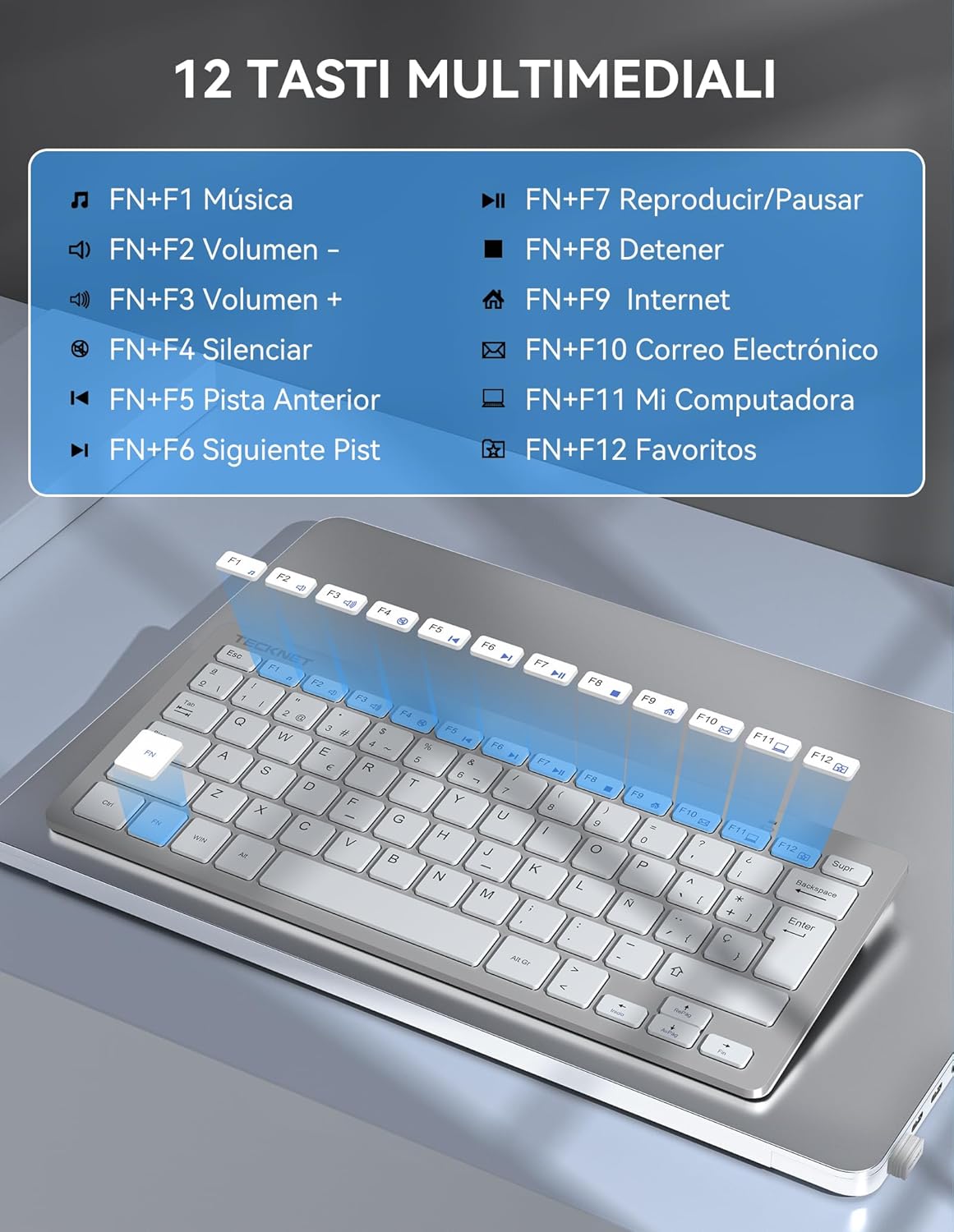
Image: Visual representation of the keyboard highlighting the FN key and multimedia functions (F1-F12).
4.3 Režim úspory energie
The keyboard features an automatic sleep function. If inactive for a period, it will enter sleep mode to conserve battery. Press any key to wake it up.
5. Údržba
5.1 Čistenie
Na čistenie klávesnice použite mäkkú, suchú handričku. Na odolnú špinu jemneamphandričku vodou alebo jemným čistiacim roztokom. Nepoužívajte agresívne chemikálie alebo abrazívne materiály.
5.2 Výmena batérie
When the keyboard's performance degrades or it stops responding, replace the AAA batteries as described in Section 3.1.
5.3 Storing the Nano Receiver
When transporting or storing the keyboard, you can safely store the Nano USB receiver in its dedicated slot on the back of the keyboard to prevent loss.

Image: The keyboard shown inside a laptop sleeve, illustrating its slim profile (2cm thickness) and compact dimensions (29.2cm x 12.4cm) for portability.
6. Riešenie problémov
6.1 Klávesnica nereaguje
- Ensure the keyboard is powered ON using the switch on the back.
- Skontrolujte, či sú batérie správne vložené a či sú dostatočne nabité. V prípade potreby ich vymeňte.
- Verify that the Nano USB receiver is securely plugged into a working USB port on your device. Try a different USB port.
- Move the keyboard closer to the receiver to rule out range issues (maximum 10 meters).
- Reštartujte počítač alebo zariadenie.
6.2 Oneskorenie alebo prerušované pripojenie
- Ensure there are no large metal objects or other wireless devices (like Wi-Fi routers, cordless phones) operating too close to the keyboard or receiver, as these can cause interference.
- Try plugging the receiver into a different USB port, preferably one that is not next to other USB devices.
7. Špecifikácie
| Funkcia | Detail |
|---|---|
| Značka | TECNET |
| Číslo modelu | X315 |
| Farba | Strieborná |
| Technológia pripojenia | 2.4 GHz bezdrôtový |
| Bezdrôtový dosah | Až 10 33 metrov (XNUMX XNUMX stôp) |
| Zdroj napájania | 2 x AAA batérie (nie sú súčasťou balenia) |
| Rozloženie klávesnice | QWERTY |
| Typ kľúča | Scissor-switch, Low-profile |
| Multimediálne klávesy | 12 (FN + F1-F12) |
| Rozmery (D x Š x V) | 29.2 x 12.4 x 2 cm (11.5 x 4.9 x 0.8 palca) |
| Hmotnosť | 296 gramov (0.65 libier) |
| Kompatibilita | Windows 11/10/8/7/XP/Vista, PC, Laptops, Desktops, Android Smart TVs |
| Špeciálne funkcie | Automatic Sleep Mode, Nano Receiver Storage, Quiet Typing |
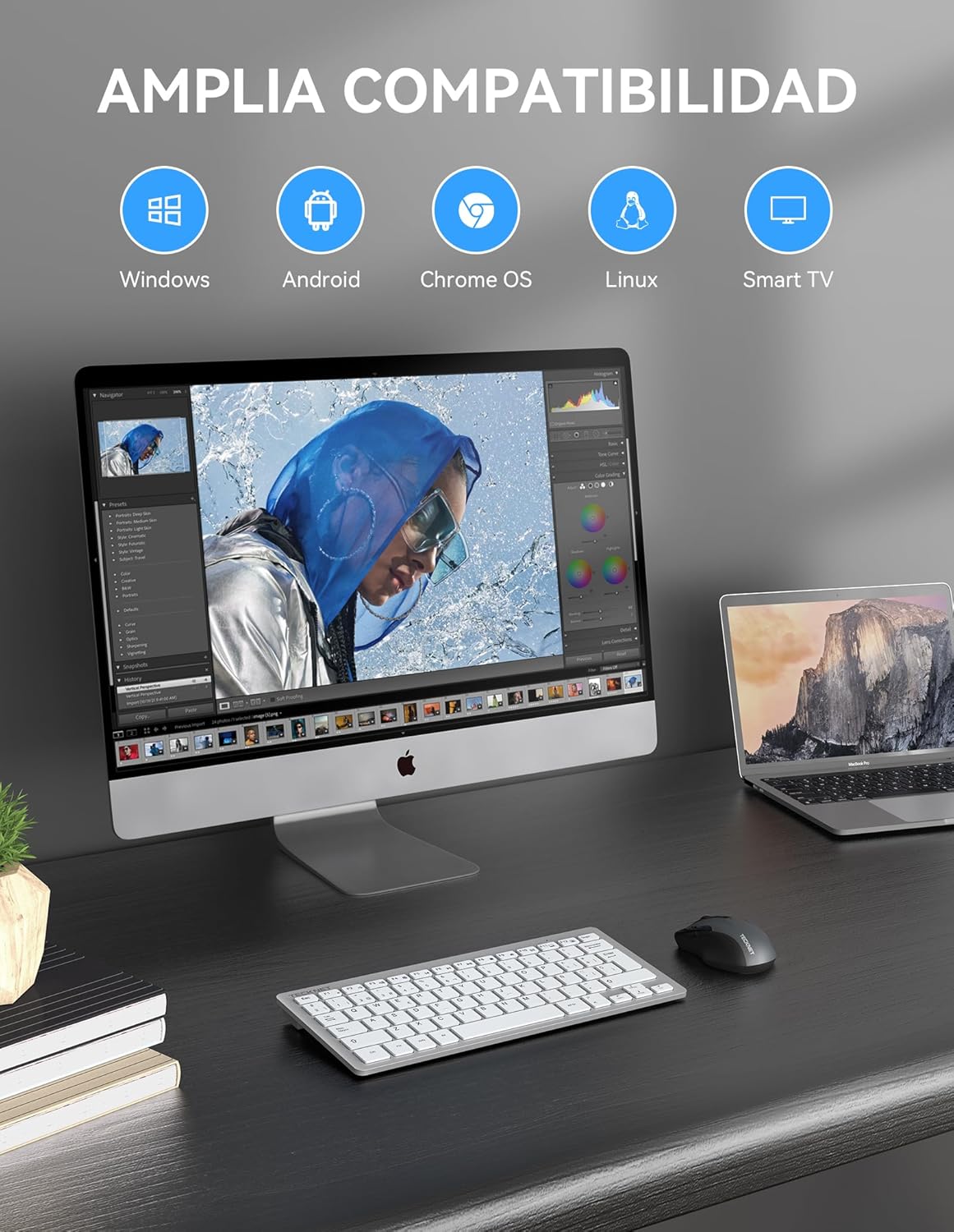
Image: The keyboard displayed with a desktop computer and a laptop, illustrating its wide compatibility with various operating systems and devices.
8. Záruka a podpora
8.1 Informácie o záruke
TECKNET provides a 3-year warranty for registered users only. Please refer to the TECKNET official website or your purchase documentation for details on how to register your product and claim warranty services.
8.2 Zákaznícka podpora
If you encounter any issues or have questions regarding your TECKNET keyboard that are not covered in this manual, please contact TECKNET customer support. Contact information can typically be found on the TECKNET official webna stránke alebo na obale vášho produktu.