1. හැඳින්වීම
This manual provides essential information for setting up, operating, maintaining, and troubleshooting your HP Omen 45L GT22 Gaming Desktop. Please read this manual thoroughly before using your new system to ensure proper functionality and longevity.
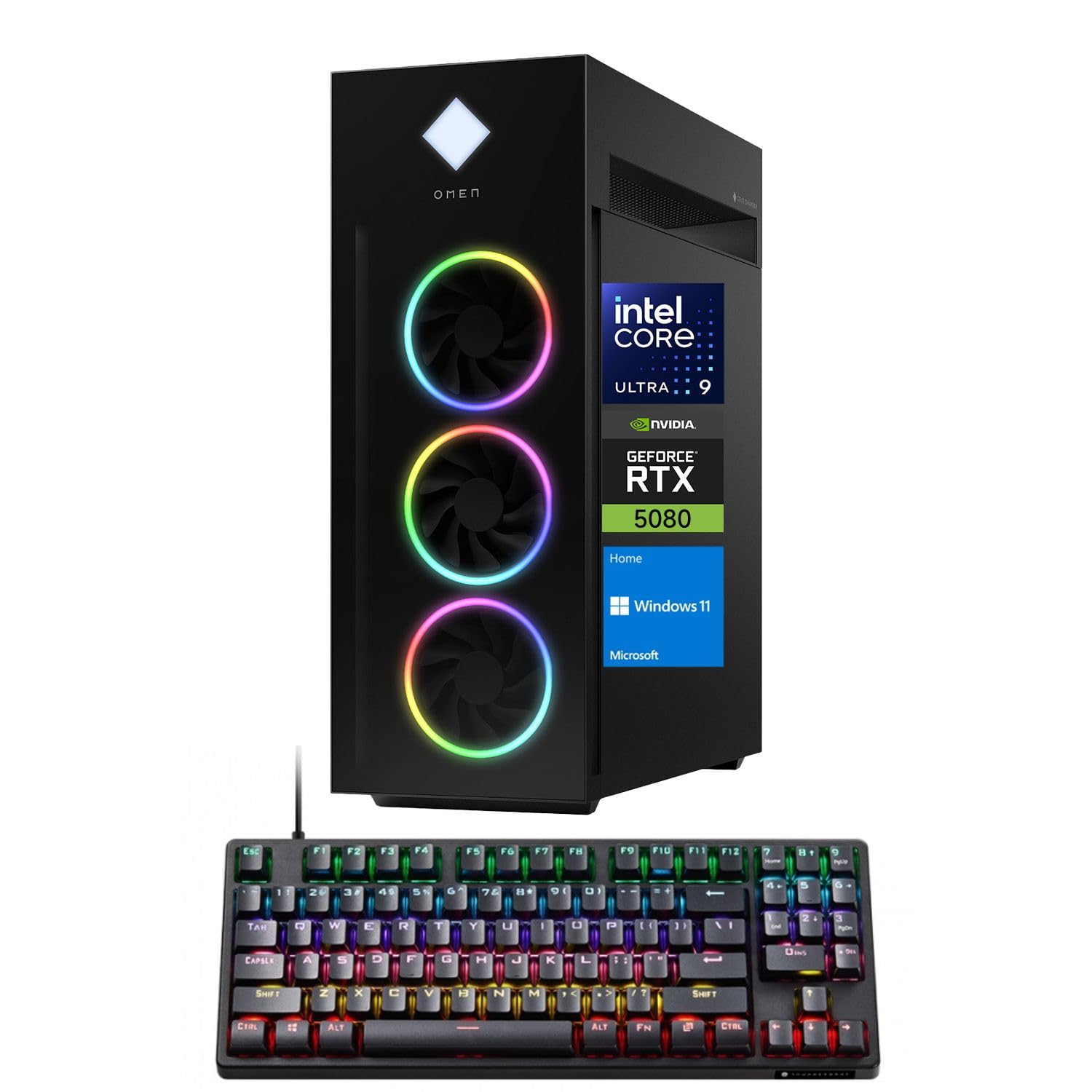
Figure 1: HP Omen 45L GT22 Gaming Desktop. This image displays the front and side of the desktop tower, highlighting its design and RGB lighting elements.
2. පෙට්ටියේ ඇති දේ
ඇසුරුම්කරණයේ සියලුම සංරචක ඇති බව තහවුරු කර ගන්න:
- HP Gaming Tower Desktop
- Thunderobot KG3089R ක්රීඩා යතුරු පුවරුව
- බල කේබලය
- ලියකියවිලි (මෙම අත්පොත, වගකීම් තොරතුරු)
3. සැකසුම් මාර්ගෝපදේශය
3.1 ඇසිරීම සහ ස්ථානගත කිරීම
- ඇසුරුම්කරණයෙන් ඩෙස්ක්ටොප් එක සහ සියලුම උපාංග ප්රවේශමෙන් ඉවත් කරන්න.
- සෑම පැත්තකින්ම ප්රමාණවත් වාතාශ්රයක් සහිත ස්ථාවර, පැතලි මතුපිටක් මත ඩෙස්ක්ටොප් එක තබන්න. සංවෘත අවකාශයන්හි හෝ තාප ප්රභවයන් අසල තැබීමෙන් වළකින්න.
3.2 සම්බන්ධක පර්යන්ත
Connect your monitor, keyboard, mouse, and other devices to the appropriate ports on the desktop.

Figure 2: Rear Ports of the HP Omen 45L GT22. This image illustrates the various input/output ports available on the back of the desktop, including USB, HDMI, DisplayPort, and Ethernet.
- නිරීක්ෂණය: Connect your monitor using an HDMI or DisplayPort cable to the dedicated graphics card ports.
- යතුරුපුවරුව සහ මූසිකය: Connect the Thunderobot KG3089R Gaming Keyboard and your mouse to any available USB Type-A ports.
- ජාලය: For a wired connection, connect an Ethernet cable to the RJ-45 port. For wireless, ensure Wi-Fi antennas are connected (if external) or that the internal Wi-Fi is enabled during software setup.
- බලය: Connect the power cable to the desktop's power supply port and then to a power outlet.
3.3 මූලික බල-සක්රිය කිරීම සහ මෙහෙයුම් පද්ධති සැකසුම
- ඩෙස්ක්ටොප් එකේ ඉදිරිපස ඇති බල බොත්තම ඔබන්න.
- Follow the on-screen instructions to complete the Windows 11 Home operating system setup. This includes setting up your user account, network connection, and privacy settings.
- Once Windows is set up, ensure all drivers are installed and updated. You can typically find driver updates through Windows Update or the HP support webඅඩවිය.
4. මෙහෙයුම් උපදෙස්
4.1 බල කළමනාකරණය
- බල ගැන්වීම: ඩෙස්ක්ටොප් එකේ ඉදිරිපස ඇති බල බොත්තම ඔබන්න.
- වසා දමන්න: Windows හි Start බොත්තම ක්ලික් කරන්න, ඉන්පසු Power > Shut down ක්ලික් කරන්න.
- යළි අරඹන්න: Windows හි Start බොත්තම ක්ලික් කරන්න, ඉන්පසු Power > Restart ක්ලික් කරන්න.
- නින්ද: Windows හි Start බොත්තම ක්ලික් කරන්න, ඉන්පසු Power > Sleep ක්ලික් කරන්න.
4.2 Understanding Your System Components
Your HP Omen 45L GT22 is equipped with high-performance components for demanding tasks and gaming.

Figure 3: Intel Core Ultra 9 285K Processor. This image highlights the specifications of the Intel Core Ultra 9 285K CPU, including its cache, cores, and threads.
- සකසනය: Intel Core Ultra 9 285K (24 Cores, 24 Threads, 36MB L3 Cache, up to 5.70GHz). This powerful CPU handles complex computations and multitasking.
- ග්රැෆික් කාඩ්පත: NVIDIA GeForce RTX 5080 (16GB GDDR7). This dedicated GPU is responsible for rendering high-fidelity graphics for gaming and creative applications.
- මතකය: 32GB DDR5 RAM. High-speed memory ensures smooth operation when running multiple applications simultaneously.
- ගබඩා: 2TB PCIe NVMe M.2 SSD. Provides fast boot times and rapid data access for your operating system and applications.
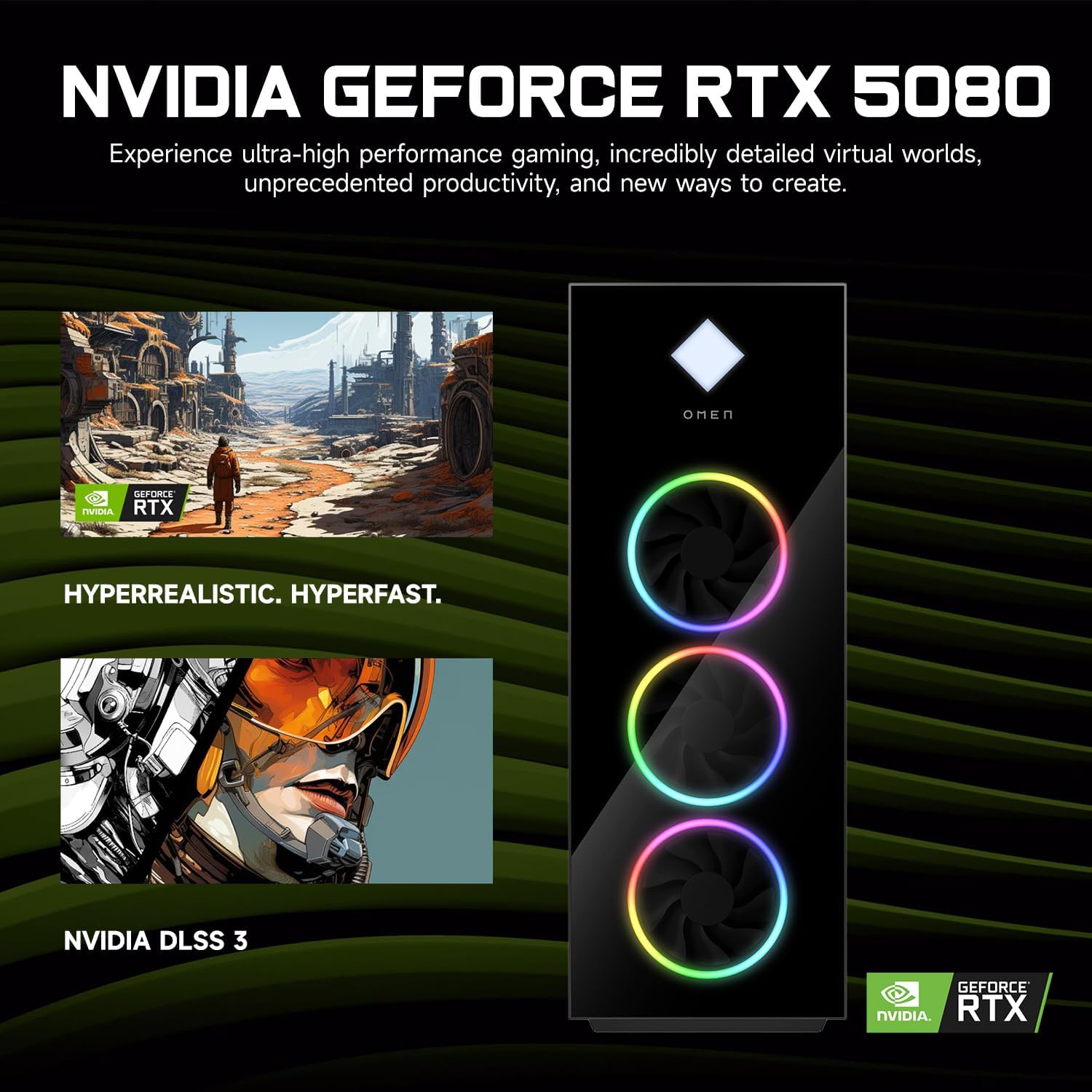
Figure 4: NVIDIA GeForce RTX 5080 Graphics. This image details the capabilities of the NVIDIA GeForce RTX 5080, emphasizing its performance for gaming and content creation.
4.3 RGB Light Studio
The HP Omen 45L GT22 features customizable RGB lighting. Use the pre-installed Omen Gaming Hub software to personalize the lighting effects on your desktop's fans and chassis. Refer to the Omen Gaming Hub's in-app help for detailed instructions on customization options.

Figure 5: Gaming Setup with HP Omen 45L GT22. This image shows the desktop integrated into a complete gaming station, including a monitor, keyboard, and mouse, demonstrating its aesthetic appeal.
5. නඩත්තු කිරීම
5.1 ඔබේ ඩෙස්ක්ටොප් එක පිරිසිදු කිරීම
- බාහිර: Use a soft, lint-free cloth to wipe down the exterior surfaces. For stubborn marks, slightly dampen රෙදි කැබැල්ල වතුරෙන් පුරවන්න. සැර රසායනික ද්රව්යවලින් වළකින්න.
- වාතාශ්රය: Regularly check and clean the ventilation grilles and fan openings to prevent dust buildup, which can impede airflow and cause overheating. Use compressed air to gently clear dust from vents. Ensure the system is powered off and unplugged before cleaning.
5.2 මෘදුකාංග යාවත්කාලීන
ප්රශස්ත කාර්ය සාධනය සහ ආරක්ෂාව සහතික කිරීම සඳහා ඔබේ මෙහෙයුම් පද්ධතිය සහ ධාවක යාවත්කාලීනව තබා ගන්න.
- වින්ඩෝස් යාවත්කාලීන: Regularly check for and install updates via Windows Settings > Update & Security > Windows Update.
- ධාවක යාවත්කාලීන: Update graphics drivers (NVIDIA GeForce Experience) and other system drivers (HP Support Assistant or HP website) periodically.
5.3 දත්ත උපස්ථය
දත්ත නැතිවීම වැළැක්වීම සඳහා ඔබේ වැදගත් දත්ත නිතිපතා බාහිර ධාවකයකට හෝ වලාකුළු ගබඩාවකට උපස්ථ කරන්න.
6. දෝශ නිරාකරණය
This section addresses common issues you might encounter. For more complex problems, contact HP Support.
- බලය නැත:
- Ensure the power cable is securely connected to both the desktop and the power outlet.
- වෙනත් උපාංගයක් සම්බන්ධ කිරීමෙන් බල සැපයුම ක්රියාකාරී බව තහවුරු කර ගන්න.
- Check the power supply unit (PSU) switch on the back of the desktop (if present) is in the 'ON' position.
- මොනිටරයේ සංදර්ශකය නොමැත:
- Confirm the monitor is powered on and connected to the graphics card's HDMI or DisplayPort output, not the motherboard's integrated graphics ports (if applicable).
- Try a different cable or monitor if available.
- ඔබගේ මොනිටරයේ නිවැරදි ආදාන ප්රභවය තෝරාගෙන ඇති බවට වග බලා ගන්න.
- System is Slow or Unresponsive:
- පසුබිමේ ධාවනය වන අනවශ්ය යෙදුම් වසා දමන්න.
- ඉහළ CPU, RAM හෝ තැටි භාවිතය සඳහා කාර්ය කළමනාකරු (Ctrl+Shift+Esc) පරීක්ෂා කරන්න.
- වින්ඩෝස් සහ ධාවක යාවත්කාලීනව පවතින බවට වග බලා ගන්න.
- වෛරස්/අනිෂ්ට මෘදුකාංග ස්කෑන් එකක් ක්රියාත්මක කරන්න.
- ජාල සම්බන්ධතා ගැටළු:
- For wired connections, ensure the Ethernet cable is properly connected and the router/modem is working.
- For Wi-Fi, check if Wi-Fi is enabled in Windows settings and ensure you are connected to the correct network with the right password.
- ඔබේ රවුටරය/මොඩමය සහ ඩෙස්ක්ටොප් එක නැවත ආරම්භ කරන්න.
7. පිරිවිතර
| විශේෂාංගය | විස්තර |
|---|---|
| ආදර්ශ අංකය | GT22 |
| ප්රොසෙසරය | Intel Core Ultra 9 285K (24 Cores, 24 Threads, 36MB L3 Cache, 3.20GHz base, up to 5.70GHz max turbo) |
| ග්රැෆික්ස් | NVIDIA GeForce RTX 5080 (16GB GDDR7) |
| RAM | 32GB DDR5 (4800 MHz) |
| ගබඩා කිරීම | 2TB PCIe NVMe M.2 SSD |
| මෙහෙයුම් පද්ධතිය | Windows 11 Home |
| රැහැන් රහිත සම්බන්ධතාව | Wi-Fi 6 (802.11ax), බ්ලූටූත් |
| තොටුපළ (ඉදිරිපස) | 2 x USB Type-A 5Gbps (HP Sleep and Charge), 2 x USB 2.0 Type-A, 1 x headphone/microphone combo, 1 x microphone |
| තොටුපළ (පසුපස) | 1 x USB Type-C 10Gbps, 2 x USB Type-A 5Gbps, 4 x USB 2.0 Type-A, 1 x 3.5 mm audio jack, 1 x RJ-45, 1 x Thunderbolt 4 with USB Type-C 40Gbps, 1 x HDMI, 3 x DisplayPort, 5 x Audio Port |
| මානයන් (LxWxH) | අඟල් 21.85 x 18.5 x 8.03 |
| බර | රාත්තල් 49.8 කි |
| වර්ණය | කළු |
8. වගකීම් සහ සහාය
වගකීම් තොරතුරු සඳහා, කරුණාකර ඔබේ නිෂ්පාදනය සමඟ ඇතුළත් කර ඇති ලියකියවිලි බලන්න හෝ නිල HP සහාය වෙත පිවිසෙන්න. website. HP provides various support resources, including drivers, manuals, and troubleshooting guides.
HP සහාය Webඅඩවිය: support.hp.com
When contacting support, please have your product model number (GT22) and serial number ready.