
Shopify Software

Project Creation
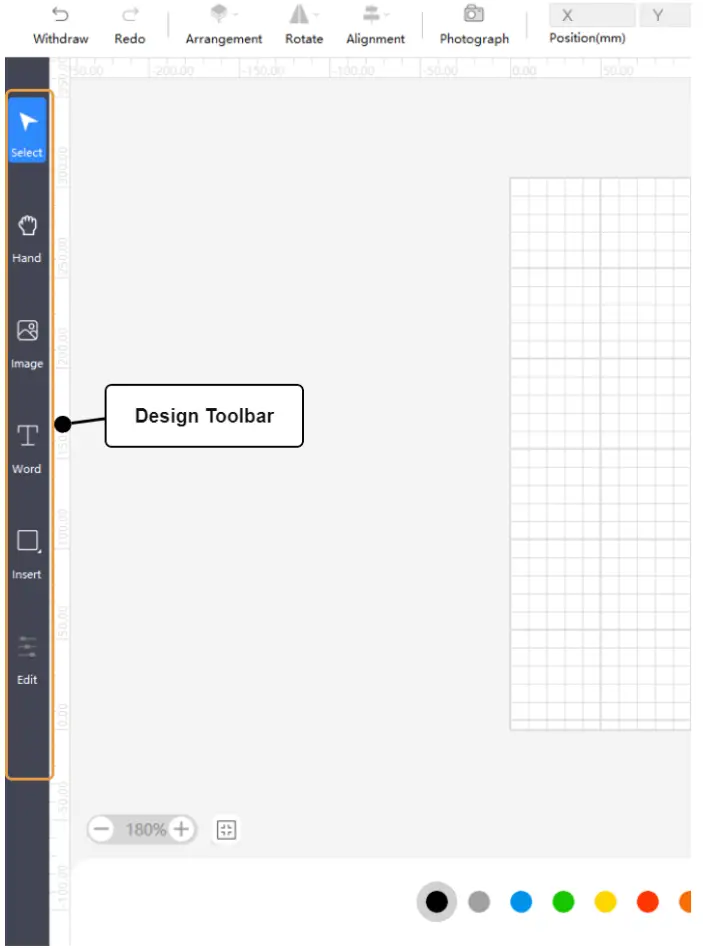
- You can use the tool bar on the left side of workspace to create objects, includes inserting pictures, vectors, shapes, and text.
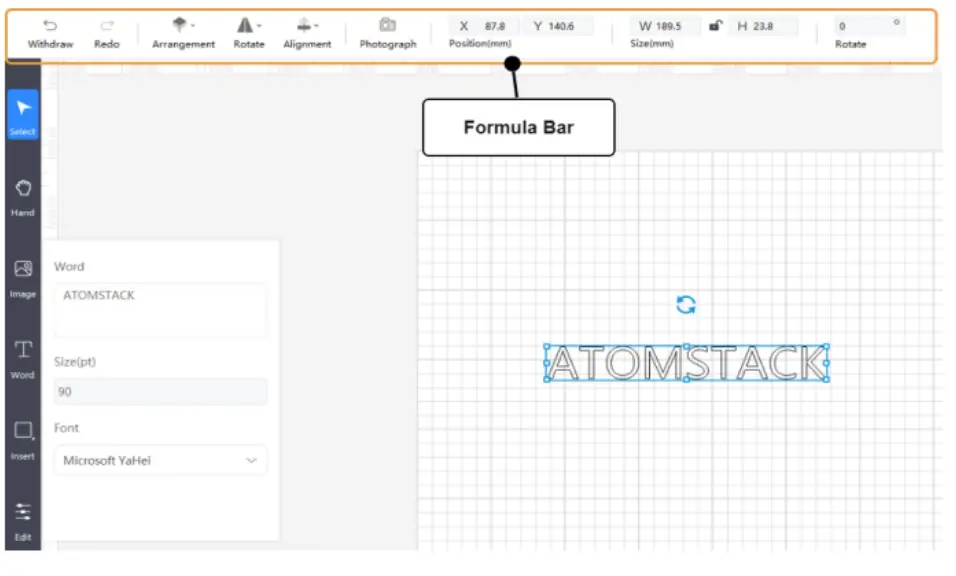
- Create and select the object in workspace, you can edit position, size, rotation angle, alignment, and flip of the object with the top editing bar.
- Select the image, you can adjust mode, blur, brightness, contrast, and inverse color of the image with the pop-up editing bar on the left.

- Select the text, you can adjust content , size , and font of the text with the pop-up editing bar on the left.

Documents / Resources
 | Software Guide |
References
- User Manualmanual.tools
Published: August 24, 2024