1. پراڊڪٽ ختمview
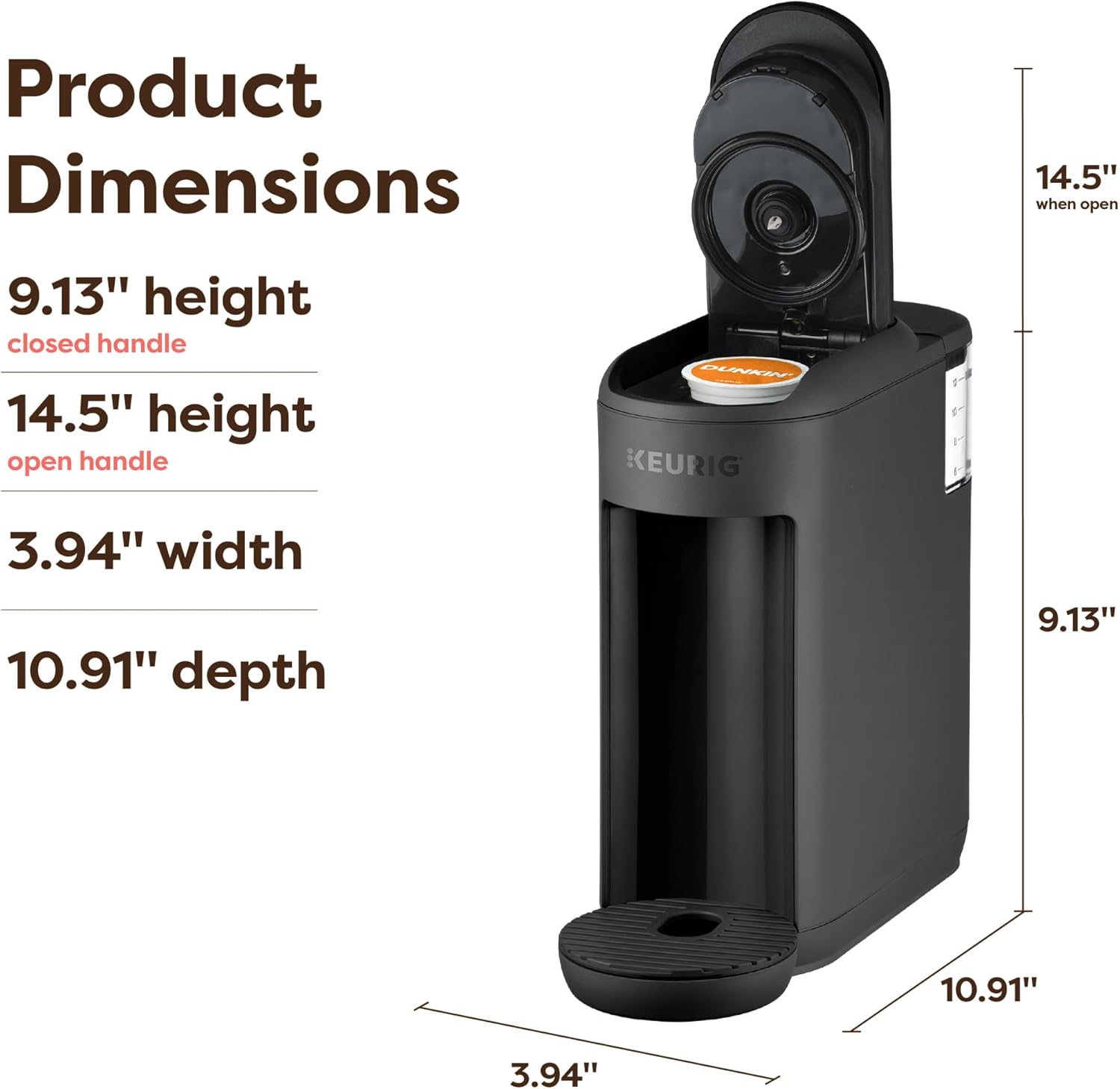
The Keurig K-Mini Mate Single Serve Coffee Maker is designed for convenience and efficiency, offering a compact solution for brewing your favorite beverages. Its ultra-compact design, measuring just 4 inches wide, makes it ideal for small spaces such as kitchens, dorm rooms, or offices. This brewer utilizes K-Cup pods to deliver a fresh cup of coffee, tea, or cocoa in minutes.
- خلائي بچت ڊيزائن: At only 4 inches wide, it fits into tight spaces.
- سنگل ڪپ شراب ٺاهڻ: Brews 6 to 12 ounces of beverage.
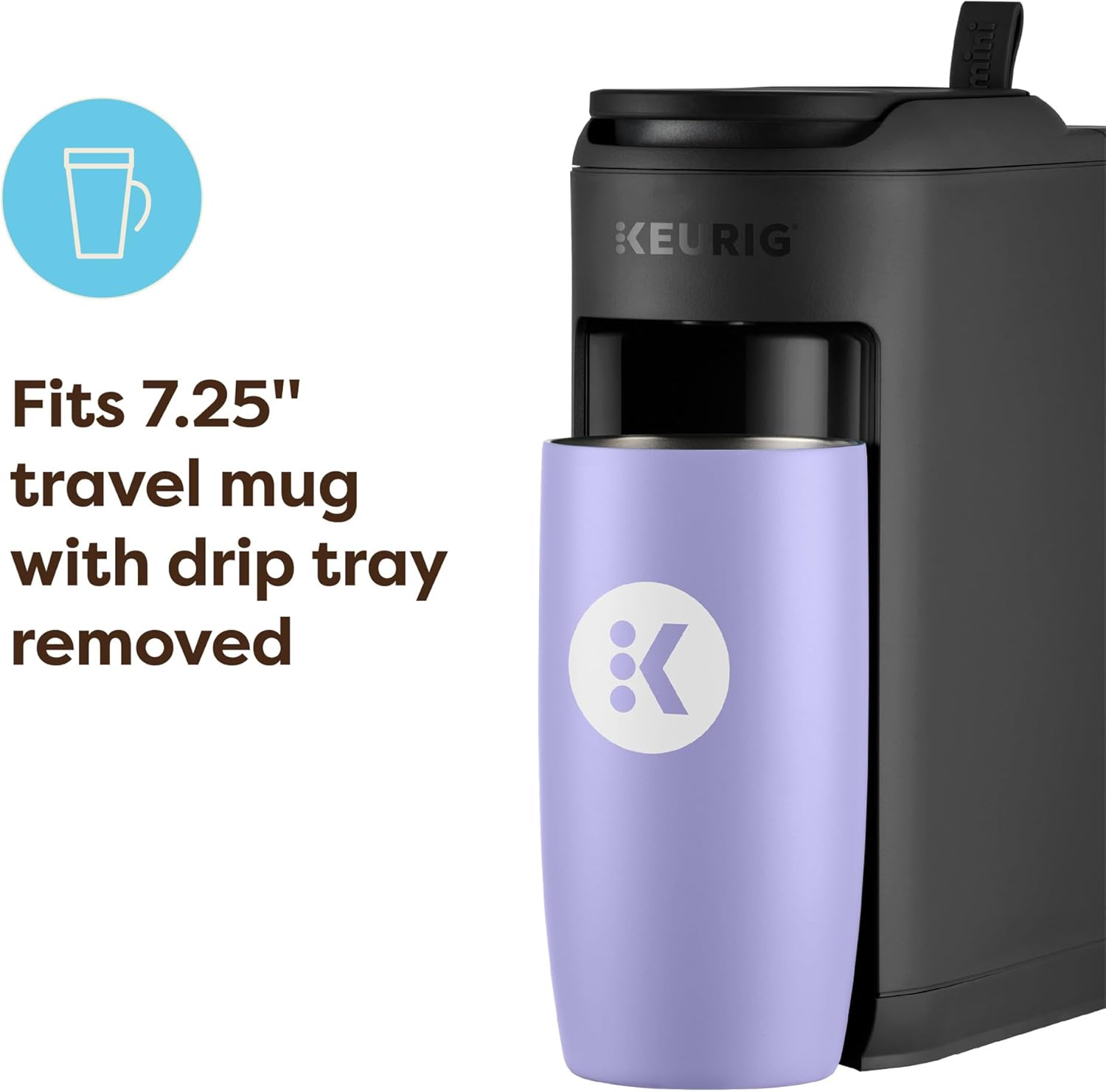
- سفر مگ دوستي: Accommodates travel mugs up to 7.25 inches tall with the drip tray removed.
- One-Cup Removable Reservoir: ڀرڻ ۽ صاف ڪرڻ آسان.
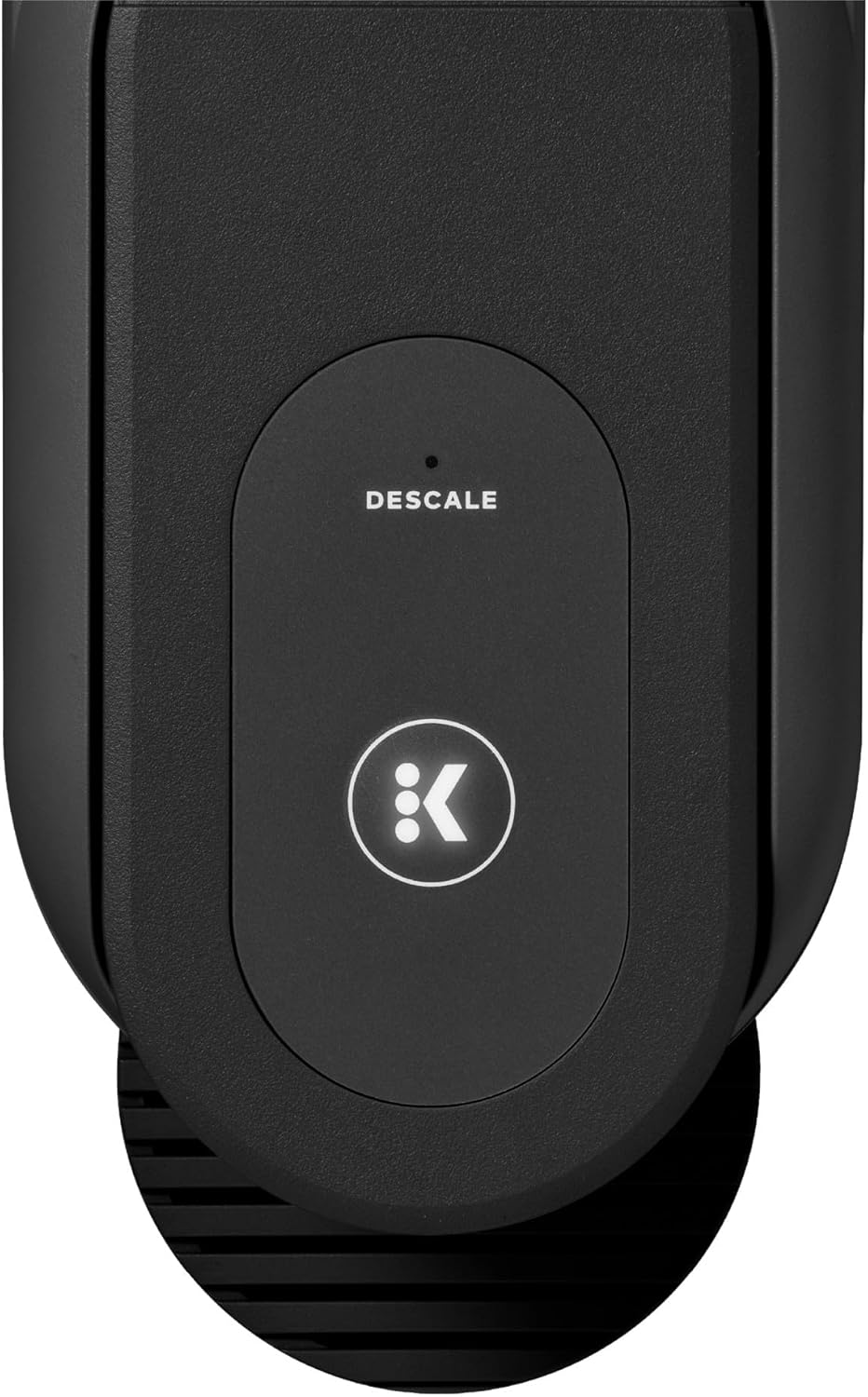
- ڊيسڪيلنگ الرٽ: An indicator light notifies you when descaling is needed.

2. سيٽ اپ
- پيڪ ڪريو: Remove the brewer from its packaging and place it on a stable, level surface.
- پلگ ان: برور کي گرائونڊ ٿيل آئوٽليٽ ۾ لڳايو.
- صاف ذخيرا: Remove the water reservoir from the back of the brewer. Wash it with mild soap and rinse thoroughly.
- ڀريو حوض: حوض کي تازو پاڻي سان ڀريو MAX ڀرڻ واري لائن تائين.
- پهريون شراب (صفائي جو چڪر): Place a large mug (at least 10 oz) on the drip tray. Lift and lower the brewer handle to activate the brewer. The brew button will flash. Press the brew button to start a cleansing brew. Discard the hot water. The brewer is now ready for use.

3. آپريٽنگ هدايتون
- پاڻي شامل ڪريو: Fill your mug with the desired amount of fresh water (6-12 oz) and pour it into the water reservoir. Do not fill above the MAX fill line.
- ڪي-ڪپ پوڊ داخل ڪريو: Lift the brewer handle. Place a K-Cup pod in the K-Cup pod holder. Lower the handle completely to close the lid.
- جڳھ مگ: Place your mug on the drip tray. If using a travel mug, remove the drip tray to accommodate taller mugs (up to 7.25 inches).
- پيئڻ: The brew button will flash. Press the brew button to start brewing. The light will turn solid during brewing and turn off when complete.

Official Product Video: Brewing Demonstration
This video demonstrates the compact design and quick brewing process of the Keurig K-Mini Mate Single Serve Coffee Maker, showing how to add water, insert a K-Cup pod, and brew a fresh cup of coffee in minutes.
4. سار سنڀال
ڊريپ ٽري جي صفائي
The drip tray can accumulate spills and should be cleaned regularly. Simply remove the drip tray, empty any liquid, and wash with mild soap and water. Rinse thoroughly and dry before replacing.
خاڪي کي صاف ڪرڻ
Over time, calcium deposits (scale) can build up in your brewer, affecting performance. The Keurig K-Mini Mate features a descaling indicator light. When this light illuminates, it's time to descale your brewer. Refer to the full user manual for detailed descaling instructions using Keurig Descaling Solution.
5. مسئلا حل ڪرڻ
If you encounter issues with your Keurig K-Mini Mate, please refer to the following common troubleshooting tips:
- برور آن نه ٿي رهيو آهي: پڪ ڪريو ته پاور ڪنڊ محفوظ طور تي گرائونڊ ٿيل آئوٽليٽ ۾ لڳل آهي.
- No Brew: Check that the water reservoir is filled with enough water. Ensure the K-Cup pod is properly seated and the handle is fully lowered.
- ڪمزور ڪافي: Try using less water for a stronger brew, or select a bolder K-Cup pod.
- ڊيسڪلنگ لائيٽ آن: Follow the descaling procedure outlined in the full user manual.
For more detailed troubleshooting steps, please consult the complete user manual or contact Keurig Customer Service.
6. وضاحتون
| خاصيت | تفصيل |
|---|---|
| برانڊ | ڪيوريگ |
| ماڊل نالو | Keurig K-Mini Mate |
| پيداوار جي ماپ | 9.34"ڊي x 3.94"ڊي x 9.46"ايڇ |
| شيءِ جو وزن | 3.91 پائونڊ |
| ڪافي ٺاهيندڙ جو قسم | ڊريپ ڪافي مشين |
| خاص خصوصيت | Lightweight, Single Cup Brew |
| ڪافي ان پٽ جو قسم | ڪي-ڪپ پوڊ |
| آپريشن موڊ | مڪمل طور تي خودڪار |
7. وارنٽي ۽ سپورٽ
For warranty information, product registration, or customer support, please visit the official Keurig website or contact Keurig customer service directly. Keep your purchase receipt for warranty claims.
ٺاهيندڙ: ڪيريگ ڊاڪٽر مرچ
Official Keurig Store: Visit the Keurig Store on Amazon


