تعارف
Thank you for choosing the Northpoint Smart LED Floor Lamp. This intelligent LED light column offers dynamic color-changing capabilities, warm white light, and can be controlled via a wireless remote or a Wi-Fi application. This manual provides essential information for safe installation, operation, and maintenance of your new lamp.

Image: The Northpoint Smart LED Floor Lamp illuminated, positioned in a modern living room next to a television and media console.
حفاظتي هدايتون
- For indoor use only. Do not expose the lamp نمي يا انتهائي گرمي پد تائين.
- بجلي جي فراهمي کي يقيني بڻائيtagاي ايل سان ملندو آهي.ampجي گهرجون (12 وولٽ).
- ايل کي جدا ڪرڻ يا تبديل ڪرڻ جي ڪوشش نه ڪريوamp beyond what is described in this manual.
- ايل رکوamp ٻرندڙ مواد کان پري.
- هميشه ايل کي ان پلگ ڪريوamp صفائي ڪرڻ يا ڪنهن به سار سنڀال ڪرڻ کان اڳ پاور آئوٽليٽ مان.
- ھن پراڊڪٽ ۾ توانائيءَ جي ڪارڪردگيءَ واري ڪلاس جي روشنيءَ جو ذريعو آھي.
پيڪيج مواد
مھرباني ڪري انباڪسنگ ڪرڻ وقت پيڪيج جي مواد کي چيڪ ڪريو:
- 1 x Northpoint Smart LED Floor Lamp
- 1 x پاور سپلائي يونٽ
- 1 x وائرليس ريموٽ ڪنٽرول
- 1 x استعمال ڪندڙ دستياب (هي دستاويز)
سيٽ اپ ڪريو
- ايل کي کوليوamp: احتياط سان پيڪنگنگ مان سڀني اجزاء کي هٽايو.
- ايل جي پوزيشنamp: فرش کي رکو lamp on a stable, flat surface in your desired indoor location. Ensure it is away from heat sources and direct sunlight.
- پاور Connectنيو: Connect the power supply unit to the lamp's power input, then plug the power supply into a standard electrical outlet.
- ريموٽ ڪنٽرول جوڙڻ:
- کي دٻايو ۽ رکو آر جي بي + ريموٽ ڪنٽرول تي بٽڻ.
- While holding the button, plug the power supply into the wall socket.
- آيلamp will blink once to indicate successful pairing.
- The remote control is now connected.

Image: The wireless remote control for the Northpoint Smart LED Floor Lamp, showing buttons for power, white light, RGB color control, effects, speed, timer, and sound sensor modes. The image also displays German text detailing the pairing process.
- Wi-Fi / App Control (Optional):
- Download the "Smart Life" or "Tuya" app from your smartphone's app store.
- Follow the in-app instructions to add your Northpoint Smart LED Floor Lamp. (Note: This lamp is not compatible with Alexa.)
آپريٽنگ هدايتون
Your Northpoint Smart LED Floor Lamp offers various lighting modes and control options.
ريموٽ ڪنٽرول افعال:
- پاور بٽڻ: ايل کي ڦيرايوamp آن/بند.
- "W" Button: Activates warm white light.
- RGB+ / RGB- Buttons: Adjusts RGB color intensity or cycles through colors.
- روشني جي ترتيب: Use the sun icon buttons to increase or decrease brightness.
- اثر بٽڻ: Cycles through various pre-programmed lighting effects.
- اسپيڊ بٽڻ: متحرڪ روشني جي اثرن جي رفتار کي ترتيب ڏئي ٿو.
- ٽائمر بٽڻ (4H، 6H، 8H، 10H): Sets the lamp to turn off automatically after the selected duration.
- Sound Sensor Modes (♪1, ♪2, ♪3): Activates different sound-reactive lighting modes. The lamp will respond to ambient noise or music.
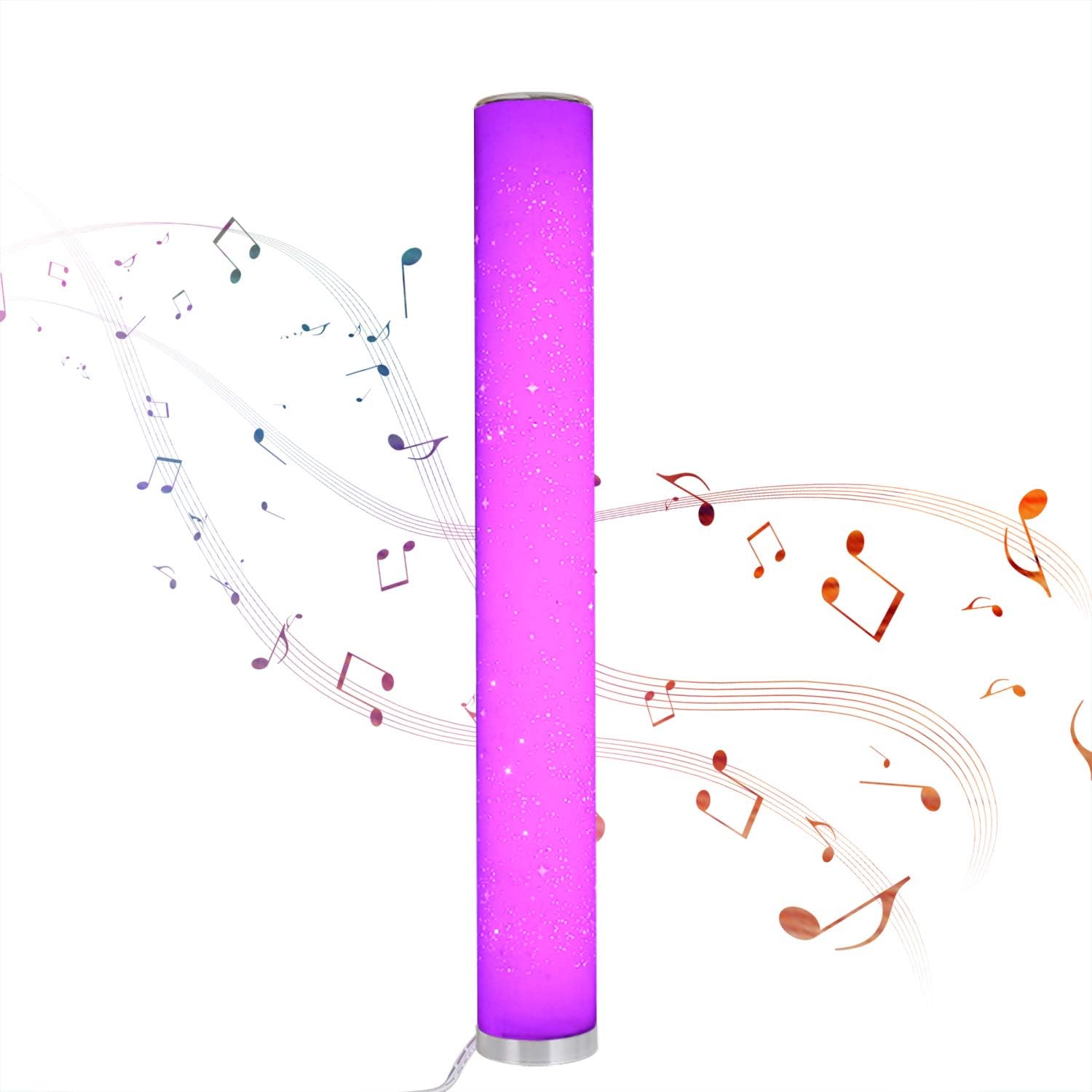
Image: The Northpoint Smart LED Floor Lamp illuminated in a vibrant purple, with musical notes depicted around it, illustrating its sound-reactive mode.
Color Selection and Dimming:
- آيلamp is dimmable and offers 8 different colors: red, green, blue, purple, orange, yellow, cyan, and warm white.
- Each color is continuously adjustable in intensity.

Image: A collage of eight images showing the Northpoint Smart LED Floor Lamp illuminated in different colors: red, green, blue, white, orange, yellow, light blue, and purple, demonstrating its color-changing capabilities.
Wi-Fi / App Control:
Once connected to the Smart Life or Tuya app, you can control the lamp's functions, including color, brightness, and effects, directly from your smartphone.
سار سنڀال
- صفائي: ايل کان ڌار ڪريوamp from the power supply before cleaning. Use a soft, dry cloth to wipe the lamp's surface. Do not use abrasive cleaners or solvents.
- روشني جو ذريعو: The LED light source is integrated and not user-replaceable. If the light source fails, the entire luminaire must be replaced.
- اسٽوريج: جيڪڏهن اسٽوريج ايلamp for an extended period, unplug it and store it in a cool, dry place.
مشڪلاتون
| مسئلو | ممڪن سبب | حل |
|---|---|---|
| Lamp چالو نٿو ٿئي. | No power supply; loose connection; remote control battery depleted. | Check if the power supply is securely plugged into the lamp and the wall outlet. Ensure the outlet has power. Replace remote control batteries if necessary. |
| ريموٽ ڪنٽرول ڪم نه ڪري رهيو آهي. | Remote not paired; battery depleted; obstruction. | Re-pair the remote control (see Setup section). Replace remote control batteries. Ensure no obstructions between remote and lamp. |
| وائي فائي ڪنيڪشن جا مسئلا. | Incorrect Wi-Fi password; lamp too far from router; app not configured correctly. | Verify Wi-Fi password. Move lamp closer to the Wi-Fi router. Follow app instructions carefully for device setup. Ensure your Wi-Fi network is 2.4GHz. |
| Sound sensor not responding. | Mode not activated; insufficient sound. | Ensure one of the sound sensor modes (♪1, ♪2, ♪3) is selected on the remote. Increase ambient sound volume. |
وضاحتون
| برانڊ | نارٿ پوائنٽ |
| ماڊل | B08PC43PRM |
| طول و عرض (L x W x H) | 10 x 10 x 103 سينٽي |
| بنيادي قطر | 129 ملي ميٽر |
| مواد | پلاسٽڪ |
| انٽ واليمtage | 12 وولٽ |
| بجلي جو استعمال | 24 واٽ |
| روشني جو ذريعو قسم | لائيٽ (لائيٽ ايجادنگ ڊيوڊ) |
| توانائي جي ڪارڪردگي ڪلاس | G |
| خاص خاصيتون | Color Changing, Dimmable, Wi-Fi Control, Sound Sensor |
| IP جي درجه بندي | IP20 (صرف اندروني استعمال) |
| شامل اجزاء | وائرليس ريموٽ ڪنٽرول |

Image: A diagram showing the dimensions of the Northpoint Smart LED Floor Lamp, indicating a height of 1035mm and a diameter of 129mm.

Image: The energy efficiency label for the product, indicating class G.
وارنٽي ۽ سپورٽ
Information regarding specific warranty periods or direct support contacts is not available in the provided product details. Please refer to your purchase receipt or contact the retailer for warranty claims and support inquiries.
عام پڇا ڳاڇا يا وڌيڪ مدد لاءِ، توهان دورو ڪري سگهو ٿا Northpoint brand page on Amazon.


