Introducere
This manual provides essential information for the safe and efficient operation of your Panasonic TV-65Z80AEZ 65-inch 4K Ultra HD OLED Smart TV. Please read these instructions thoroughly before using your television and retain them for future reference. This 4K OLED television from the Z80 series features integrated Fire TV, offering a comprehensive entertainment experience.
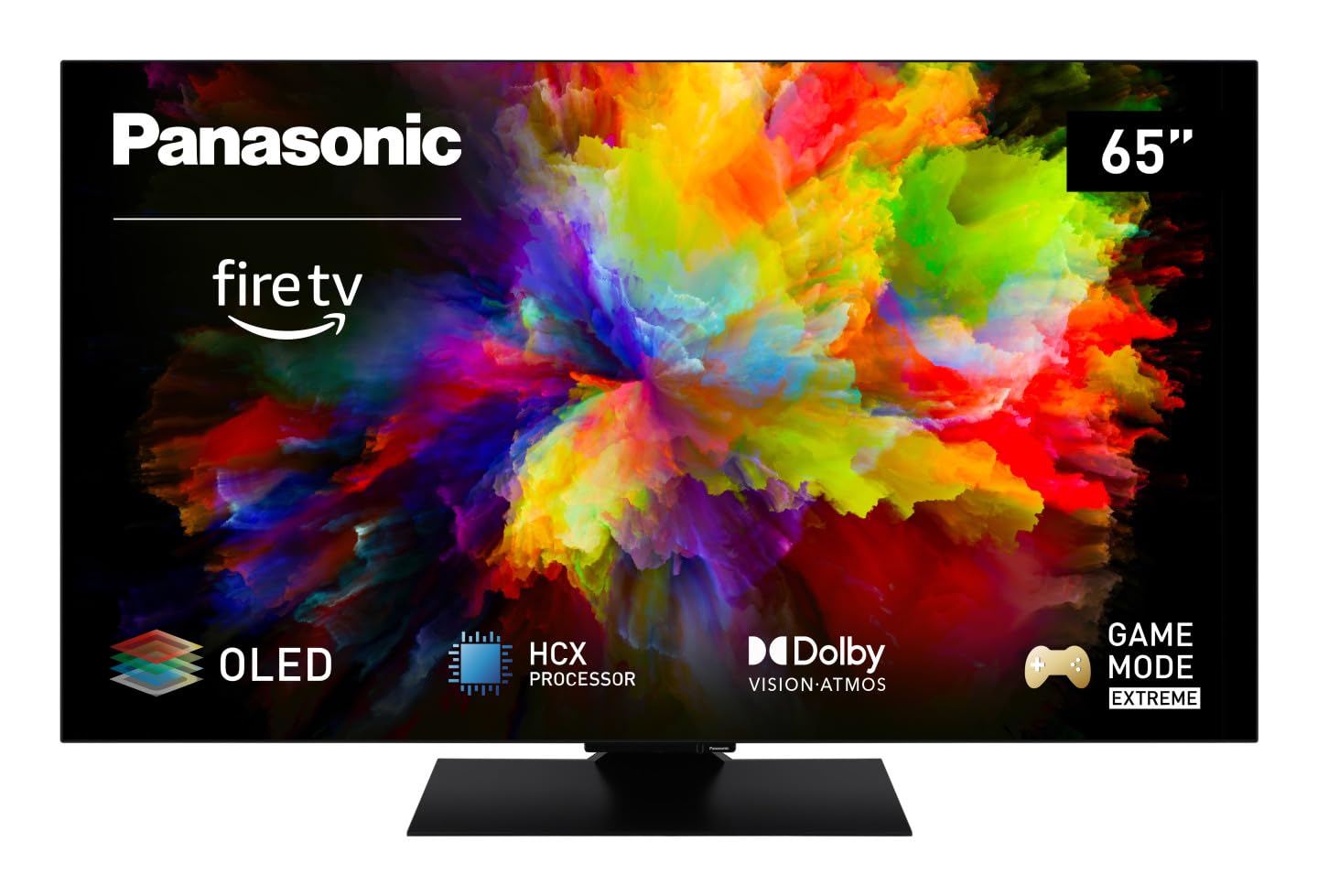
Imagine: față view of the Panasonic TV-65Z80AEZ 65-inch 4K OLED Smart TV.
Informații de siguranță
Always follow basic safety precautions when using this television to reduce the risk of fire, electric shock, and injury. Keep the television away from water and moisture. Do not block ventilation openings. Use only attachments/accessories specified by the manufacturer. Refer all servicing to qualified service personnel.
- Alimentare electrică: Asigurați-vă că sursa de alimentare voltagcorespunde cu eticheta de clasificare de pe televizor.
- Ventilare: Do not cover or block any ventilation openings. Allow adequate space around the TV for proper airflow.
- curatenie: Deconectați televizorul înainte de curățare. Folosiți o cârpă moale și uscată. Nu utilizați produse de curățare lichide sau aerosoli.
- Montare: If wall-mounting, ensure the wall mount is compatible with the TV's VESA standards and can support its weight. Follow the wall mount manufacturer's instructions carefully.
Conținutul pachetului
Verificați dacă toate articolele sunt prezente în ambalaj:
- Panasonic TV-65Z80AEZ 65-inch 4K OLED Smart TV
- Telecomanda
- Baterii AAA (2x) pentru telecomandă
- Cablu de alimentare
- Componente suport TV (dacă este cazul)
- Ghid de pornire rapidă (acest document servește drept ghid complet)
Înființat
1. Instalare fizică
Instalare stand: If using the included stand, carefully attach it to the television according to the diagrams in the quick start guide. Ensure all screws are securely fastened. Place the TV on a stable, level surface.
Montare pe perete: If wall-mounting, consult a professional installer. Ensure the wall mount is rated for the TV's weight and size. Do not attempt to wall-mount the TV without proper tools and expertise.
2. Conectarea dispozitivelor
Conectați dispozitivele externe, cum ar fi receptorii de cablu, playerele Blu-ray, consolele de jocuri și sistemele audio, la porturile corespunzătoare din spatele televizorului.

Imagine: Laterală view of the Panasonic TV-65Z80AEZ, illustrating the slim profile și porturi de conectivitate.
- HDMI: For high-definition video and audio. This TV supports HDMI 2.1 for advanced gaming features.
- USB: For connecting USB storage devices or other peripherals. This TV has 2 USB ports.
- Ethernet: Pentru o conexiune la internet prin cablu.
- Antena/Cablu: Pentru conectarea unei antene sau a unei alimentări TV prin cablu.
3. Pornirea inițială și configurarea rețelei
- Introduceți bateriile AAA incluse în telecomandă.
- Conectați cablul de alimentare la televizor și apoi la o priză.
- Apăsați butonul de pornire de pe telecomandă sau de pe televizor.
- Follow the on-screen instructions to select your language, region, and connect to your Wi-Fi network. You can also use a wired Ethernet connection.
4. Fire TV Setup
Your Panasonic TV-65Z80AEZ comes with Fire TV built-in. During the initial setup, you will be prompted to sign in with your Amazon account or create a new one. This enables access to streaming services, apps, and personalized recommendations.
Operarea televizorului
1. Controale de bază
Use the remote control to navigate the TV's interface. The remote includes standard buttons for power, volume, channel, input selection, and navigation within the Fire TV interface.
2. Funcții Smart TV
- Fire TV: The intuitive 4K Fire TV home screen provides instant access to live TV, streaming apps, and personalized recommendations for up to 6 user profiles.
- Control vocal Alexa: Control your Smart TV using voice commands through the integrated Alexa. Press the microphone button on your remote and speak your command.
- AirPlay: Easily share content from your Apple devices (iPhone, iPad, Mac) to your TV for a seamless viewexperiență.
3. Calitatea imaginii
- OLED & HCX Processor: Experience deep blacks and natural colors. The HCX processor ensures a cinematic experience with stunning image quality.
- Multi HDR Support: Enjoy optimized brightness, contrast, and colors scene by scene with support for Dolby Vision, HLG, HDR10, and HDR10+, ensuring exceptional images.
4. Caracteristici audio
- Sunet surround Pro și Dolby Atmos: Ridicați-vă viewing experience with immersive Dolby Atmos and Surround Sound Pro technology, including an integrated subwoofer, for a cinema-worthy audio experience.
5. Extreme Game Mode
This mode is designed for gamers, offering ultra-low latency, Variable Refresh Rate (VRR), 120 Hz refresh rate, and Auto Low Latency Mode (ALLM) via HDMI 2.1. It also supports AMD FreeSync Premium and NVIDIA G-SYNC for fluid and responsive gameplay.
Întreţinere
Proper maintenance ensures the longevity and performance of your television.
- Curățarea ecranului: Ștergeți ușor ecranul cu o lavetă moale, fără scame. Pentru petele persistente, ștergeți ușorampClătiți laveta cu apă sau cu o soluție specială de curățare a ecranelor. Nu pulverizați niciodată lichid direct pe ecran.
- Curățarea dulapului: Folosiți o lavetă moale și uscată pentru a curăța carcasa televizorului.
- Praful: Ștergeți regulat de praf orificiile de ventilație pentru a preveni supraîncălzirea.
- Cablu de alimentare: Periodically check the power cord for any damage. If damaged, replace it immediately with an authorized part.
Depanare
Dacă întâmpinați probleme cu televizorul, consultați următoarele soluții comune:
| Problemă | Soluție posibilă |
|---|---|
| Fără putere | Asigurați-vă că cablul de alimentare este conectat corect atât la televizor, cât și la priză. Verificați dacă priza funcționează conectând un alt dispozitiv. |
| Nu există imagine, dar sunetul este prezent | Check the input source. Press the 'Input' or 'Source' button on your remote to cycle through inputs. Ensure connected devices are powered on. |
| Fără sunet, dar imaginea este prezentă | Check the volume level. Ensure 'Mute' is not activated. Check audio cables if using external speakers. Verify audio output settings in the TV menu. |
| Telecomanda nu funcționează | Înlocuiți bateriile. Asigurați-vă că nu există obstacole între telecomandă și senzorul IR al televizorului. |
| Nu mă pot conecta la Wi-Fi | Asigurați-vă că routerul Wi-Fi este pornit și funcționează. Introduceți din nou parola Wi-Fi. Încercați să reporniți atât televizorul, cât și routerul. |
Dacă problema persistă după ce încercați aceste soluții, vă rugăm să contactați serviciul de asistență pentru clienți.
Specificații
| Caracteristică | Detaliu |
|---|---|
| Marca | Panasonic |
| Numărul de model | TV-65Z80AEZ |
| Dimensiunea ecranului | 65 inchi |
| Tehnologia de afișare | OLED |
| Rezoluţie | 4K Ultra HD |
| Rata de reîmprospătare | 120 Hz |
| Sistem de operare | FireOS |
| Tehnologia de conectivitate | Bluetooth, HDMI, Wi-Fi |
| Porturi de conectivitate | Ethernet, HDMI, USB |
| Total porturi USB | 2 |
| Caracteristici speciale | OLED, Dolby Vision, Dolby Atmos, Fire TV, Extreme Game Mode |
| Dispozitive compatibile | Laptop, Gaming Console, Smartphone, Tablet, Speakers |
| Raportul de aspect | 16:9 |
| Dimensiuni produs (Dxlxh) | 4.7D x 144.4W x 82.4H centimetri |
| Componente incluse | Television, Remote Control, Batteries |
Garanție și suport
Your Panasonic TV-65Z80AEZ is covered by a manufacturer's warranty. Please refer to the warranty card included with your product for specific terms and conditions, including the warranty period and coverage details. For technical support, service, or further assistance, please visit the official Panasonic support website or contact their customer service helpline. Keep your purchase receipt as proof of purchase for warranty claims.


