Introducere
This manual provides detailed instructions for the setup, operation, maintenance, and troubleshooting of your DOOGEE U11(2025) Android 15 Tablet. Please read this manual thoroughly before using your device to ensure optimal performance and longevity.
The DOOGEE U11(2025) is an 11-inch tablet featuring the Android 15 operating system, an Octa-Core processor, 16GB RAM (expandable), 128GB ROM (expandable up to 2TB), a 90Hz IPS display, and an 8580mAh battery. It supports Netflix 1080P, Bluetooth 5.0, and 5G WiFi.
Produs terminatview
Familiarize yourself with the physical components and key features of your DOOGEE U11(2025) tablet.

Figura 1: Față și spate view of the DOOGEE U11(2025) Android 15 Tablet, highlighting its sleek design and camera module.

Figura 2: Diagram illustrating key features such as the Octa-core processor, 8580mAh battery, 128GB storage with 2TB expansion, 11-inch IPS display, 13MP main camera, 5MP front camera, and Smart PA 128 dB Dual Speaker.
Componente fizice
- Afişa: 11-inch IPS Ultra-clear Display with 90Hz refresh rate.
- Camere: Cameră principală (spate) de 13MP și cameră frontală de 5MP.
- Difuzoare: Smart PA 128 dB Dual Speakers for enhanced audio.
- Porturi: 1x Type-C port, 1x 3.5mm AUX headphone jack, 1x SD card port.
- Butoane: Buton de pornire, butoane de creștere/reducere volum.
Ghid de instalare
1. Pornirea inițială
- Țineți apăsat butonul Buton de pornire located on the side of the tablet until the DOOGEE logo appears.
- The tablet will boot up and guide you through the initial setup process.
2. Selectarea limbii și a regiunii
- Selectați limba preferată din listă.
- Choose your region for accurate time zone and local settings.
3. Conexiune Wi-Fi
- Selectați rețeaua Wi-Fi din lista disponibilă.
- Enter the Wi-Fi password if prompted. The tablet supports both 5G and 2.4G Wi-Fi networks.
4. Configurarea contului Google
- Sign in with your existing Google account or create a new one. This is necessary to access the Google Play Store and other Google services.
5. Transfer de date (opțional)
- You may choose to transfer data from a previous device during this step. Follow the on-screen instructions.
6. Configurarea securității
- Set up a screen lock method (PIN, pattern, password, or Face ID). The DOOGEE U11 supports Face Unlock for convenient access.
Video 1: This video demonstrates the unboxing and initial setup process of the DOOGEE U11 tablet, including powering on and navigating the initial settings. It highlights the tablet's lightweight design and responsive display.
Utilizarea tabletei
Navigare și gesturi
- Robinet: Atingeți ecranul o dată pentru a selecta un element sau a deschide o aplicație.
- Apasare prelungită: Touch and hold an item to reveal more options.
- Beţivan: Trageți degetul pe ecran pentru a derula sau a naviga între pagini.
- Ciupire pentru zoom: Folosește două degete pentru a mări sau a micșora imaginile sau web pagini.
Personalizarea ecranului de pornire
- Adăugați widget-uri: Long press on an empty area of the home screen, then select "Widgets" to add useful tools like clocks or weather.
- Schimbați fundalul: Long press on an empty area, then select "Wallpaper & style" to customize your background.
Video 2: This video showcases the smooth operation and responsiveness of the DOOGEE U11 tablet, demonstrating app navigation, settings adjustments, and general user interface fluidity.
Multitasking and Productivity
- Mod ecran divizat: Open a recent app, tap its icon at the top of the window, and select "Split screen" to use two apps simultaneously.
- Biroul WPS: The tablet comes with built-in WPS Office, allowing you to create and edit documents, spreadsheets, and presentations.
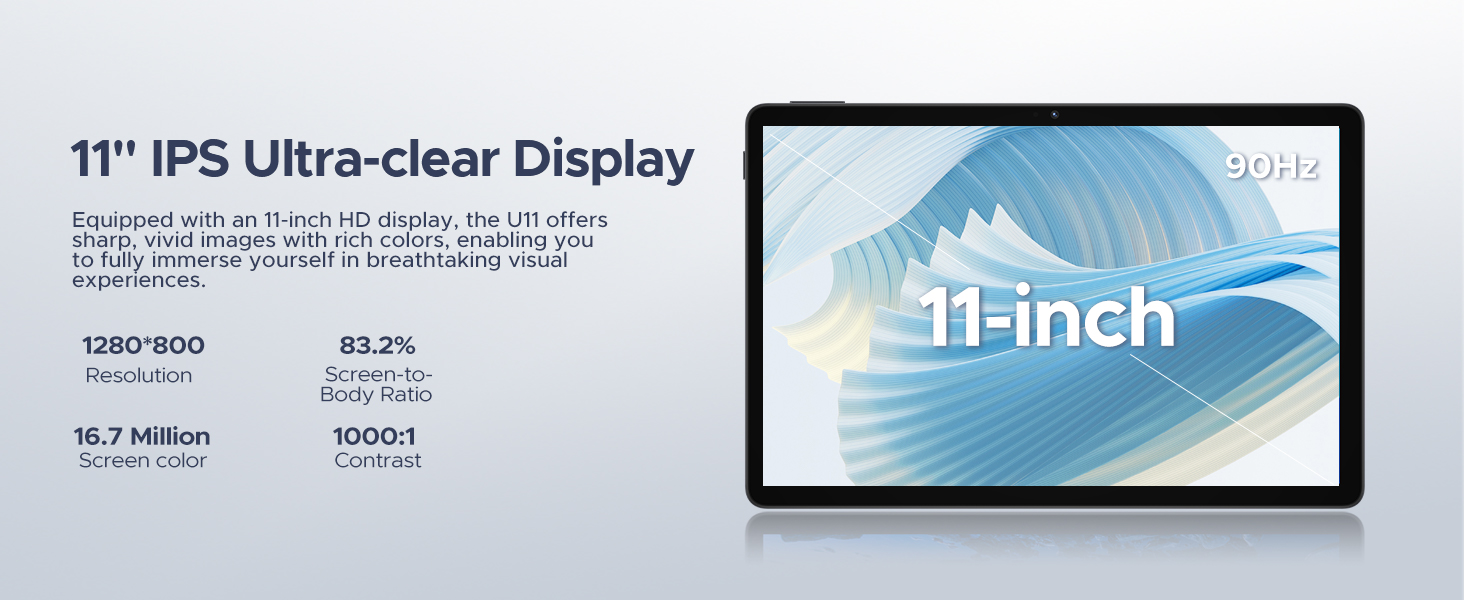
Figura 3: The DOOGEE U11 tablet displaying WPS Office applications, demonstrating its capability for productivity tasks.
Entertainment and Media
- Streaming: Enjoy 1080P streaming on platforms like Netflix, YouTube, HBO, and Amazon Prime Video with Widevine L1 support.
- Jocuri: The Octa-Core processor and 90Hz display provide a smooth gaming experience.
- Radio FM: Plug in headphones to use the built-in FM radio function.
Baterie și încărcare
The DOOGEE U11 is equipped with an 8580mAh high-capacity battery designed for extended use.
- Încărcare: Use the provided Type-C cable and power adapter to charge the tablet.
- Durata de viață a bateriei: Expect long hours of video watching, music playback, and web navigare.
- Încărcare inversă: The tablet supports reverse charging, allowing you to charge other devices in emergencies.
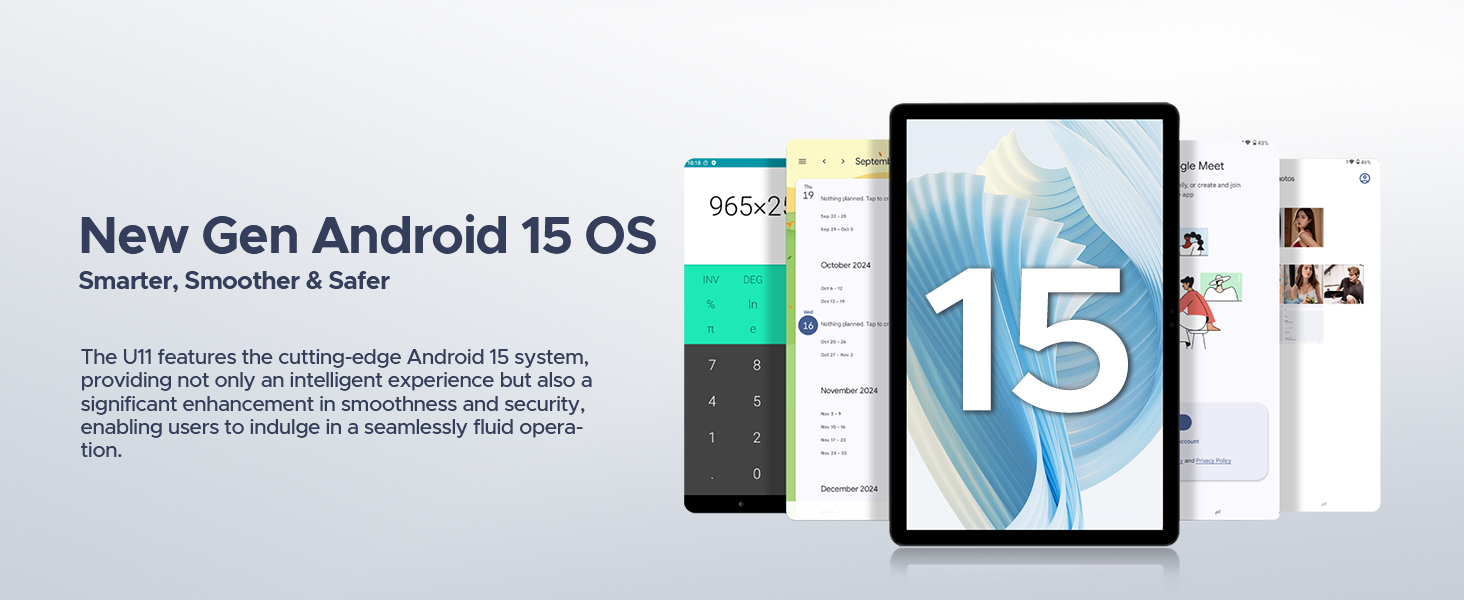
Figura 4: Infographic detailing the impressive battery life of the 8580mAh battery, including standby, music playback, video watching, and web browsing hours.
Figura 5: Image showing the DOOGEE U11 tablet providing reverse charging to another mobile device, illustrating its utility in emergencies.
Întreținere și îngrijire
- curatenie: Folosiți o lavetă moale, fără scame, pentru a curăța ecranul și carcasa. Evitați substanțele chimice dure.
- Actualizări de software: Verificați și instalați periodic actualizări de sistem pentru a asigura performanță și securitate optime.
- Managementul stocării: Utilize the new Memory Manager features to clean junk files, delete duplicates, and manage large files pentru a elibera spațiu.
- Temperatură: Avoid exposing the tablet to extreme temperatures or direct sunlight for prolonged periods.
Depanare
| Problemă | Cauza posibila | Soluţie |
|---|---|---|
| Tableta nu pornește | Baterie descărcată; Prăbușire sistem | Încărcați tableta timp de cel puțin 30 de minute. Apăsați și mențineți apăsat butonul de pornire timp de 10-15 secunde pentru a forța repornirea. |
| Probleme de conexiune Wi-Fi | Parolă incorectă; Probleme cu routerul; În afara razei de acoperire | Verify password. Restart router. Move closer to the Wi-Fi source. |
| Aplicațiile se blochează sau se blochează | Insufficient RAM; App bug; Too many background apps | Close background apps. Clear app cache/data. Update the app or system software. |
| Performanță lentă | Too many apps; Low storage; Outdated software | Free up storage using Memory Manager. Uninstall unused apps. Update system software. |
Specificații
| Caracteristică | Detaliu |
|---|---|
| Model | DOOGEE U11(2025) Android 15 Tablet |
| Sistem de operare | Android 15 |
| Procesor | T606 Octa-Core |
| Afişa | 11-inch IPS, 1280*800 Pixels, 90Hz Refresh Rate |
| RAM | 16GB (4GB + 12GB RAM expansion) |
| Stocare internă | 128 GB ROM |
| Stocare extensibilă | Până la 2 TB prin card MicroSD/TF |
| Baterie | 8580mAh polimer de litiu |
| Camera principală | 13MP |
| Cameră frontală | 5MP |
| Conectivitate | Wi-Fi 5G & 2.4G, Bluetooth 5.0, AGPS |
| Porturi | Type-C, 3.5mm AUX, SD card slot |
| Dimensiuni | 10.12 x 6.68 x 0.31 inchi (26 x 17 x 0.8 cm) |
| Greutate | 1.94 lire (537 g) |
Garanție și suport
Informații despre garanție
The DOOGEE U11(2025) Android 15 Tablet comes with a Garanție limitată de 2 aniAceastă garanție acoperă defectele de fabricație și defecțiunile în condiții normale de utilizare. Vă rugăm să păstrați dovada achiziției pentru reclamațiile în garanție.
A Garanție de returnare a banilor de 30 de zile and free return policy are also available from the seller.
Asistență pentru clienți
For technical assistance, troubleshooting, or warranty inquiries, please contact DOOGEE customer support. They offer 24/7 one-on-one online support.
- Suport online: Refer to the official DOOGEE website pentru informații de contact și resurse de asistență.
- Asistență pentru vânzători: For purchase-related issues, contact the seller "yingyuankeji08" through Amazon's messaging system.
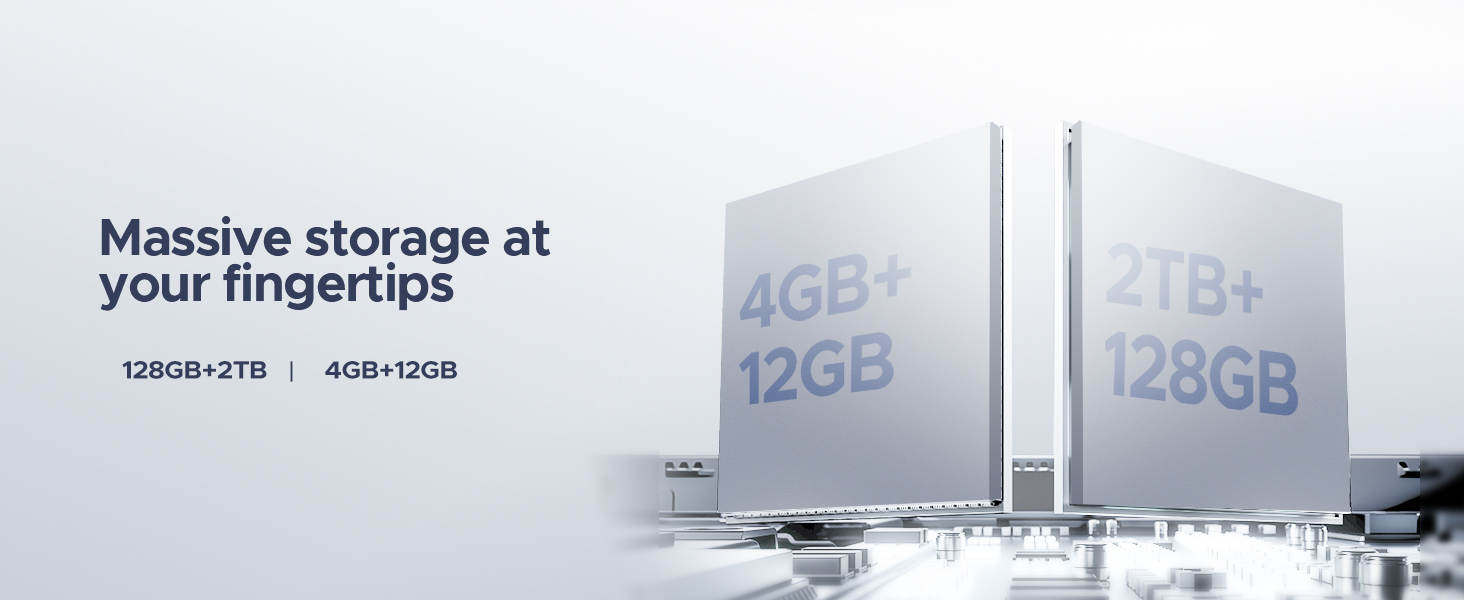
Figura 6: Image detailing DOOGEE's customer service commitments, including 30-day money-back guarantee, 2-year limited warranty, and 24/7 online support.


