1. Introducere
Thank you for choosing the UONI S1 P1 Robot Vacuum Cleaner. This device is designed to provide efficient and convenient cleaning for your home, featuring strong suction, Wi-Fi connectivity, and a 2-in-1 vacuum and mop function. This manual provides essential information for safe operation, setup, maintenance, and troubleshooting to ensure optimal performance of your robot vacuum.

The UONI P1 Robot Vacuum Cleaner offers a mini body, durable battery, schedule cleaning, 400ML dust box, 100 minutes runtime, and app control for a comprehensive cleaning experience.
2. Instrucțiuni importante de siguranță
Please read all safety instructions carefully before using this product and keep this manual for future reference. Failure to follow these instructions may result in electric shock, fire, or serious injury.
- Acest aparat poate fi utilizat de copii cu vârsta de 8 ani și peste și de persoane cu capacități fizice, senzoriale sau mentale reduse sau cu lipsă de experiență și cunoștințe, dacă au primit supraveghere sau instrucțiuni privind utilizarea aparatului într-un mod sigur și înțeleg pericolele implicate. .
- Copiii trebuie supravegheați pentru a se asigura că nu se joacă cu aparatul.
- Curățarea și întreținerea utilizatorului nu trebuie efectuate de copii fără supraveghere.
- Folosiți doar adaptorul de alimentare original furnizat de producător.
- Nu utilizați aspiratorul robot în medii umede sau în apropierea apei.
- Îndepărtați orice cabluri slăbite, obiecte mici sau articole fragile de pe calea de curățare înainte de utilizare.
- Do not operate the robot vacuum on elevated surfaces without protective barriers.
- Asigurați-vă că stația de încărcare este așezată lângă un perete, pe o suprafață plană, departe de surse de căldură.
3. Conținutul pachetului
Verificați dacă toate componentele sunt prezente și în stare bună:
- UONI S1 P1 Robot Vacuum Cleaner
- Dock de încărcare
- Adaptor de alimentare
- Perii laterale (2 perechi)
- Detachable Mopping Plate
- Mopping Cloth (reusable)
- Instrument de curățare
- Manual de utilizare
4. Produs terminatview
Familiarize yourself with the main components of your UONI S1 P1 Robot Vacuum Cleaner.
Top View
The top panel features the power/clean button and Wi-Fi indicator.
Fund View
The underside includes the driving wheels, side brushes, charging contacts, and drop sensors.
Dustbin and Mopping Plate
The dustbin is easily accessible for emptying, and the mopping plate can be attached for wet cleaning.
5. Configurare
5.1 Amplasarea stației de încărcare
Place the charging dock against a wall in an open area, ensuring there are no obstacles within 1 meter (3 feet) to the front and 0.5 meters (1.5 feet) to the sides. Connect the power adapter to the charging dock and plug it into a wall outlet.
5.2 Încărcare inițială
Place the robot vacuum onto the charging dock. Ensure the charging contacts on the robot align with those on the dock. The indicator light on the robot will show charging status. For first-time use, fully charge the robot for at least 6 hours.

The robot vacuum automatically returns to its charging station when the battery is low or cleaning is complete.
5.3 Connecting to the UONI Robot App
For full control and scheduling features, download the UONI Robot App from your smartphone's app store. Follow the in-app instructions to connect your robot vacuum to your home Wi-Fi network.
This video demonstrates the UONI P1 Robot Vacuum's app remote control and automatic self-charging feature.
6. Funcționarea aspiratorului robot
6.1 Pornirea/Întreruperea curățării
Press the power button on the robot or use the UONI Robot App to start or pause a cleaning cycle.
6.2 moduri de curățare
The UONI S1 P1 offers multiple cleaning modes to suit different needs:
- Curățare automată: Robotul navighează inteligent și curăță întreaga suprafață a podelei.
- Curățarea punctelor: Se concentrează pe o anumită zonă murdară, curățând în spirală.
- Curățarea marginilor: Curăță de-a lungul pereților și marginilor mobilei.
- Programați curățarea: Setați ore specifice pentru ca robotul să curățe automat prin intermediul aplicației.

Illustrates the four distinct cleaning modes available to meet daily cleaning requirements.
6.3 Funcție 2 în 1 de aspirare și mop
The robot vacuum includes a detachable mopping plate and mopping cloth for wet cleaning. Attach the mopping plate with a damp cloth to the underside of the robot for mopping hard floors. Note: This model does not include a water tank; the cloth must be pre-dampterminat.

The robot features strong suction, a replaceable mopping cloth, and a 90-minute runtime for effective cleaning.
6.4 Navigație și evitarea obstacolelor
The robot is equipped with sensors to detect stairs and ledges, preventing falls. Its slim design allows it to clean under furniture effectively.

Drop-sensing technology helps the robot avoid falling down stairs or off ledges.

The ultra-slim body, measuring 2.65 inches, allows for effective cleaning under beds and sofas.
7. Întreținere
Întreținerea regulată asigură că aspiratorul robot funcționează la performanțe maxime.
7.1 Curățarea recipientului de praf și a filtrului
Open the top cover, remove the dustbin, and empty its contents. Clean the filter by tapping it gently to remove dust. Replace the filter regularly for optimal suction.
7.2 Curățarea periilor laterale
Remove any hair or debris tangled around the side brushes. Replace worn brushes to maintain cleaning efficiency.
7.3 Curățarea senzorilor și a contactelor de încărcare
Wipe the drop sensors and charging contacts on both the robot and the charging dock with a clean, dry cloth to ensure proper function and charging.

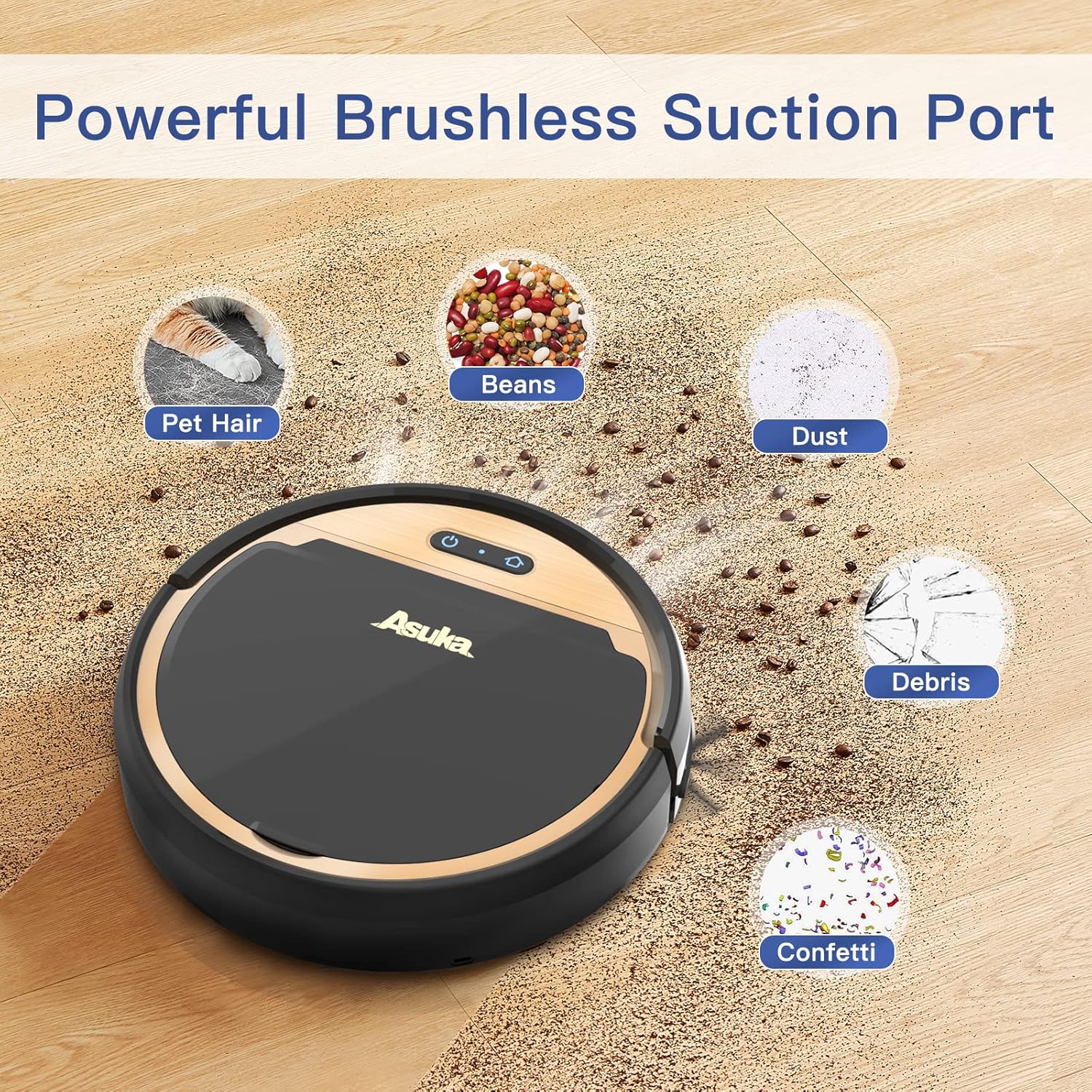
The tangle-free suction port design helps prevent hair from getting tangled, reducing maintenance compared to traditional roller brushes.
8. Depanare
Dacă întâmpinați probleme cu aspiratorul robot, consultați următoarele probleme și soluții comune:
| Problemă | Cauza posibila | Soluţie |
|---|---|---|
| Robotul nu pornește | Baterie descărcată; Întrerupător oprit | Încărcați robotul; Asigurați-vă că întrerupătorul de alimentare este pornit |
| Robotul nu se încarcă | Contactele de încărcare sunt murdare; stația de andocare nu este alimentată | Clean contacts; Check power connection to dock |
| Aspirație slabă | Full dustbin; Clogged filter; Obstruction in suction port | Empty dustbin; Clean/replace filter; Remove obstruction |
| Robotul se blochează frecvent | Too many obstacles; Tangled side brushes | Clear cleaning area; Clean side brushes |
| Robot falls down stairs | Drop sensors dirty | Clean drop sensors thoroughly |
9. Specificații
Technical details for the UONI S1 P1 Robot Vacuum Cleaner:
- Marca: UONI
- Număr de model: P1
- Dimensiuni produs: 12 cm L x 12 cm l x 3 cm Î
- Greutatea articolului: 3 lire sterline
- Sursa de alimentare: Alimentat cu baterie
- Durata de viață a bateriei: 90 minute
- Tip filtru: Pânză
- Caracteristici speciale: Wi-Fi Compatible, Works with Alexa, Boost Intellect Technology, Virtual Boundary Capability, 2000Pa Strong Suction Power, Ideal for Pet Hair
- Dispozitive compatibile: Amazon Echo, Google Home, Smartphone-uri
- Recomandare de suprafață: Covor, podea tare
10. Garanție și asistență
For warranty information, technical support, or service inquiries, please refer to the warranty card included in your product packaging or visit the official UONI webPăstrați bonul fiscal ca dovadă a achiziției.


