1. Introducere
Thank you for choosing the cimetech Wireless Keyboard and Mouse Combo. This product is designed to provide a comfortable and efficient typing and navigation experience for your computer. This manual will guide you through the setup, operation, and maintenance of your new wireless combo.

Figure 1: cimetech Wireless Keyboard and Mouse Combo (Dark Blue)
2. Caracteristici cheie
- Slim and Ergonomic Design: The keyboard features a tilt angle for comfortable typing. The mouse has a contoured, sweat-resistant, skin-friendly finish for extended use.
- Full Size & Ultra-thin Keyboard: Measuring 14.5x5.8x0.2 inches with 99 keys, this ultra-thin keyboard is portable and suitable for various environments. It includes multi-media hotkeys for quick access to music, internet, email, and volume controls.
- Less Noise & Low Profile Chei: The keyboard's noise-reduced keys and the silent click of the mouse minimize disturbance. Both devices feature auto-sleeping mode and on/off switches to conserve battery life.
- Fast Operation 2.4G Wireless Plug and Play: Connect both the keyboard and mouse with a single USB receiver for a strong, reliable wireless connection up to 10 meters (33 ft) without delays or dropouts.
- Compatibilitate largă: Works with PC, desktop computers, laptops, or notebooks running Windows XP / Vista / 7 / 8 / 10 operating systems.
3. Ghid de instalare
3.1. Instalarea bateriei
The mouse requires one (1) AA battery, and the keyboard requires two (2) AA batteries (not included). Ensure correct polarity when inserting batteries.
- Pentru șoarece: Open the battery compartment cover on the underside of the mouse. Insert one AA battery, observing the polarity markings. Close the cover.
- Pentru tastatură: Open the battery compartment cover on the underside of the keyboard. Insert two AA batteries, observing the polarity markings. Close the cover.
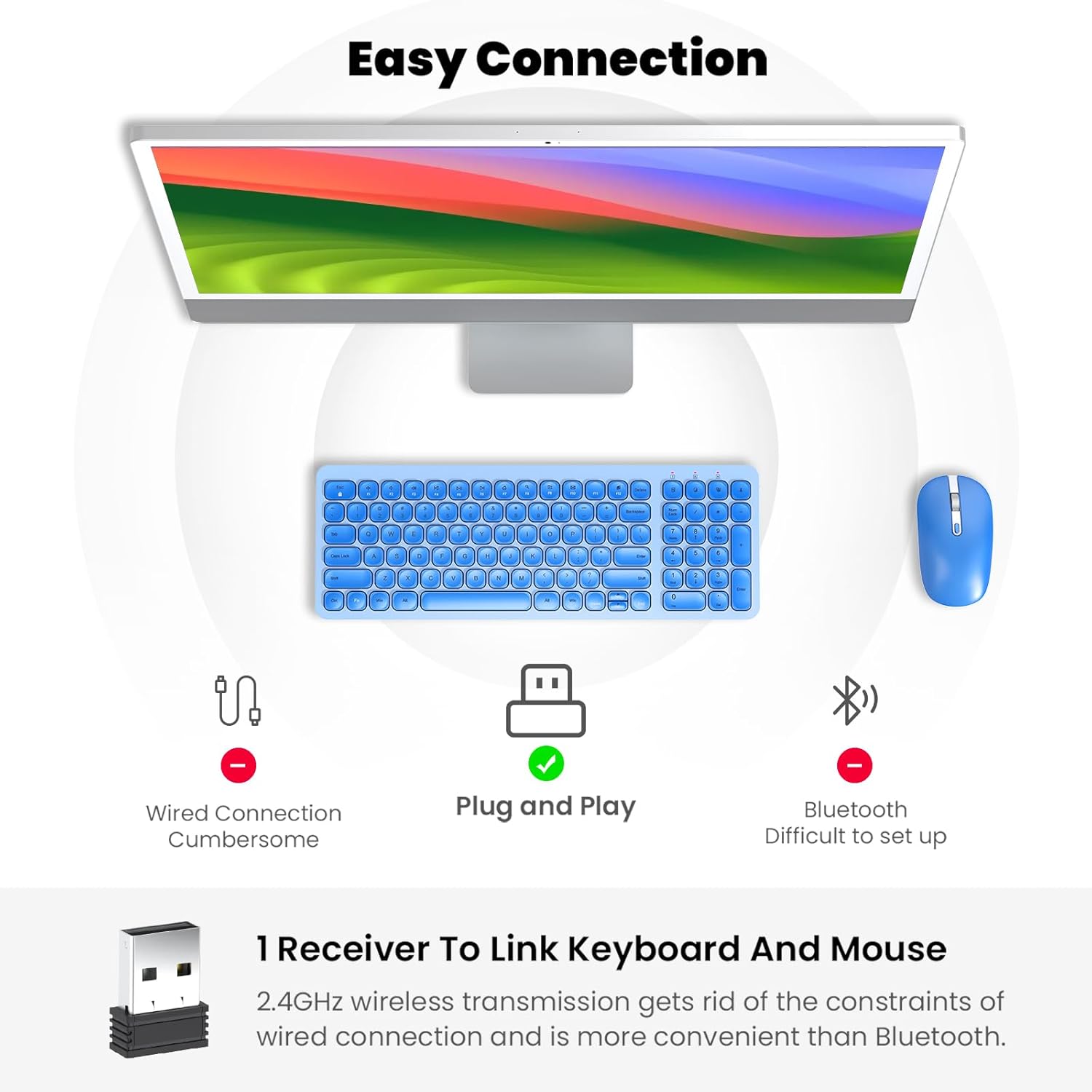
Figure 2: Mouse battery compartment showing AA battery insertion.
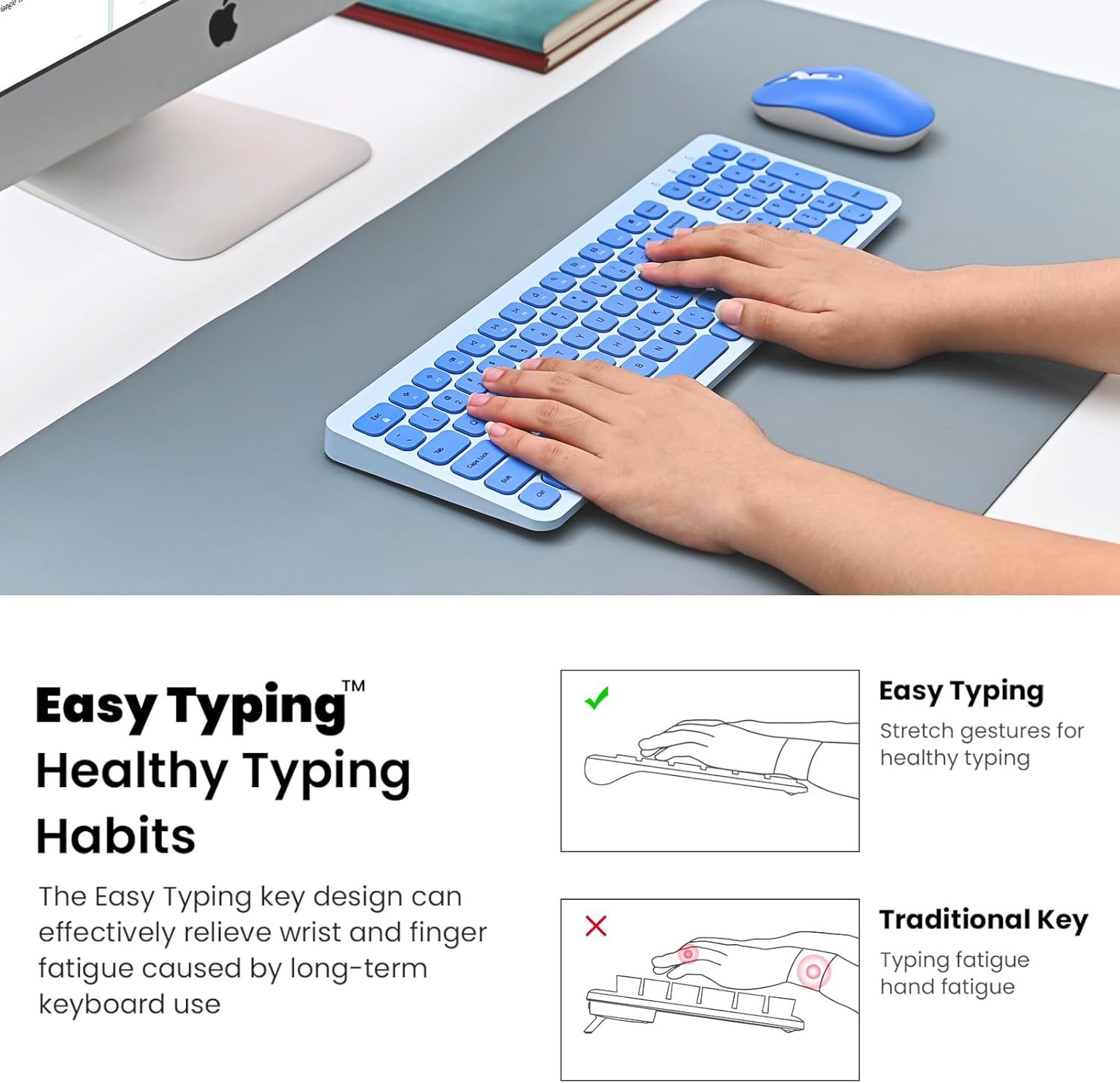
Figure 3: Keyboard battery compartment showing two AA batteries.
3.2. Conectarea receptorului USB
The 2.4G USB receiver is conveniently stored inside the mouse's battery compartment.
- Locate and remove the USB receiver from the mouse's battery compartment.
- Conectați receptorul USB la un port USB disponibil de pe computer.
- Turn on the mouse using the ON/OFF switch located on its underside.
- Turn on the keyboard using the ON/OFF switch located on its underside.
- Calculatorul dumneavoastră ar trebui să detecteze și să instaleze automat driverele necesare. Tastatura și mouse-ul sunt acum gata de utilizare.

Figure 4: USB receiver stored within the mouse battery compartment.
3.3. Video demonstrativ de configurare
Video 1: Demonstration of battery installation and USB receiver setup for the cimetech Wireless Keyboard.
Video 2: Detailed look at the cimetech Wireless Keyboard and Mouse Combo, including battery and dongle placement.
4. Instrucțiuni de utilizare
4.1. Utilizarea tastaturii
- tastare: Low-profile scissor-switch keys provide a quiet and comfortable typing experience with uniform force distribution.
- Taste rapide multimedia: Use the 'Fn' key in combination with the F1-F12 keys for quick access to various functions such as media control, volume adjustment, and internet browsing. Refer to the keycap icons for specific functions.
- Tastatură numerică: The full-size keyboard includes a dedicated numeric keypad for efficient data entry.
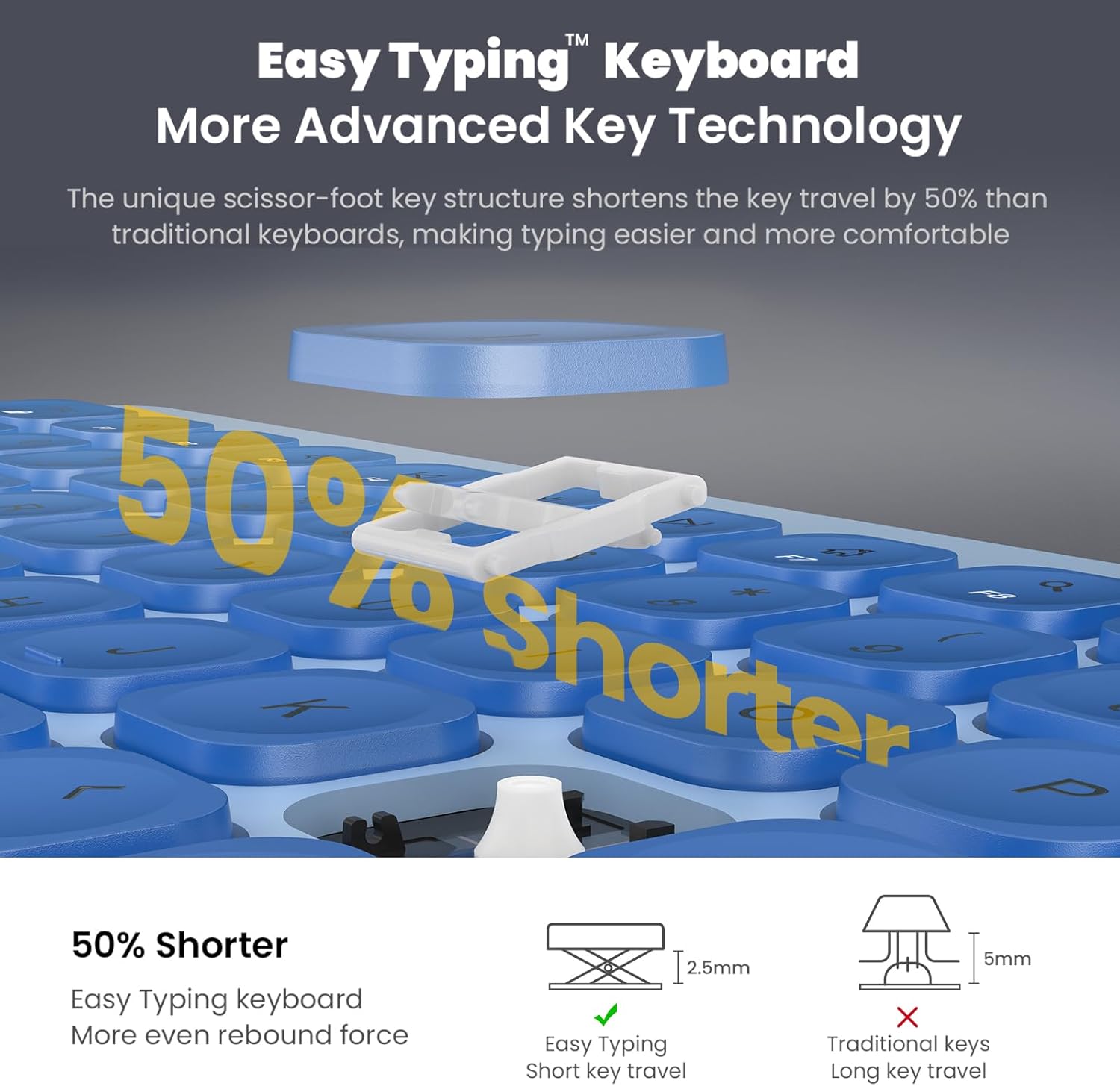
Figure 5: Close-up of the keyboard keys, highlighting the scissor-switch mechanism for comfortable typing.
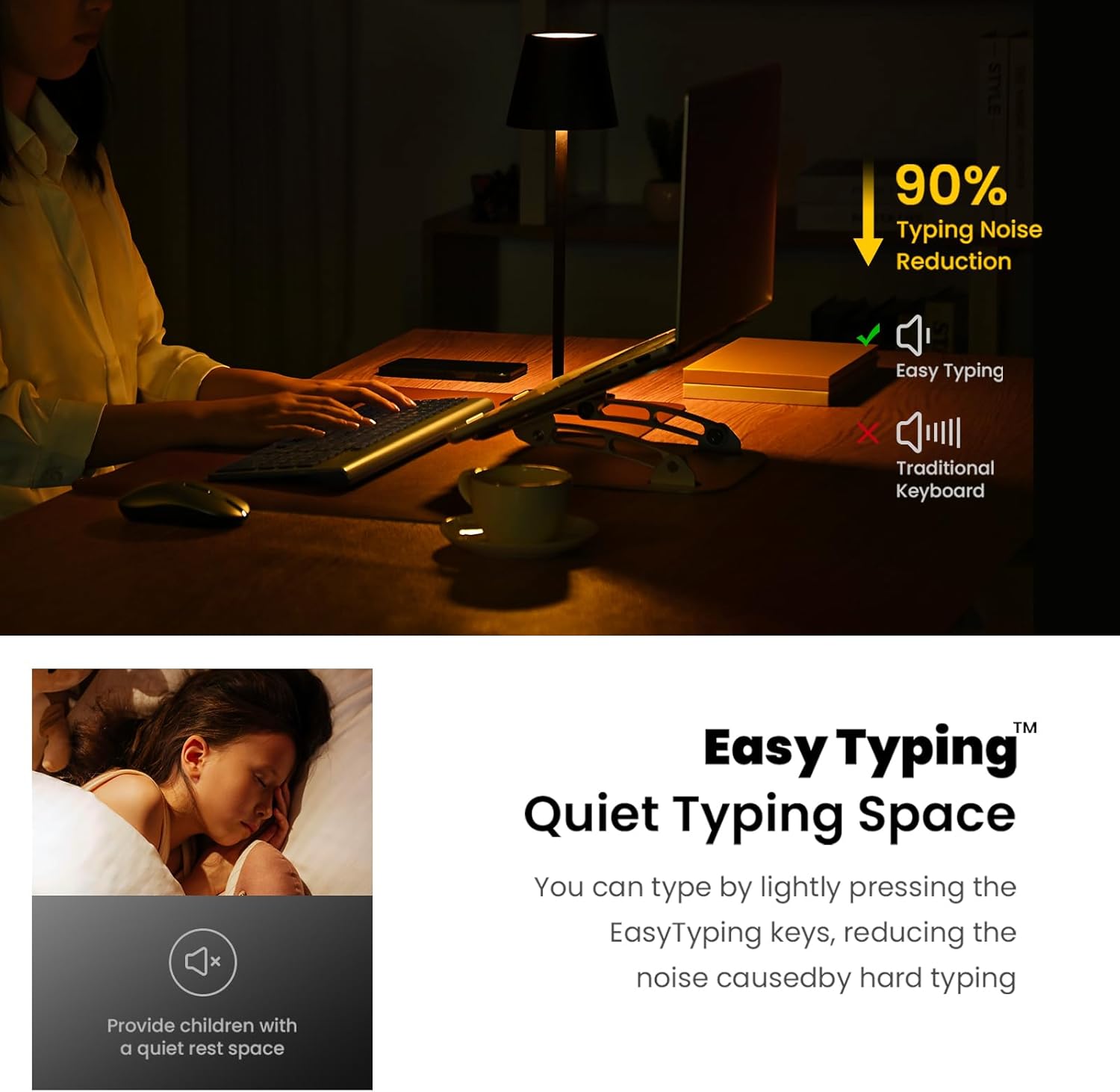
Figure 6: The keyboard's quiet keys reduce typing noise, ideal for shared spaces.
4.2. Utilizarea mouse-ului
- Ajustare DPI: The mouse features adjustable DPI settings (800/1200/1600) to customize cursor sensitivity. Press the DPI button (usually located near the scroll wheel) to cycle through settings.
- Clic silențios: The mouse is designed with silent click buttons to minimize noise.
- Rotiță de defilare: Use the metal scroll wheel for smooth vertical scrolling.
4.3. Funcții de economisire a energiei
- Modul Auto-Sleep: The keyboard enters sleep mode after 10 minutes of inactivity, and the mouse after 15 minutes, to conserve battery. Press any key or click the mouse to wake them up.
- Comutatoare ON/OFF: For extended periods of non-use, turn off the keyboard and mouse using their respective ON/OFF switches.
5. Întreținere
- curatenie: Folosiți o lavetă moale și uscată pentru a curăța suprafețele tastaturii și mouse-ului. Evitați utilizarea substanțelor chimice dure sau a materialelor abrazive.
- Înlocuire baterie: Replace batteries when performance degrades. Always use new AA batteries and dispose of old batteries responsibly.
- Depozitare: When not in use for extended periods, store the USB receiver inside the mouse's battery compartment to prevent loss.
6. Depanare
- Niciun răspuns de la tastatură/mouse:
- Ensure both devices are turned ON using their respective switches.
- Verificați dacă bateriile sunt instalate corect și au o încărcare suficientă. Înlocuiți-le dacă este necesar.
- Verificați dacă receptorul USB este conectat corect la un port USB funcțional al computerului. Încercați un alt port USB.
- Reporniți computerul.
- Conexiune întârziată sau intermitentă:
- Ensure the distance between the devices and the USB receiver is within 10 meters (33 ft).
- Evitați amplasarea receptorului în apropierea surselor puternice de interferență electromagnetică (de exemplu, alte dispozitive wireless, obiecte metalice mari).
- Înlocuiți bateriile dacă acestea sunt descărcate.
- Mouse Cursor Movement is Erratic:
- Curățați senzorul optic de pe partea inferioară a mouse-ului.
- Asigurați-vă că utilizați mouse-ul pe o suprafață adecvată (nu foarte reflectorizantă sau transparentă).
- Adjust the DPI setting to a lower sensitivity if the cursor is too fast.
7. Specificații
| Caracteristică | Detaliu |
|---|---|
| Dimensiunile produsului | 14.57 x 5.31 x 1.97 inci |
| Greutatea articolului | 1.21 lire sterline |
| Tehnologia de conectivitate | Radio Frequency, USB (2.4G Wireless) |
| Caracteristici speciale | Ergonomic, Lightweight, Portable, Silent Keys, Auto-Sleep |
| Dispozitive compatibile | Laptop, Personal Computer (Windows XP / Vista / 7 / 8 / 10) |
| Baterie tastatură | 2 x baterii AA (nu sunt incluse) |
| Baterie mouse | 1 x baterii AA (nu sunt incluse) |
8. Garanție și asistență
For information regarding product warranty, returns, or technical support, please refer to the retailer's policy or contact cimetech customer service directly. Optional protection plans may be available for purchase separately to extend coverage beyond the standard warranty period.
- Protection Plan Options:
- Plan de protecție pe 3 ani
- Plan de protecție pe 4 ani
- Complete Protect (abonament lunar care acoperă achizițiile trecute și viitoare eligibile)