Manuals+
Remote codesDISH
DISH Remote Codes and TV Pairing
Find DISH 20.0, 20.1, 21.0 and 21.1 codes or pair a 40.0, 50.0, 52.0, 54-series or 60-series remote to your TV and receiver.

Find your remote code
Choose your remote or code-list version, then the device you want it to control.
Match the label on your remote
Check the back and inside the battery compartment. Compare the setup button and the digits your manual asks for.
- Check the labelModel and version
- Choose the deviceType and brand
- Enter and testPower, volume and input
Programming by model
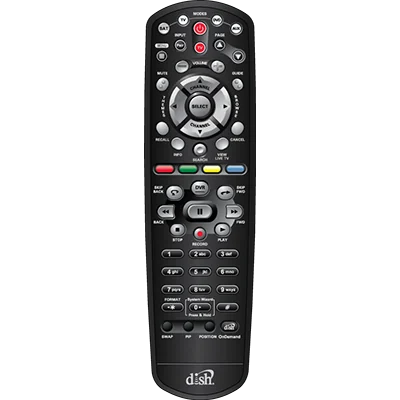 DISH 40.0 · On-screen setup
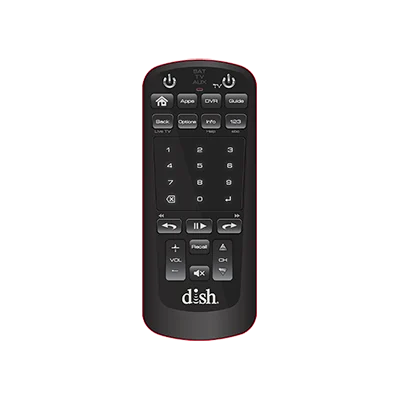 DISH 50.0 · On-screen setup
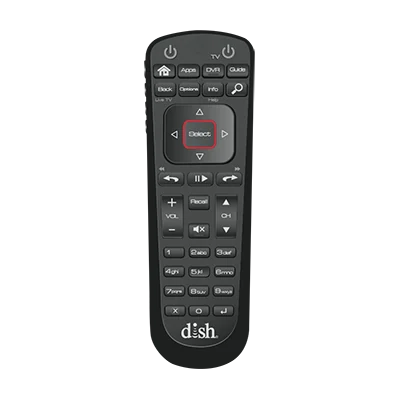 DISH 52.0 · On-screen setup
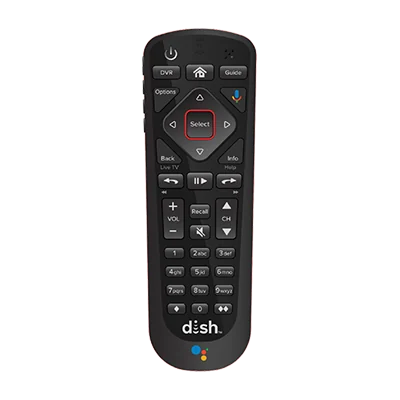 DISH 54-series · On-screen setup
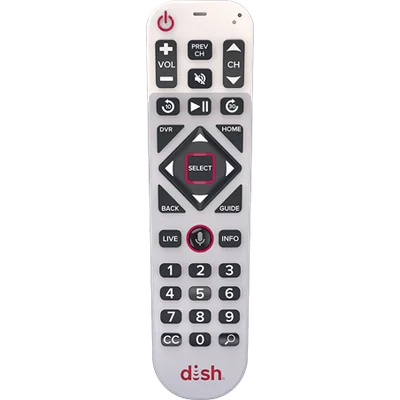 DISH 60-series · On-screen setup
Frequently asked questions
How do I program my DISH remote without a code?
Use the TV Pairing Wizard for Hopper and Wally remotes. Older ViP 20- and 21-series models can use Power Scan with the Up arrow and #.
Why does the DISH remote control the receiver but not my TV volume?
Receiver pairing and TV control are separate. Set up the TV in the Pairing Wizard or program the TV mode with a model-specific code.