1. Introdução
Welcome to the user manual for your new TCL 75P89K QLED 4K Google TV. This guide provides essential information for setting up, operating, and maintaining your television to ensure optimal performance and enjoyment. Please read this manual thoroughly before using your TV and keep it for future reference.
Produto acimaview
The TCL 75P89K is a 75-inch QLED 4K Ultra HD Google TV, featuring a 144Hz refresh rate, Dolby Vision, HDR10+, and HDMI 2.1 connectivity. It offers a stunning visual experience with vibrant colors and sharp details, powered by Google TV for smart functionality and seamless content access.
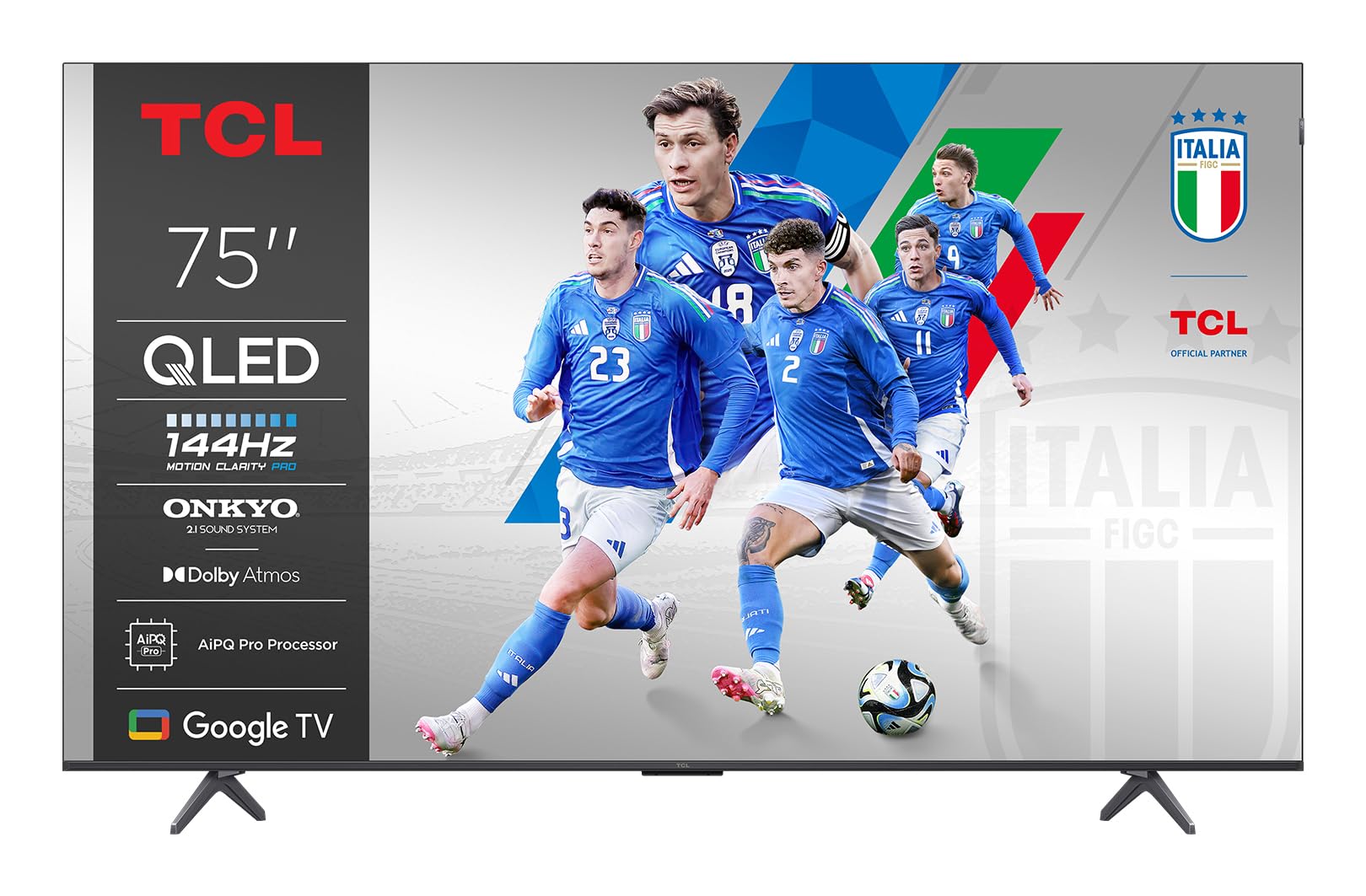
Imagem: Frente view of the TCL 75P89K QLED 4K Google TV, showcasinseu design fino e tela vibrante.
2. Informações de segurança
Before operating the TV, please read all instructions carefully. Keep these instructions for future reference. Always follow basic safety precautions to reduce the risk of fire, electric shock, and injury to persons.
- Não bloqueie nenhuma abertura de ventilação.
- Não instale perto de fontes de calor.
- Proteja o cabo de alimentação para que não seja pisado ou comprimido.
- Utilize somente acessórios/anexos especificados pelo fabricante.
- Desligue este aparelho durante tempestades com raios ou quando não for utilizado por longos períodos de tempo.
- Deixe toda a manutenção a cargo de pessoal qualificado.
3. Configuração
3.1 Desembalagem
Carefully remove the TV from its packaging. It is recommended to keep the original packaging for future transport or servicing needs. Ensure all accessories are present.
3.2 Stand Installation or Wall Mounting
Your TV can be placed on a stand or mounted on a wall. Follow the instructions provided with your TV stand or wall mount kit.
Wall Mounting Instructions (Example for PERLESMITH TV Wall Mount)
If you are using a PERLESMITH wall mount (model PSPILFK1), the following video provides a detailed guide on how to install it. This video demonstrates the steps for attaching the TV brackets and mounting the assembly to the wall.
Video: Installation guide for PERLESMITH TV Wall Mount (PSPILFK1-E). This video demonstrates how to attach the TV brackets to the television and then securely mount the entire assembly onto a wall, ensuring proper alignment and stability.
3.3 Conectando Periféricos
Connect your external devices such as Blu-ray players, gaming consoles, sound systems, and cable/satellite boxes to the TV's ports.
- HDMI: Use HDMI cables for high-definition video and audio. Your TCL 75P89K supports HDMI 2.1 for advanced features like 4K@144Hz.
- USB: Conecte dispositivos USB para reprodução de mídia ou atualizações de software.
- Poder: Ligue o cabo de alimentação à TV e, em seguida, a uma tomada de parede.
3.4 Configuração inicial
Once powered on, the TV will guide you through the initial setup process. This includes selecting your language, connecting to a Wi-Fi network, and signing in to your Google account to access Google TV features.
4. Operando sua TV
4.1 Controle Remoto Sobreview
Familiarize yourself with the TV's remote control. It typically includes buttons for power, volume, channel selection, input source, navigation, and direct access to smart TV apps.
4.2 Funções Básicas
- Ligar/desligar: Pressione o botão liga/desliga no controle remoto ou na TV.
- Controle de volume: Use os botões de aumentar/diminuir o volume.
- Seleção de canais: Use os botões de canal para cima/para baixo ou o teclado numérico.
- Fonte de entrada: Press the Input button to switch between connected devices (HDMI, AV, etc.).
4.3 Recursos da Smart TV (Google TV)
Your TCL 75P89K runs on Google TV, providing access to a vast library of apps, streaming services, and personalized content recommendations.
- Tela inicial: Access personalized content, apps, and settings.
- Assistente de voz: Use the built-in Google Assistant for voice commands, content search, and smart home control.
- Aplicativos: Baixe e instale aplicativos da Google Play Store.
4.4 Configurações de imagem e som
Personalize o seu viewA experiência de áudio e vídeo pode ser personalizada através do menu de configurações da TV.
- Modos de imagem: Select from various preset picture modes (e.g., Standard, Movie, Sport, Vivid) or customize settings like brightness, contrast, color, and sharpness.
- Modos de som: Choose sound modes (e.g., Standard, Music, Movie) or adjust equalizer settings.
- Dolby Vision/HDR10+: The TV automatically detects and optimizes content for Dolby Vision and HDR10+ for enhanced dynamic range and color.
4.5 Recursos de jogos
The 75P89K is optimized for gaming with a 144Hz refresh rate and HDMI 2.1.
- Taxa de atualização de 144Hz: Proporciona movimentos extremamente suaves para jogos de ritmo acelerado.
- VRR (taxa de atualização variável): Reduz o tearing e a trepidação da tela para uma jogabilidade mais fluida.
- ALLM (Modo Automático de Baixa Latência): Alterna automaticamente a TV para um modo de baixa latência quando um console de jogos é detectado.
4.6 Casting/Screen Mirroring
Share content from your mobile devices to the TV using built-in casting features.
- Chromecast integrado: Cast videos, photos, and apps from your compatible smartphone or tablet.
- Air Play 2: Stream content directly from Apple devices.
5. Manutenção
5.1 Limpando sua TV
- Tela: Gently wipe the screen with a soft, lint-free cloth. For stubborn marks, use a screen cleaner specifically designed for TVs.
- Quadro: Limpe a moldura e o suporte com um pano macio e seco.
- Cuidado: Do not use abrasive cleaners, waxes, or solvents as they can damage the TV's finish. Always unplug the TV before cleaning.
5.2 Atualizações de Software
Sua TV pode receber atualizações de software para melhorar o desempenho e adicionar novos recursos. Certifique-se de que sua TV esteja conectada à internet para receber essas atualizações automaticamente ou verifique-as manualmente no menu de configurações.
6. Solução De Problemas
If you encounter any issues with your TV, refer to the following common problems and solutions:
| Problema | Solução possível |
|---|---|
| Sem energia | Verifique se o cabo de alimentação está firmemente conectado à TV e à tomada. Tente outra tomada. |
| Sem imagem, mas com som. | Check the input source. Ensure the external device is powered on and connected correctly. |
| Sem som, mas com imagem. | Check the volume level and mute status. Verify audio output settings and external audio device connections. |
| Controle remoto não funciona | Substitua as pilhas. Certifique-se de que não haja obstruções entre o controle remoto e a TV. |
| Problemas de conexão Wi-Fi | Restart your router and modem. Check TV network settings. Ensure the TV is within range of your Wi-Fi network. |
For more complex issues, please contact TCL customer support.
7. Especificações
| Recurso | Detalhe |
|---|---|
| Marca | TCL |
| Fabricante | TCL |
| Nome do modelo | 75P89K |
| Ano do modelo | 2021 |
| interface de hardware | HDMI |
| Resolução de exibição | 4K |
| Tecnologia de exibição | QLED |
| Tamanho da tela | 75 polegadas |
| Relação de contraste da imagem | Alto |
| Proporção da tela | 16:9 |
| Entrada de áudio | HDMI |
| Configuração do canal de som surround do alto-falante | 5.1 |
| Taxa de atualização | 144 hertz |
| Número de portas USB | 1 |
| Tipo de conector | HDMI |
| Compatibilidade de Montagem | Montagem na parede |
| Peso do produto | 9 kg |
| Atualizações de software garantidas até | Desconhecido |
| Serviços de Internet suportados | Google TV |
| Cor | Preto |
8. Garantia e Suporte
8.1 Informações de garantia
Para obter informações detalhadas sobre a garantia, consulte o cartão de garantia incluído com o seu produto ou visite o site oficial da TCL. website. Guarde o recibo de compra como comprovante para solicitações de garantia.
8.2 Suporte ao cliente
If you require further assistance or have questions not covered in this manual, please contact TCL customer support. You can find contact details on the official TCL website ou na documentação do produto.
Suporte Online: Visite www.tcl.com Para perguntas frequentes, artigos de suporte e informações de contato.


