Introdução
This manual provides essential information for the setup, operation, and maintenance of your Mouse com fio HP 105. Designed for reliability and comfort, this optical mouse offers precise control with its 1600 DPI sensor and a versatile ambidextrous design. It connects via a standard USB-A cable, ensuring a stable and uninterrupted connection for your computing needs.
Configurar
The HP Wired Mouse 105 is designed for quick and easy plug-and-play setup.
- Desembale o mouse: Retire cuidadosamente o rato da embalagem.
- Connect to a USB Port: Locate an available USB Type A port on your computer (PC or Mac). Insert the mouse's USB connector firmly into the port.
- Instalação do driver: Your operating system (Windows 7, 8, 10, 11, or Mac OS) should automatically detect and install the necessary drivers. No additional software installation is typically required.
- Verificar funcionalidade: Once connected, the optical sensor on the underside of the mouse will emit a red light. Move the mouse to confirm cursor movement on your screen.
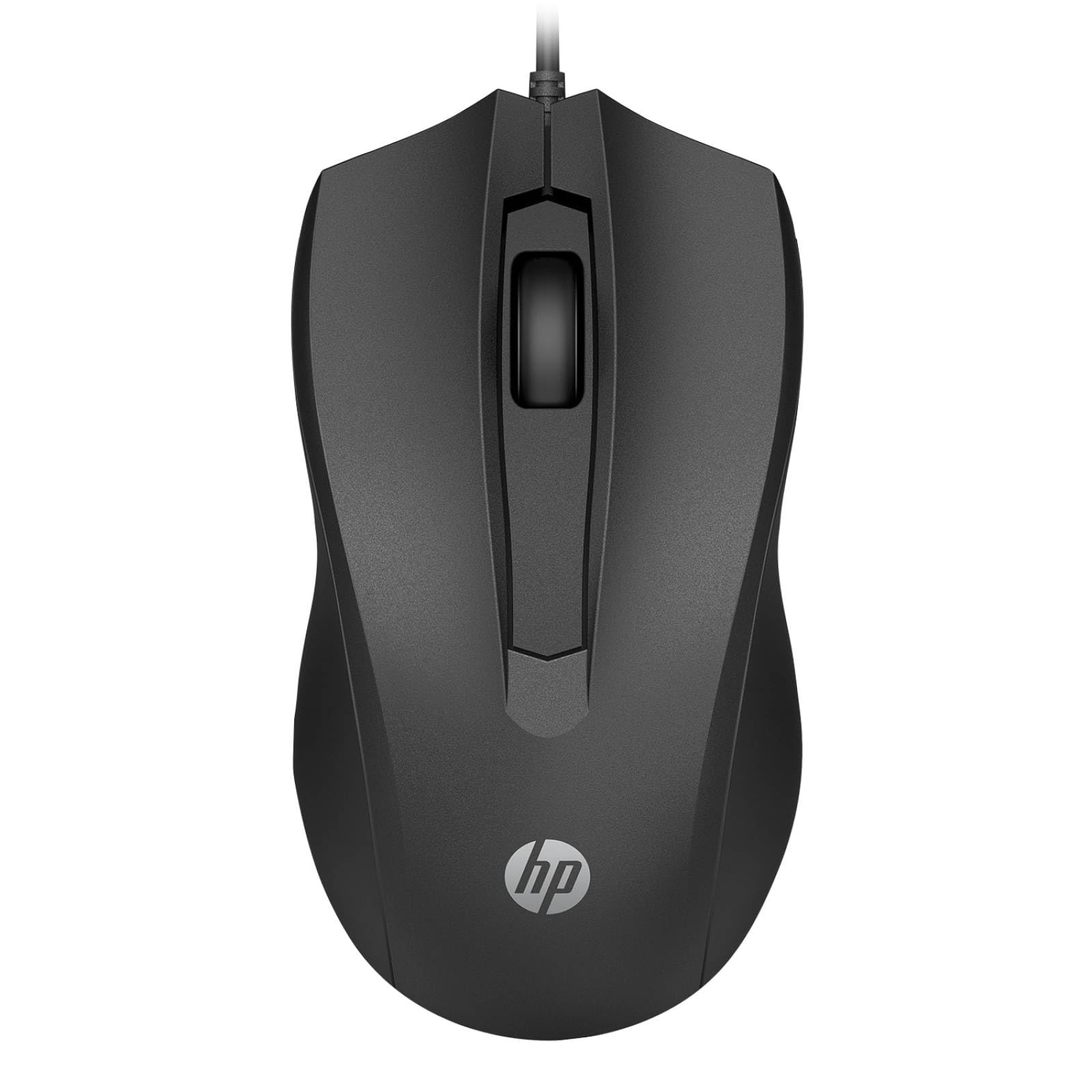
Image: The HP Wired Mouse 105 features a sleek black design and connects via a USB cable for reliable performance.
Instruções de operação
The HP Wired Mouse 105 is a standard 3-button optical mouse, offering intuitive control for everyday computing tasks.
- Botão Esquerdo: Utilizado para selecionar itens, abrir files, e executando comandos.
- Botão Direito: Used to open context-sensitive menus, providing quick access to options.
- Roda de rolagem (botão do meio):
- Rolagem: Gire a roda para cima ou para baixo para navegar pelos documentos e web páginas.
- Middle Click: Pressing the scroll wheel can open links in new tabs or activate other functions depending on the application.
- Sensor óptico: The 1600 DPI optical sensor provides precise and responsive cursor tracking on most surfaces.
- Design Ambidestro: The symmetrical design ensures comfortable use for both left-handed and right-handed users.
Manutenção
To ensure optimal performance and longevity of your HP Wired Mouse 105, follow these simple maintenance guidelines:
- Limpando o rato:
- Use um pano macio e sem fiapos levementeampLimpe a parte externa do mouse com água ou uma solução de limpeza suave.
- Evite usar produtos químicos agressivos ou materiais abrasivos, pois estes podem danificar a superfície.
- For the optical sensor, use a dry cotton swab to gently remove any dust or debris. Do not spray liquids directly onto the sensor.
- Cuidados com os cabos:
- Avoid bending or twisting the USB cable sharply, as this can damage the internal wires.
- Do not pull the mouse by its cable; always grasp the USB connector when plugging or unplugging.
- Armazenar: Quando não estiver em uso, guarde o mouse em um local limpo e seco, longe de temperaturas extremas.
Solução de problemas
If you encounter issues with your HP Wired Mouse 105, try the following troubleshooting steps:
- O mouse não responde:
- Certifique-se de que o cabo USB esteja conectado firmemente a uma porta USB funcional do seu computador.
- Tente conectar o mouse em uma porta USB diferente.
- Reinicie o seu computador.
- Movimento errático do cursor:
- Clean the optical sensor on the underside of the mouse to remove any dust or debris.
- Ensure you are using the mouse on a suitable surface. Highly reflective or transparent surfaces may interfere with optical tracking. A mouse pad is recommended.
- Botões ou roda de rolagem não funcionam:
- Verifique se há alguma obstrução física ao redor dos botões ou da roda de rolagem.
- Teste o mouse em outro computador para determinar se o problema está no mouse ou no software/drivers do computador.
Especificações
| Tipo de produto | Rato |
| Marca | HP |
| Número do modelo | 105 (Manufacturer Part Number: 822M9UT#ABA) |
| Tecnologia de Conectividade | Cable (USB Type A) |
| Detecção de Movimento | Óptico |
| Resolução de Movimento | 1600 dpi |
| Número total de botões | 3 |
| Ajuste ergonômico | Symmetrical, Ambidextrous |
| Dimensões (A x L x P) | 1.5" x 4.6" x 2.5" (3.8 cm x 11.7 cm x 6.4 cm) |
| Peso | 3.17 onça (90 g) |
| Compatibilidade do sistema operacional | Windows 7, Windows 8, Windows 10, Windows 11, Mac OS |
| Plataforma suportada | PC, Mac |
Garantia e Suporte
The HP Wired Mouse 105 comes with an HP standard one-year limited warranty. For detailed warranty terms and conditions, please refer to the documentation included with your product or visit the official HP support website. If you require technical assistance or have questions not covered in this manual, please contact HP customer support.