1. Introdução
This manual provides detailed instructions for the installation, operation, and maintenance of your energeeks Defender EG-CIPEXT001 Outdoor Motorized WiFi IP Camera. Please read this manual thoroughly before using the product to ensure proper functionality and safety. Keep this manual for future reference.
2. Produto acabadoview
2.1 Principais Características
- 1080p Full HD Resolução: Provides clear and detailed video surveillance.
- Motorized Pan/Tilt: Permite o ajuste remoto da câmera. viewângulo de engate.
- Durabilidade ao ar livre: Projetado para uso externo.
- Detecção de movimento: Alerts you to detected movement.
- Visão noturna: Infrared LEDs enable monitoring in low-light conditions.
- Áudio bidirecional: Microfone e alto-falante integrados para comunicação.
- Rastreamento automático: Automatically follows detected moving objects.
- Conectividade WiFi: Connects to your home network wirelessly (2.4 GHz).
- Compatibilidade com casa inteligente: Works with Google Home and Amazon Alexa.
2.2 Conteúdo da embalagem
A embalagem deve conter os seguintes itens:
- energeeks Defender EG-CIPEXT001 IP Camera
- Adaptador de energia
- Parafusos de montagem e buchas de parede
- Manual do usuário (este documento)
2.3 Componentes da câmera

Imagem 2.3.1: Frente view of the energeeks Defender EG-CIPEXT001 IP Camera. This image shows the main camera body, lens, and antenna.
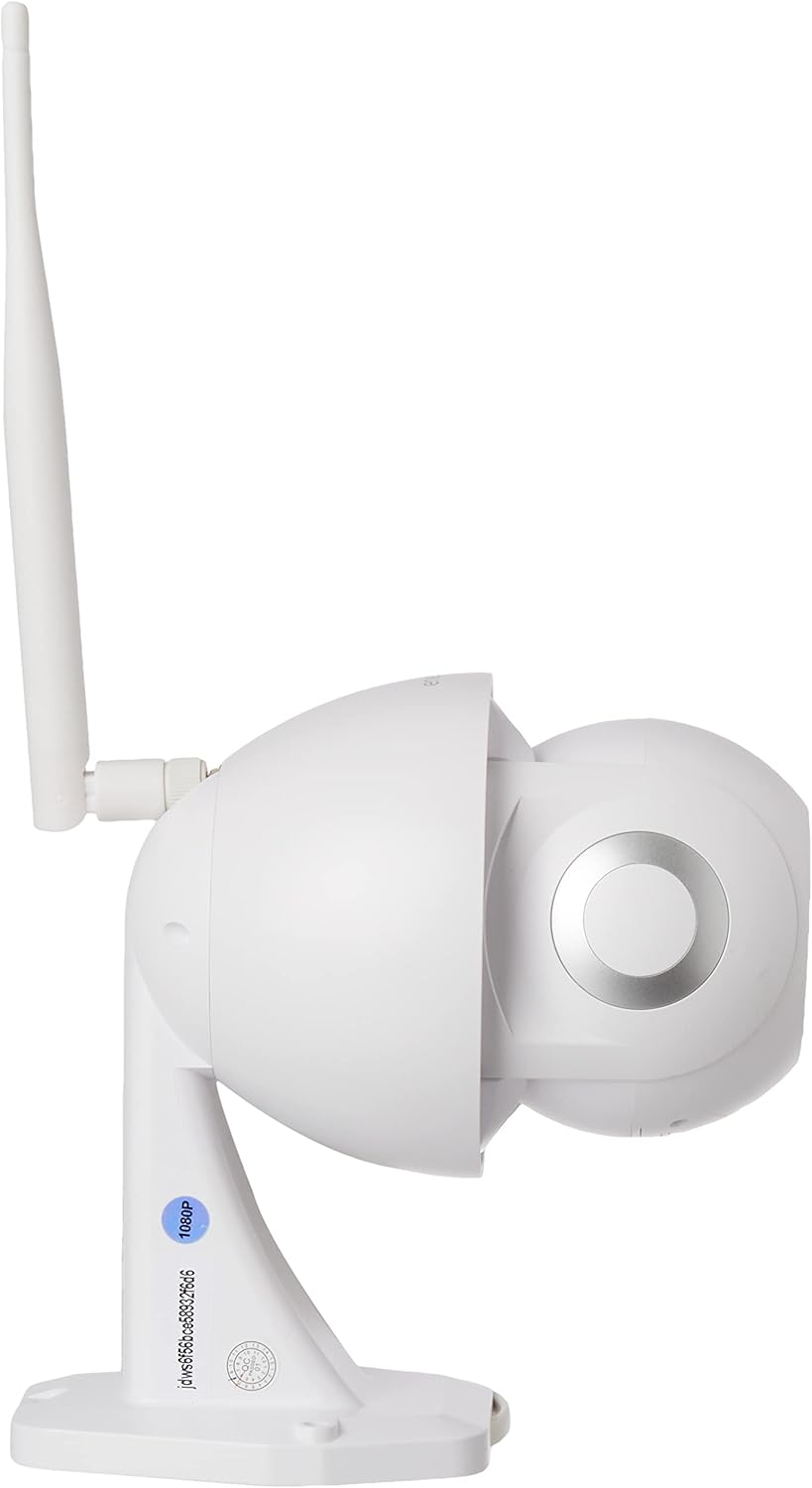
Imagem 2.3.2: Lado view of the energeeks Defender EG-CIPEXT001 IP Camera, highlighting the adjustable antenna and mounting base.
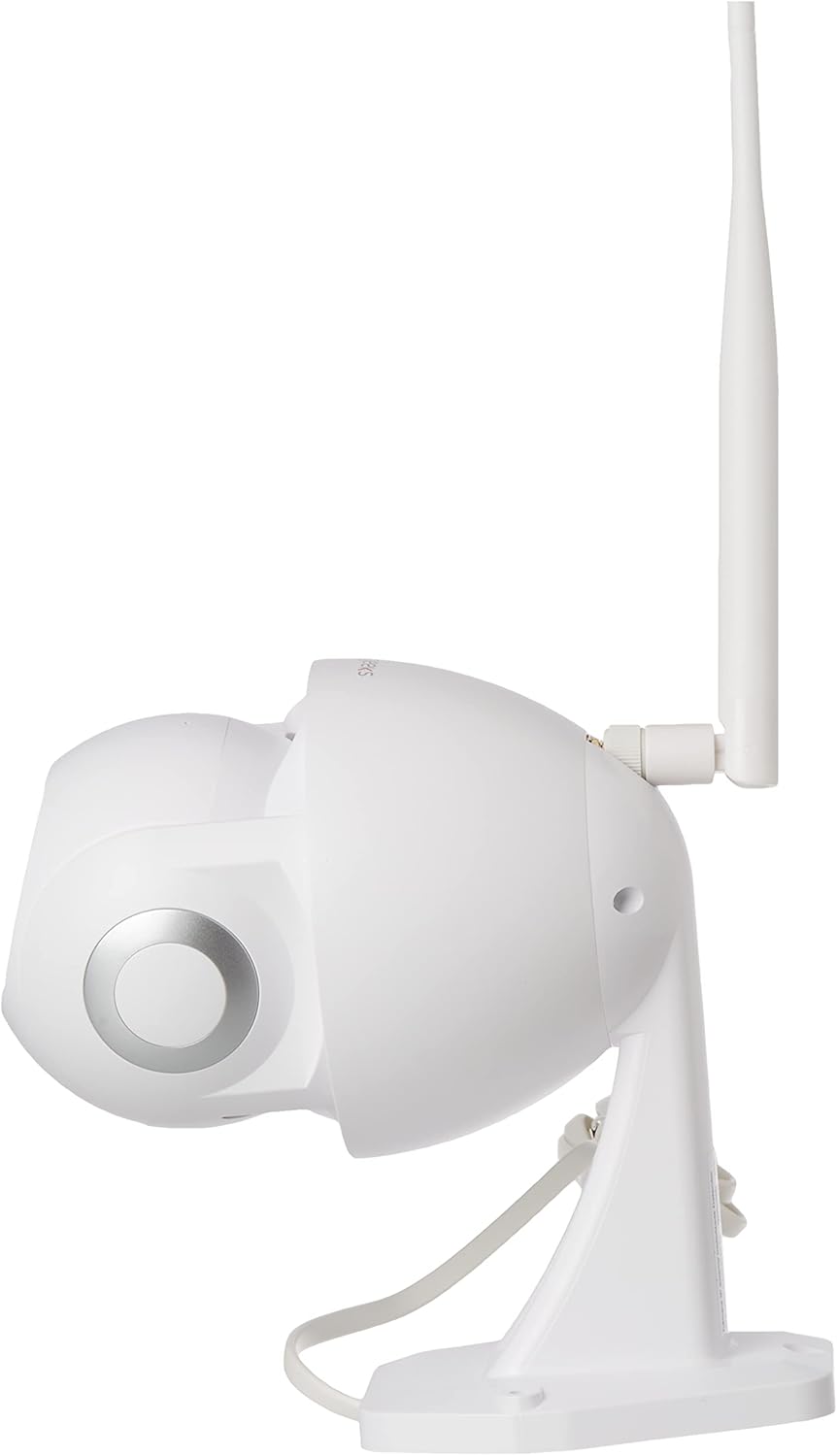
Imagem 2.3.3: Alternate side view of the energeeks Defender EG-CIPEXT001 IP Camera, showing the other side of the camera body.

Imagem 2.3.4: Bottom-front view of the energeeks Defender EG-CIPEXT001 IP Camera, showing the camera lens and infrared sensors.
3. Configuração
3.1 Instalação Física
- Escolha um local: Selecione um local ao ar livre que proporcione o desejado viewing angle and is within range of your WiFi network. Ensure the camera is protected from direct heavy rain if possible, though it is designed for outdoor use.
- Montagem:
- Use the included mounting template (if provided) to mark drill holes on the wall or ceiling.
- Faça furos-guia e insira as buchas.
- Secure the camera's mounting base using the provided screws.
- Conexão de energia: Connect the power adapter to the camera and plug it into a suitable outdoor power outlet. Ensure the power connection is protected from moisture.
3.2 Instalação e emparelhamento do aplicativo
- Baixe o aplicativo: Procurar the "energeeks" app in your smartphone's app store (Google Play Store for Android or Apple App Store for iOS).
- Cadastre-se/Faça login: Open the app and follow the on-screen instructions to create an account or log in if you already have one.
- Adicionar dispositivo:
- Toque no ícone "+" ou na opção "Adicionar dispositivo" no aplicativo.
- Select "Security Camera" or the specific model (EG-CIPEXT001) if listed.
- Follow the in-app prompts to power on the camera and reset it if necessary (usually by pressing a reset button until an indicator light flashes).
- Conexão de rede:
- Select your 2.4 GHz WiFi network and enter the password. Note: This camera supports 2.4 GHz WiFi only.
- The app will generate a QR code. Position your phone's screen in front of the camera lens (approx. 15-20 cm away) until you hear a confirmation sound from the camera.
- Once connected, the camera will appear in your app's device list.
4. Instruções de operação
4.1 Ao vivo View
Open the energeeks app and select your camera from the device list to access the live video feed. You can view foo em tempo realtage da sua câmera.
4.2 Controle de Panorâmica e Inclinação
Ao vivo view screen, use the directional controls (usually an on-screen joystick or arrows) to remotely adjust the camera's horizontal (pan) and vertical (tilt) viewângulos de inclinação.
4.3 Motion Detection and Autotracking
 To enable motion detection, navigate to the camera settings in the app. Activate the motion detection feature and adjust sensitivity levels as needed. When motion is detected, the camera can send push notifications to your phone and begin recording. If autotracking is enabled, the camera will automatically follow the detected moving object within its range.
Áudio bidirecional 4.4
 Ao vivo view screen, tap the microphone icon to speak through the camera's speaker. Tap the speaker icon to listen to audio from the camera's microphone. This allows for real-time communication with visitors or deterrence of intruders.
4.5 Visão noturna
 The camera automatically switches to infrared night vision mode in low-light conditions, providing clear black and white video footage. This feature ensures continuous surveillance 24/7.
4.6 Opções de armazenamento
The camera supports local storage via a microSD card (not included) and may offer cloud storage options through the energeeks app (subscription may be required). Insert a microSD card into the designated slot (refer to camera diagram for location) for continuous or event-based recording.
4.7 Integração com Casa Inteligente
The energeeks Defender camera is compatible with Google Home and Amazon Alexa. Follow the instructions within the energeeks app or your smart home assistant app to link your camera and enable voice control or integration into smart home routines.
5. Manutenção
5.1 Limpeza
Limpe regularmente a lente e o corpo da câmera com um pano macio e seco.amp cloth to remove dust and dirt. Do not use harsh chemicals or abrasive cleaners, as these can damage the camera's finish or lens coating.
5.2 atualizações de firmware
Check the energeeks app periodically for available firmware updates. Keeping your camera's firmware up-to-date ensures optimal performance, security, and access to new features. Follow the in-app instructions for firmware updates.
6. Solução De Problemas
| Problema | Possível causa | Solução |
|---|---|---|
| Câmera não liga | Sem fonte de alimentação; adaptador com defeito. | Check power connection and outlet. Ensure the power adapter is working correctly. |
| Não é possível conectar ao WiFi | Incorrect WiFi password; 5GHz WiFi network; camera too far from router | Verify WiFi password. Ensure you are connecting to a 2.4 GHz network. Move the camera closer to the router or use a WiFi extender. Reset the camera and try pairing again. |
| Má qualidade de vídeo | Weak WiFi signal; dirty lens | Melhore a intensidade do sinal Wi-Fi. Limpe a lente da câmera. |
| A detecção de movimento não funciona | Feature disabled; incorrect sensitivity settings | Enable motion detection in the app settings. Adjust sensitivity levels. Ensure the camera's view não está obstruída. |
| Áudio bidirecional não funciona | Microphone/speaker muted; app permissions | Check if microphone/speaker is muted in the app. Ensure the app has microphone permissions on your smartphone. |
7. Especificações
| Recurso | Detalhe |
|---|---|
| Número do modelo | EG-CIPEXT001 |
| Resolução de vídeo | 1080p Full HD |
| Conectividade | Wireless (2.4 GHz WiFi), Wired (Ethernet, if available) |
| Características especiais | Motion Sensor, Night Vision, Two-Way Audio, Autotracking, Motorized Pan/Tilt |
| Ambiente de uso | Ar livre |
| Dispositivos compatíveis | Smartphone (via energeeks app) |
| Integração de casa inteligente | Google Home, Amazon Alexa |
| Fonte de energia | External Power Adapter (Wired) |
| O quetage | 6 watts |
| Dimensões (C x L x A) | 17.5 x 9.5 x 17.5 cm |
| Peso | 770 g |
| Componentes incluídos | Camera, Power Adapter |
8. Garantia e Suporte
For warranty information, technical support, or service inquiries, please refer to the official energeeks website or contact their customer support directly. Details can typically be found on the product packaging or the manufacturer's website.
Fabricante: ENERGEEKS


