پیژندنه
This manual provides comprehensive instructions for the AOC ACW2212 Wireless Headset. Designed for professional use, this headset offers crystal-clear calls, versatile connectivity, and all-day comfort. Please read this manual thoroughly to ensure proper usage and maintenance of your device.

Image: The AOC ACW2212 Wireless Headset, showcasing its professional design for work and communication.
چمتو کول
په بکس کې څه دي
- 1 x Wireless Headset
- 1 x USB Dongle
- 1 x Type-C to 3.5mm Audio Cable
- 1 x د ډول-C چارج کیبل
- د کارن لارښود
د هیډسیټ چارج کول
Before first use, fully charge the headset. Connect the provided Type-C charging cable to the headset's charging port and a power source. The LED indicator will show charging status. A full charge provides up to 30 hours of talk time. The headset can be used while charging.

Image: The headset highlighting its 30-hour talk time and 2.5-hour fast charging capability.
Video: Demonstration of the headset being used while charging, ensuring uninterrupted calls.
د ارتباط اختیارونه
The AOC ACW2212 headset offers three versatile connection methods:
- بلوتوث: Pair directly with your smartphone, tablet, or Bluetooth-enabled computer.
- USB Dongle: For devices without Bluetooth or for a more stable connection, plug the provided USB dongle into your PC or laptop. The headset will automatically connect.
- د تار نښلول: Use the included Type-C to 3.5mm audio cable to connect to devices with a 3.5mm audio jack.

Image: Visual representation of the headset's three connection types: Bluetooth, USB Dongle, and wired via cable.
Video: A user demonstrating the headset's hands-free calling capabilities, highlighting its ease of use for communication.
عملیاتي لارښوونې
کنټرولونه او دندې
The headset features intuitive controls for managing calls and audio:
- ملټي فنکشن بټن: Located on the earcup, this button is used for power on/off, pairing, answering/ending calls, and playing/pausing audio.
- د حجم کنټرولونه: Dedicated buttons for adjusting audio volume up or down.
- د مایکروفون خاموش کول: An instant mute button is located directly on the microphone boom for quick privacy control during calls.

Image: Close-up of the headset's microphone boom, indicating the one-touch mute button for instant privacy.
د مایکروفون کارول
The noise-canceling microphone is designed for crystal-clear voice transmission, effectively blocking out background noise. It features a 270° rotatable design, allowing you to position it optimally for voice pickup or to move it out of the way when not in use.

Image: Diagram illustrating the 270° rotation capability of the headset's microphone for flexible positioning.
Video: A user discussing the comfort and noise-canceling features of the headset, emphasizing its suitability for extended use.
راحت
The headset is designed for all-day comfort with a lightweight build, an adjustable headband, and plush memory-foam ear cushions. This ergonomic design ensures lasting comfort during long meetings or extended use.

Image: Close-up of the headset's soft protein leather earcups, highlighting their comfortable and breathable design.
ساتنه
To ensure the longevity and optimal performance of your AOC ACW2212 Wireless Headset, follow these maintenance guidelines:
- پاکول: د هیډسیټ پاکولو لپاره نرم، وچ ټوکر وکاروئ. د سختو کیمیاوي موادو یا کثافاتو موادو کارولو څخه ډډه وکړئ.
- ذخیره کول: هیډسیټ په یخ او وچ ځای کې د مستقیم لمر وړانګو او سختې تودوخې څخه لرې وساتئ.
- د بیټرۍ پاملرنه: د بیټرۍ په مکرر ډول په بشپړه توګه چارج کولو څخه ډډه وکړئ. هیډسیټ په منظم ډول چارج کړئ، حتی که په دوامداره توګه نه کارول کیږي، د بیټرۍ روغتیا ساتلو لپاره.
- په احتیاط سره سمبالول: Do not drop or expose the headset to excessive force, as this may damage internal components.
د ستونزو حل کول
If you encounter issues with your headset, refer to the following common troubleshooting steps:
- ځواک نشته: Ensure the headset is fully charged. Connect it to a power source using the Type-C charging cable.
- هیڅ غږ نشته/د غږ کیفیت خراب دی: Check that the headset is properly connected via Bluetooth, USB dongle, or wired connection. Ensure the volume is not muted or set too low on both the headset and the connected device.
- مایکروفون کار نه کوي: Verify that the microphone is not muted using the mute button on the boom. Ensure the microphone is positioned correctly and selected as the input device in your device's audio settings.
- د بلوتوټ جوړه کولو مسلې: Make sure the headset is in pairing mode (refer to your device's Bluetooth settings). Ensure no other devices are interfering with the Bluetooth signal.
- موقتي اړیکه: Try moving closer to your connected device to reduce interference. Ensure the headset is fully charged.
د نورو مرستو لپاره، مهرباني وکړئ د پیرودونکو ملاتړ سره اړیکه ونیسئ.
مشخصات
| فیچر | تفصیل |
|---|---|
| د ماډل نوم | ACW2212 |
| برانډ | AOC |
| د ارتباط ټیکنالوژي | تار، بې سیم |
| د بې سیمه مخابراتو ټیکنالوژي | بلوتوث |
| بلوتوث نسخه | 5.4 |
| د بلوتوټ رینج | 32.8 پښه |
| د شور کنټرول | غیر فعاله شور لغوه کول |
| مایکروفون | Included, Noise-Canceling, 270° Rotatable |
| د بیټرۍ ژوند (د خبرو اترو وخت) | تر 30 ساعتونو پورې |
| د چارج کولو وخت | 2.5 hours (Fast Charge) |
| د چارج کولو بندر | د USB ډول-C |
| هیډفون جیک | 3.5 ملی جیک |
| د غوږ ځای پرځای کول | په غوږ کې |
| د فارم فکتور | په غوږ کې |
| مواد | اکریلونایتریل بوټاډین سټیرین (ABS) |
| د توکي وزن | 11.3 اونس |
| مطابقت لرونکې وسیلې | Cellphones, Desktops, Laptops |
تضمین او ملاتړ
The AOC ACW2212 Wireless Headset comes with a worry-free guarantee and reliable customer support. For any product-related inquiries, technical assistance, or warranty claims, please refer to the contact information provided in the included User Manual or visit the official AOC support webسایټ
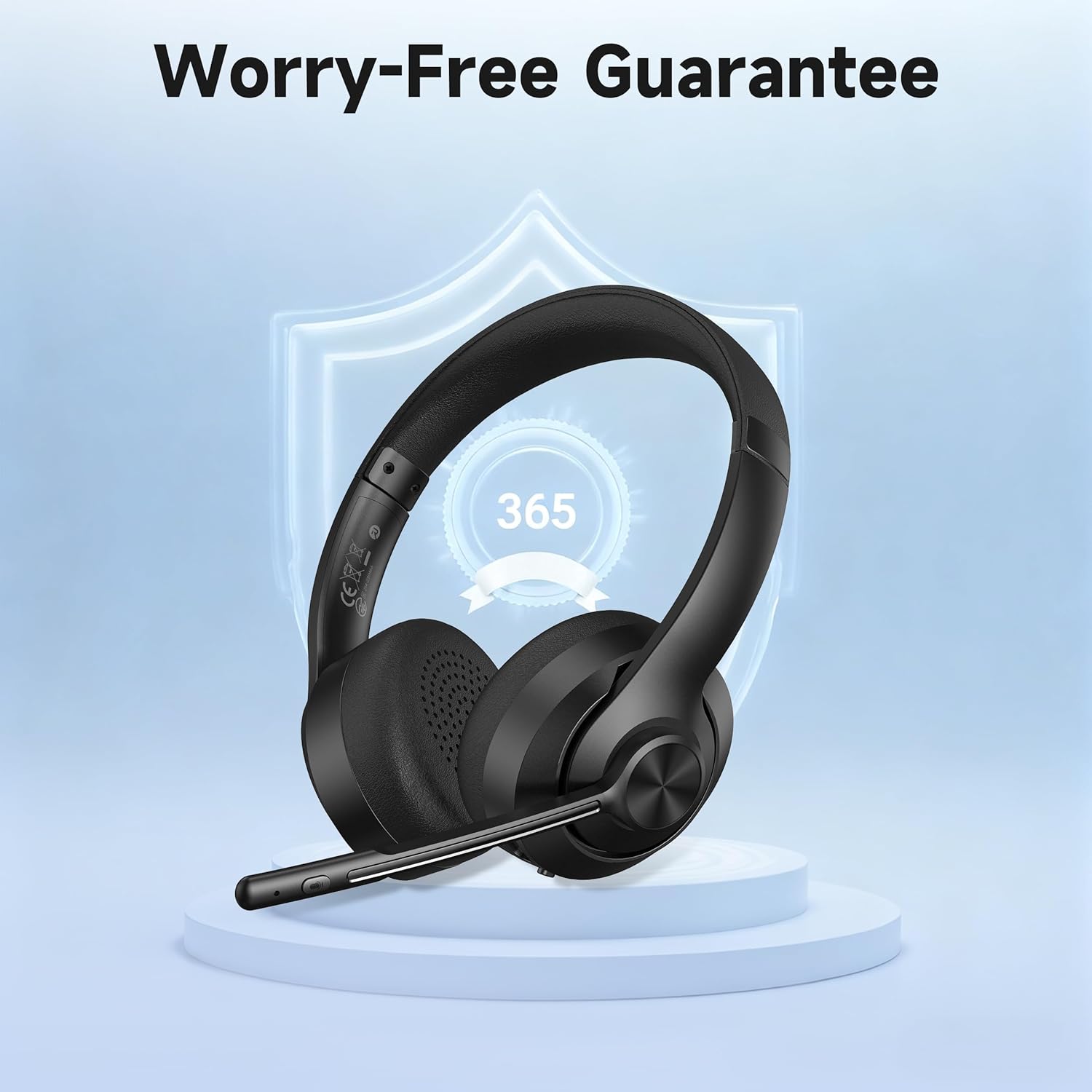
Image: The headset displayed with a shield icon, symbolizing the product's worry-free guarantee.


